Create a simple visual map of product logic in 25 minutes.
About This Template
How clearly does your team understand the logic behind a product feature?
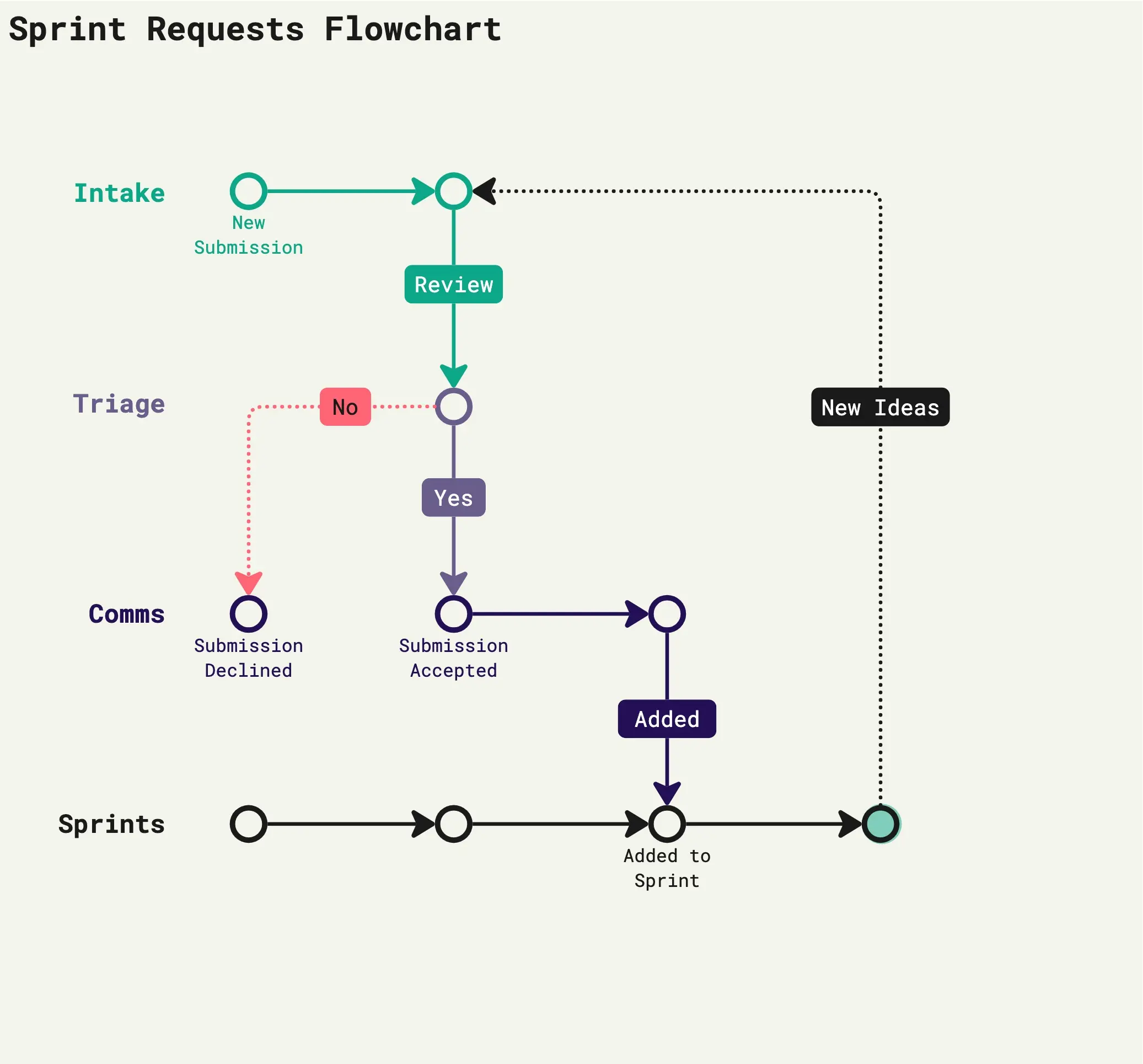
The Basic Algorithm Flowchart Workshop helps product teams visualize how a system works using actions, decisions, and outcomes. By connecting simple flowchart shapes, teams can identify missing steps, clarify decision paths, and agree on how a feature should behave.
I designed this template to make algorithm flowcharting approachable for anyone, regardless of technical experience. No coding knowledge is needed.
Who Should Use This Template?
Product managers defining feature behavior
UI/UX designers mapping interactions
Developers reviewing product logic
QA testers identifying scenarios to validate
Startup teams aligning on functionality
Duration: 25 minutes
Format: Individual or collaborative, virtual or in person
Facilitator: Product manager, designer, or team lead
How to Use This Template
Choose one simple product feature before starting. Use the included flowchart shapes and reference examples to build your own algorithm.
Step 1: Identify Start and End (3 minutes)
Place rounded shapes on the board to represent where the algorithm begins and ends.
Define what triggers the process and what outcome it should produce.
AI tip: Ask AI to identify the starting trigger and expected outcome for your feature.
Step 2: Add Actions (5 minutes)
Drag rectangles onto the canvas and write the actions performed by the user or system.
Arrange them in the order they happen.
AI tip: Ask AI to list the actions required to complete your feature in five words or fewer per action.
Step 3: Add Decisions (7 minutes)
Insert diamond shapes wherever the system must make a decision.
Label each outgoing arrow Yes or No and connect it to the corresponding action.
AI tip: Ask AI to identify decision points and their possible outcomes.
Step 4: Connect and Validate (10 minutes)
Use arrows to connect the complete flowchart.
Walk through each path and check for missing actions, confusing decisions, or incomplete outcomes. Make adjustments together until the logic is clear.
AI tip: Share your flowchart with AI and ask it to identify missing decisions or incomplete paths.
What You'll Achieve
By the end of this workshop, you'll have a completed algorithm flowchart that communicates how a product feature works. The diagram can serve as a reference for design, development, and testing.
Frequently Asked Questions
1. Do I need programming experience?
No. This workshop focuses on visual logic rather than code. Anyone who understands the feature can participate.
2. What do the different flowchart shapes mean?
Rounded rectangle: Start or end
Rectangle: Action or process
Diamond: Decision
Arrow: Direction of the flow
3. How complex should my flowchart be?
Start with one feature and one decision. Aim for five to seven shapes. Larger processes can be mapped separately.
4. Can I use this template on my own?
Yes. Complete the flowchart independently, then share it with team members for review.
5. What if a decision has more than two outcomes?
You can add additional labeled branches. For this beginner workshop, I recommend starting with Yes/No decisions.
6. Can AI create the flowchart for me?
Yes. AI can help identify actions, decisions, and gaps. Review its suggestions against your actual product requirements.
7. How can I use the finished flowchart?
Use it to communicate requirements, review product behavior, plan test cases, or explain system logic to stakeholders.
Final Tip
Keep your flowchart focused on one clear behavior. The goal isn't to document every technical detail. It's to help everyone understand what happens, why it happens, and what should happen next.