Turn your finished Miro workshop board into a short, shareable recap in seconds. Wrap It Up is a Miro Sidekick that extracts the essentials from any workshop board — the objective, the key insight, and the three actions your team needs to focus on next — and turns them into a clean document ready to share on Slack, in a standup, or with stakeholders who weren't in the room.
What is the Wrap It Up Workshop Recap Sidekick?
Wrap It Up is an AI-powered Miro Sidekick designed for facilitators, team leads, and anyone who runs collaborative workshops in Miro. Instead of spending time after a session summarising what happened, you let the Sidekick read your board and generate a focused recap — objective, main insight, and next steps — in a format anyone on your team can read in under a minute.
What problem does the Wrap It Up Sidekick solve for workshop facilitators?
Most workshops end the same way: a board full of sticky notes, a tired group, and the vague intention of "writing it up later." That write-up rarely happens — or it takes far longer than it should, and by the time it's done the team has lost momentum.
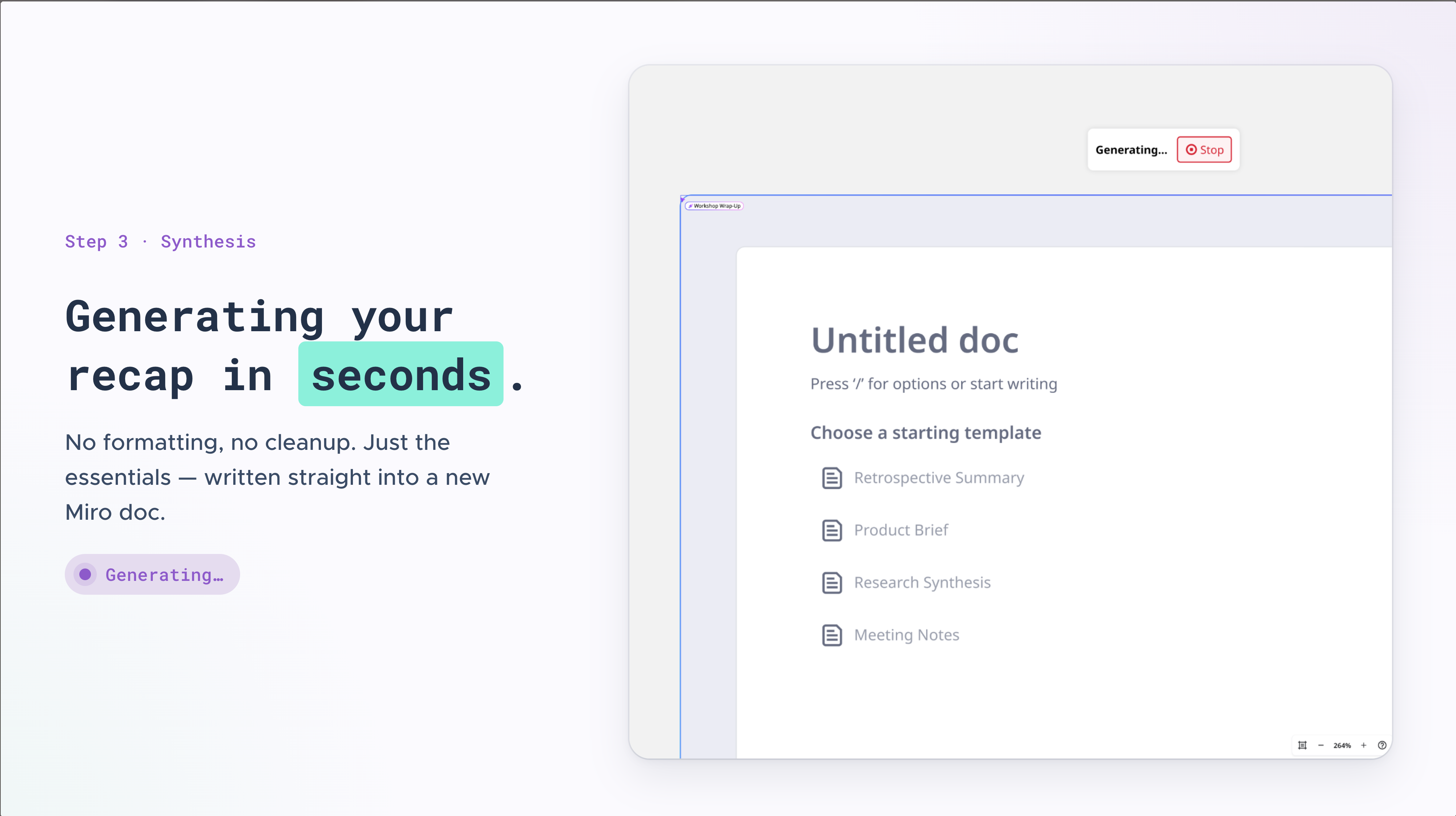
Wrap It Up solves this by turning your board into a usable recap before you close the session. No formatting, no cleanup, no long documents nobody reads. Just the essentials, ready to share immediately.
Who is the Wrap It Up Sidekick for?
This Sidekick is built for:
Workshop facilitators who run collaborative sessions in Miro and want a fast way to close with clarity
Team leads and managers who need to share outcomes with stakeholders quickly
Agile coaches and scrum masters wrapping up retrospectives, planning sessions, or team syncs
Product managers and designers running discovery sessions, prioritisation workshops, or design sprints
Anyone who has ever stared at a finished Miro board and thought "now what?"
How does the Wrap It Up Workshop Recap Sidekick work?
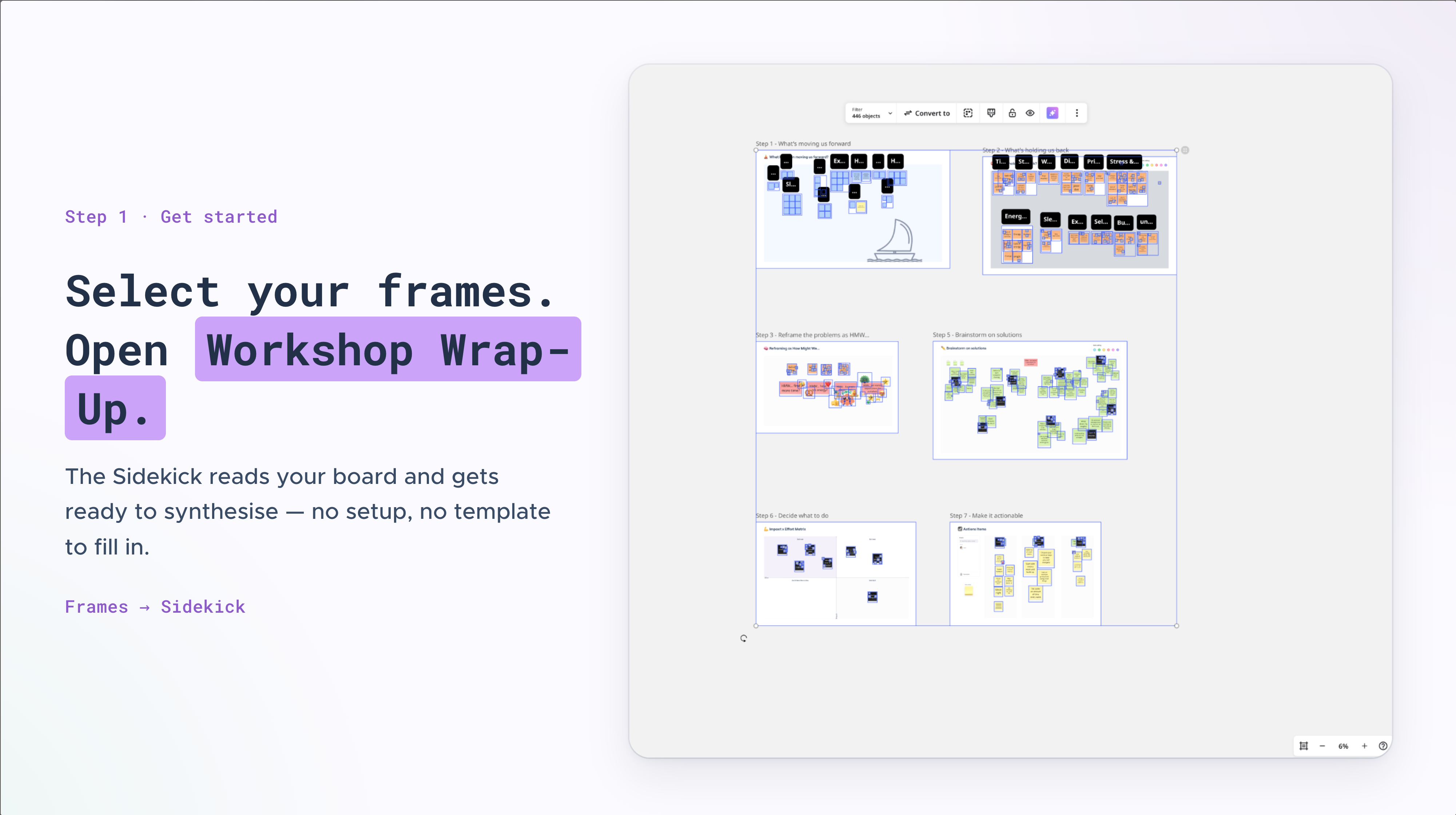
Finish your workshop session in Miro
Open the Wrap It Up Sidekick from your Sidekicks panel
Select the frames you want it to read
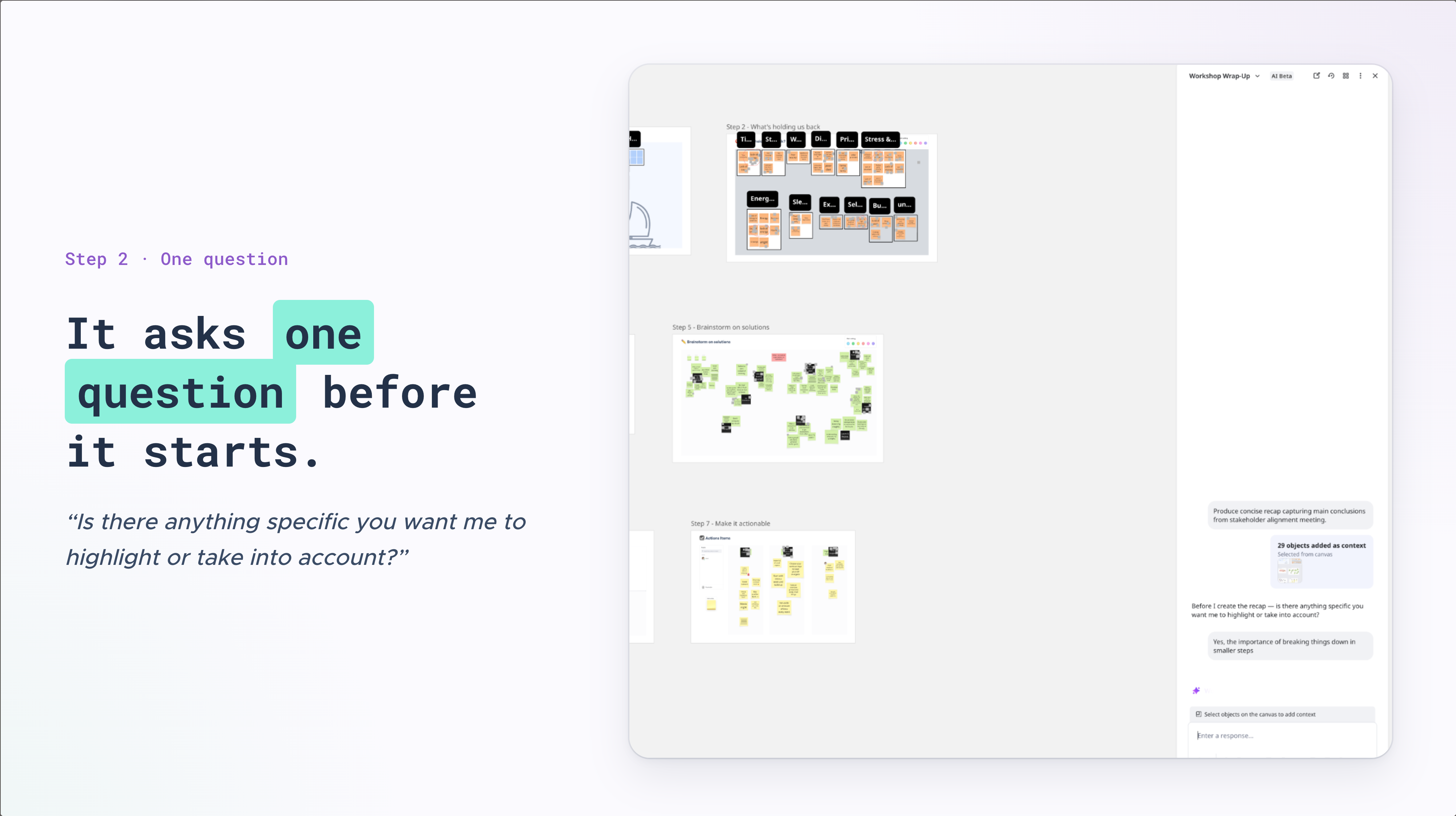
The Sidekick asks if there's anything specific you want highlighted
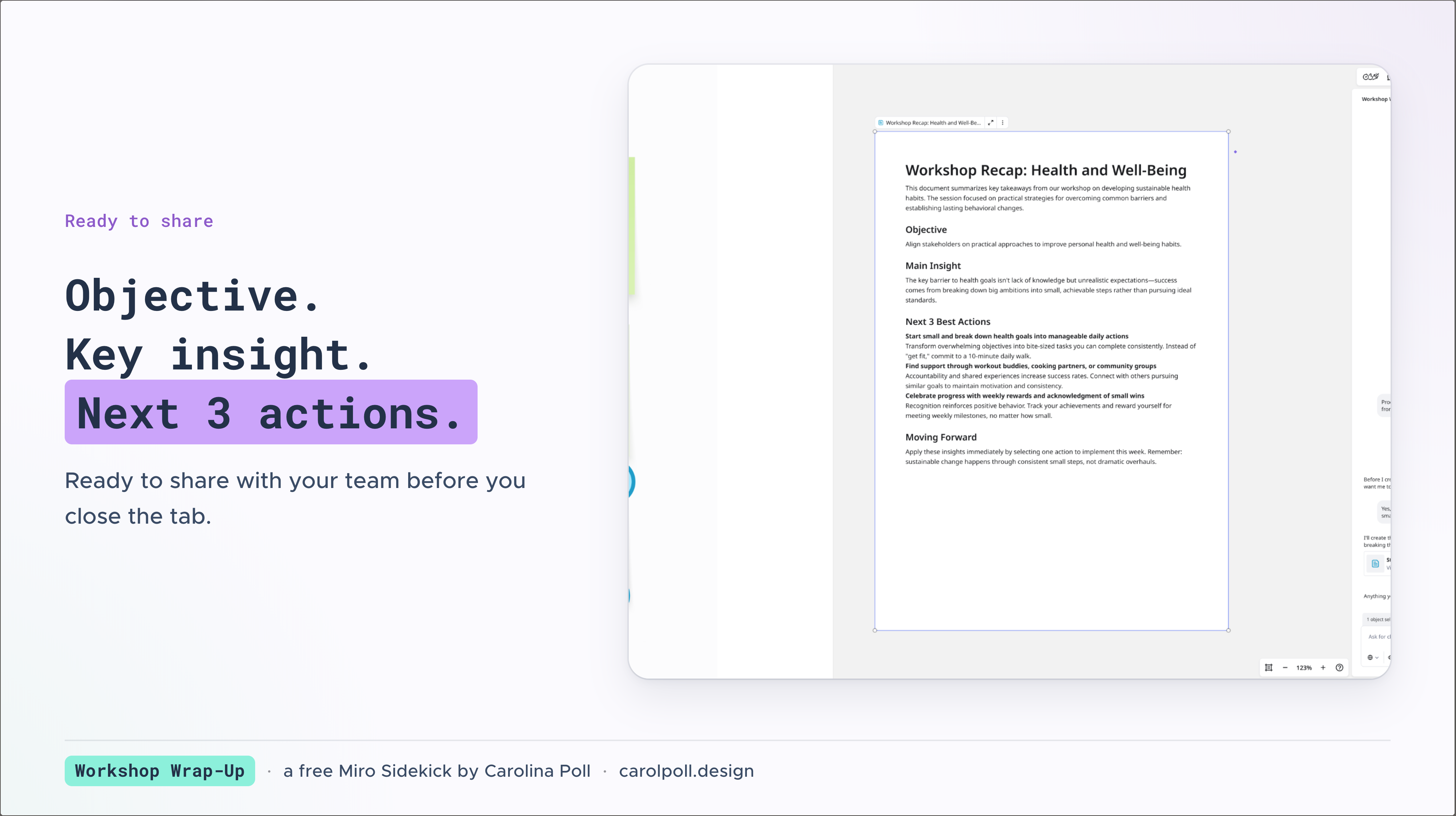
It generates a three-part recap: session objective, main insight, and top three next steps
Review, adjust if needed, and share directly with your team
The entire process takes under two minutes.
What does the workshop recap include?
Every recap produced by Wrap It Up contains exactly three things:
Objective — one sentence capturing what the session set out to achieve
Main Insight — the most important conclusion or alignment the group reached
Next 3 Actions — the immediate next steps, with owner and due date where stated on the board
No methodology descriptions. No long summaries. No content that wasn't on your board.
Frequently asked questions about the Wrap It Up Sidekick
Does it work with any type of workshop? Yes. Wrap It Up reads the content of your board, not the methodology behind it. It works with retrospectives, prioritisation sessions, planning workshops, team syncs, and more.
What if my board is messy? That's exactly what it's designed for. The Sidekick filters out the noise and focuses on decisions made, actions agreed upon, and questions raised.
Will it invent information not on my board? No. Wrap It Up only uses what is documented on the frames you select. It never guesses at owners, due dates, or decisions.
Can I edit the recap after it's generated? Yes. After generating the recap the Sidekick asks if there's anything you'd like to add or change before you share it.
Created by Carolina Poll — Strategic Product Designer and Workshop Facilitator. For more facilitation tools and templates, visit carolpoll.design.