Overview
The Miro AI Facilitator Sidekick transforms how teams design and run workshops by positioning AI as an active co-facilitator rather than a passive tool. It enables structured, high-quality collaborative sessions that flow from raw input to concrete deliverables — with or without an expert facilitator in the room.
What the Sidekick Is
The Miro AI Facilitator Sidekick is an AI agent that operates directly on the Miro canvas as a conversational teammate. Unlike traditional AI assistants that simply respond to queries, Sidekicks proactively open sessions, run activities, seed ideas, cluster content, and generate structured outputs.
The system operates through expert AI personas — including Brainstorming, Retro Robot, Product Leader, Workshop Designer, UX Research, and Goal Setting — each specialized for different workshop scenarios. Teams invoke Sidekicks via the AI prompt box, the Sidekicks icon, or @mention in comments for asynchronous collaboration.
The fundamental promise: AI takes teams from collaboration (stickies, discussion, research) to impact (decisions, specs, prototypes, follow-through) faster than traditional facilitation approaches.
What It Helps You Achieve
The Sidekick accelerates every phase of workshop design and execution:
Planning: Draft and pressure-test agendas, recommend templates matched to activities, and structure timeboxed session arcs.
Divergence: Seed divergent thinking when brainstorms stall, widen narrow idea sets, and generate provocative alternatives.
Convergence: Cluster sticky notes by theme, label patterns, draft "How might we" statements, and create synthesis documents.
Decision support: Generate decision briefs citing board evidence, build comparison tables, and produce action plans with clear ownership.
Documentation: Create PRDs from workshop outputs, write retrospective summaries, and draft follow-up messages.
Who Benefits Most
The Sidekick delivers maximum value for:
Facilitators and workshop designers running recurring sessions (retros, sprint planning, discovery workshops) who want AI handling mechanical steps
Product managers and UX researchers moving quickly from raw input to structured deliverables like roadmaps and research synthesis
Learning & development and HR teams running cohort programs, training sessions, or all-hands meetings
Remote and hybrid teams needing async-friendly facilitation with equal participation
Teams on Miro Business+ or Enterprise plans with access to the full Sidekick library and AI Flows (though Free/Starter users benefit via the general-purpose Sidekick)
How to Use It
Sidekicks are invoked three ways: through the AI prompt box, the Sidekicks icon, or @mention in comments.
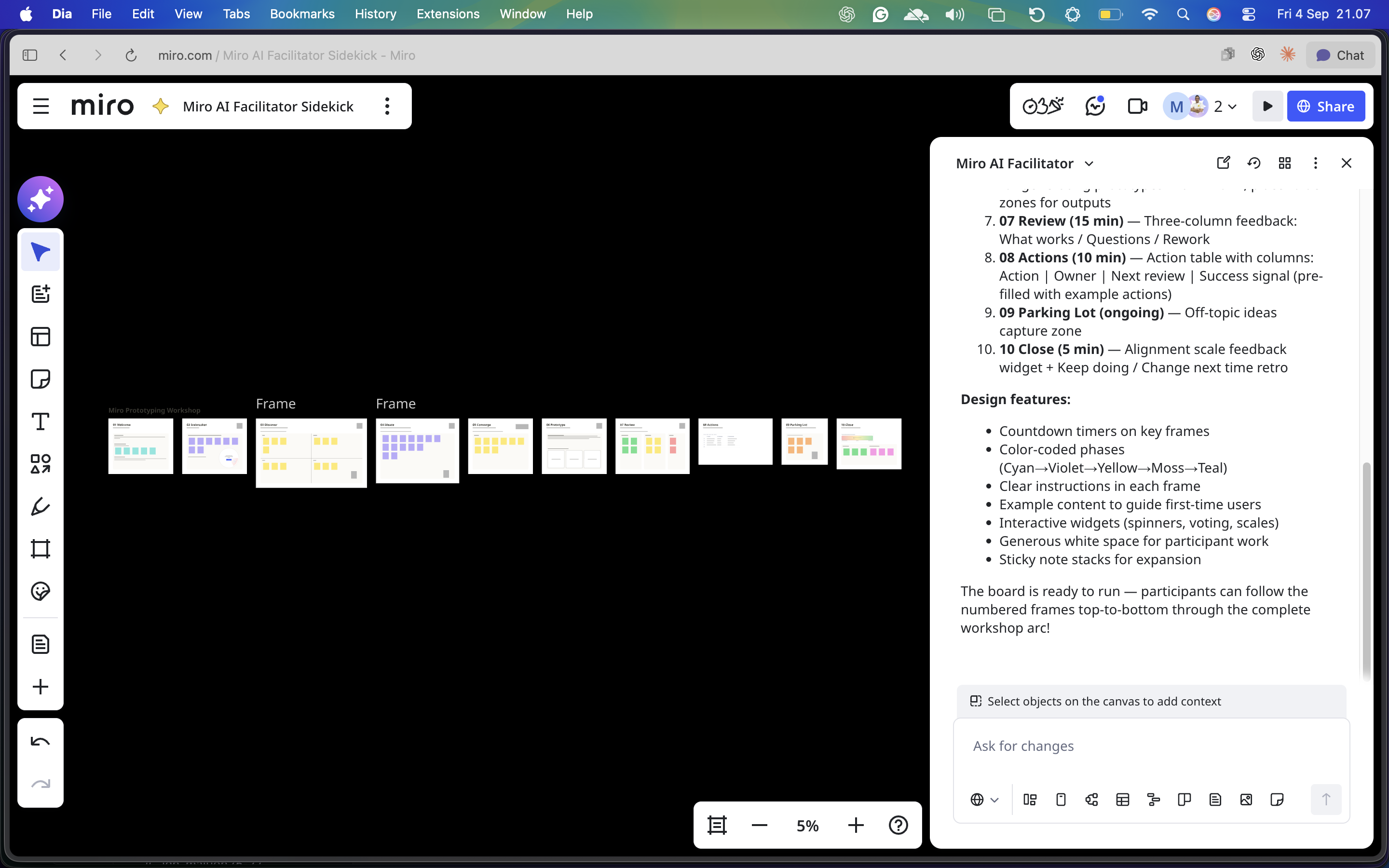
Session structure pattern:
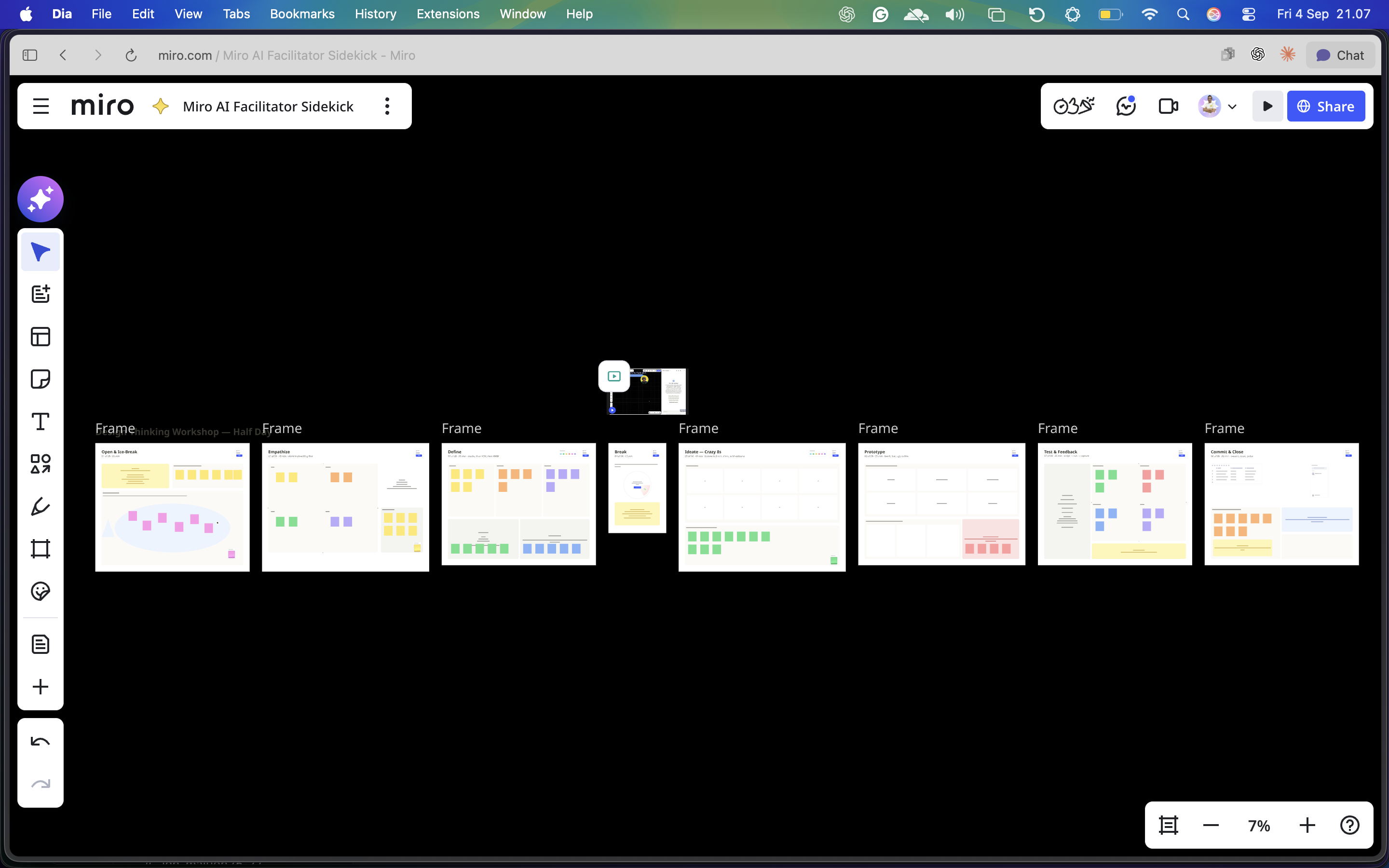
Before — Use Workshop Planning Sidekick to draft timeboxed agendas with templates per block
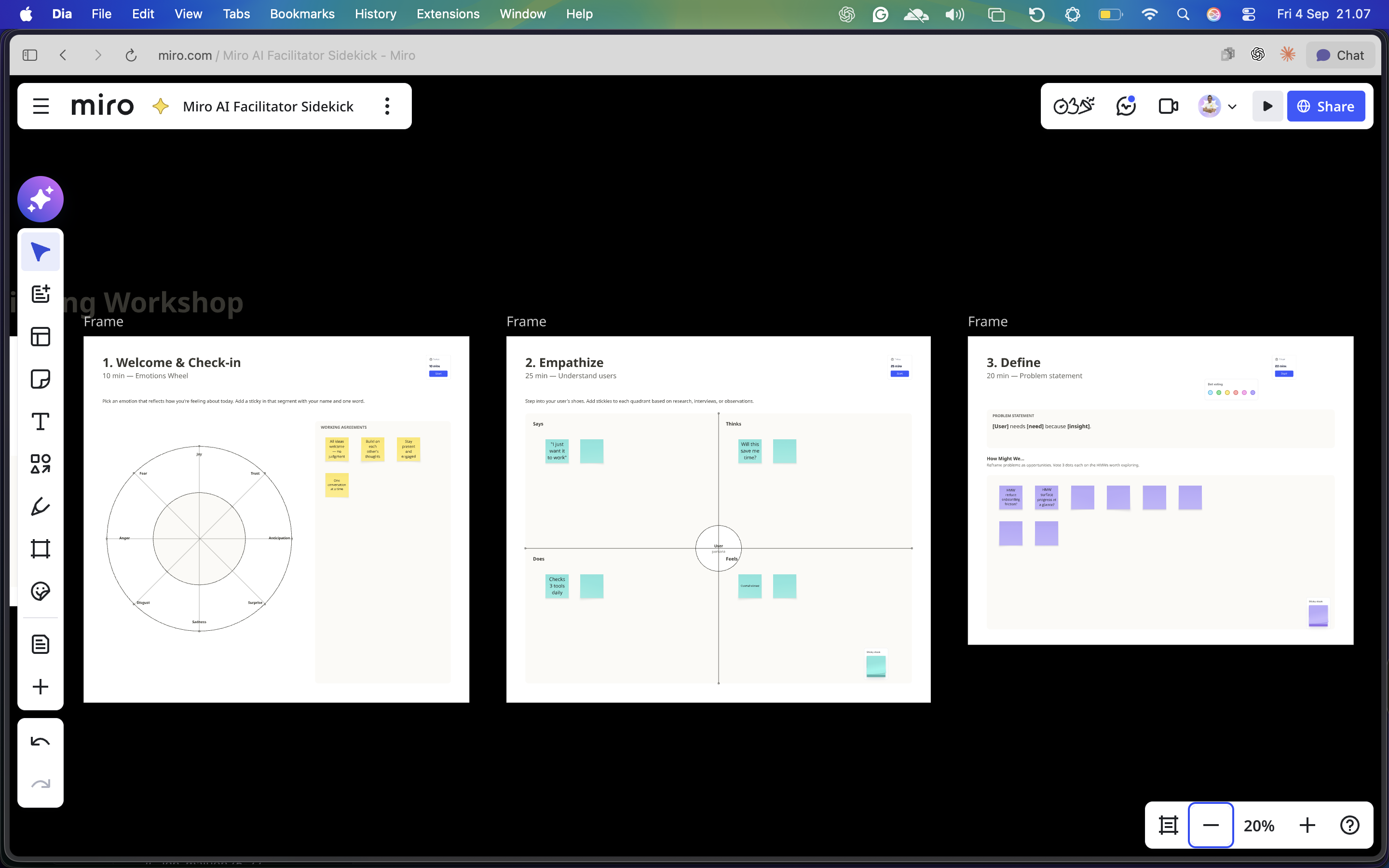
Opening — Generate icebreaker questions and working agreements
Divergence — Seed stalled rooms with idea starters or 10x variations
Convergence — Cluster sticky notes, label themes, draft decision briefs
Close — Generate action tables (Action | Owner | Review date | Success signal)
After — Draft synthesis docs, follow-up messages, and catch-up briefs for absent participants
Effective prompt structure: Every Sidekick prompt should specify four elements — the role/persona, the context (goal + audience), the input (selected content or named frame), and the output format with constraints (table, stickies, doc, word count).