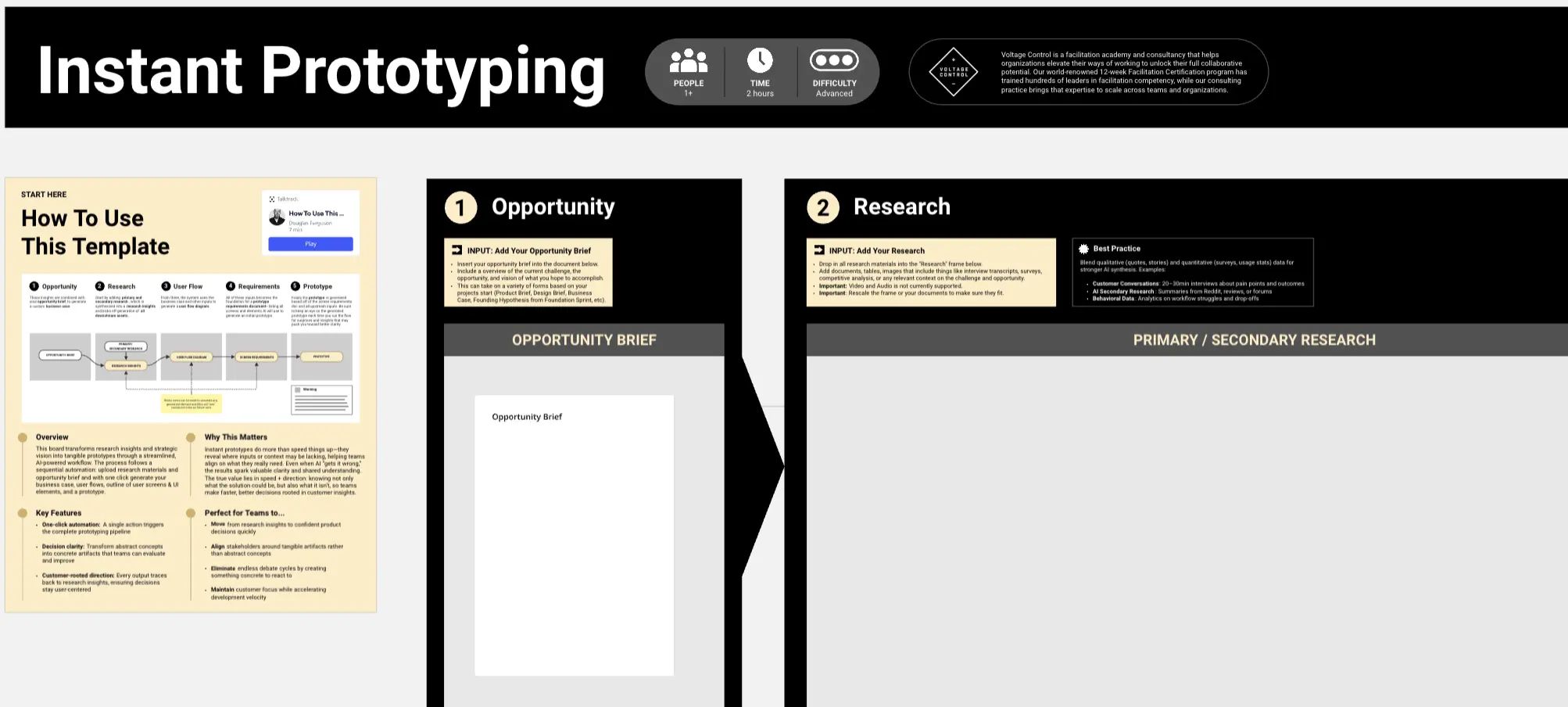
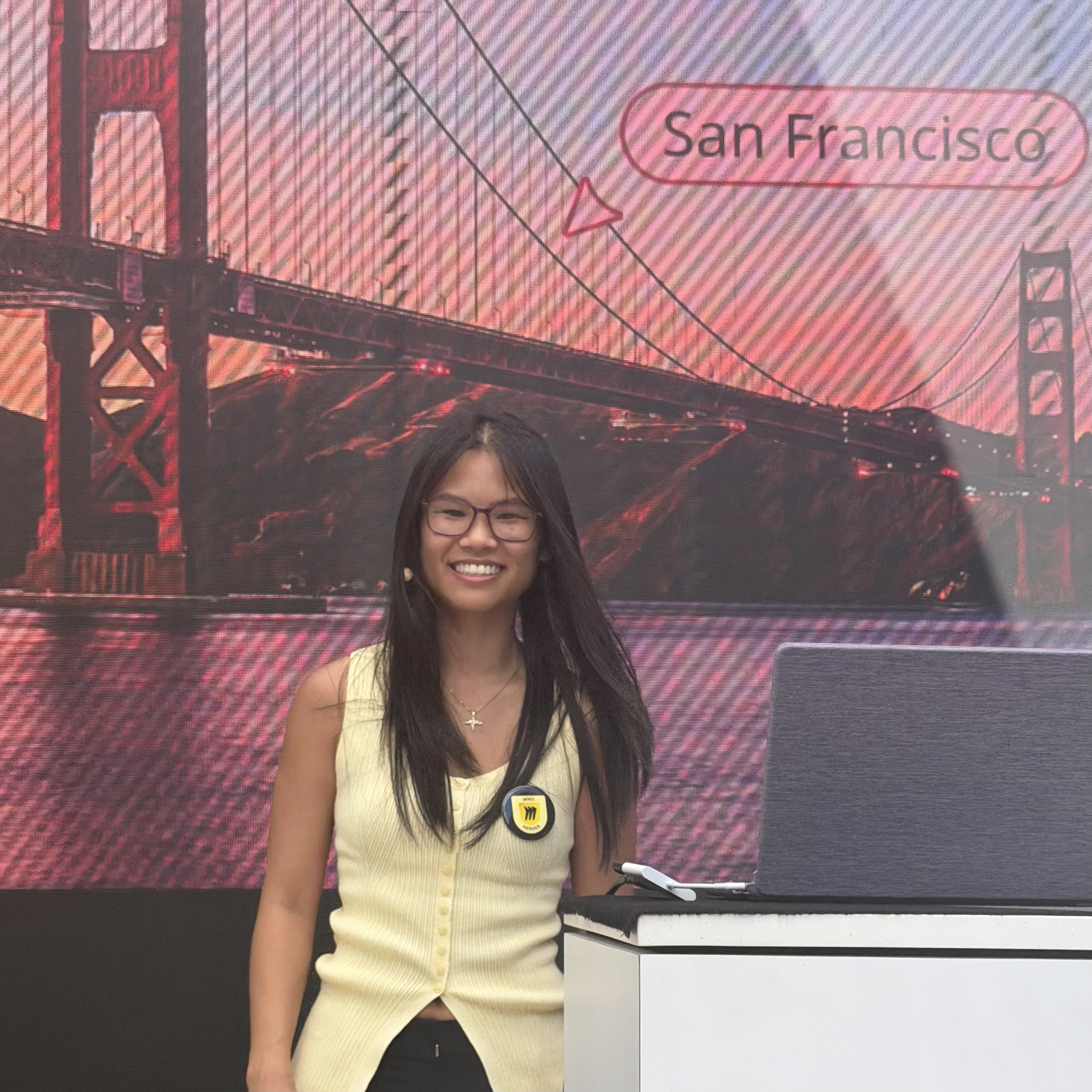
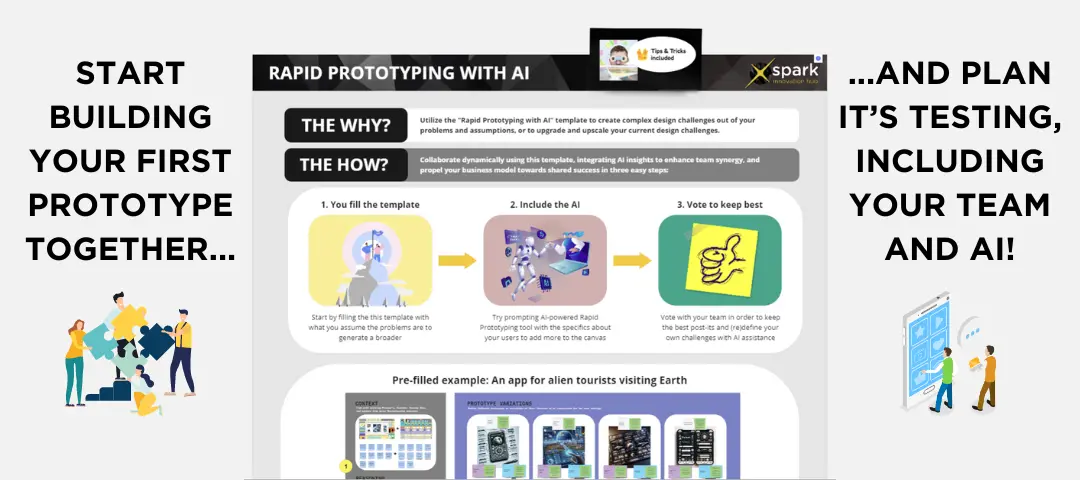
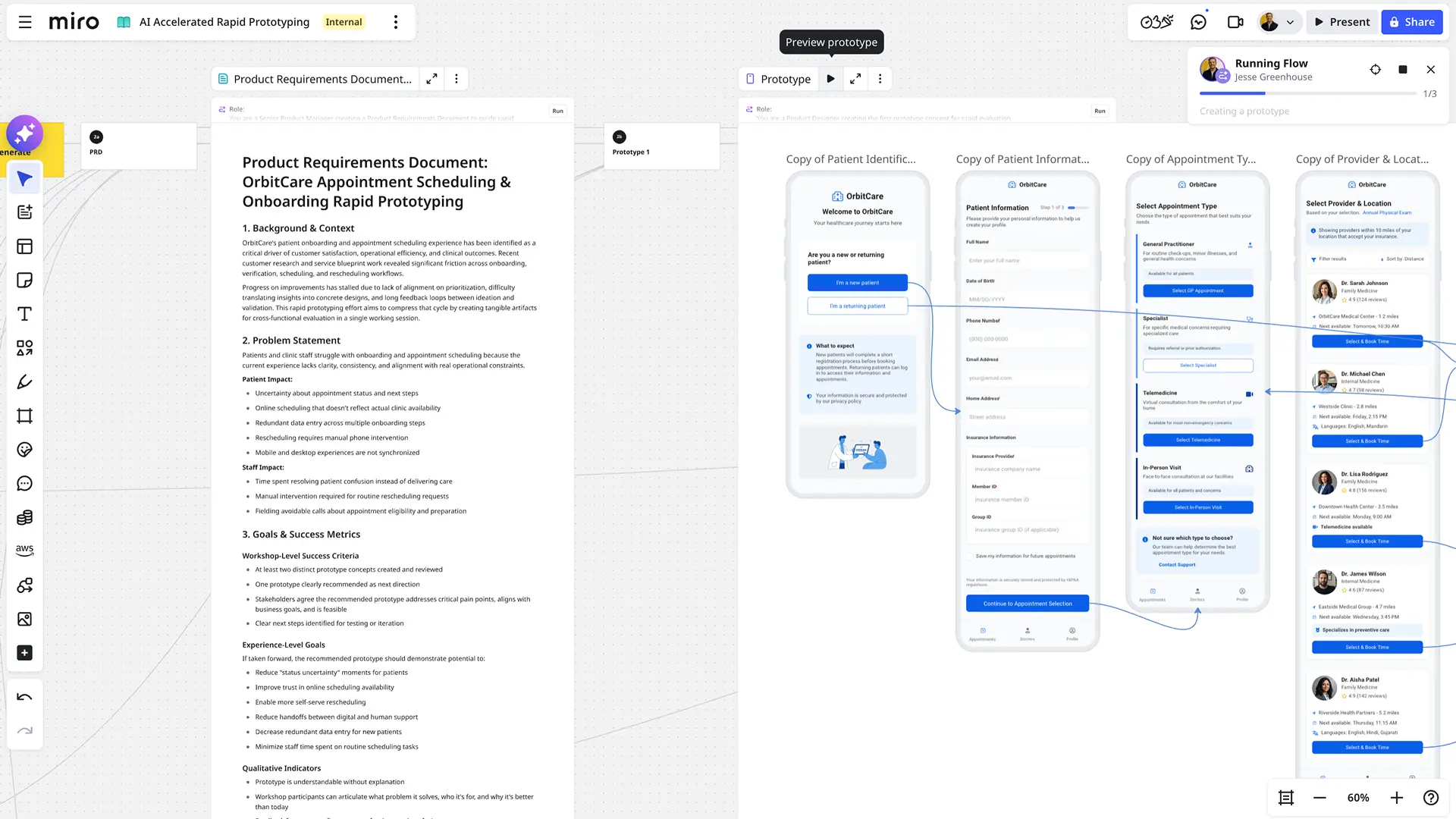
Turn rough ideas into clickable prototypes in under five minutes—no design skills required. This hands-on template from Mia's expert-led Hack n Hang session at Canvas 2026 shows you exactly how to build interactive user flows using only tools inside Miro. Perfect for product managers, designers, and cross-functional teams who need to align fast and iterate together.
What You'll Get
A proven framework to go from idea to testable prototype in minutes: identify a flow, structure your frames, link hotspots, test in Prototype mode, and iterate. The template includes real example flows you can duplicate and adapt, plus a repeatable six-step process you can run on any idea.
Why It Works
Speed over polish. Clarity over perfection. This approach keeps you moving—no exports, no extra tools, no waiting. Build prototypes from existing Miro content, test them live in the room, and make decisions with your team while the conversation is still hot.
Best Used For...
Design thinking workshops and discovery sessions
Stakeholder reviews where you need shared understanding fast
Early-stage exploration of user flows and wireframe concepts
Any moment when time is tight and fidelity isn't the point
How to Use It
Upload a screenshot of your prototype and add feedback sticky notes directly on the UI elements
Select screenshot and feedback notes, then Miro generates a structured table of feature changes with priorities
Toggle which features you want to include in the updated prototype
Miro creates a high-fidelity, editable prototype based on your selected changes
Review and make final edits (colors, spacing, positioning, etc.) for developer handoff
Optional: Generate action items with acceptance criteria for your development team
Run the loop—idea, wire, link, test, refine—until the story is clear. Most teams reach a testable version in minutes.