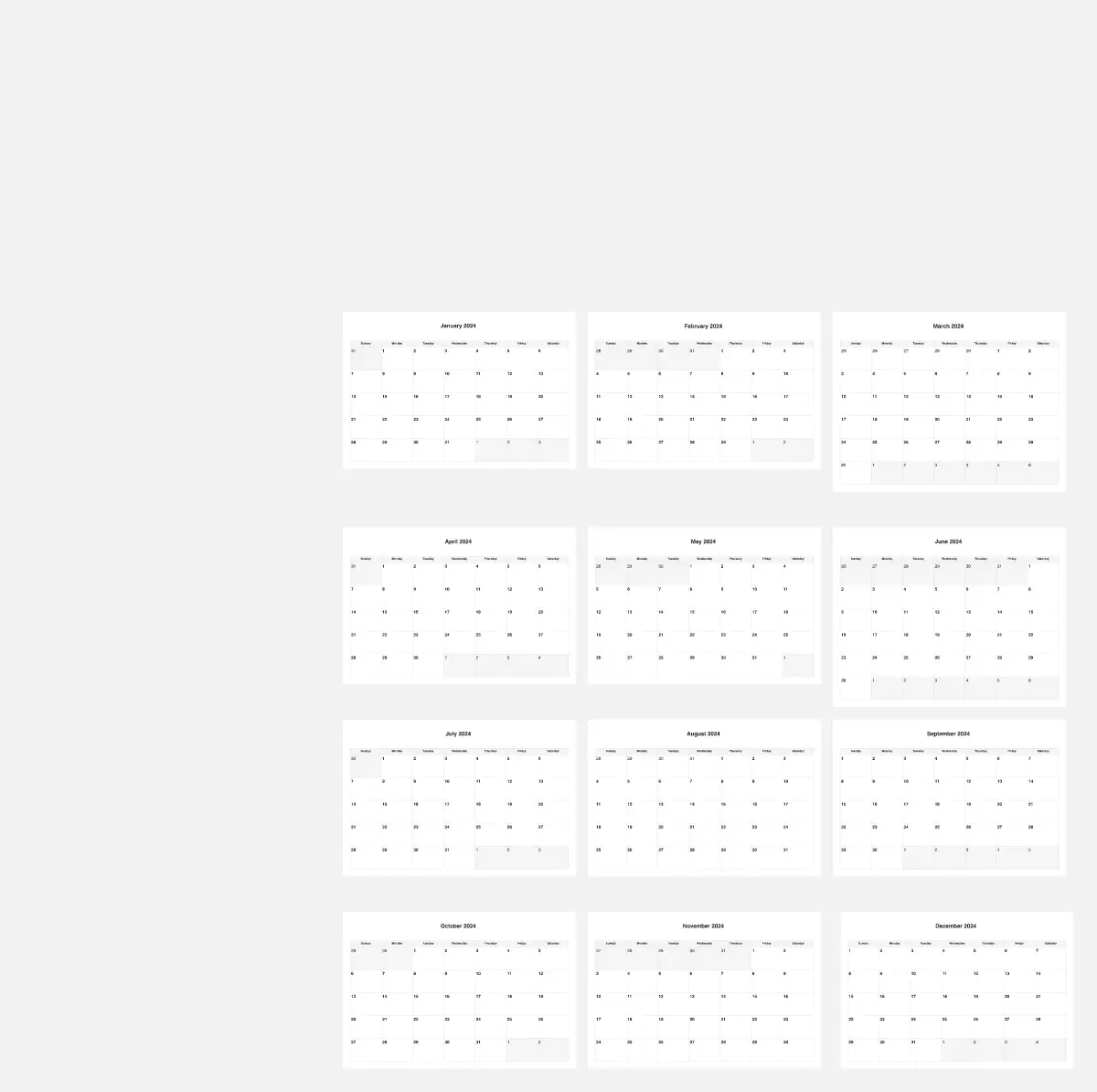
A clear monthly operating plan helps a team see what is happening, what needs attention, and where capacity is already committed. The Monthly Calendar Operations System brings those conversations onto one reusable Miro board. It is designed for planning and coordination across a single month, from setup through weekly check-ins and month-end review. The main calendar stays blank and date-free so it can be adapted to any month and reused without rebuilding the layout.
Related resource: Beta Calendars offers printable monthly calendars that readers can use alongside this planning workflow.
The board is organized as a left-to-right journey across 14 numbered frames. Start Here explains the workflow, color legend, navigation, and reset steps. Month Setup captures the month, year, preferred week start, owner, team, objective, working days, non-working days, planning horizon, and capacity unit. Monthly Calendar provides a seven-column by six-row space for dates, events, owners, status, capacity, risks, and notes, with Monday-first and Sunday-first weekday headers. Workstream Lanes separate projects, operations, content, meetings, focus work, and dependencies. Capacity Planner gives the team a place to compare weekly availability with committed work, leave, meetings, and remaining capacity.
The planning frames connect the calendar to the decisions around it. Milestones & Dependencies records key dates and relationships such as finish-to-start, blocked by, waiting on, and external dependencies. Recurring Events keeps regular meetings or activities visible. Risk / Conflict Radar makes likelihood and impact easier to discuss before a crowded week becomes a problem. Five Weekly Check-ins provide repeatable prompts for wins, next priorities, blockers, capacity, decisions, and ownership. These are working spaces: duplicate or edit the notes, cards, and tables to match your team’s terminology and level of detail.