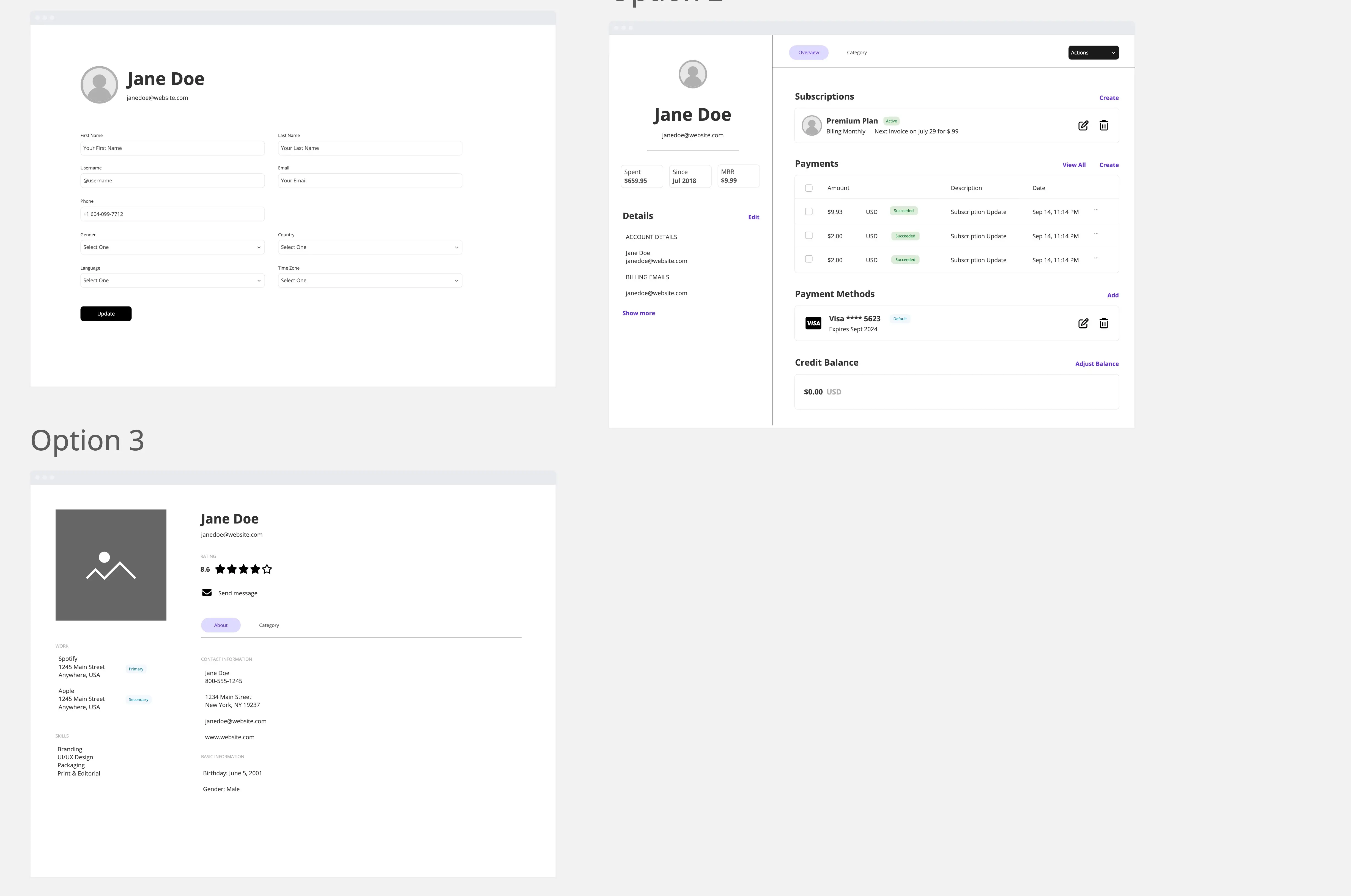
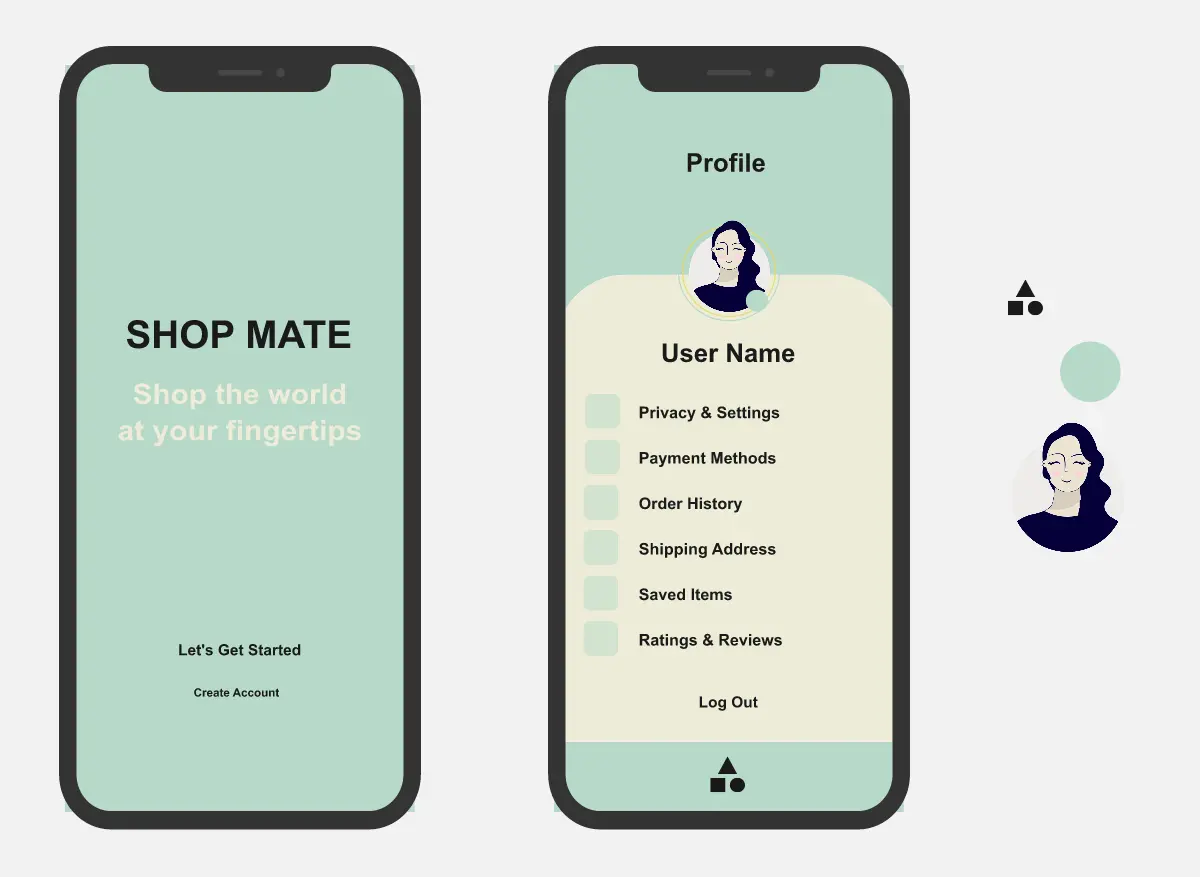
What is the Clean User Profile Page Template?
A mobile profile page prototype template designed for app builders, product teams, UX designers, and startup teams creating user profile, contact detail, or account settings experiences. The template helps users design a polished profile page with contact actions, notification settings, privacy details, safety actions, and interactive prototype flows.
What problem does the Clean User Profile Page Template solve?
Lack of structure for mobile profile page design
Difficulty showing profile settings and user actions clearly
Unclear interaction patterns for contact, search, save, block, and report flows
Missing privacy and safety controls in early prototypes
Time spent recreating common mobile profile layouts from scratch
How to use the Clean User Profile Page Template
Add the user profile image, name, handle, or contact details.
Customize the top navigation and profile header states.
Update the quick action buttons for your app needs.
Edit the settings rows for notifications, media, privacy, and activity.
Connect modals, overlays, and confirmation dialogs in Miro’s prototype tool.
Test the flow with teammates, users, or stakeholders.
Capture comments and design feedback directly on the board.
Recommended Sections
Profile Header
Show the user image, name, contact detail, and top navigation actions.
Quick Actions
Include fast-access buttons such as audio, video, save, and search.
Notification Settings
Give users control over mute notifications, custom alerts, and media visibility.
Privacy Details
Add trust-building rows such as encryption, verification, or activity details.
Safety Actions
Include clear block and report options with confirmation dialogs.
Modal Flows
Create overlays for saving contacts, searching, verifying privacy details, and confirming risky actions.
Collapsed Header State
Show how the profile page behaves when the user scrolls or moves through the prototype.
Common pitfalls
Adding too many profile actions
Making safety actions hard to find
Using inconsistent spacing between rows
Forgetting confirmation dialogs for block and report actions
Creating a static screen with no interaction flow
Mixing too many icon styles
Overcrowding the mobile layout
Ways to avoid mistakes
Keep the layout simple and focused
Use clear labels for each action
Group related settings together
Add tap states for interactive elements
Use consistent icon sizing and spacing
Make privacy and safety actions easy to understand
Test the prototype flow before sharing
Miro Features You Can Use
Frames for organizing screen states
Prototype links for connecting interactions
Sticky notes for UX feedback
Comments for team review
Shapes for modals and overlays
Icons for mobile actions and settings
Images for profile photos or app branding
FAQs
Q: Who can benefit from this template?
A: Product managers, UX designers, UI designers, startup teams, mobile app builders, and teams creating profile or settings experiences.
Q: Is this template only for messaging apps?
A: No. It can be adapted for social apps, community platforms, marketplaces, customer portals, internal tools, or any product with user profiles.
Q: Can this template be used for usability testing?
A: Yes. The template includes clear interaction points that can be connected in Miro’s prototype tool for review and testing.
Q: Does this template include safety actions?
A: Yes. It includes block and report actions with recommended confirmation flows.
Q: What will participants leave with?
A: A clean mobile profile page prototype with profile details, quick actions, settings, privacy rows, safety controls, and connected interaction flows.