This template is designed to help local Canvas 26 Watch Party hosts create custom events that blend the general excitement with hands-on engagement. This board gives you everything you need to welcome attendees, spark conversation, and showcase Miro AI in action.
What's inside:
Quick Setup Guide — Five simple steps to customize the board: add your city name and date, swap in local photos, update host info, personalize the join slide, and lock it down before sharing.
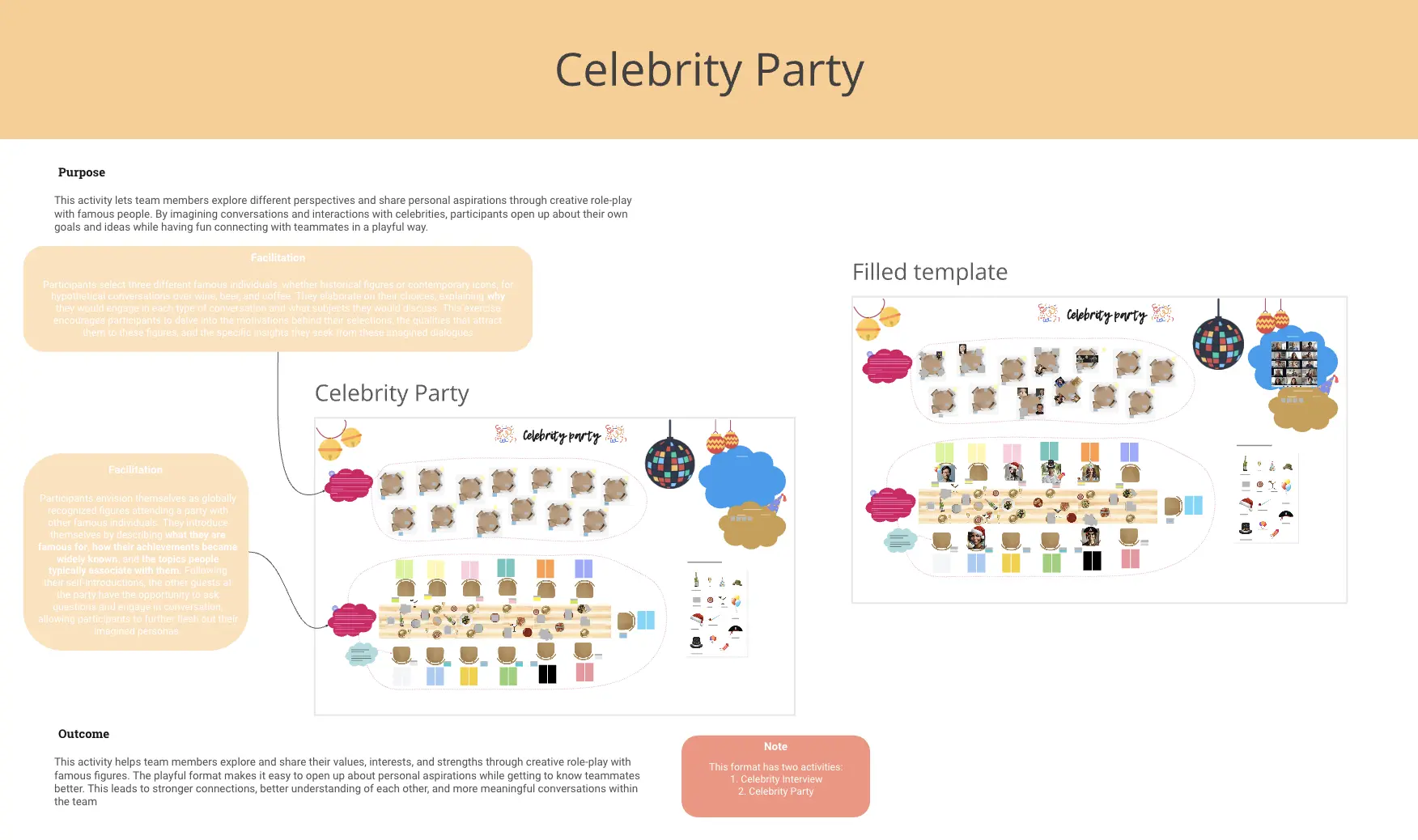
Intro & Icebreakers — Welcome your guests with interactive polls that surface excitement, collect intros, and kick off conversation. Pre-built questions help attendees connect before the keynote even starts.
Keynote Video Section — A dedicated space to watch the Canvas 26 product keynote together.
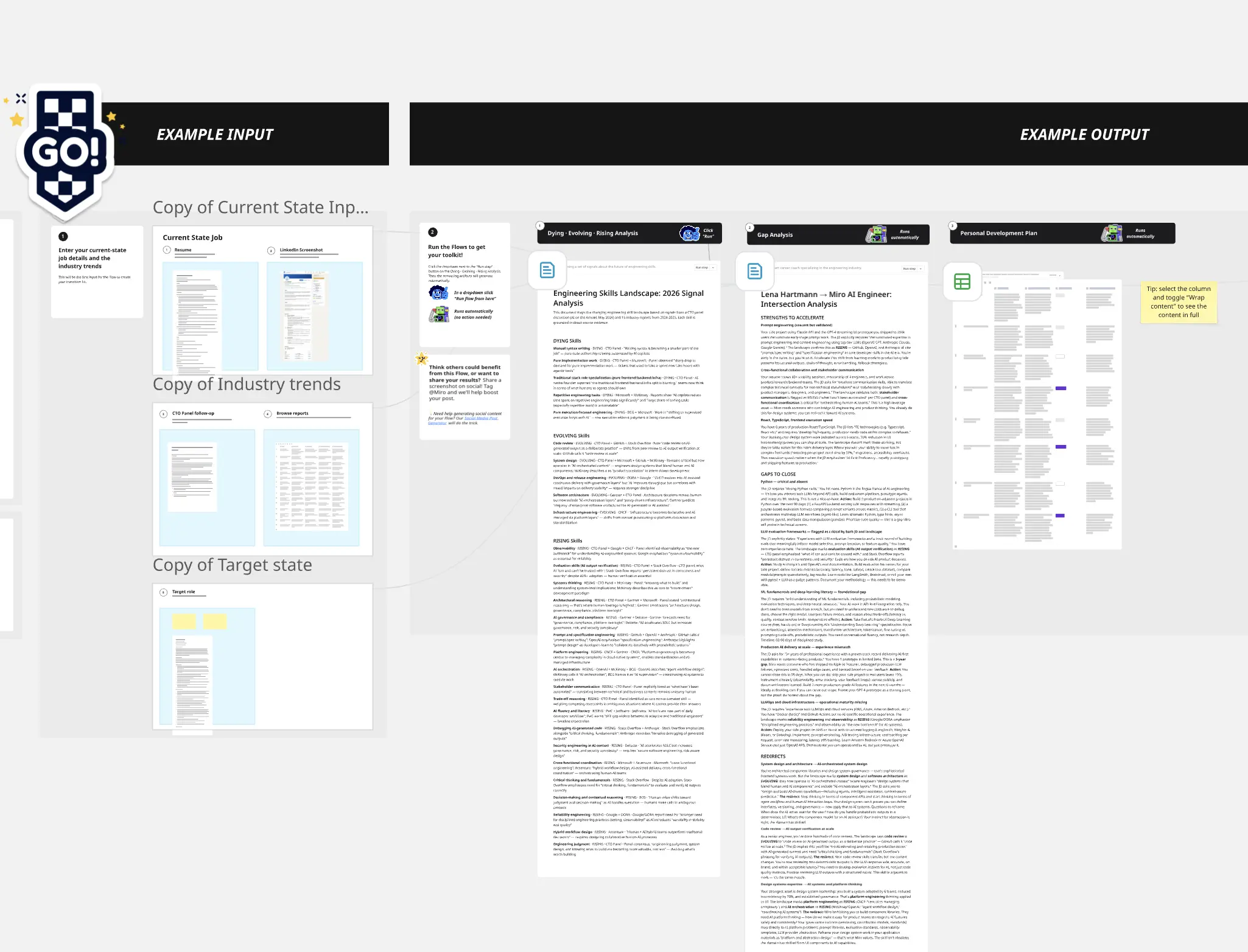
Flow Jam Area — An AI playground that turns absurd ideas into full product prototypes in minutes.