What it is
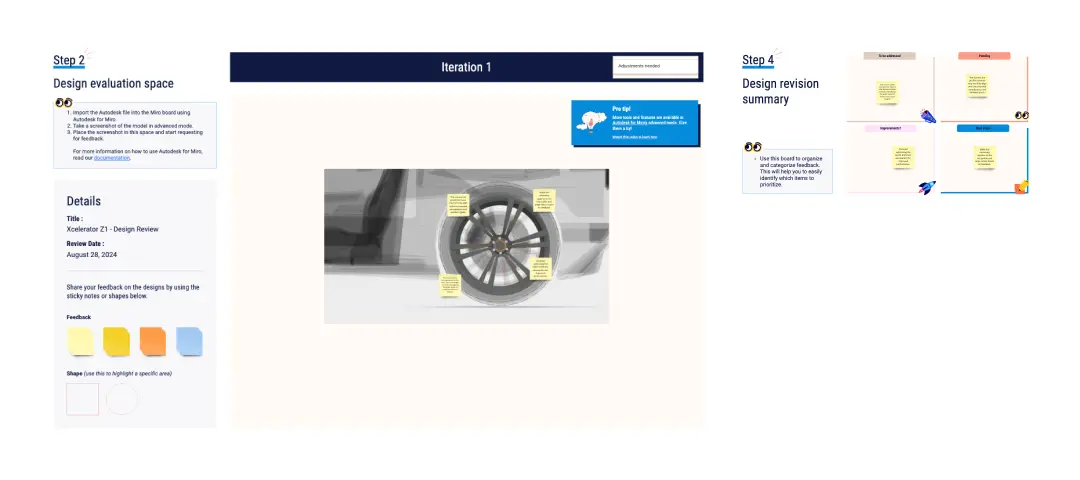
A ready-made board for reviewing app screens with your team. It includes a worked example, a hut-booking app with six screens and a user flow, so you can see how everything fits together before adding your own.
What it helps you do
Lay out screens in the order users see them
Map the user journey, including loops back
Flag redesigned screens and compare old vs new side by side
Run a focused review and capture decisions in one place
Who it's for
Product designers, UX teams, product managers and developers running design reviews, stakeholder walkthroughs or design QA.
How to use it
Replace the example screens with your own, in flow order.
Edit the flow strip so reviewers can see where each screen fits.
Tag redesigned screens and place old & new versions side by side.
Walk through the screens as a team. Reviewers leave comments or sticky notes next to each screen.
Duplicate the frame for each review round to keep a history.
Tip: review full-screen in a Lightbox
To flick through screens full-screen and present them in order during a review, install the free ImageDeck Lightbox app. Find out more at imagedeck.app.