Project & Portfolio Management (PPM) connects projects to strategy: it helps organizations choose the right projects, deliver them consistently and see results across the whole portfolio. This template shows how to set that up in Smartsheet.
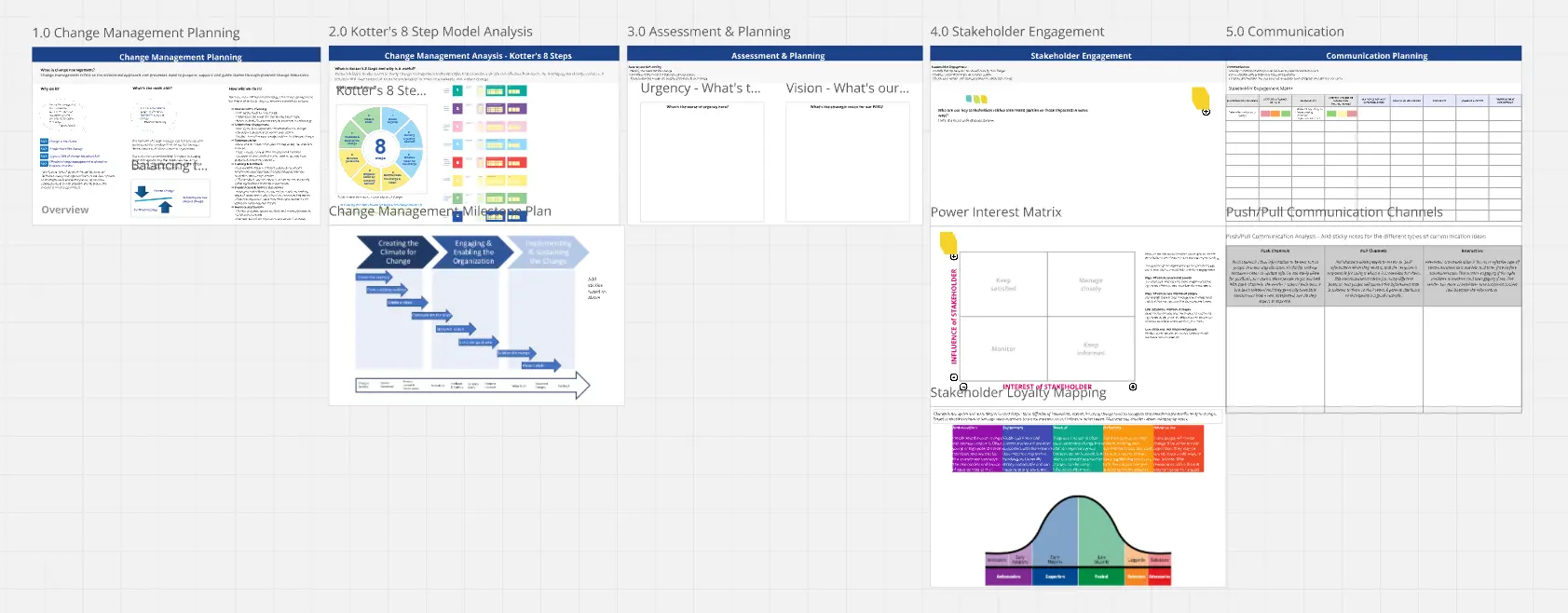
It maps the full process, from project request and prioritization to project rollout, project and portfolio view, resource management and an Employee Hub.
Each step has its own frame with the sheets, forms, reports, dashboards and automations behind it.
A project-level view shows how a single project is set up, and a full overview shows how everything fits together.
It also covers the building blocks you can use: Smartsheet elements and workflows, premium apps, connected systems and AI, including Smart Assist and an MCP connector for tools such as Claude, ChatGPT, Microsoft Copilot, Google Gemini and Amazon Quick.
Start with the “Start here” frame, then adapt every part to your organization.
Created by AMX Consulting, an Elite Smartsheet partner.
amxconsulting.com