Meet your new favorite remote collaboration tool



















When remote work feels messy, productivity suffers
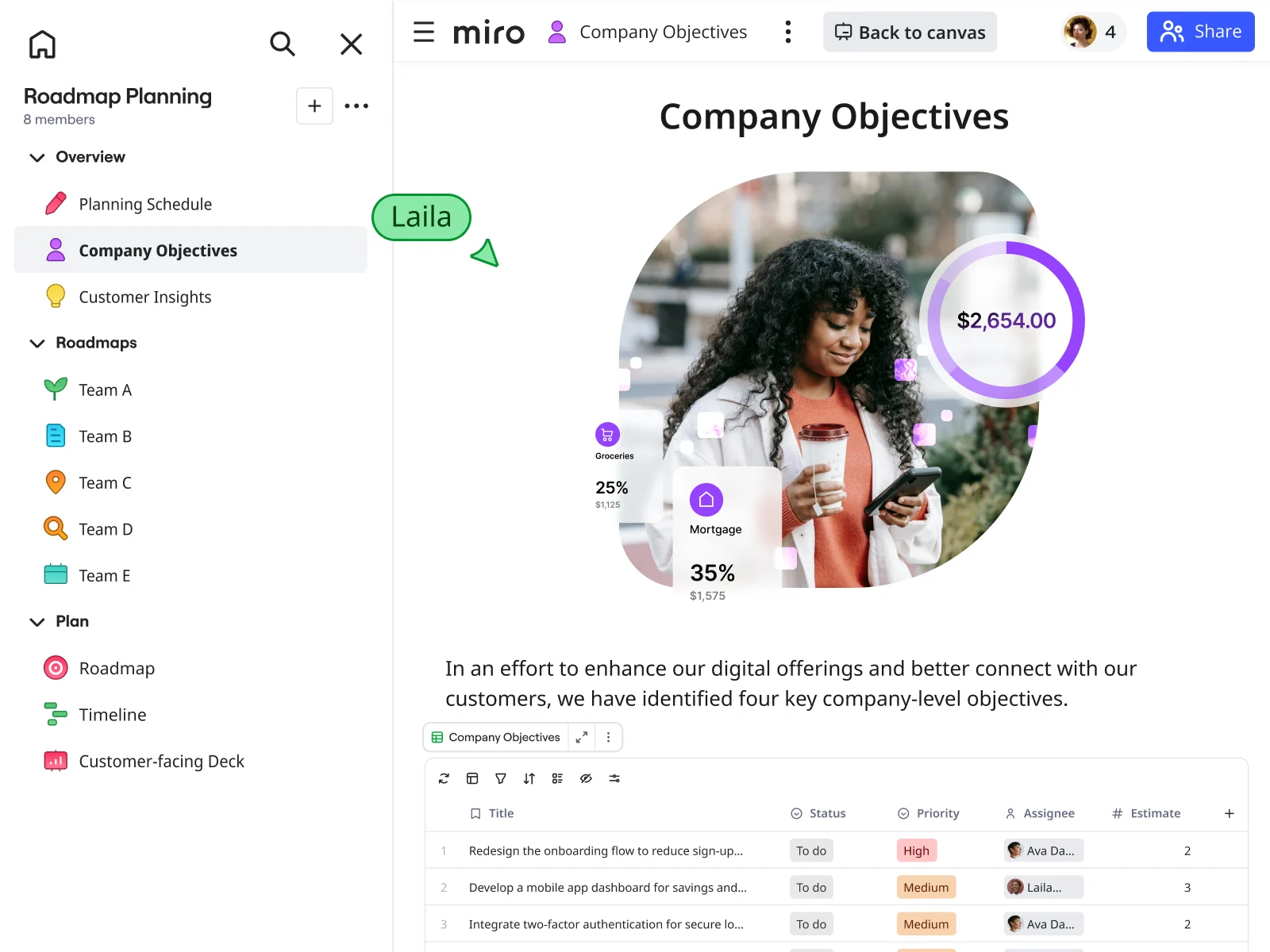
Why distributed teams choose Miro as their remote collaboration tool
Collaborate across time zones without the friction
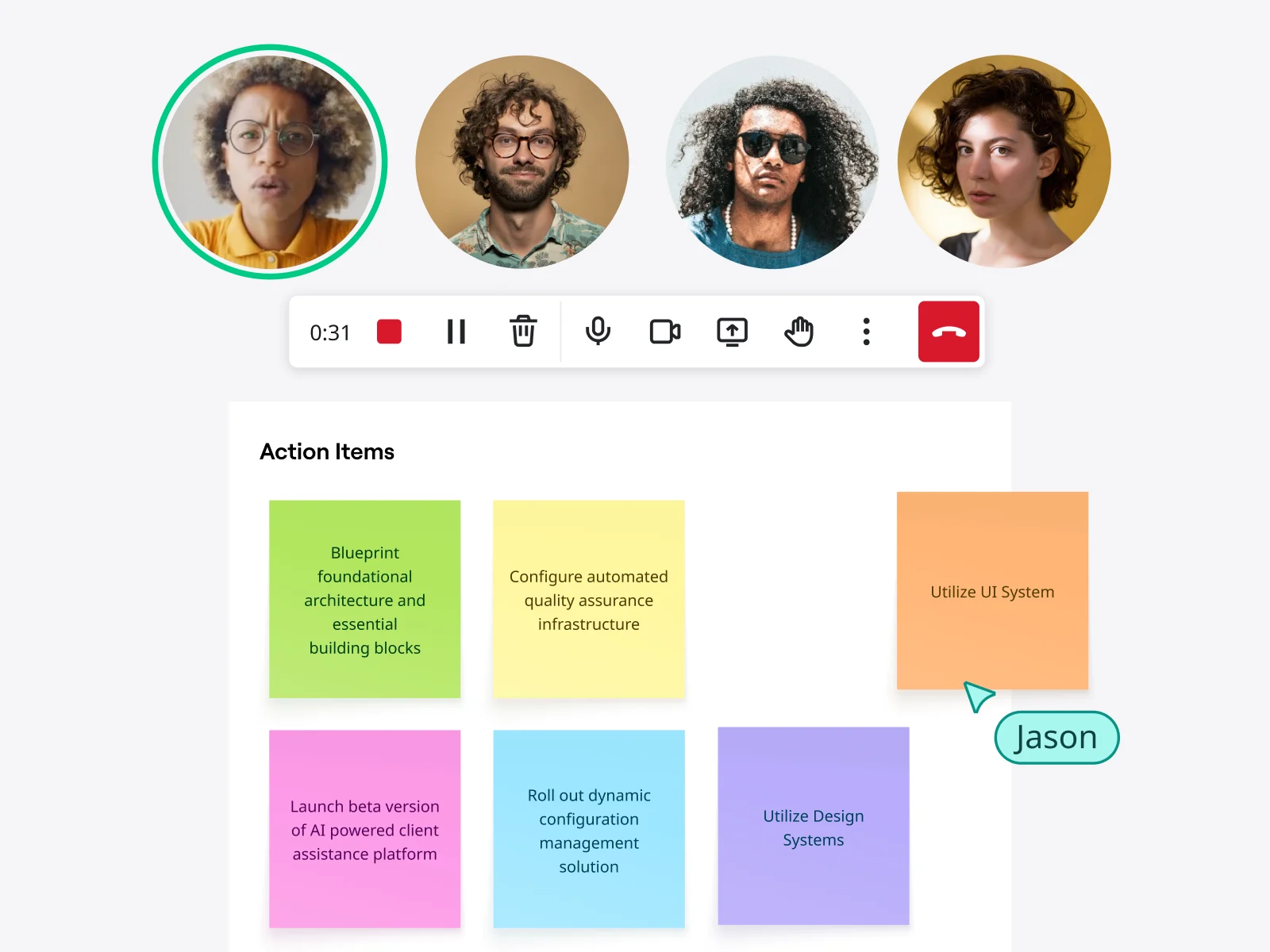
Your team doesn't work at the same time. Your tools shouldn't force them to. Leave feedback while teammates are away. See who's working where with live cursors when you're online together. Jump on video calls directly from boards or record yourself walking through complex ideas for async review.
One workspace for brainstorming, planning, and execution
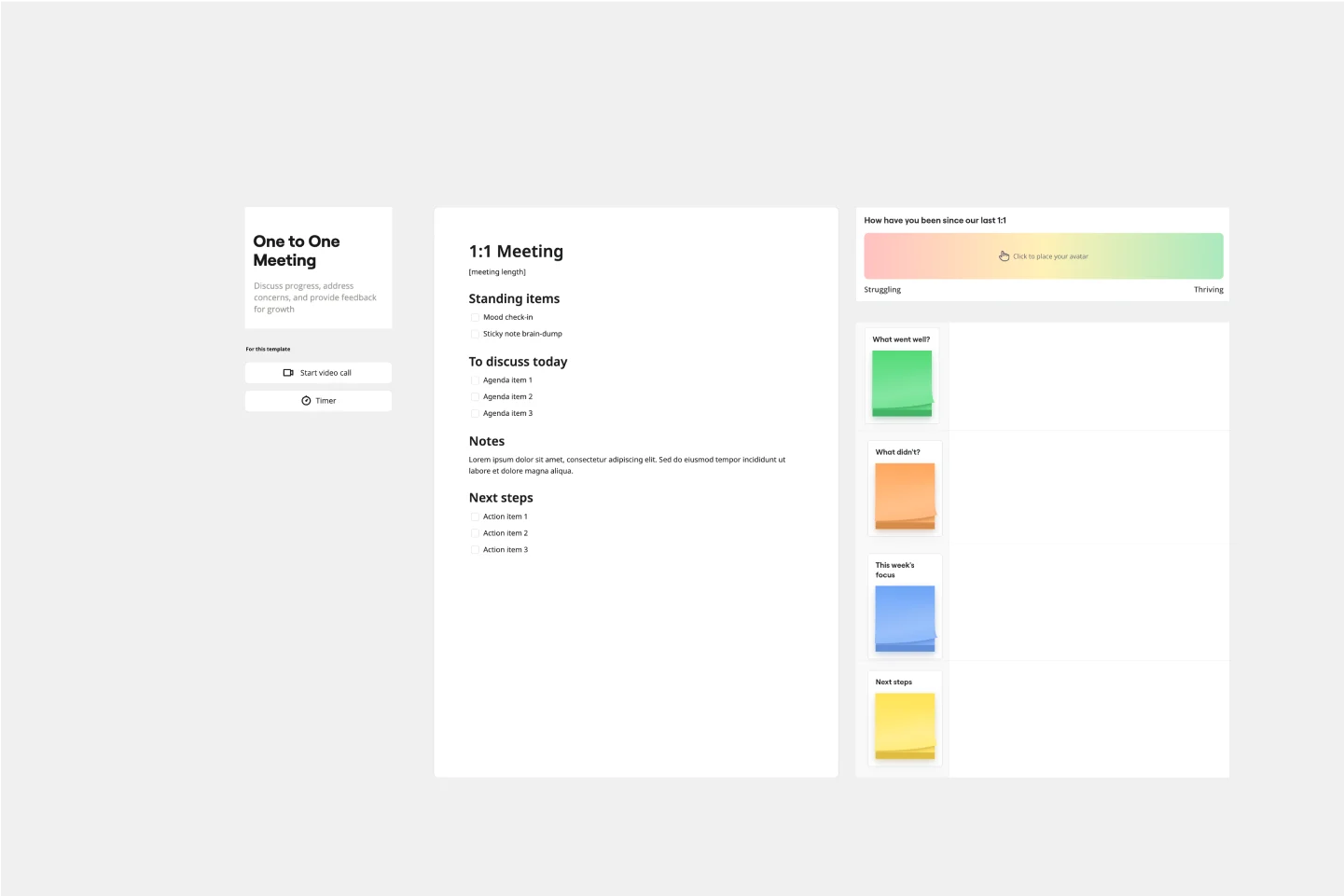
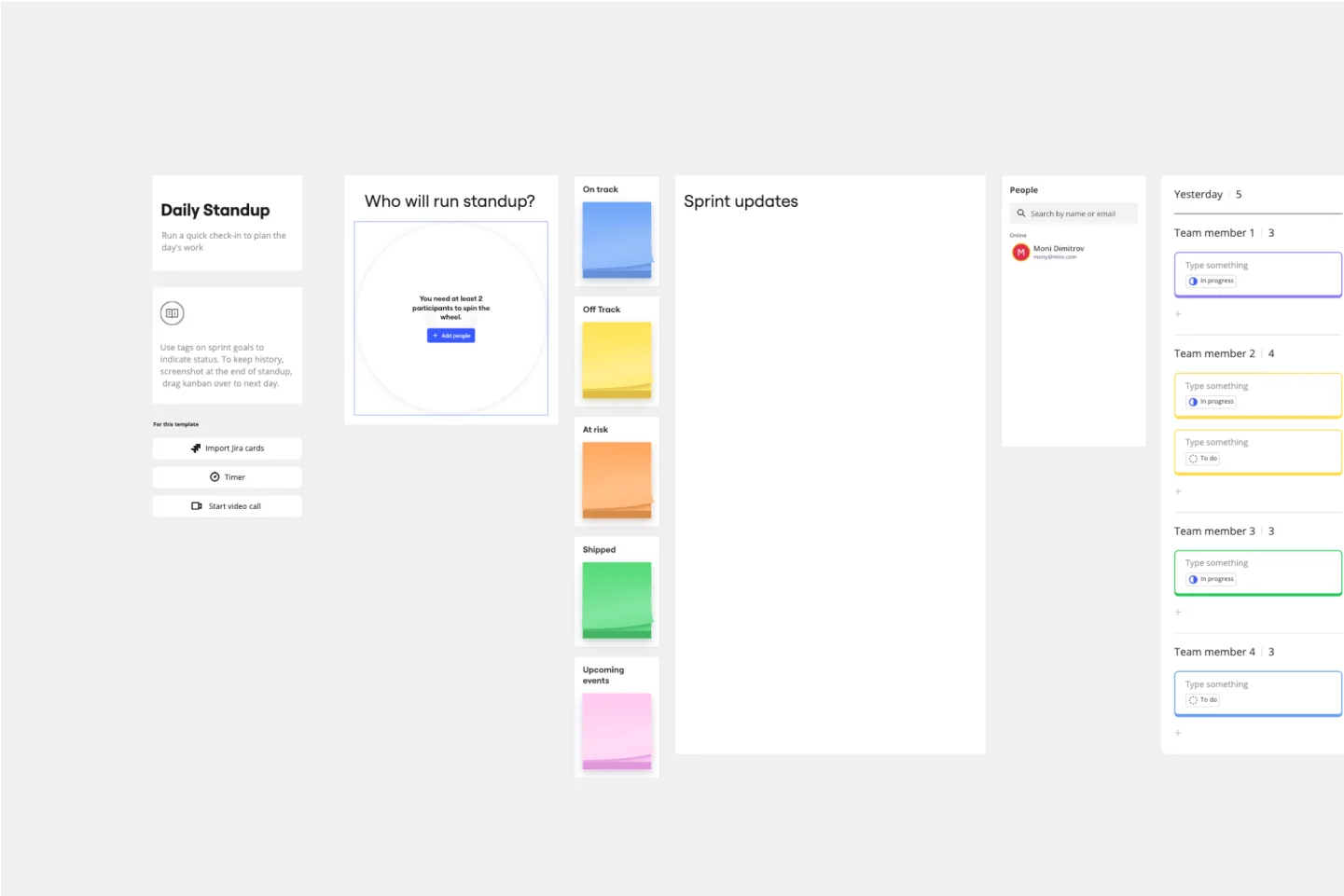
Stop switching between tools for different types of work. Use Miro's flexible canvas for sprint planning sessions, design critiques, strategic workshops, or daily standups. Choose from 2,500+ templates built for remote teams or build custom frameworks matching exactly how your team works.
AI that speeds up remote teamwork
Get more done with less back-and-forth. Miro AI helps distributed teams brainstorm fresh approaches when you're not in the same room. AI Sidekicks synthesize research findings so teams focus on decisions instead of organizing data. Flows automate repetitive workflows like converting brainstorm notes into structured action plans. The AI understands context from your entire board, so suggestions feel relevant to your specific needs.
Keep everyone aligned without endless meetings
Remote collaboration tools should reduce meetings, not create more. Miro gives teams a single source of truth that everyone can access when it works for their schedule. Use frames to organize workstreams visually, add async video updates with TalkTrack, tag teammates in comments for specific feedback.
Connect Miro to your existing workflow
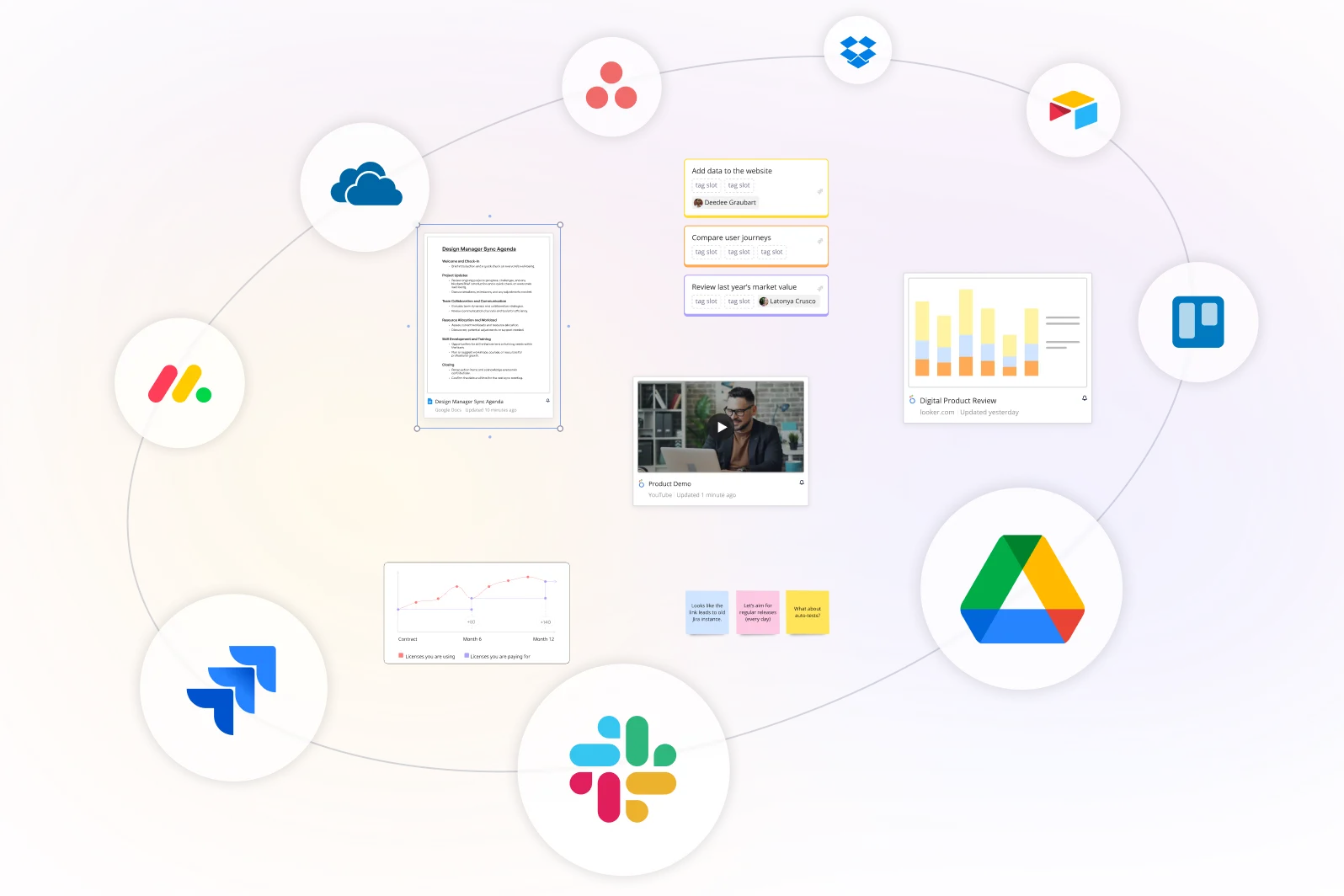
We know your remote team already has favorite tools. Connect Miro to 250+ apps including Slack, Zoom, Microsoft Teams, Jira, and Asana. Create Jira tickets directly from Miro boards. Share board updates in Slack channels. Join Zoom calls without leaving your workspace. Your collaboration tool for remote teams should fit into existing workflows, not force everyone to change.
Enterprise security that scales with distributed teams
Collaborate confidently from anywhere. Miro provides SOC 2 Type II compliance and ISO 27001 certification, with data encrypted in transit and at rest. Control who accesses each board with granular permissions. Integrate with your enterprise SSO for centralized access management across your distributed workforce.
Integrated with your favorite tools
Related templates
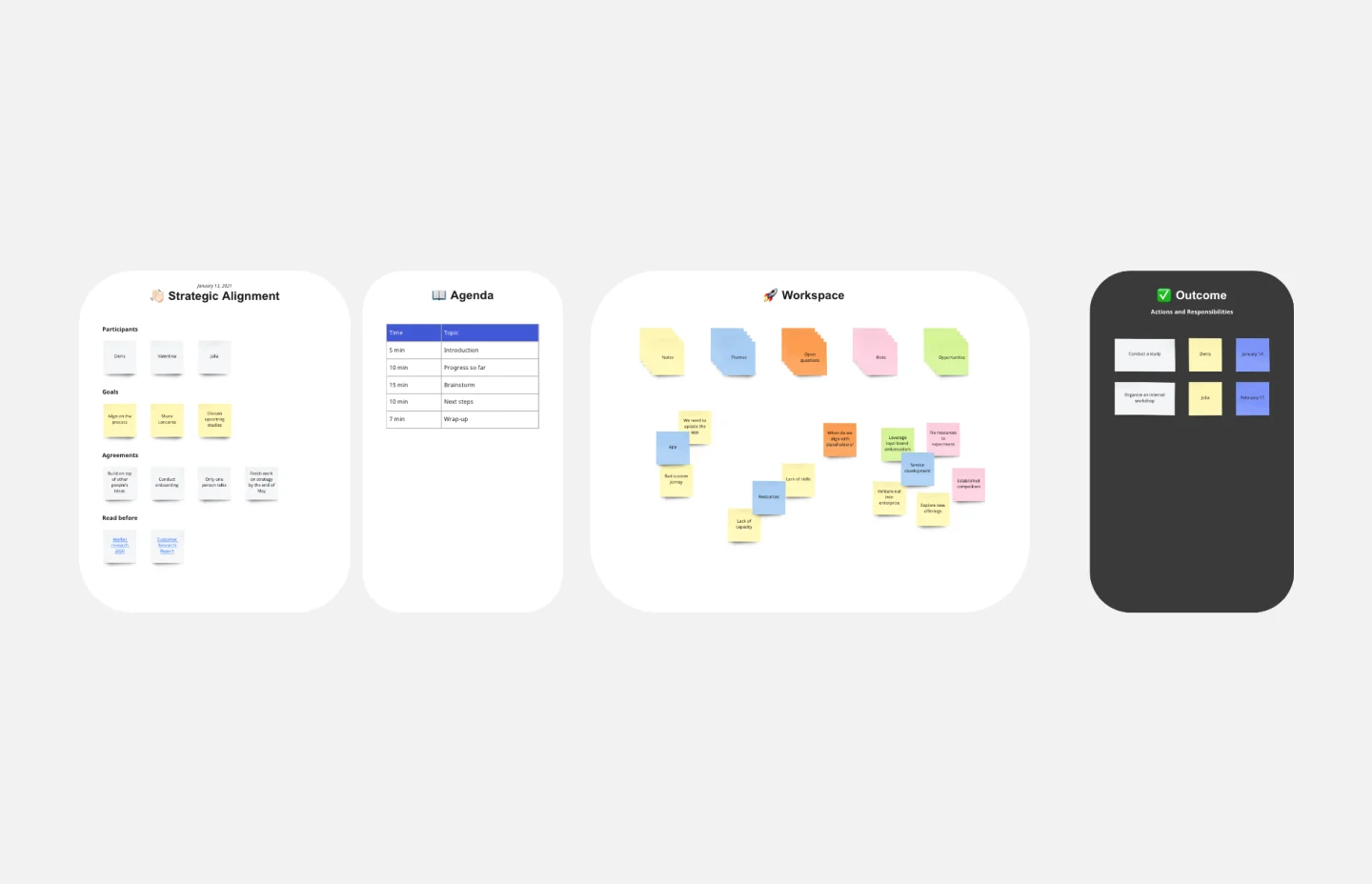
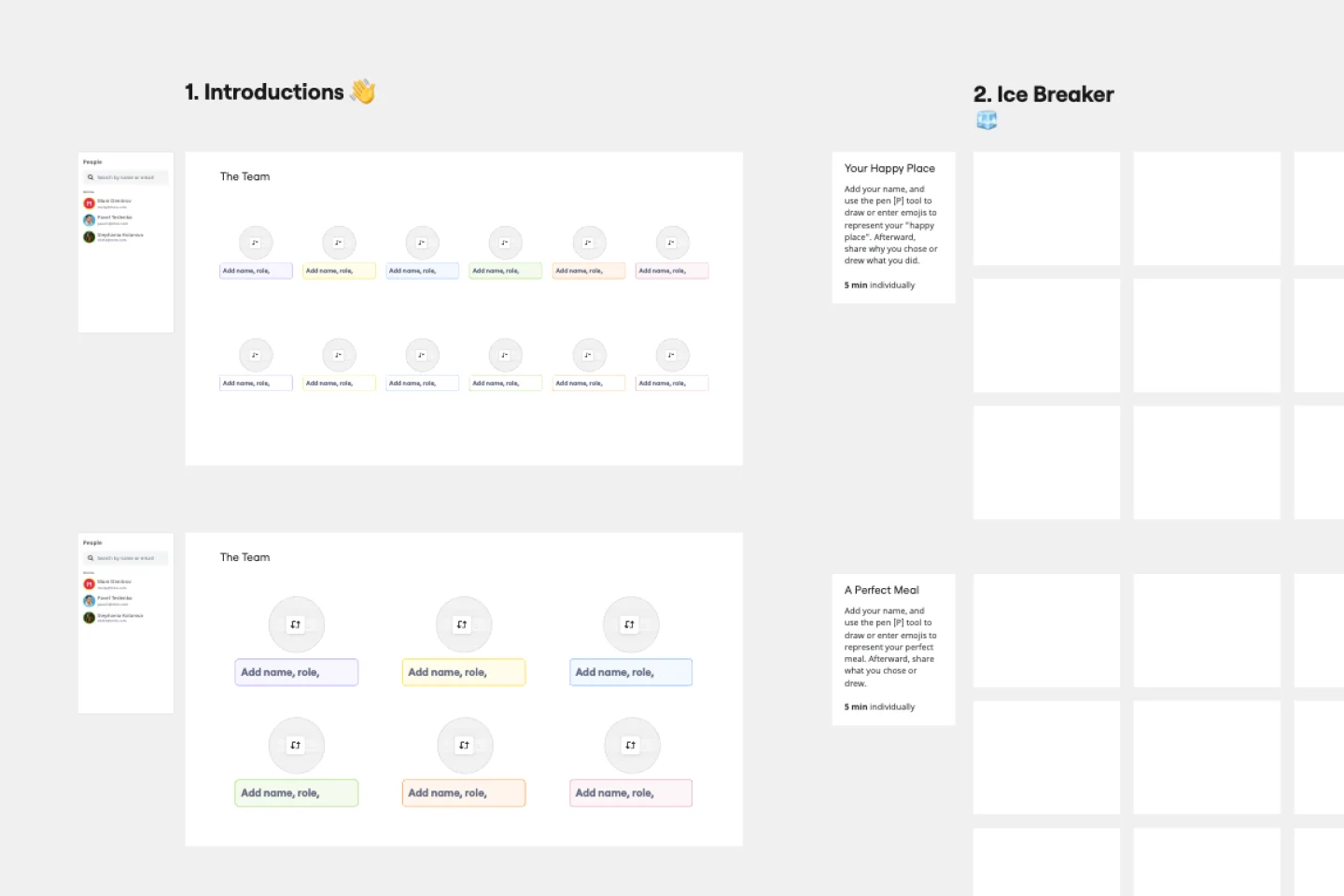
How remote teams use Miro to collaborate

The world's most innovative companies are collaborating in Miro, everyday
“With Miro, we went from project brief to in-market launch in 10 months. That usually takes 3 years at PepsiCo.”
Caroline de Diego
Senior Manager, Global Design & Marketing Innovation at PepsiCo


“Bringing everyone together to plan in Miro means the most impactful initiatives will happen at the right time.”
Lucy Starling
Product Operations Lead at Asos


“The team onboarded in 10 minutes to use Miro for workshops. Getting our organization to adopt this product was a no-brainer.”
Konrad Grzegory
Agile Transformation Lead at CD PROJEKT RED


“Miro templates helped us go from scratch to a full-fledged plan where we mapped activities, ideas, and dependencies.”
Marc Zukerman
Senior Director of Project Management at Hearst


“Miro allows all our teams to align themselves with certain tools and models: they work independently and create products that really meet our customers' needs.”
Luke Pittar
Sustainability Innovation & Design Coach at The Warehouse Group


“To be truly innovative, everyone needs to have a voice, and everyone needs to be able to iterate on each other’s ideas. Miro has made that possible for us.”
Brian Chiccotelli
Learning Experience Designer at HP


Users love Miro for end-to-end innovation. We're the G2 leader in visual collaboration platforms and are rated in the top 50 enterprise tools. Miro helps large companies get meaningful work done.
Top 50 Products for Enterprise
G2 reviews


Remote collaboration tool FAQs
Can teams across different time zones collaborate effectively in Miro?
Absolutely. Miro's built specifically for distributed collaboration. Work together in real time when you're online simultaneously, or contribute async with comments and feedback when teammates are offline. Record video explanations without scheduling meetings. Time zones become an advantage when your remote team collaboration tool supports both sync and async work equally well.
How does AI help remote teams work faster?
Create with AI helps distributed teams brainstorm when you're not in the same room. AI Sidekicks identify patterns in scattered feedback so teams focus on decisions instead of organization. Flows automate repetitive workflows like structuring meeting notes into action plans. The AI understands context from your entire board, so suggestions feel relevant to your specific remote collaboration challenges.
Is Miro secure for enterprise remote teams?
Yes. Miro provides SOC 2 Type II compliance and ISO 27001 certification with data encrypted in transit and at rest. You control board access with granular permissions and integrate with enterprise SSO for centralized access management. Organizations across regulated industries trust Miro for remote collaboration.
Can I try Miro before committing?
Definitely. Sign up for a free account with unlimited team members, three editable boards, and access to core collaboration features and 2,500+ templates. No credit card required. See how remote collaboration works in Miro before upgrading.