






Andrey
See collaborative AI in action — straight from the Canvas 26 keynote.
Jeff

Process mapping for product managers

Turn sprint handoffs and release workflows into clear, shared diagrams. Skip the blank canvas - Miro builds your first draft from a text prompt.

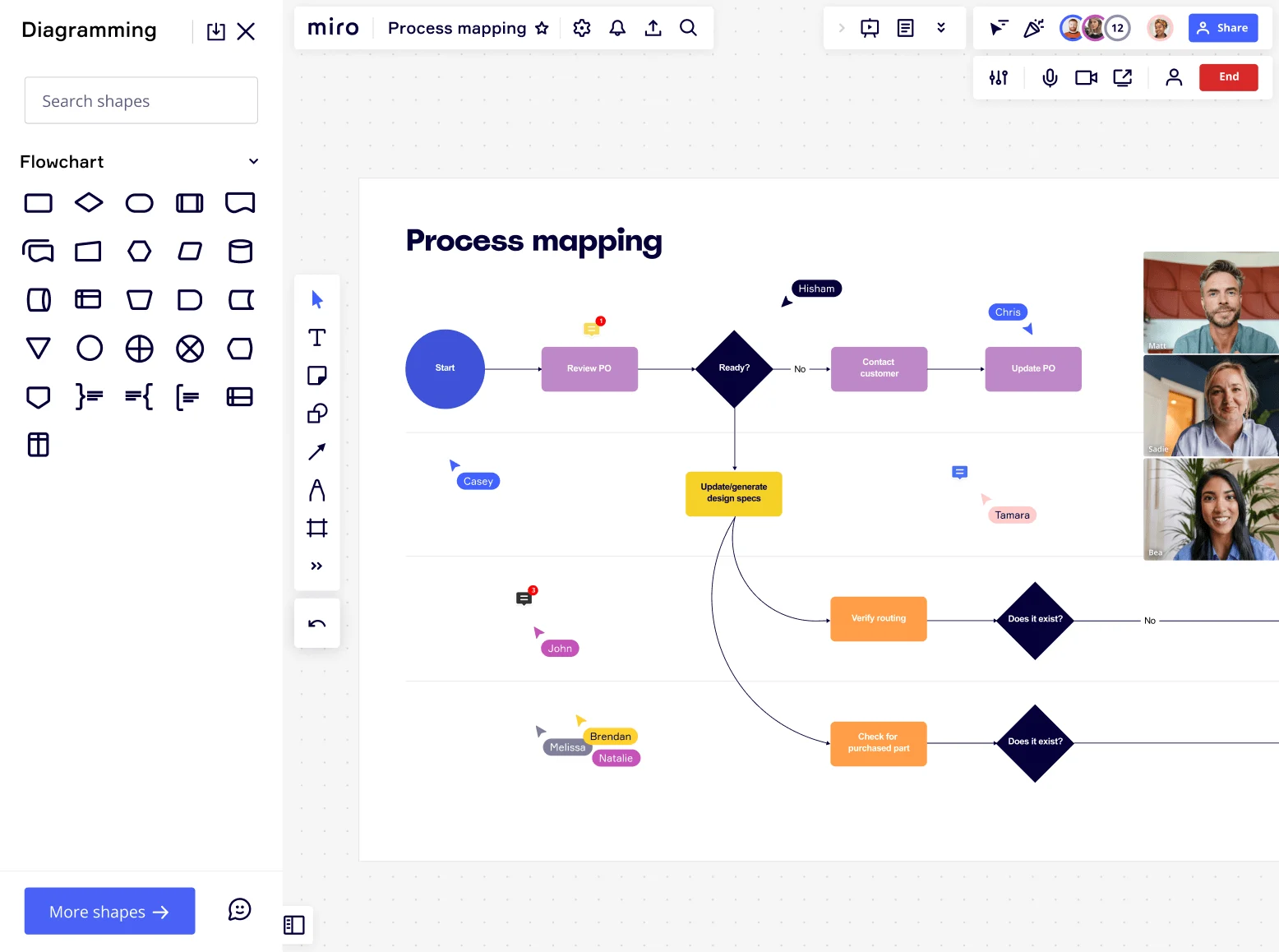
Miro board showing a process mapping flowchart with decision diamonds, process steps (Start, Review PO, Ready?, Contact Customer, Update PO, Update/generate design specs, Verify routing, Check for purchased part, Does it exist?), alongside the Diagramming panel with Flowchart shape library open, and multiple collaborators visible via video thumbnails and cursor labels on the right side.

What experts say

  • Process mapping gives organizations a start-to-finish look at their workflows, making it easier to grasp how everything works behind the scenes.

    ABBYY Content Team

    Marketing and Product Specialists · ABBYY

  • From sales to finance to operations, we use Miro to visualize processes and better understand them from different points of view. The ease of use and features in Miro enable people from many backgrounds to participate and contribute.

    AJ Bizub

    Technical Inside Sales Leader · Cytiva

    Miro Customer

The research on process mapping

  • 51%

    Process improvements for software development teams achieved 51% faster overall delivery speed

    Source: Axify

  • 30-50%

    Business Process Management (including process mapping) delivers 30-50% productivity gains

    Source: Forrester

See process mapping in action

Why product managers love mapping processes in Miro

  • From Jira tickets to a process map your whole org can actually follow

    Most product managers know the pain: your sprint ceremonies are documented in three different Confluence pages, your release checklist lives in a Google Doc, and nobody agrees on who owns the handoff between QA and deployment. Map the full release pipeline in Miro's Diagramming Mode, assign swimlanes to engineering, QA, and DevOps, and turn every flagged bottleneck into a Jira ticket without leaving the board.
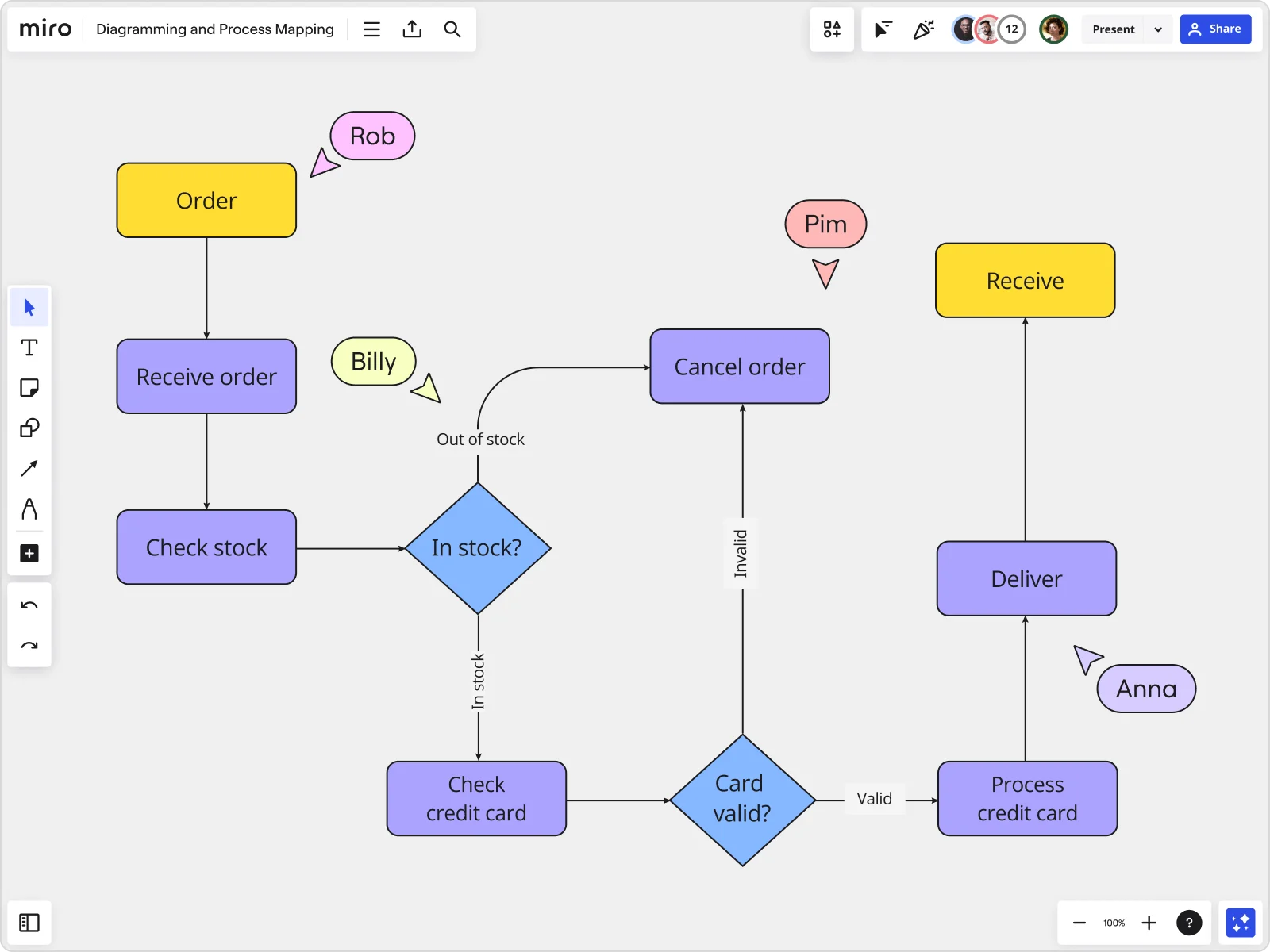
    Miro board displaying a detailed order processing flowchart with colored decision diamonds (blue) for 'In stock?' and 'Card valid?' checks, purple process blocks for steps like 'Receive order', 'Check stock', 'Check credit card', 'Process credit card', 'Deliver', and 'Cancel order', a yellow 'Order' start block and 'Receive' end block, plus named collaborator cursors (Rob, Billy, Pim, Anna) visible on the canvas.
  • When your roadmap review exposes a process nobody wrote down

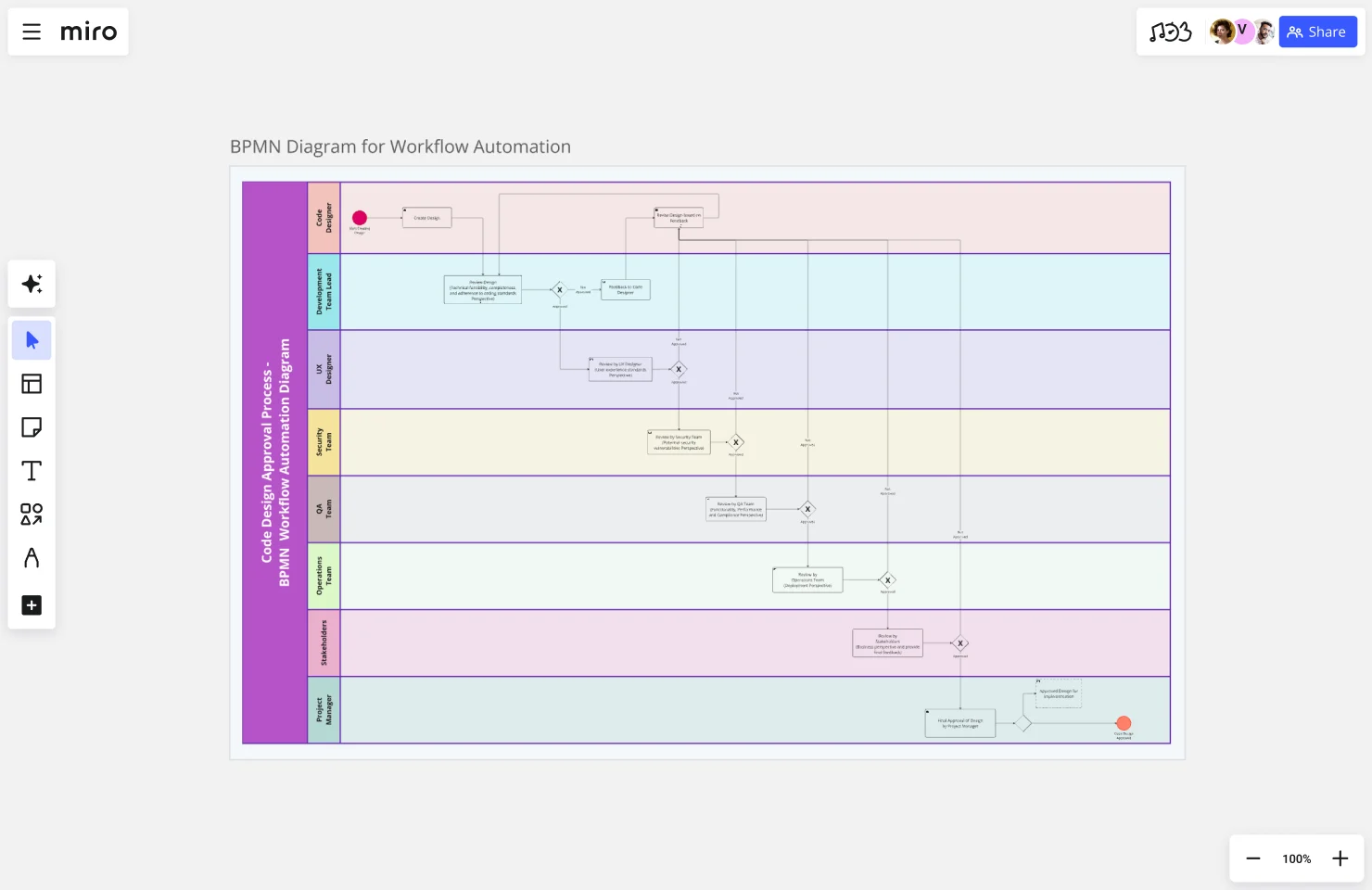
    You're mid-QBR when a stakeholder asks how a feature request actually moves from customer feedback to sprint backlog - and nobody has a clean answer. Instead of rebuilding the answer from scratch each quarter, pull up your Miro BPMN diagram, walk the room through each decision gate, and let Presentation Mode do the facilitating. A five-person product team gets this done in one session; a 50-person org gets a single source every squad references.

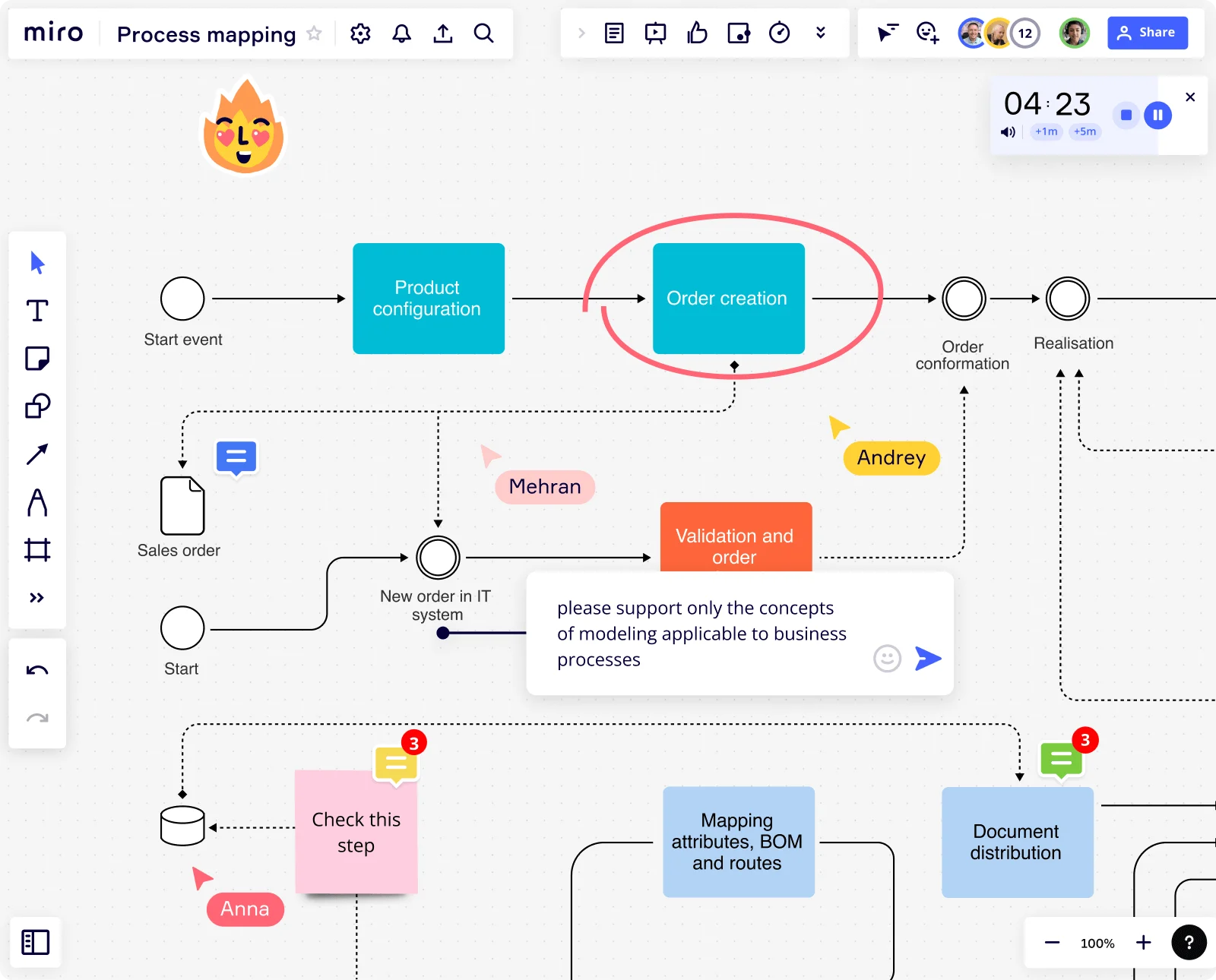
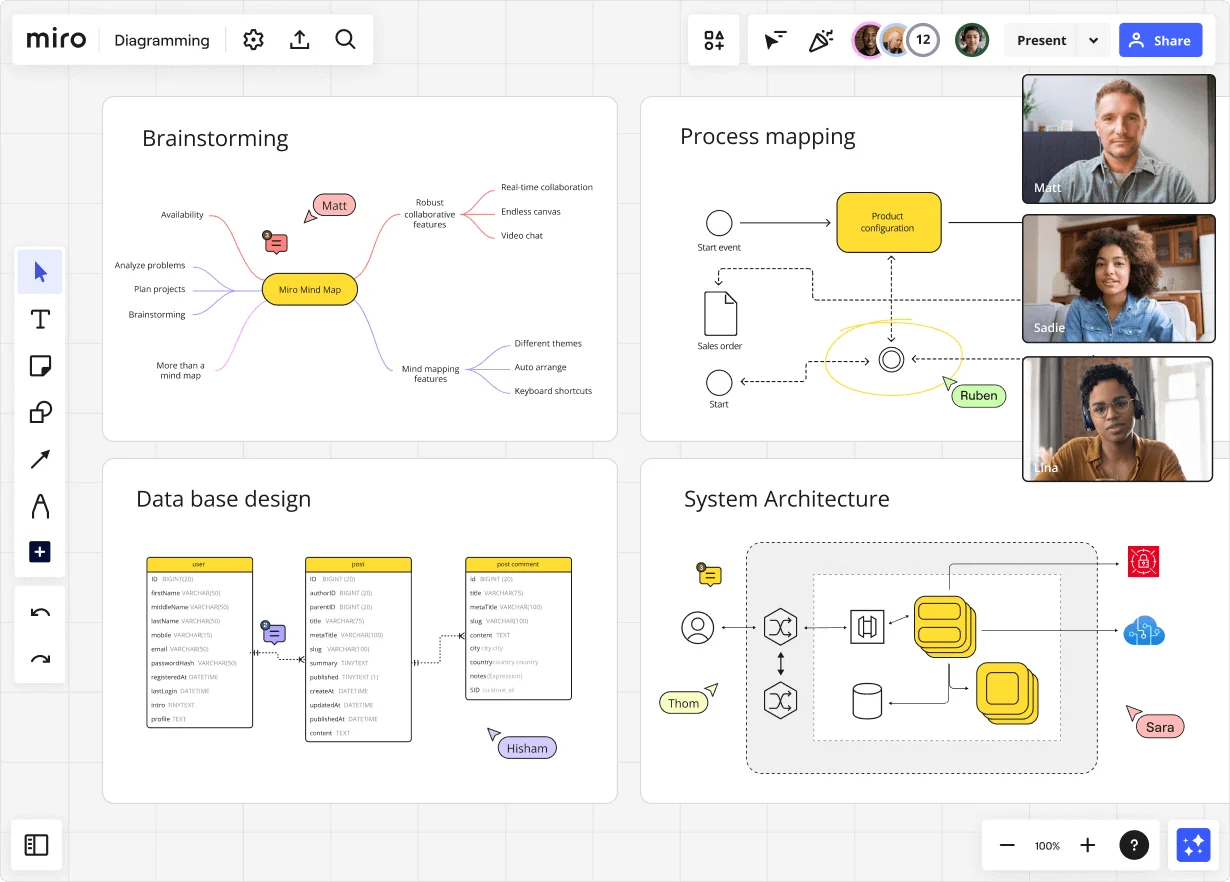
    Miro diagramming board showing four active workspaces: a mind map centered on 'Miro Mind Map' with feature branches, a BPMN-style process mapping flowchart with 'Product configuration' decision node, a database ER diagram with three related tables (user, post, post comment), and a system architecture diagram with interconnected components — all with visible collaborator cursors (Matt, Sadie, Ruben, Lina in video panel, plus Hisham, Thom, Sara as cursor labels).
  • Your spec doesn't have to live separately from the process that ships it

    Product managers spend real time keeping PRDs, process docs, and diagrams in sync across Notion, Confluence, and a shared drive. Miro Docs lets you draft the SOP or runbook alongside the live diagram - same canvas, same source - then export to Markdown for your wiki or PDF for a stakeholder handoff.

    Miro board displaying a BPMN process mapping diagram with two swimlanes (Customer and Online Shop), showing decision gateways, message events, and task boxes for an order/offer workflow including 'Send offer', 'Accept offer', 'Decline offer', 'Send Payment', 'Receive Confirmation', and 'Receive Decline' steps, with the BPMN shapes panel open on the left.
  • Are cross-functional handoffs actually visible to tech leads and PMM?

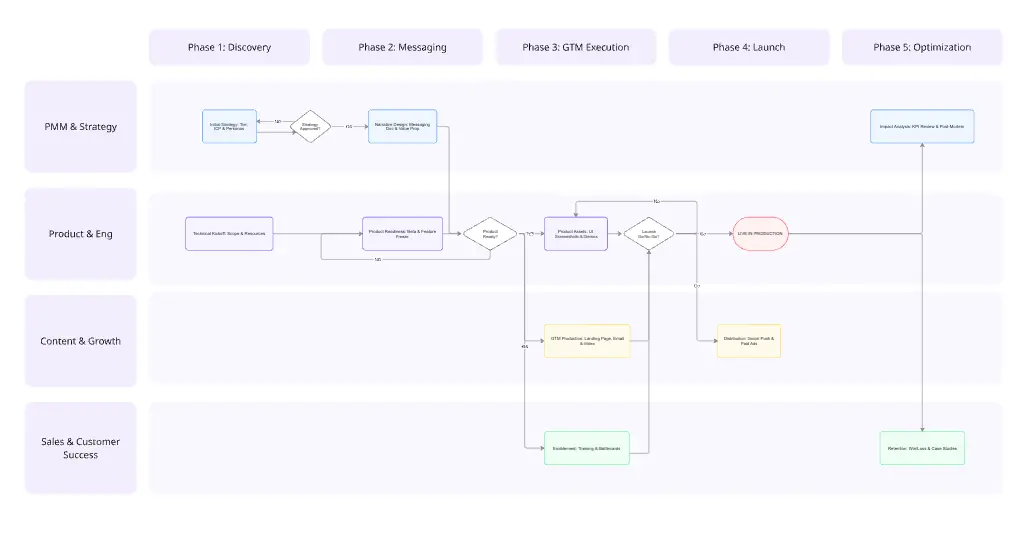
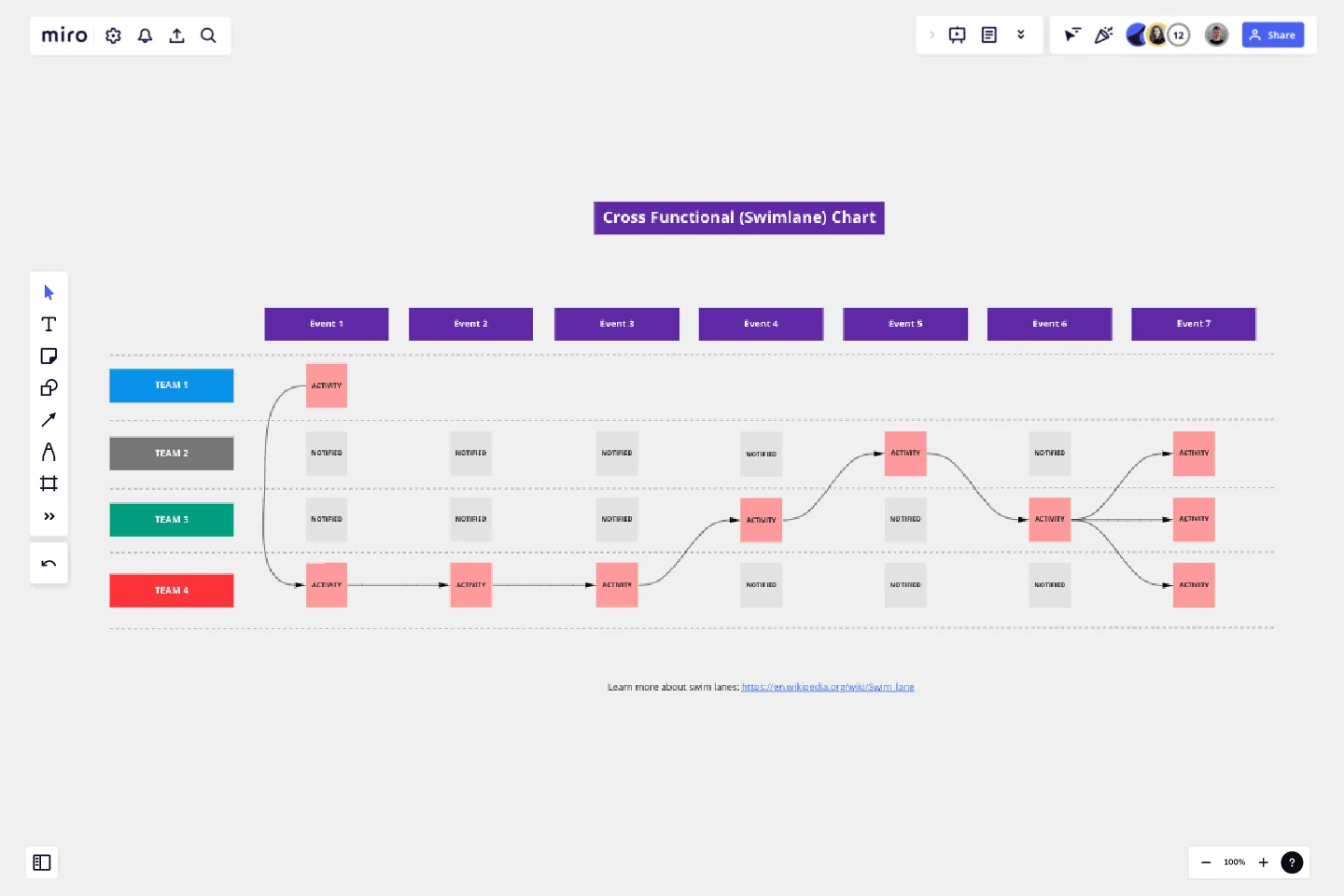
    Handoff failures between product, engineering, and go-to-market are where launches slip. Miro's swimlane layouts make ownership explicit at every step, so tech leads see exactly where their input starts and PMM sees exactly where theirs begins. Whether you're coordinating two squads or twelve, the map replaces the ambiguity.

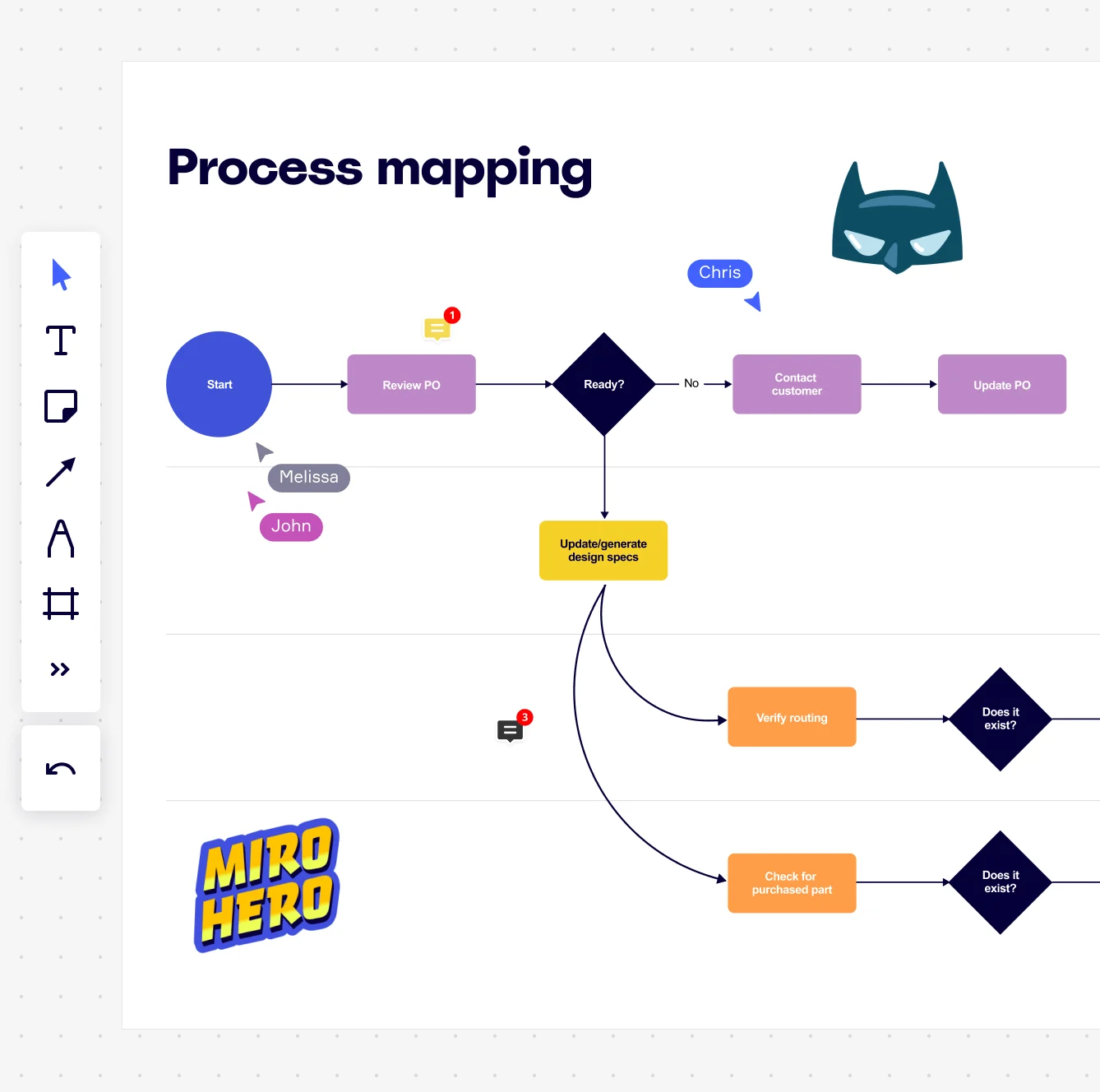
    Miro board displaying a process mapping flowchart with labeled nodes including Start, Review PO, a Ready decision diamond, Contact Customer, Update PO, Update/generate design specs, Verify routing, and Check for purchased part, with collaborative cursors (Chris, Melissa, John), comment badges, and decorative Batman and Miro Hero stickers.
  • Stop rebuilding your process documentation every planning cycle

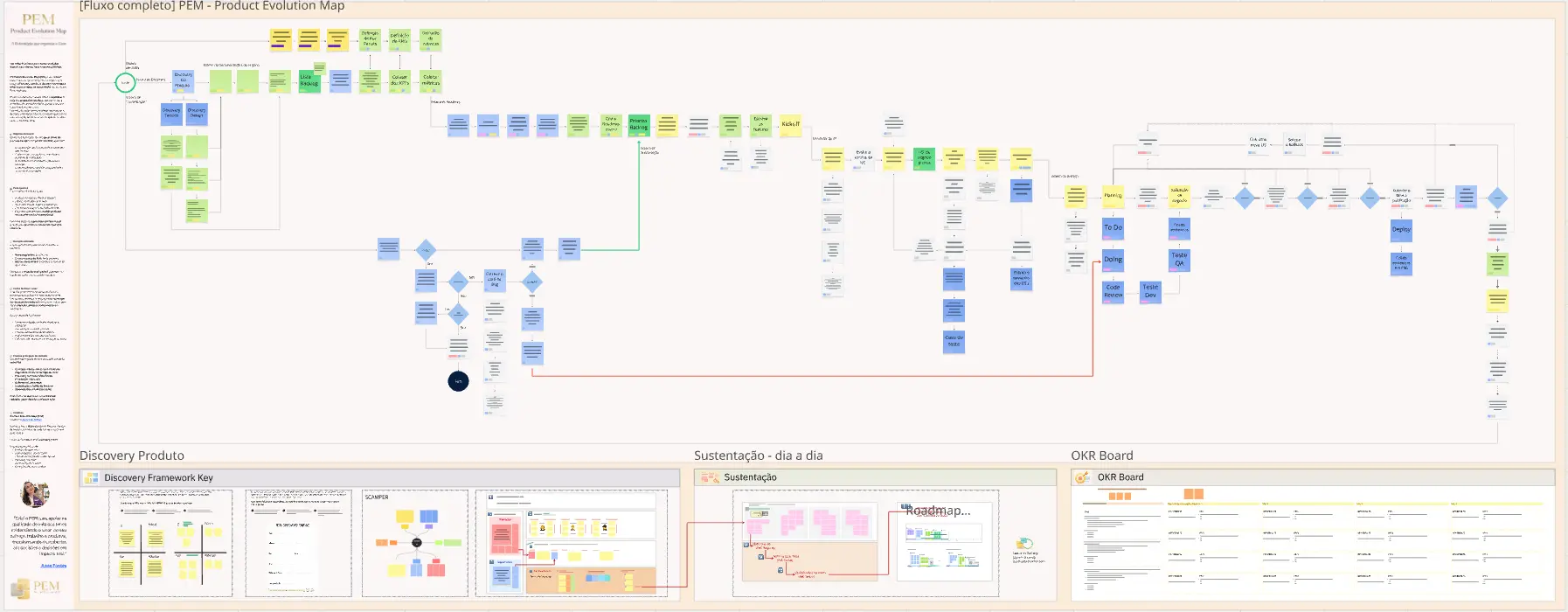
    Small product teams rebuild the same discovery-to-delivery map every quarter because the last one is buried in someone's personal board. Larger orgs duplicate it inconsistently across product lines. Miro's Process Documentation Blueprint packages your high-level map, sub-process detail boards, and improvement tracking into one reusable Space - open it at the start of each planning cycle instead of starting over.

    Miro process mapping board displaying a cross-functional flowchart with circular process nodes (Process 1.0, 1.1, 2.0), decision paths (Yes/No branches leading to 'Accept offer' and 'Decline offer'), and rectangular action steps including 'Send payment', 'Receive Confirmation', 'Receive Decline', and 'Process', connected by solid and dashed arrows.

How product managers get started with Process Mapping in Miro

  • Map your first feature flow

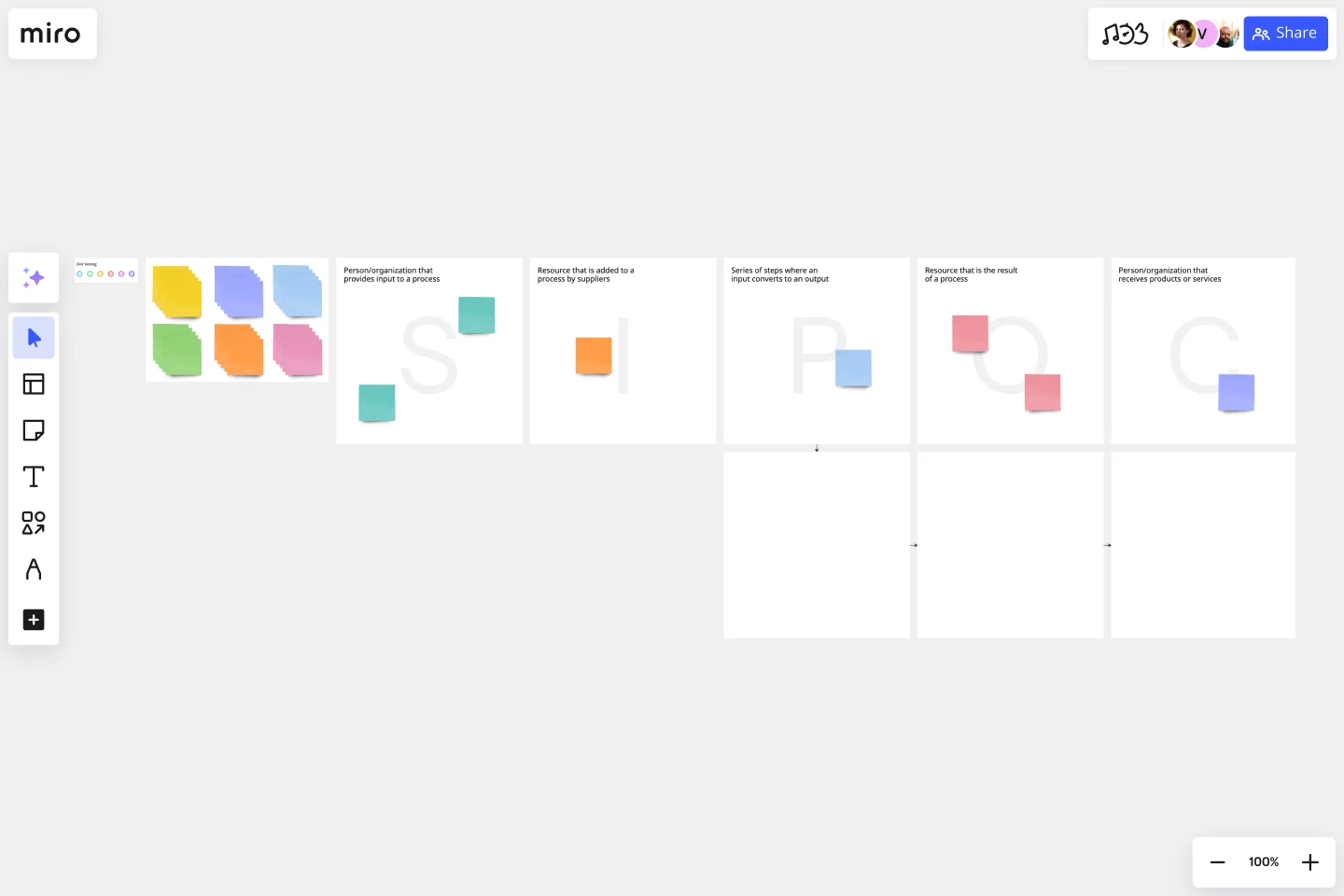
    Open a SIPOC Template to scope the boundaries of a feature delivery process - from the engineering inputs that trigger a sprint to the customer outcome that closes the loop - so your whole team aligns on what's actually being mapped before anyone draws a single connector.

  • Build the current-state map

    In Diagramming Mode, use the Swimlane Shape Pack to assign each stage of your feature's lifecycle to its owner (product, engineering, QA, design), making handoff gaps and waiting states visible the moment you drag in the first shape.

  • Turn bottlenecks into backlog tickets

    As sprint owners flag blockers with Sticky Notes and Comments on the map, use the Jira Integration to convert each pain point directly into a tracked ticket - so identified process debt lands in the backlog with an owner, not a sticky note that disappears after the workshop.

  • Walk leadership through the future state

    Duplicate the validated current-state map, sketch the improved flow, then run Presentation Mode to walk your VP or engineering leads through the before-and-after frame by frame - using built-in Voting to pressure-test which process changes ship in the next quarter vs. which go on the wishlist.

Process mapping tips for product managers

  • If you're drowning in a 50-step discovery-to-launch map, use Frames to separate the high-level flow from sub-process detail - your engineering leads see the whole picture without losing the thread on individual handoffs.

  • Use AI Generate Diagram with a text prompt like "feature request intake to sprint planning, cross-functional" to get a first-draft flow in seconds - it gives the room something concrete to argue with, which moves validation workshops faster than starting from a blank canvas.

  • Before your next quarterly planning cycle, embed the finalized process map in Confluence via the Confluence Integration so it lives next to the spec docs - when the process changes mid-quarter, you update the board once and every linked wiki page reflects it automatically.

Understand how product managers transform their work

  • What I like most about Miro is the great flexibility that having an infinite size frame brings. With this I can create large and complex flows of explanations, dynamics, and much more.

    Verified User

    G2
  • Nothing better for team, product and process management. I fell in love with Miro's templates.

    Verified User

    G2

Process Mapping essential guide for product managers

CategoryKey insights
  • Common mistakes to avoid

    The biggest trap for PMs is mapping the process as it's supposed to work, not how it actually works. Skip the interviews with the people doing the work and you'll miss every workaround, informal handoff, and tribal knowledge shortcut that shapes the real flow. Whether you're a two-person product pod or a 200-person org, agree on your start and end points before you open Miro - scope creep is the fastest way to turn a useful map into a wall of shapes nobody reads.

  • Key integrations for product managers

    Connect Miro to Jira so every process improvement you map links directly to the tickets your engineers are already tracking. Confluence keeps your maps discoverable alongside the specs and docs PMs live in daily, while Asana and Smartsheet handle cross-functional work tracking for orgs that run outside the Jira ecosystem. Already have diagrams in Lucidchart, Visio, or Draw.io? Import them directly so you're not starting from scratch.

  • When to use it

    Reach for process mapping in Miro when your team keeps hitting the same bottleneck sprint after sprint and you need to show - not just describe - where work is getting stuck. It's the right tool when a feature spans multiple departments and every standup reveals that nobody agrees on who owns which handoff. For example, a product team mapping a patient onboarding flow across five departments can use a BPMN template, clarify role ownership with swimlane layouts, and link each improvement directly to Jira tickets - moving from a 14-day process to an 8-day one.

  • Security & Compliance

    Miro is SOC 2 Type II certified, which covers the baseline your security team will ask about regardless of company size. For PMs building products in regulated spaces - healthcare tech, govtech, enterprise SaaS - Miro also supports HIPAA compliance and data residency controls so sensitive process documentation stays in the right region. Granular sharing permissions and Private Mode mean you can run internal working sessions on confidential roadmap processes without worrying about who else might be watching.

Frequently asked questions for product managers

Last updated: Thursday, June 25, 2026