





Andrey
See collaborative AI in action — straight from the Canvas 26 keynote.
Jeff

Process mapping for continuous improvement

Document waste, handoffs, and bottlenecks before your next Kaizen event. Map current-state and future-state side by side.

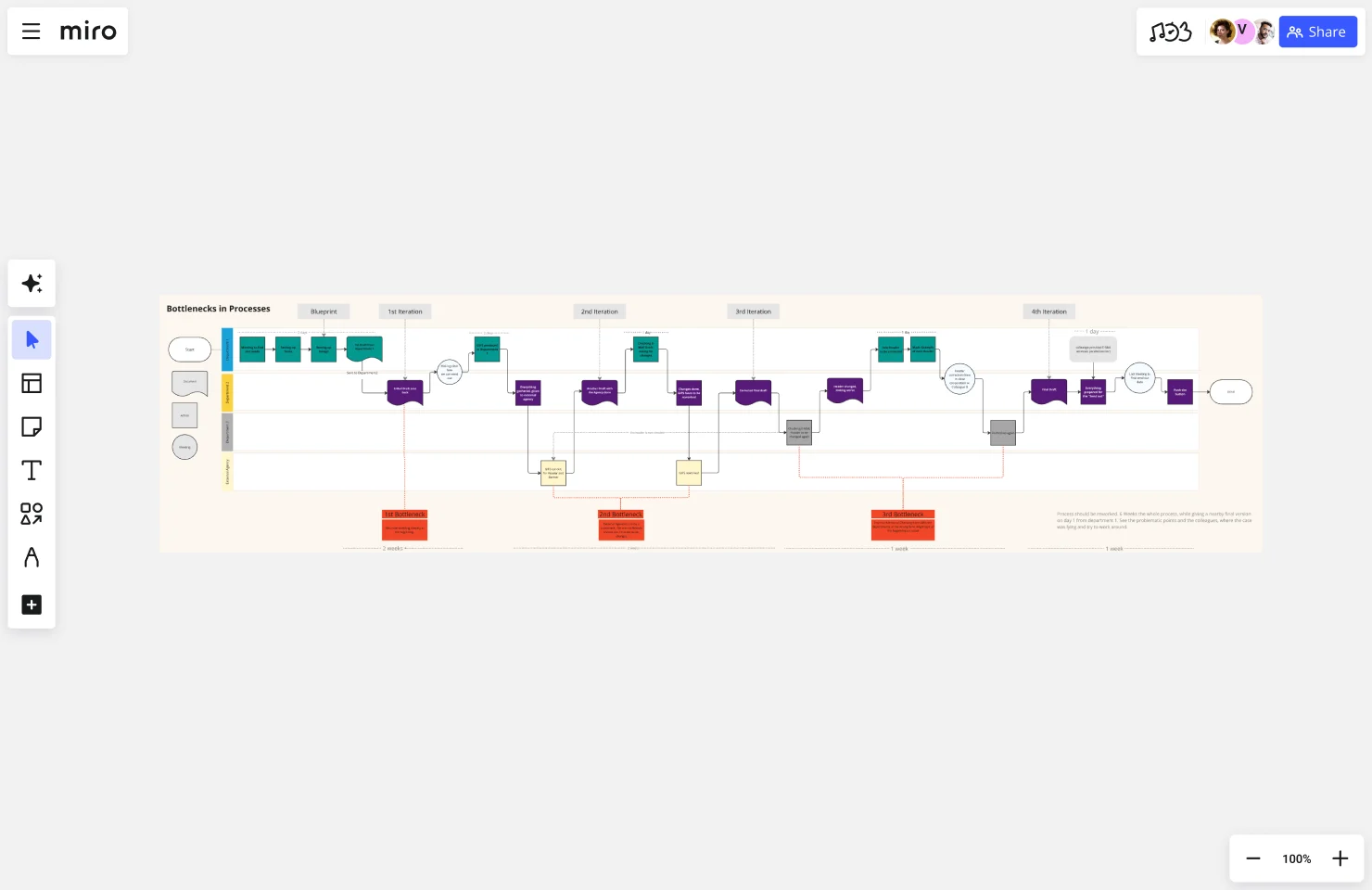
Miro board titled 'Bottlenecks in Processes' showing a multi-iteration process flow diagram with color-coded swimlanes, featuring teal, purple, red, and gray nodes connected by arrows across four iterations (Blueprint through 4th Iteration), with orange 'Bottleneck' callout boxes marking three problem areas and timeline indicators at the bottom.

What experts say

  • Mapping is only a means for those touching a value stream to learn to see together in order to jointly pursue the vital objective: steady, sustainable improvement that benefits everyone.

    Lean Enterprise Institute

    Executive Director · Lean Enterprise Institute

    Keynote Speaker
  • Process mapping is a method that promotes a better understanding of processes and helps organizations identify areas for improvement

    IBM

    Technology and research organization · IBM

    Keynote Speaker

The research on process mapping

  • 45%

    Value stream mapping and kaizen improvements achieved 45% process cycle efficiency (value-added time vs. lead time), well above the 25% threshold that defines a lean process

    Source: Six Sigma Study Guide

  • 30%

    Automotive manufacturer improved throughput by 30% and reduced work-in-process inventory by 20% via process mapping

    Source: Systems and Teams

See process mapping in action

Related templates for continuous improvement managers

We have 168 templates in our library for Process Mapping.

Why continuous improvement managers love mapping processes in Miro

  • Turn kaizen prep into a team effort

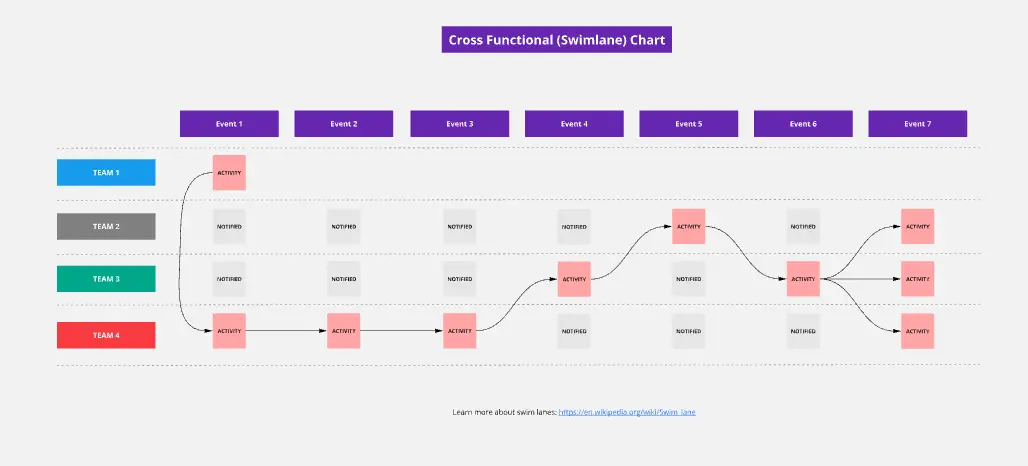
    One analyst can't rebuild the entire value stream from memory alone. Invite process owners from production, quality, and logistics to map their sections simultaneously on a shared canvas. The current-state map reflects what actually happens on the floor, not what the SOP says should happen. Swimlane layouts make cross-functional ownership explicit the moment shapes hit the board.
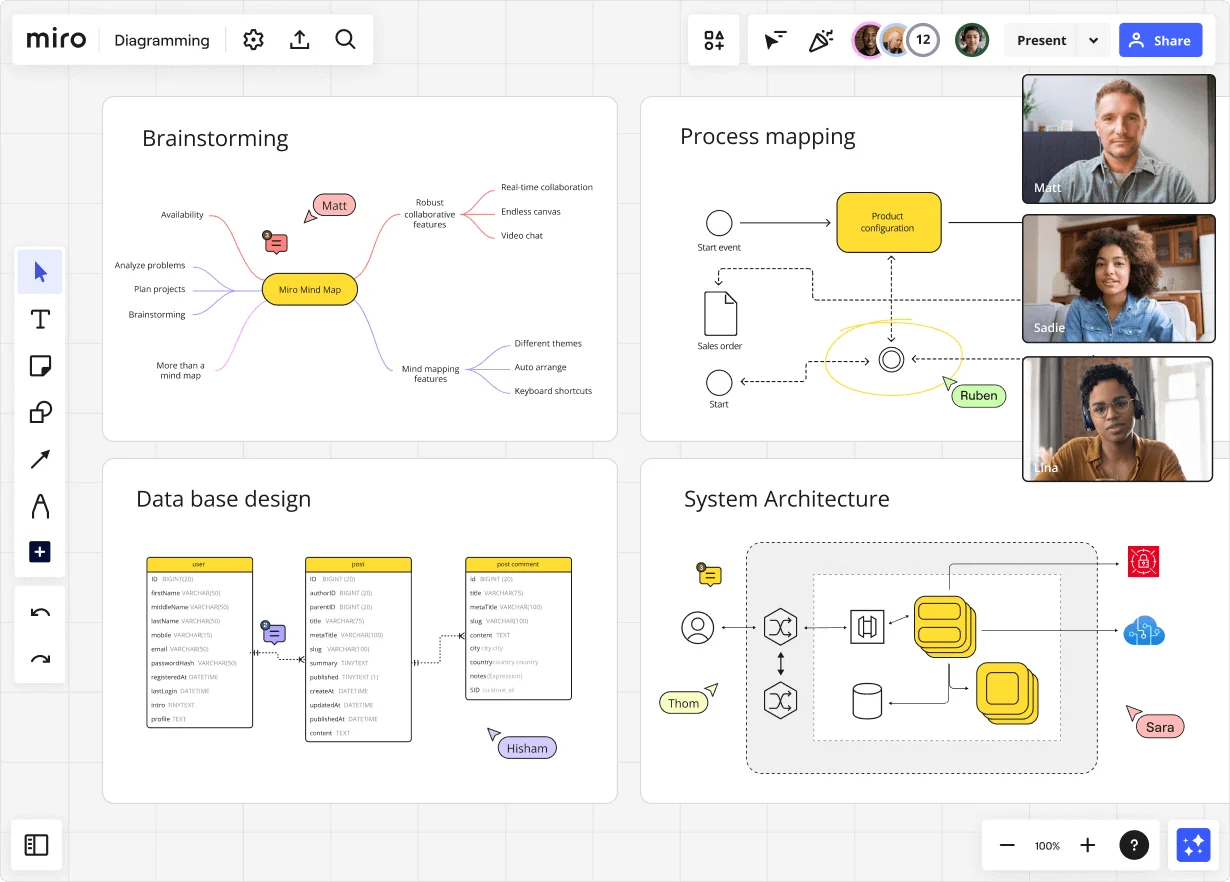
    Miro diagramming board showing four active workspaces: a mind map centered on 'Miro Mind Map' with feature branches, a BPMN-style process mapping flowchart with 'Product configuration' decision node, a database ER diagram with three related tables (user, post, post comment), and a system architecture diagram with interconnected components — all with visible collaborator cursors (Matt, Sadie, Ruben, Lina in video panel, plus Hisham, Thom, Sara as cursor labels).
  • Bring your existing process docs with you

    Whether you're a 3-person CI team or a 500-person ops org running ISO 9001 certification, getting started in Miro takes minutes. Import existing Visio, Lucidchart, and Draw.io files directly with shapes, connectors, and layout intact. No rebuilding, no lost documentation.

    Miro board displaying a BPMN process mapping diagram with two swimlanes (Customer and Online Shop), showing decision gateways, message events, and task boxes for an order/offer workflow including 'Send offer', 'Accept offer', 'Decline offer', 'Send Payment', 'Receive Confirmation', and 'Receive Decline' steps, with the BPMN shapes panel open on the left.
  • Start every mapping session with a working draft

    A blank canvas is where time goes to die. Describe your process in plain language and Miro's AI generates a structured BPMN or swimlane diagram in seconds. CI practitioners react and refine rather than build from scratch. The Process Improvement Blueprint pre-wires your SIPOC, current-state, future-state, and improvement-tracking boards for every new engagement.

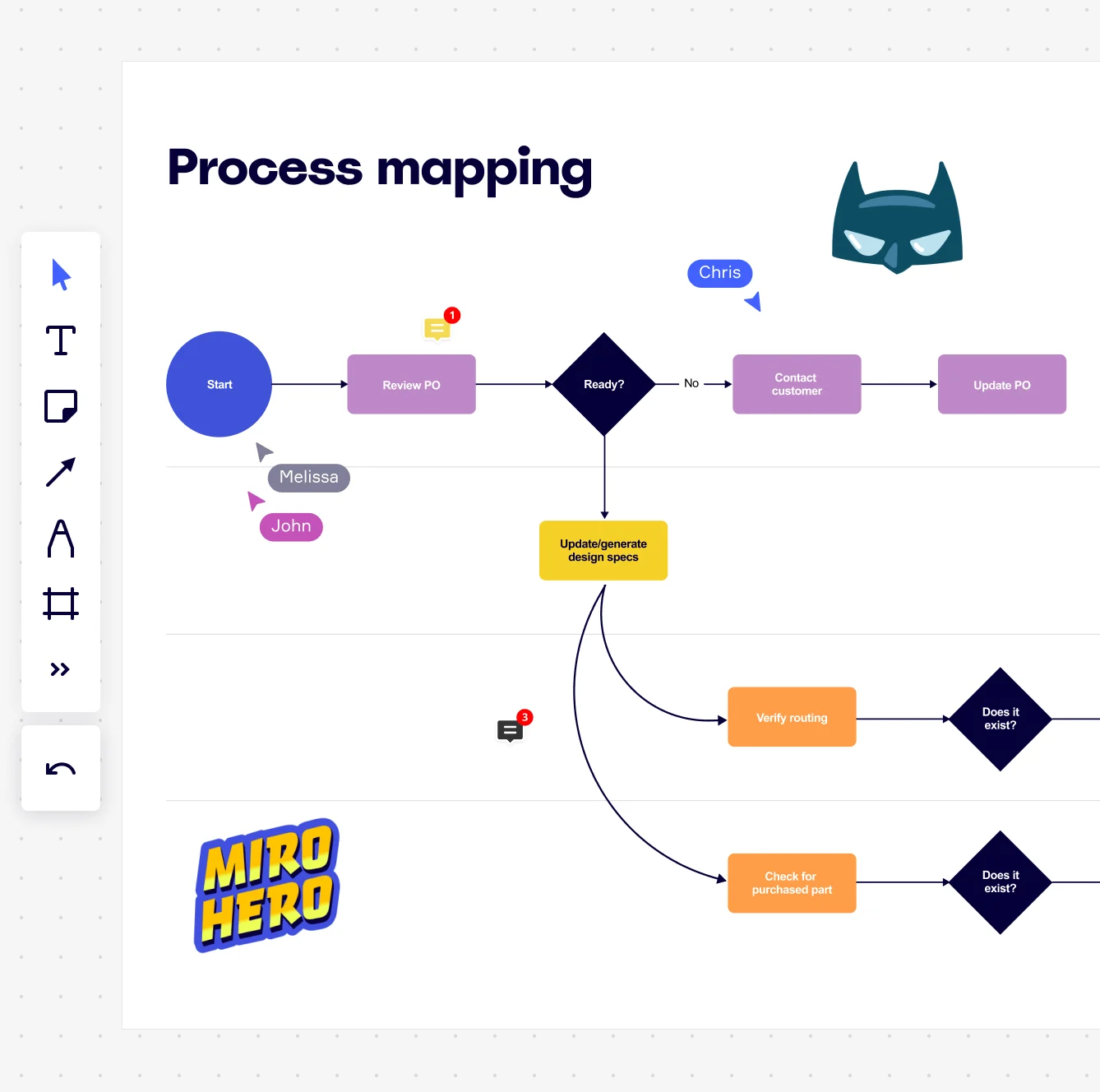
    Miro board displaying a process mapping flowchart with labeled nodes including Start, Review PO, a Ready decision diamond, Contact Customer, Update PO, Update/generate design specs, Verify routing, and Check for purchased part, with collaborative cursors (Chris, Melissa, John), comment badges, and decorative Batman and Miro Hero stickers.
  • Prioritize bottlenecks with consensus, not gut feel

    After mapping a 40-step order fulfillment or patient intake process, dot voting isn't enough. Run a structured Ranking activity during your validation workshop so process owners, floor supervisors, and department leads reach consensus on which waste to tackle first. Calculated from real-time input, not a noisy scatter of dots.

    Miro process mapping board displaying a cross-functional flowchart with circular process nodes (Process 1.0, 1.1, 2.0), decision paths (Yes/No branches leading to 'Accept offer' and 'Decline offer'), and rectangular action steps including 'Send payment', 'Receive Confirmation', 'Receive Decline', and 'Process', connected by solid and dashed arrows.
  • One process map, everywhere it needs to be

    Embed your finalized BPMN or value stream map into Confluence, Coda, or Notion via a single /miro command. It updates everywhere when you edit the source. Generate your operations-leadership readout deck straight from your process-map frames, with current-state, bottleneck summary, and future-state slides already built in.

    Miro board displaying a BPMN process mapping diagram with two swimlanes (Customer and Online Shop), showing decision gateways, message events, and task boxes including 'Send offer', 'Accept offer', 'Decline offer', 'Send Payment', 'Receive Confirmation', 'Receive Payment', and 'Receive Decline', alongside the BPMN diagramming shapes panel on the left.

How continuous improvement teams get started with Process Mapping in Miro

  • Open a SIPOC template, scope your process

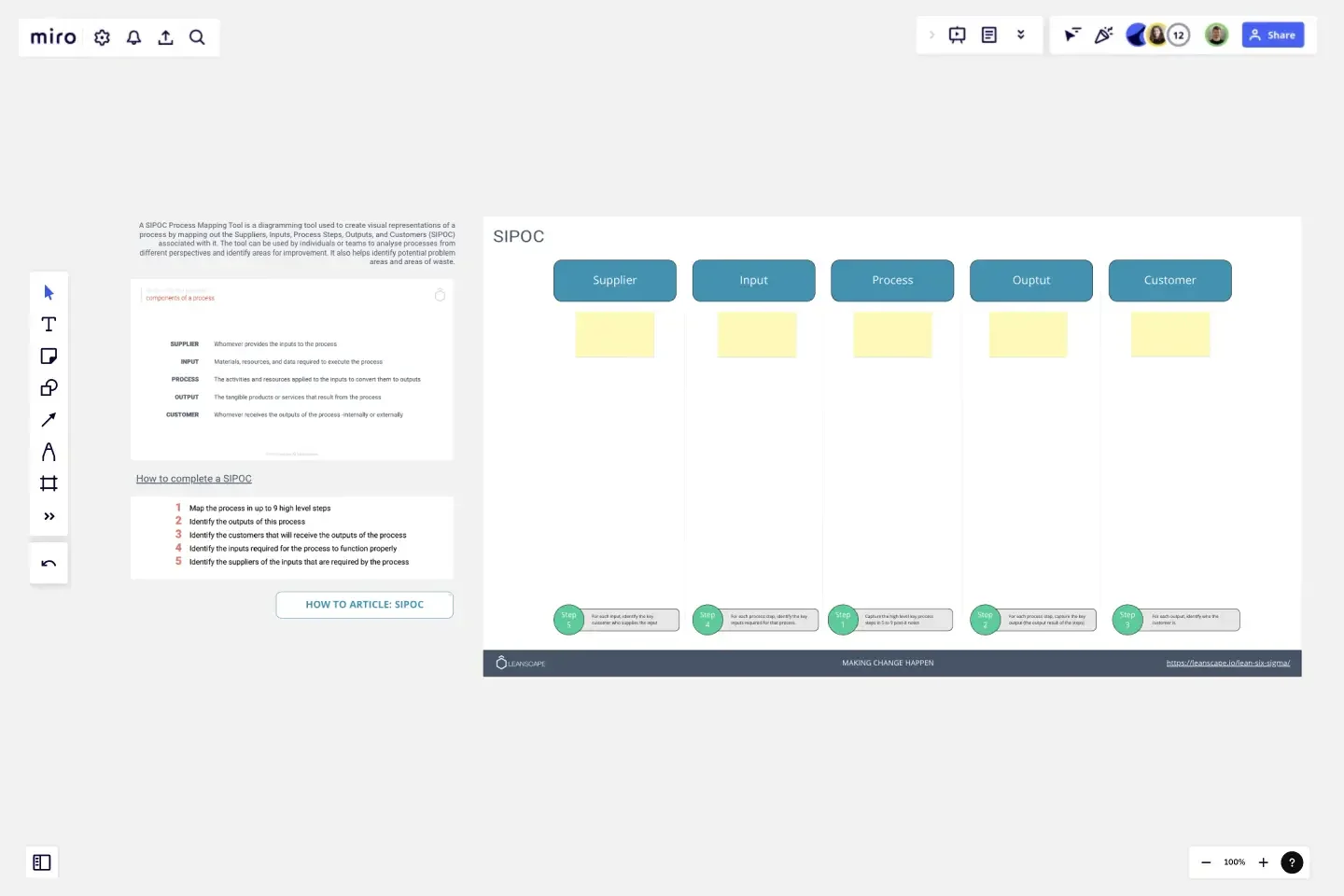
    Pull up Miro's SIPOC Template and spend your first five minutes defining the trigger event (say, a customer complaint or a cycle-time spike) and the end state, so your mapping session doesn't sprawl into every adjacent workflow your team touches.

  • Map current state in swimlanes, warts and all

    Open Diagramming Mode, pick the VSM or BPMN Shape Pack for notation your master black belt won't question, then build the actual process (not the approved SOP version) by dropping each handoff into its own swimlane so ownership gaps and rework loops are impossible to ignore.

  • Flag waste with sticky notes, prioritize with Engage

    Have process participants tag bottlenecks and delay points directly on the map using Sticky Notes, then run a Miro Engage Scales activity to score each step on pain and confidence before using Ranking to surface the highest-impact improvement candidates from the group in real time.

  • Generate your future-state map and build the action plan

    Duplicate the current-state diagram, use AI Generate Diagram to draft a leaner future-state version, then convert every agreed improvement into a Jira Card directly from the board so each change has an owner and a due date before anyone leaves the workshop.

Process Mapping tips for continuous improvement managers

  • Use Synced Copies to push your master process map to sub-process boards automatically so a change in one place propagates everywhere within seconds, not across five inconsistent Confluence attachments.

  • Write your SOP as a Miro Doc alongside the diagram rather than in a separate Word file - drag the synced process map straight into the Doc so the narrative and the visual never drift apart at audit time.

  • Before each validation workshop, run the Software Architect Sidekick via an Action Shortcut on the live map to catch orphaned steps and unowned swimlane segments before your process owner spends 45 minutes finding them manually.

Understand how continuous improvement managers transform their work

  • Perfect tool to visualize and trace back complex input from multiple stakeholders aiming the objective of enhancing corporate processes.

    Verified User

    G2
  • I’ve been utilizing the AI agent Sidekick, and it’s definitely been helpful for process mapping.

    Verified User

    G2

Process Mapping essential guide for continuous improvement managers

CategoryKey insights
  • Common mistakes to avoid

    The most common trap CI managers fall into is mapping the process as it's written in the SOP rather than how it actually runs on the floor - if you're not talking to the people doing the work, you're documenting a fantasy. Skipping scope definition is equally costly: without agreed start and end points, your map will keep growing as every stakeholder adds one more upstream step, and you'll never reach a version you can act on. Whether you're running a lean event at a single site or rolling out a process standardization program across multiple facilities, pick one notation standard - BPMN or flowchart - and stick with it. Mixing symbols across maps creates confusion the moment you try to compare processes or hand documentation to a new team.

  • Key integrations for continuous improvement managers

    Link your Miro process maps to Jira so every improvement action you identify has a ticket behind it - it's the difference between a map that drives change and one that collects dust. If your organization already runs on Confluence, Asana, or Smartsheet for tracking corrective actions or project milestones, those integrations keep your process documentation connected to the work actually happening. For CI leads inheriting a library of existing diagrams, Miro's Visio, Lucidchart, and Draw.io import means you're not starting from scratch - you bring your current-state maps in and build from there.

  • When to use it

    Use this when you're kicking off a lean or continuous improvement initiative and need the team to agree on what the current state actually looks like before anyone jumps to solutions. It's a natural fit when a cross-functional value stream spans multiple departments - say, a patient intake flow touching clinical, administrative, and billing teams - and you need swimlanes to make ownership and handoff points impossible to argue about. It also pays off before compliance audits or certification reviews where you need formal process documentation in BPMN or flowchart notation that stakeholders can validate and sign off on.

  • Security & compliance

    Miro is SOC 2 Type II certified, which covers the baseline most operations and CI teams need when storing process documentation that includes sensitive workflow data. For CI managers in healthcare-adjacent industries or government sectors, Miro's HIPAA compliance and data residency controls mean you can map regulated processes without routing sensitive information outside approved boundaries. Enterprise organizations get granular sharing permissions and admin controls so process maps can be shared with the right frontline teams and external auditors without opening up anything they shouldn't see.

Frequently asked questions for continuous improvement managers

Last updated: Thursday, June 25, 2026