





Andrey
See collaborative AI in action — straight from the Canvas 26 keynote.
Jeff

Process mapping for regulatory affairs professionals

Turn submission-ready SOPs and cross-functional compliance workflows into living diagrams your whole regulatory team can build together. No more stale files.

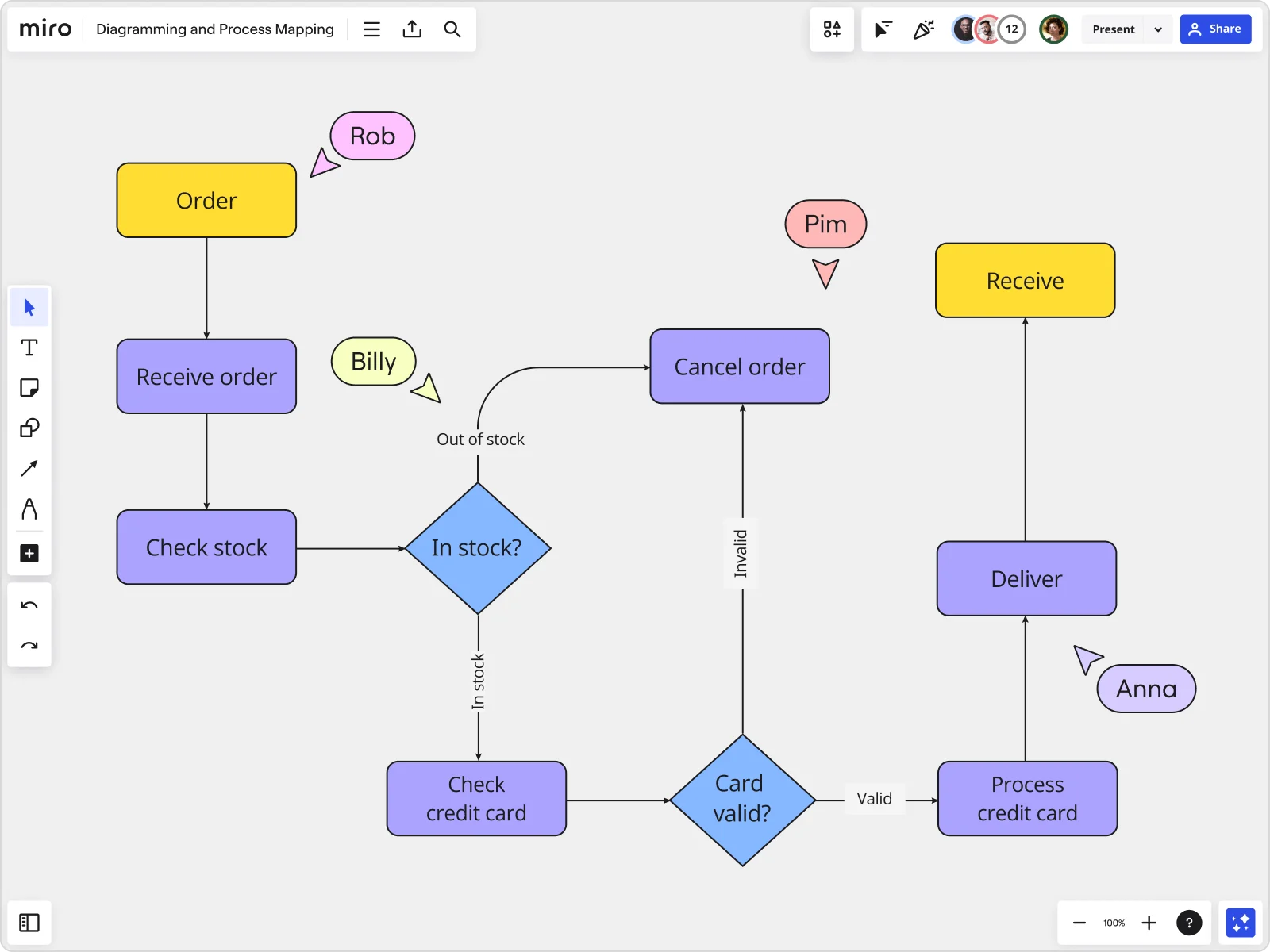
Miro board displaying a detailed order processing flowchart with colored decision diamonds (blue) for 'In stock?' and 'Card valid?' checks, purple process blocks for steps like 'Receive order', 'Check stock', 'Check credit card', 'Process credit card', 'Deliver', and 'Cancel order', a yellow 'Order' start block and 'Receive' end block, plus named collaborator cursors (Rob, Billy, Pim, Anna) visible on the canvas.

What experts say

  • Process mapping gives organizations a start-to-finish look at their workflows, making it easier to grasp how everything works behind the scenes.

    ABBYY Content Team

    Marketing and Product Specialists · ABBYY

    Practitioner
  • Process mapping is an organized way to record all the activities performed by a person or machine, with a customer or on materials, and it can be carried out for manufacturing and nonmanufacturing processes.

    T. Gourishankar

    Author · ASQ

    Keynote Speaker

The research on process mapping

  • 50%

    Process mapping facilitated reducing paperwork by 50%

    Source: Hospital Material Management Quarterly (Savory & Olson)

  • 25%

    Global electronics company reduced defect rates by 25% using Lean Six Sigma process mapping

    Source: Systems and Teams

See process mapping in action

Related templates for regulatory affairs professionals

We have 88 templates in our library for Process Mapping.

Why regulatory affairs professionals love mapping processes in Miro

  • Stop rebuilding BPMN diagrams every audit cycle

    Last cycle's Visio file. The wrong editor. A process that's changed since. Miro's BPMN shape pack gives your team a notation-correct starting point, with gateways, pools, lanes, and sub-processes that snap together cleanly. Status Labels (Draft / In Review / Published) tell every reviewer exactly where the document stands. No email required.
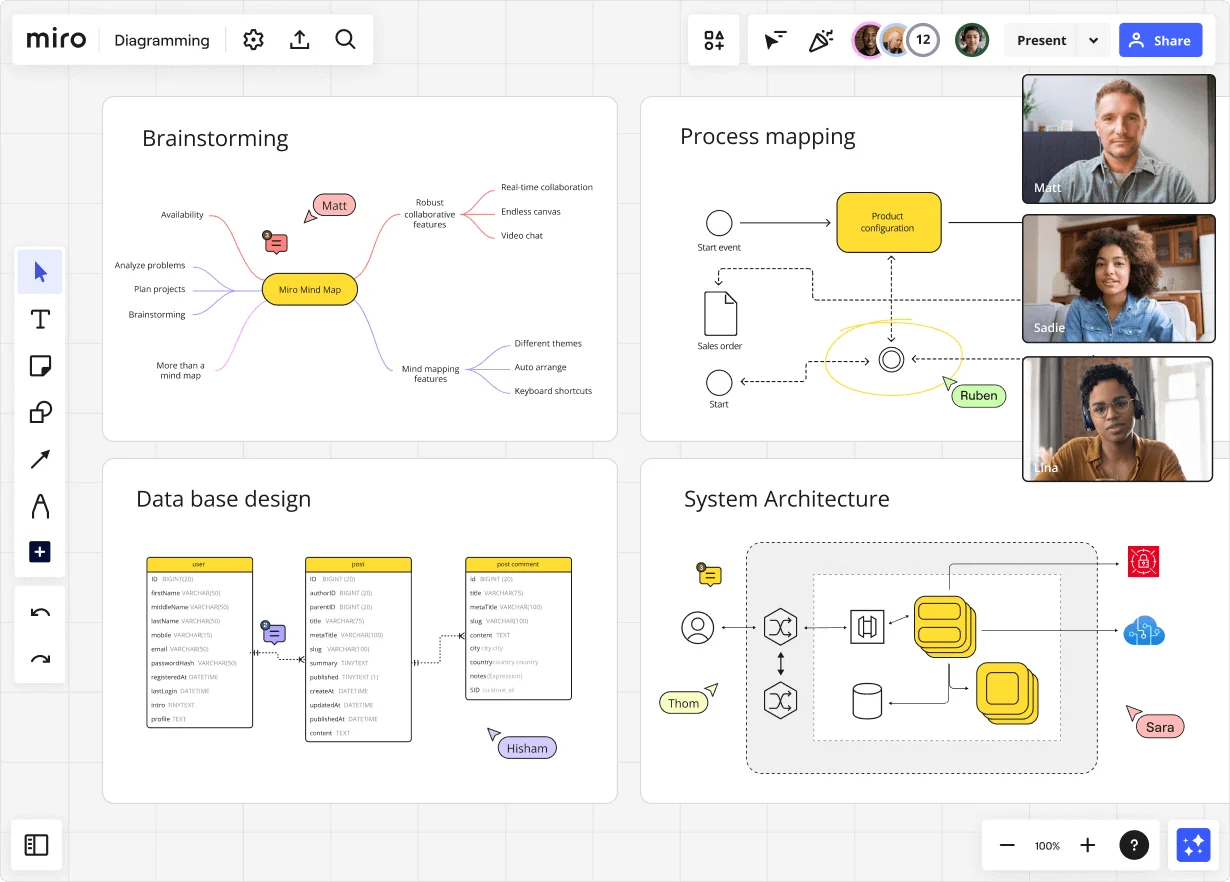
    Miro diagramming board showing four active workspaces: a mind map centered on 'Miro Mind Map' with feature branches, a BPMN-style process mapping flowchart with 'Product configuration' decision node, a database ER diagram with three related tables (user, post, post comment), and a system architecture diagram with interconnected components — all with visible collaborator cursors (Matt, Sadie, Ruben, Lina in video panel, plus Hisham, Thom, Sara as cursor labels).
  • One source of truth, even under inspection pressure

    When a health authority asks for your change control process at 9 am, you shouldn't be hunting through SharePoint. Synced Copies push any edit from your master process map to every sub-process board in about ten seconds. Regulatory directors and QA leads always reference the same canonical version. Never a forked copy.

    Miro board displaying a BPMN process mapping diagram with two swimlanes (Customer and Online Shop), showing decision gateways, message events, and task boxes for an order/offer workflow including 'Send offer', 'Accept offer', 'Decline offer', 'Send Payment', 'Receive Confirmation', and 'Receive Decline' steps, with the BPMN shapes panel open on the left.
  • SOP, diagram, and auditor handoff in one place

    Miro Docs lets you drag a synced process-map diagram and input/output tables directly into an SOP runbook. Export to Markdown for your documentation wiki or PDF for the agency handoff, without ever leaving the canvas.

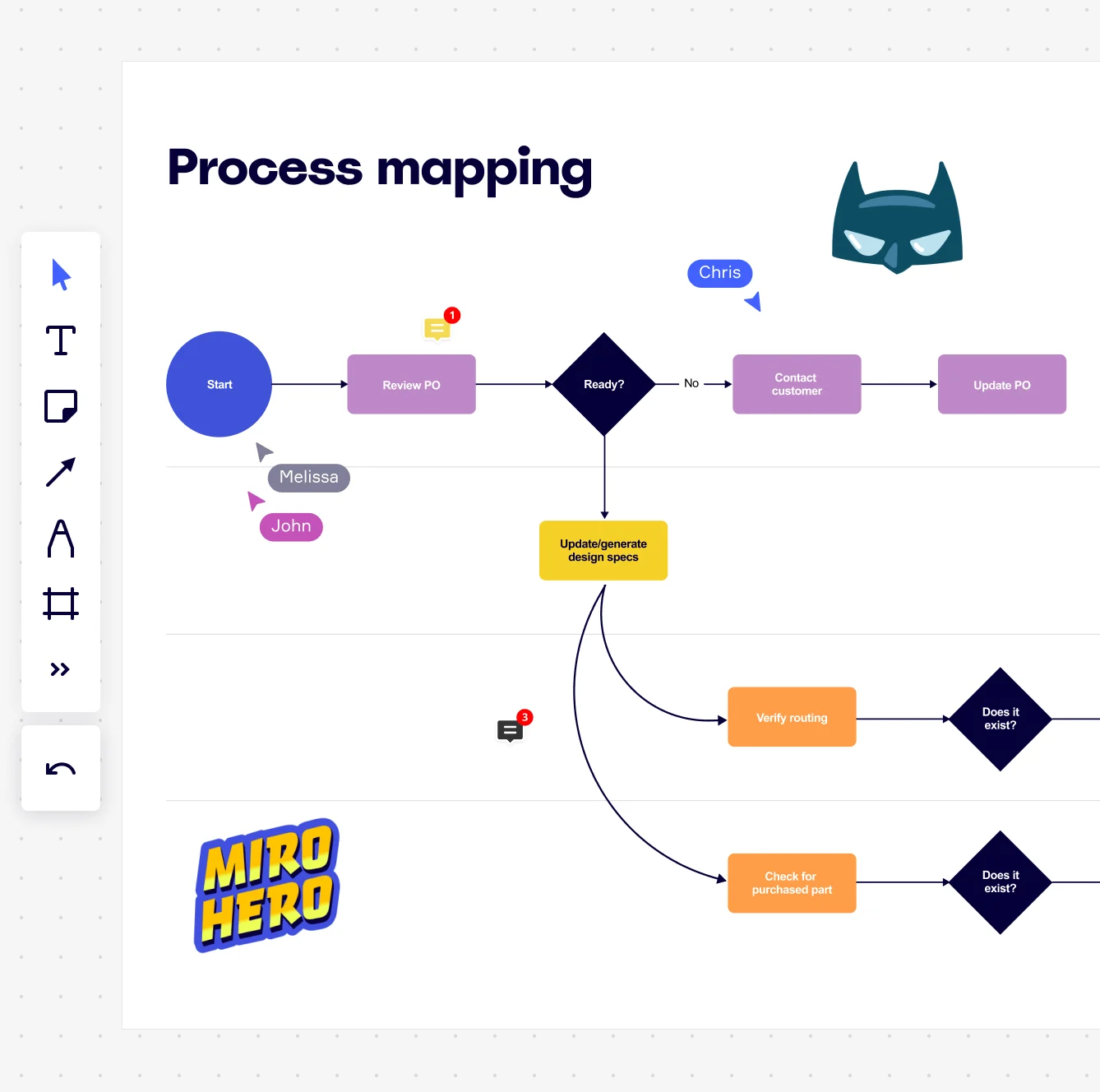
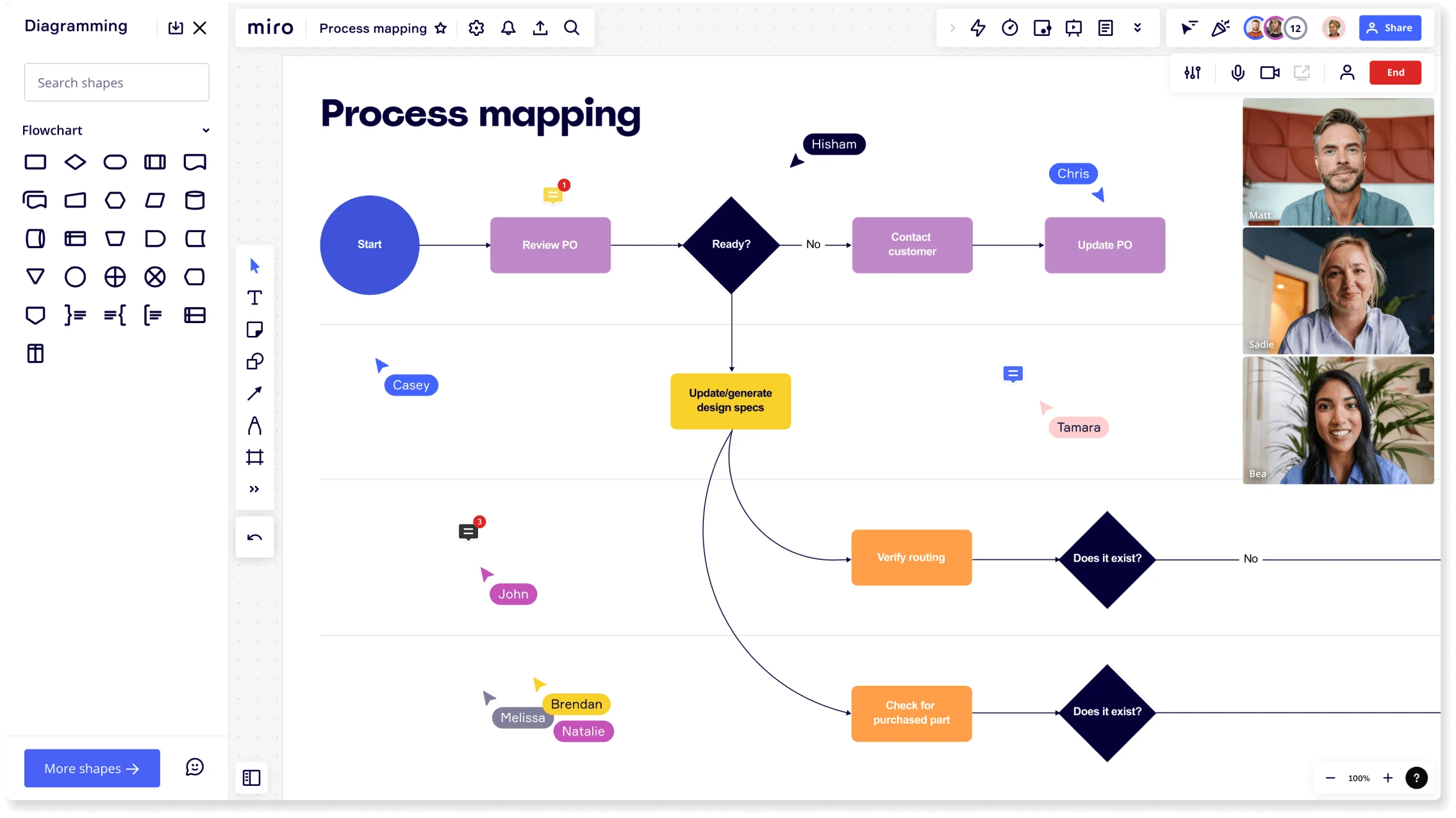
    Miro board displaying a process mapping flowchart with labeled nodes including Start, Review PO, a Ready decision diamond, Contact Customer, Update PO, Update/generate design specs, Verify routing, and Check for purchased part, with collaborative cursors (Chris, Melissa, John), comment badges, and decorative Batman and Miro Hero stickers.
  • Capture what actually happens, not what's supposed to happen

    Quality leads, regulatory scientists, and manufacturing compliance officers can map their sections of the process simultaneously. Institutional knowledge that a solo analyst working from policy documents would miss gets captured in real time.

    Miro process mapping board displaying a cross-functional flowchart with circular process nodes (Process 1.0, 1.1, 2.0), decision paths (Yes/No branches leading to 'Accept offer' and 'Decline offer'), and rectangular action steps including 'Send payment', 'Receive Confirmation', 'Receive Decline', and 'Process', connected by solid and dashed arrows.
  • Run validation walkthroughs that actually close

    Walking a cross-functional group through a 47-step submission workflow via emailed PDFs guarantees 11 different versions of the same comment. Presentation Mode lets regulatory directors and manufacturing liaisons review the map live, with built-in voting and a timer. One session. Not five rounds of feedback.

    Miro board displaying a BPMN process mapping diagram with two swimlanes (Customer and Online Shop), showing decision gateways, message events, and task boxes including 'Send offer', 'Accept offer', 'Decline offer', 'Send Payment', 'Receive Confirmation', 'Receive Payment', and 'Receive Decline', alongside the BPMN diagramming shapes panel on the left.

How regulatory affairs professionals get started with Process Mapping in Miro

  • Map your first regulatory workflow

    Open a SIPOC Template to define your submission process from end to end - identify your regulatory bodies as customers, your source documents as inputs, and your approval milestones as outputs before you add a single shape.

  • Build your compliance process map

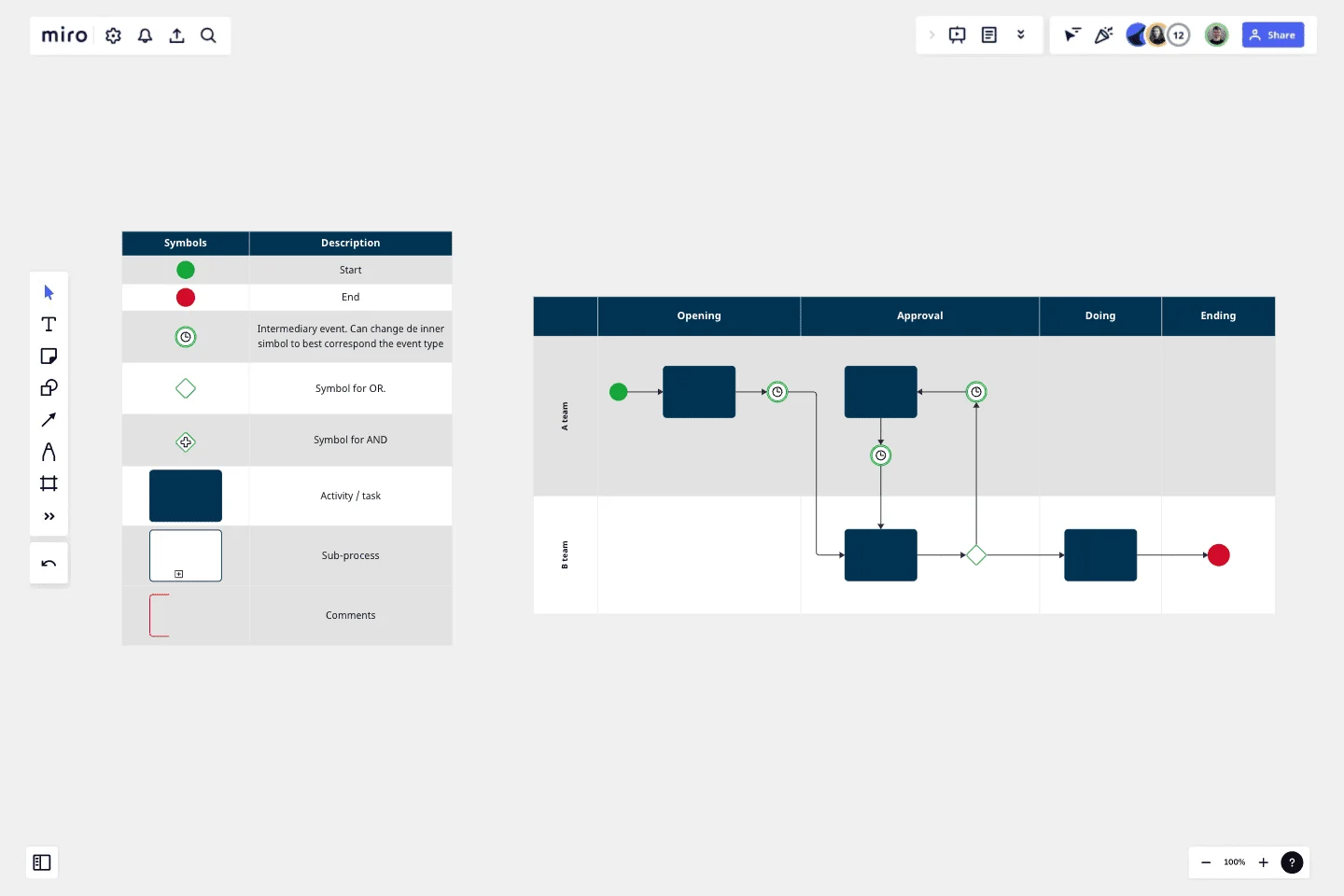
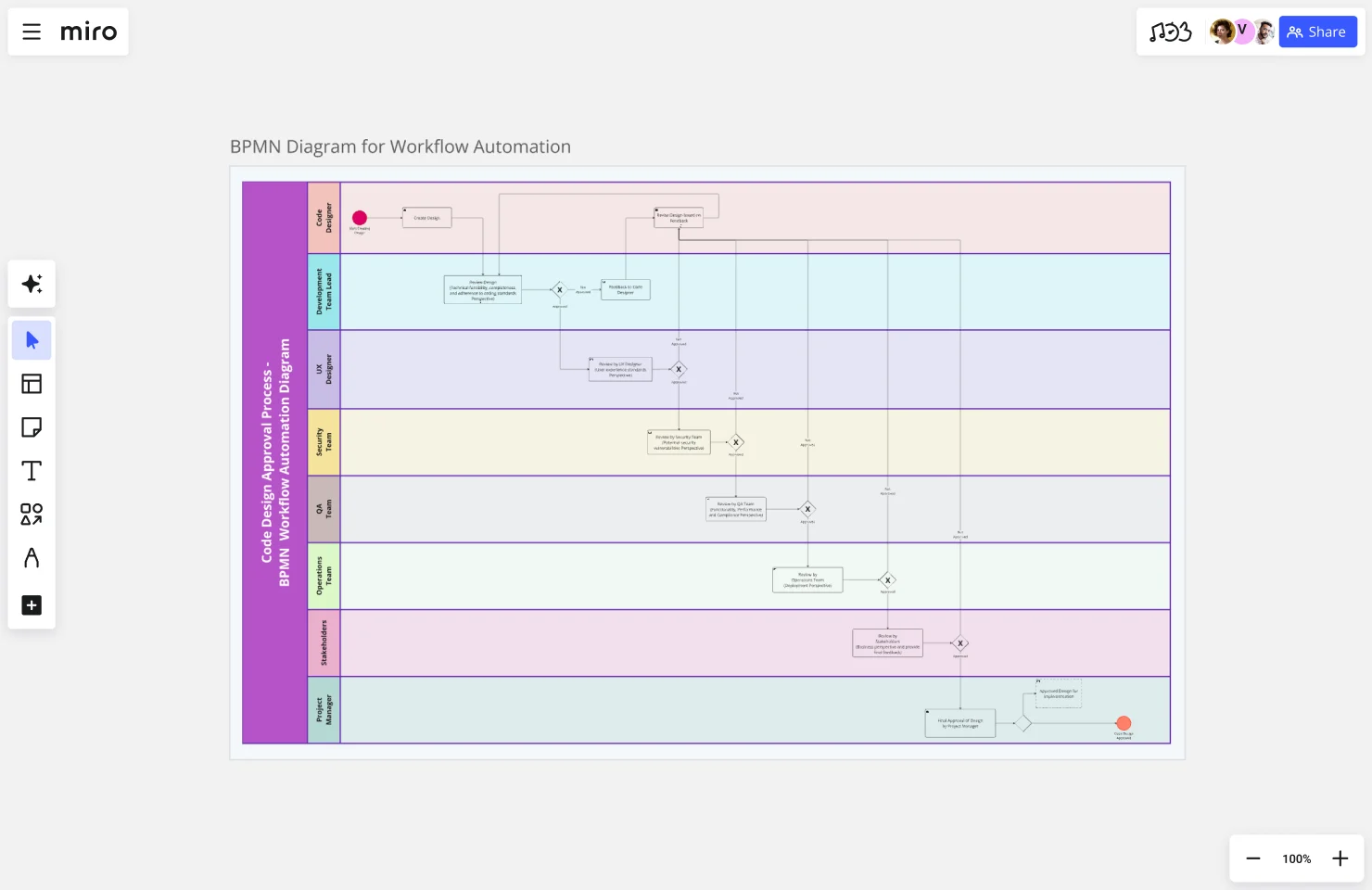
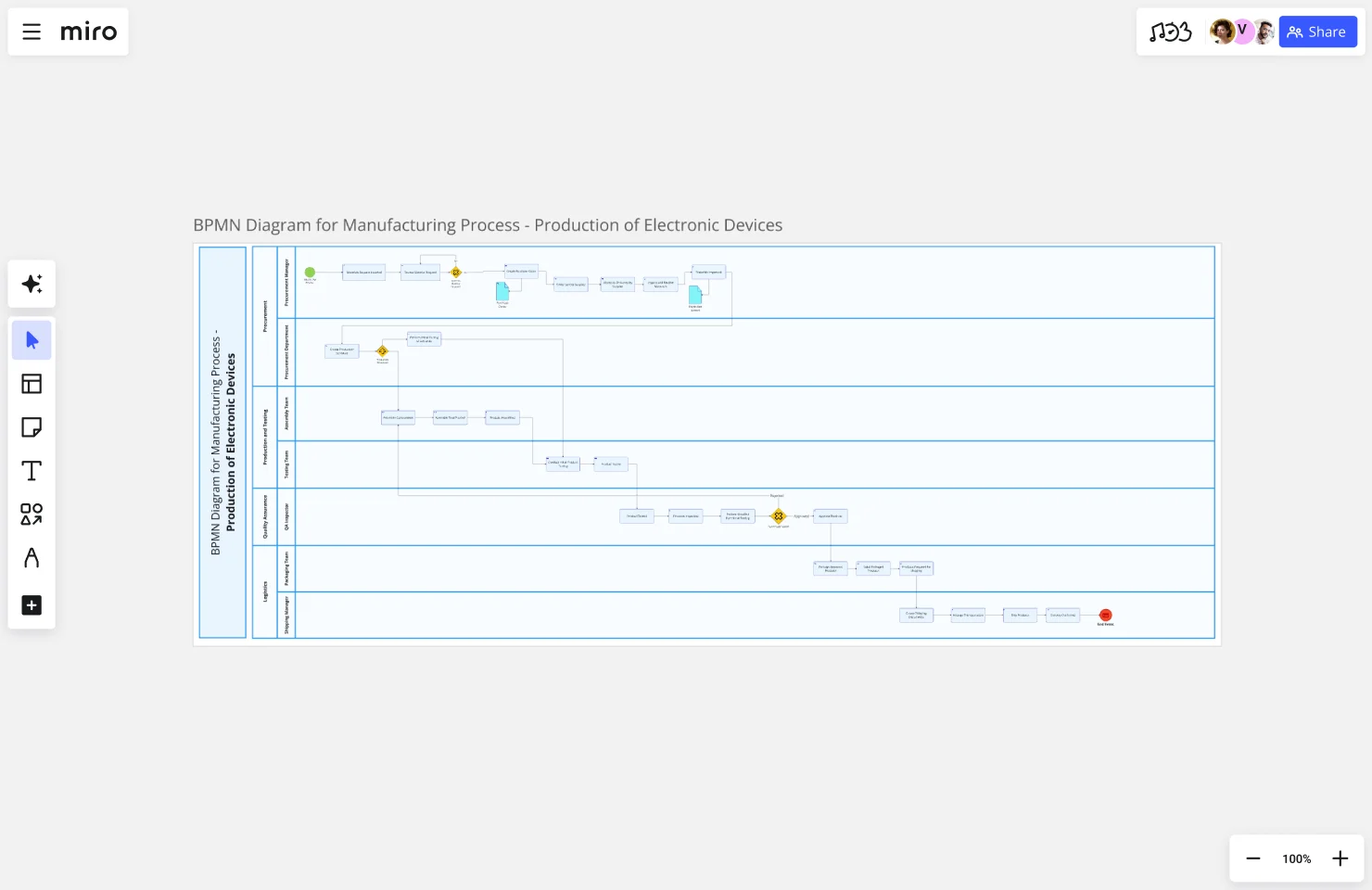
    In Diagramming Mode, select the BPMN Shape Pack and map your actual submission or approval workflow lane by lane - one swimlane per department (regulatory affairs, legal, quality assurance) so every handoff and sign-off responsibility is visually explicit.

  • Turn your map into a living SOP

    Create a Miro Doc alongside your process diagram, drag in a Synced Copy of your map so the two stay locked in step, then use AI Actions to rewrite dense regulatory language into plain-language runbook steps your entire organization can follow.

  • Run your validation walkthrough

    Present your completed process map to quality and compliance leads in Presentation Mode, using built-in Voting to prioritize which procedural gaps to fix first and Comments to capture annotated feedback directly on the steps that need revision.

Process mapping tips for regulatory affairs professionals

  • When you identify a process step that varies by jurisdiction or product class, use Status Labels (Draft / In Review / Published) so regulatory affairs professionals reviewing the map always know which version of a procedure is audit-ready.

  • For enterprise regulatory affairs teams managing multiple submission types, use Frames to separate high-level overview flows from detailed sub-process maps - link from the master procedure down to the specific steps for IND filings, 510(k)s, or MAAs without cramming every variant into one view.

  • Before your next inspection or audit readout, use AI Slides to generate a structured leadership deck directly from your process map frames so regulatory affairs professionals spend their time preparing for the review, not reformatting diagrams into PowerPoint.

Understand how regulatory affairs professionals transform their work

  • Miro has quickly become an essential tool in my daily workflow over the past three months. I'm amazed by its versatility – I've effortlessly used it for mind mapping, process mapping, and brainstorming sessions, and it's been fantastic for each. What's really surprising is how intuitive and simple it is to use; I jumped right in without any setup or excesive implementation effort.

    Verified User

    G2
  • I like that Miro is very easy to use and follow along. I also like that it helps me stay organized, and serves as a whiteboard to brainstorm and convey ideas. One thing that it helps with is seeing any holes in a process.

    Verified User

    G2

Process Mapping essential guide for regulatory affairs professionals

CategoryKey insights
  • Common mistakes to avoid

    The most common trap for regulatory affairs professionals is mapping the process as it's written in your SOPs rather than how it actually runs on the floor - those informal workarounds and exception paths are exactly where compliance gaps hide. Don't try to cram every sub-step, edge case, and deviation into a single diagram. Pick one notation standard (BPMN works well for regulatory affairs professionals who need audit-ready documentation), use the matching Miro shape pack, and keep each map scoped to a defined start and end point. Whether you're a two-person regulatory team or a global RA function, treat your maps as living documents - a submission process that looked accurate in January can be dangerously stale by the time an inspector arrives in Q3.

  • Key integrations for regulatory affairs professionals

    Jira and Confluence connect your process maps directly to corrective action tickets and controlled documentation, so regulatory affairs professionals can trace every process change back to its source without hunting through email threads. Smartsheet works well for regulatory affairs professionals managing deviation logs or change control timelines alongside their maps. If your organization already has process documentation in Visio, Lucidchart, or Draw.io, Miro's import capability lets regulatory affairs professionals bring those existing assets in rather than rebuilding from scratch.

  • When to use it

    Reach for Process Mapping in Miro when you're preparing for a regulatory audit or certification submission and need formal, stakeholder-validated documentation using standardized notation like BPMN. For example, a regulatory affairs team mapping a multi-department patient onboarding or drug approval workflow can use swimlane layouts to pin clear ownership to each step, then walk department heads through the current-state map using Presentation Mode before designing a future state that removes redundant approval loops. It's equally useful when new regulatory affairs professionals join the team - a validated visual process map gets them up to speed faster than a folder full of written SOPs ever will.

  • Security & compliance

    Miro is SOC 2 Type II certified and HIPAA compliant, which matters when regulatory affairs professionals are documenting processes that touch patient data, clinical workflows, or other protected information. Granular sharing permissions and Private Mode mean you can control exactly who sees sensitive process documentation during a live mapping session. For larger regulatory affairs organizations with strict data governance requirements, Miro's data residency controls give IT and compliance leadership the confidence to run enterprise-wide process mapping on the platform.

Frequently asked questions for regulatory affairs professionals

Last updated: Thursday, June 25, 2026