Customer feedback platform built for teams


















Transform customer feedback into products people love
Why teams choose Miro for customer feedback management

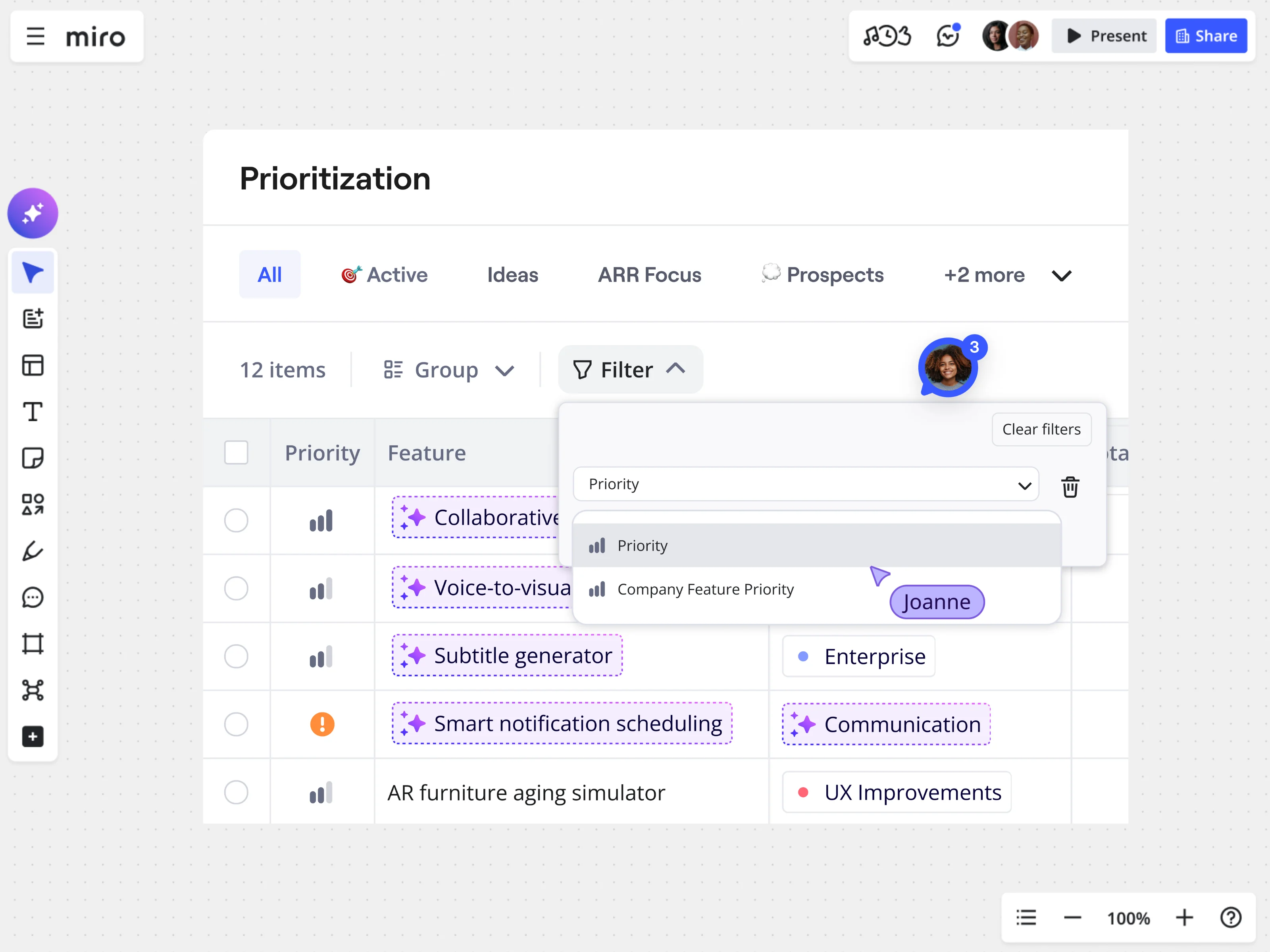
See patterns across thousands of feedback points
No more manual tagging and hoping themes appear. Miro’s customer feedback analysis tool groups similar comments into visual clusters, making patterns easy to spot. You can automatically group feedback, map requests to user segments, or sort by urgency and business impact.

Capture feedback from everywhere your customers talk
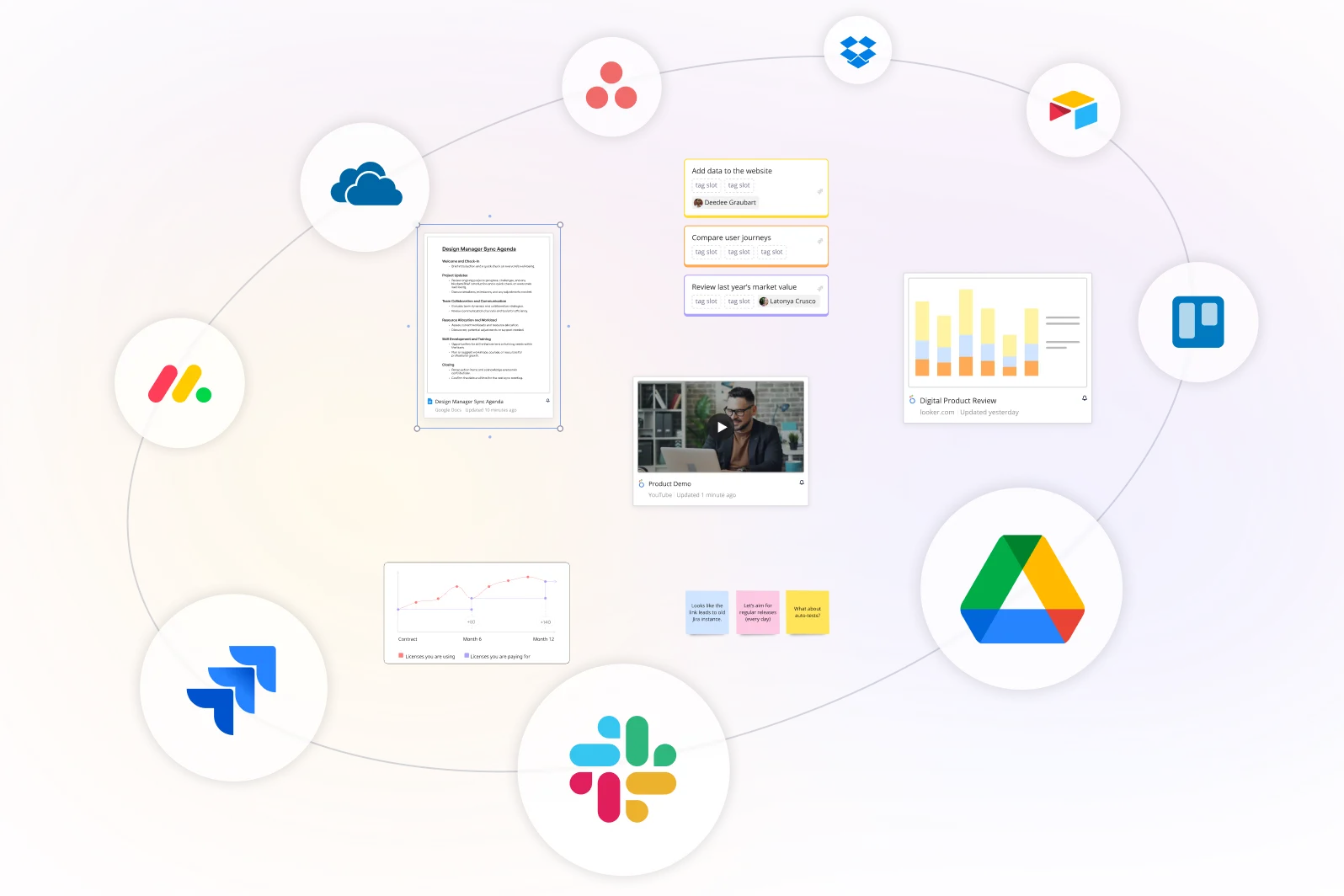
Gather customer feedback from every channel without switching tools. Connect support platforms like Zendesk and Intercom, survey tools like Typeform and Qualtrics, CRMs like Salesforce and HubSpot, review sites, social media, and sales call transcripts. The customer feedback platform automatically brings everything together, so you can focus on analysis instead of copying and pasting.
AI-powered customer feedback analysis
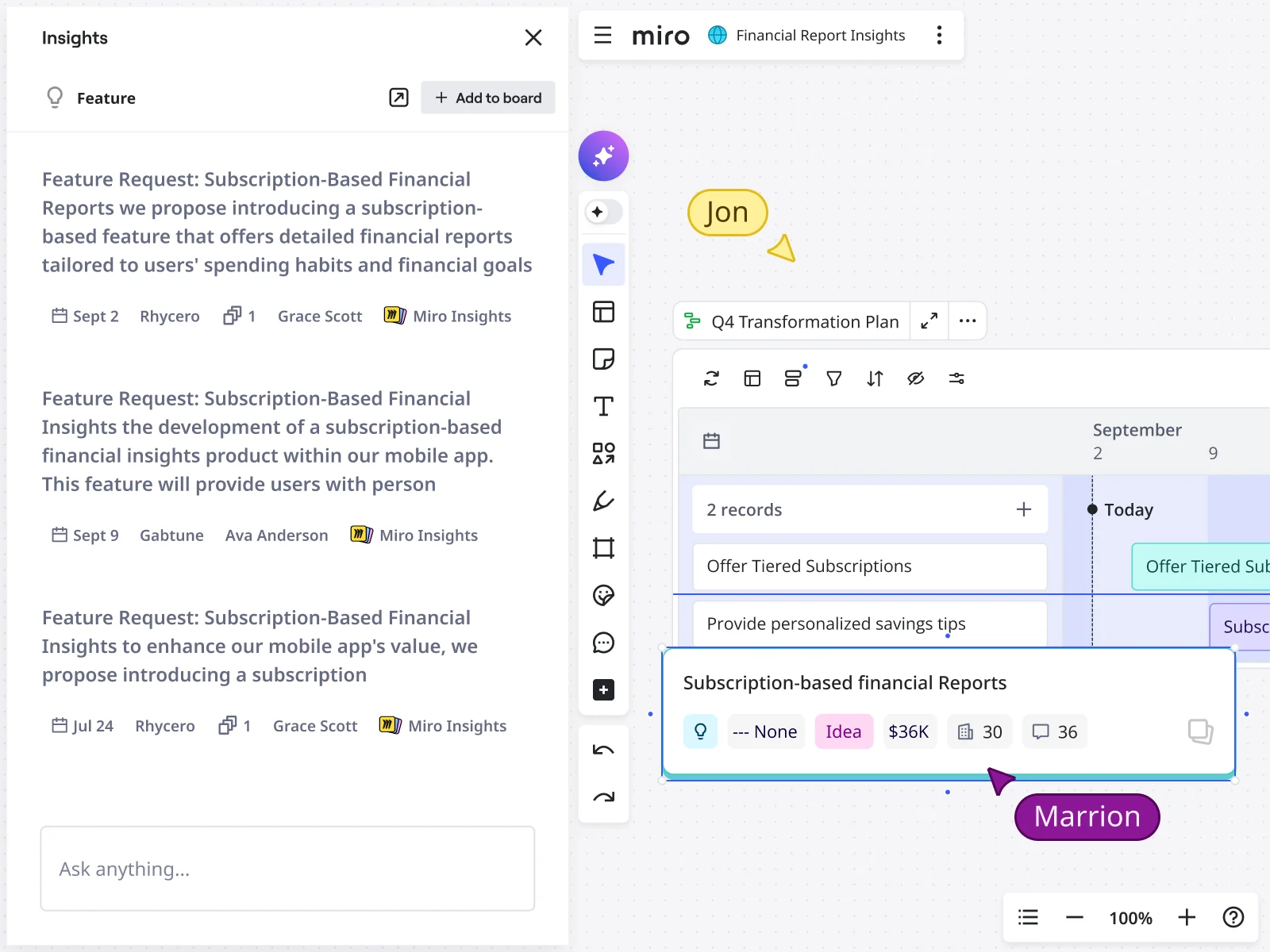
Let AI handle the heavy lifting when analyzing customer feedback. Miro’s AI Sidekicks identify sentiment trends, group related requests, and surface the feedback that signals real opportunity. Ask AI to summarize feedback by customer segment, validate feature ideas against actual requests, or prioritize based on business impact. Get customer feedback analysis tools that work at scale without hiring a research team.
Track customer feedback to actual product decisions
See exactly how customer feedback shapes your roadmap. Link feedback to feature specs, connect requests to the customers who made them, and trace product decisions back to the original feedback. When someone asks, “who actually asked for this?” you can show them the full story.
Integrated with your favorite tools
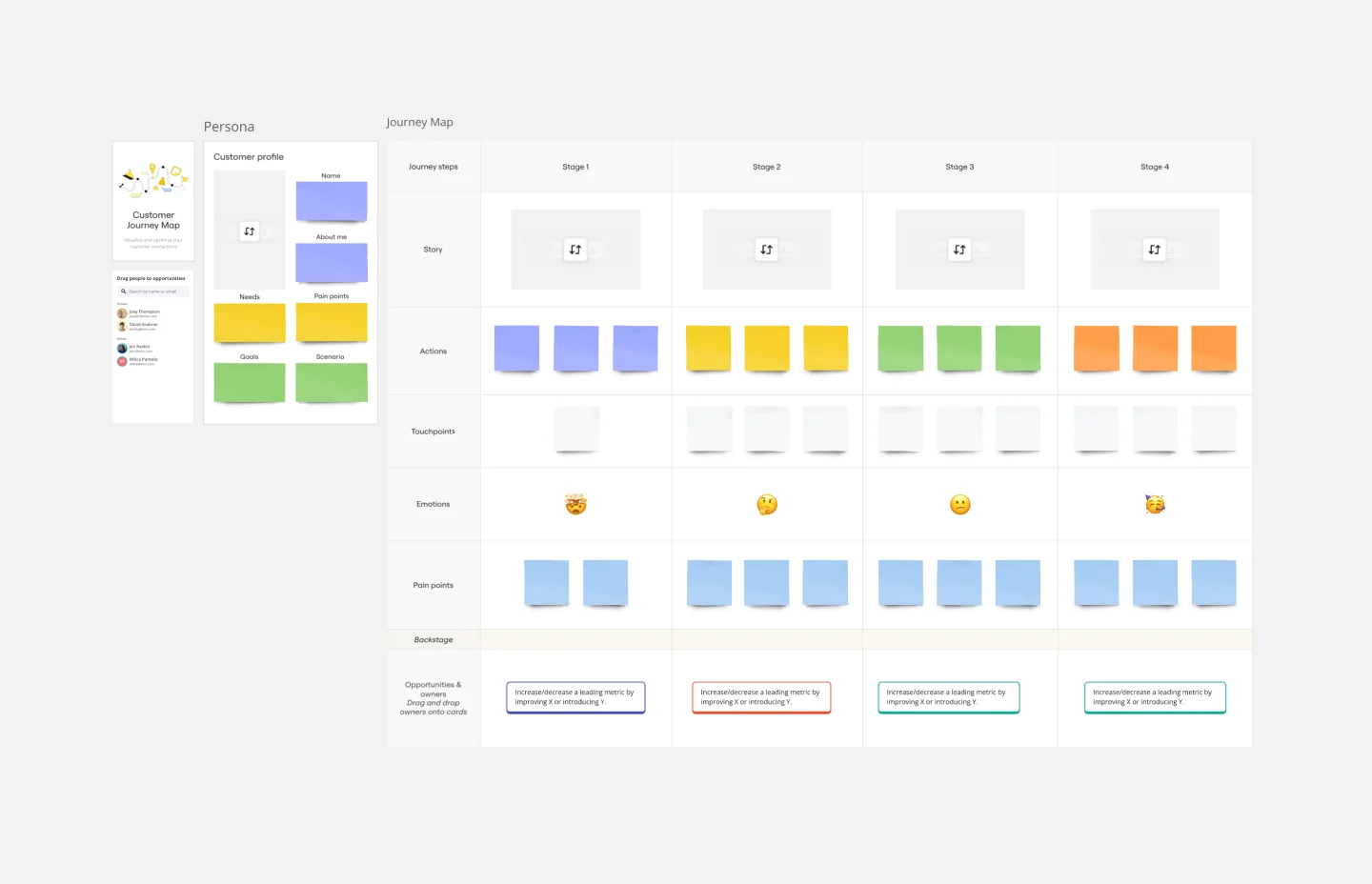
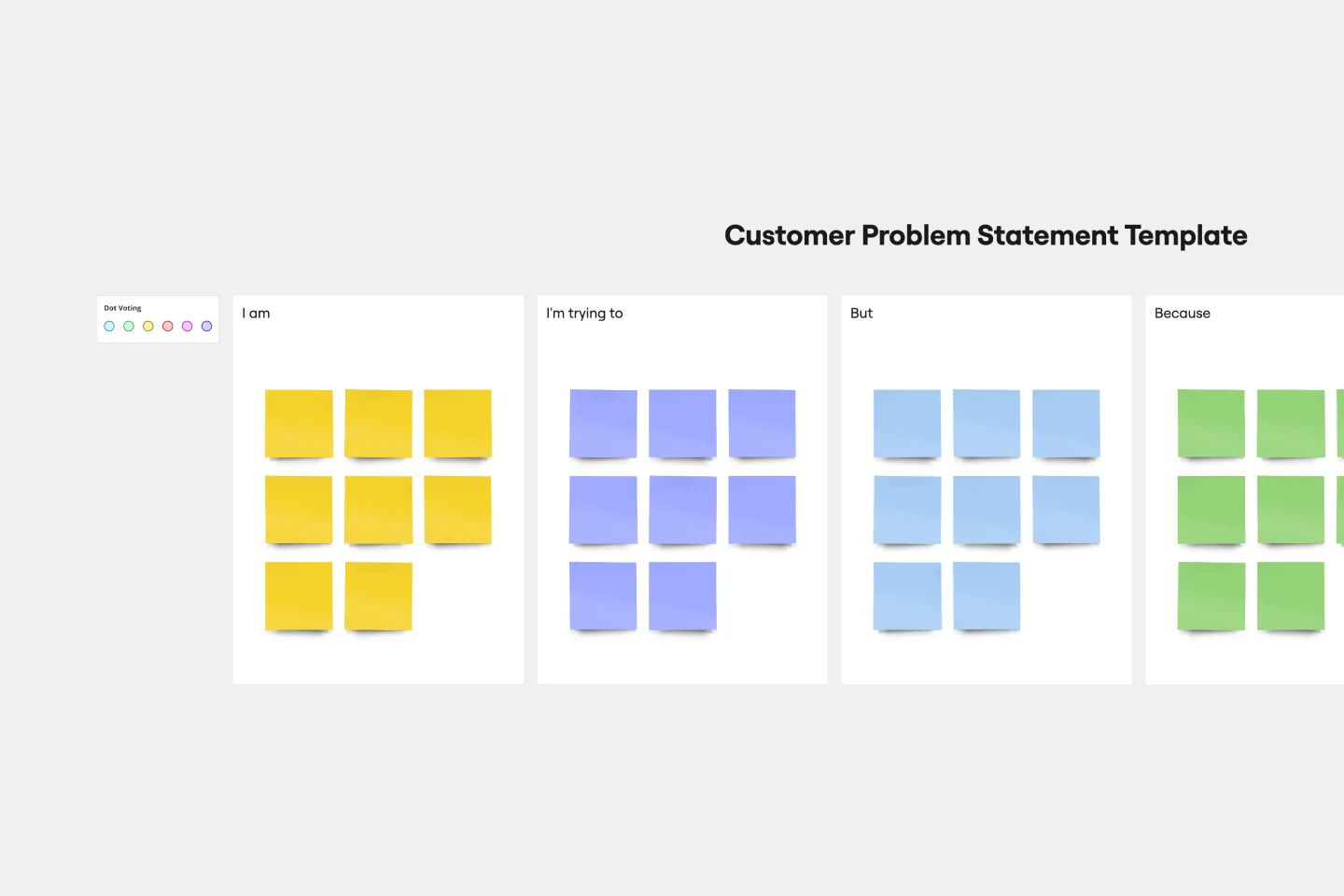
Related templates

What is customer feedback analysis?
How to track customer feedback and turn it into action


The world's most innovative companies are collaborating in Miro, everyday
“With Miro, we went from project brief to in-market launch in 10 months. That usually takes 3 years at PepsiCo.”
Caroline de Diego
Senior Manager, Global Design & Marketing Innovation at PepsiCo


“Bringing everyone together to plan in Miro means the most impactful initiatives will happen at the right time.”
Lucy Starling
Product Operations Lead at Asos


“The team onboarded in 10 minutes to use Miro for workshops. Getting our organization to adopt this product was a no-brainer.”
Konrad Grzegory
Agile Transformation Lead at CD PROJEKT RED


“Miro templates helped us go from scratch to a full-fledged plan where we mapped activities, ideas, and dependencies.”
Marc Zukerman
Senior Director of Project Management at Hearst


“Miro allows all our teams to align themselves with certain tools and models: they work independently and create products that really meet our customers' needs.”
Luke Pittar
Sustainability Innovation & Design Coach at The Warehouse Group


“To be truly innovative, everyone needs to have a voice, and everyone needs to be able to iterate on each other’s ideas. Miro has made that possible for us.”
Brian Chiccotelli
Learning Experience Designer at HP


Users love Miro for end-to-end innovation. We're the G2 leader in visual collaboration platforms and are rated in the top 50 enterprise tools. Miro helps large companies get meaningful work done.
Top 50 Products for Enterprise
G2 reviews


Customer feedback tool FAQs
How does AI improve customer feedback analysis beyond keyword tagging?
Miro’s AI-powered customer feedback analysis understands context and relationships between feedback points. AI Sidekicks detect sentiment changes over time, group feedback by underlying need rather than surface requests, and identify which themes have the strongest business implications. Ask AI to compare feedback across customer segments, validate hypotheses against actual comments, or generate summaries for stakeholders. The AI learns from your feedback structure to provide increasingly relevant analysis.
Can we use this customer feedback platform if we don’t have dedicated researchers?
Absolutely. Product teams without research specialists use Miro to organize and analyze feedback using templates and AI guidance. Customer success teams capture support themes and connect them to product priorities. Even small teams build effective customer feedback management systems that improve decision-making. The visual format makes patterns obvious without formal analysis training, and AI helps structure insights that traditionally required research expertise.
How do we track customer feedback across so many different sources?
Miro integrates with the platforms where feedback already lives. Connect your support system, survey tools, CRM, and review platforms to pull feedback automatically. Tag each piece with source, customer segment, date, and topic. Filter your customer feedback analysis tool by any dimension to see patterns across channels. When you need context, click any feedback to see the original conversation, support ticket, or survey response.
What’s the best way to prioritize feedback when everything seems important?
Miro’s customer feedback platform helps teams prioritize using multiple lenses. Map feedback by frequency and business impact, segment by customer tier or revenue potential, or organize by effort required. Use AI to identify which themes appear across multiple customer segments versus niche requests. Collaborate with cross-functional teams to weight technical feasibility against customer value. The visual canvas makes tradeoffs explicit rather than hidden in spreadsheets.
Can we analyze both structured survey data and unstructured feedback?
Yes. Teams use Miro to combine quantitative survey results with qualitative interview feedback, support conversations, and open-ended responses. Plot NPS scores alongside the actual comments explaining ratings. Map survey themes to verbatim customer quotes. Create customer feedback analysis tools that show both what’s happening (numbers) and why it’s happening (voices), giving teams complete understanding rather than partial pictures.
How do we prevent feedback analysis from becoming another monthly ritual that doesn’t drive change?
Make feedback analysis continuous instead of periodic. Update boards as new feedback arrives daily rather than waiting for quarterly reviews. Connect feedback directly to sprint planning, design sessions, and roadmap discussions so teams encounter customer voices during decision moments. Use customer feedback tools that live where work happens rather than creating separate analysis exercises. When feedback influences decisions in real-time, analysis becomes part of the workflow instead of a separate activity.
How secure is customer data when using AI for feedback analysis?
Miro AI follows enterprise-grade security standards with SOC 2 Type II compliance and ISO 27001 certification. Customer feedback is encrypted in transit and at rest, never used to train AI models, and processed within Miro’s secure infrastructure. You maintain complete control over sensitive customer information while leveraging AI to analyze patterns. Enterprise plans include additional security controls for regulated industries handling sensitive customer data.