Table of contents
Table of contents
Top 10 alternatives to Pingboard in 2026
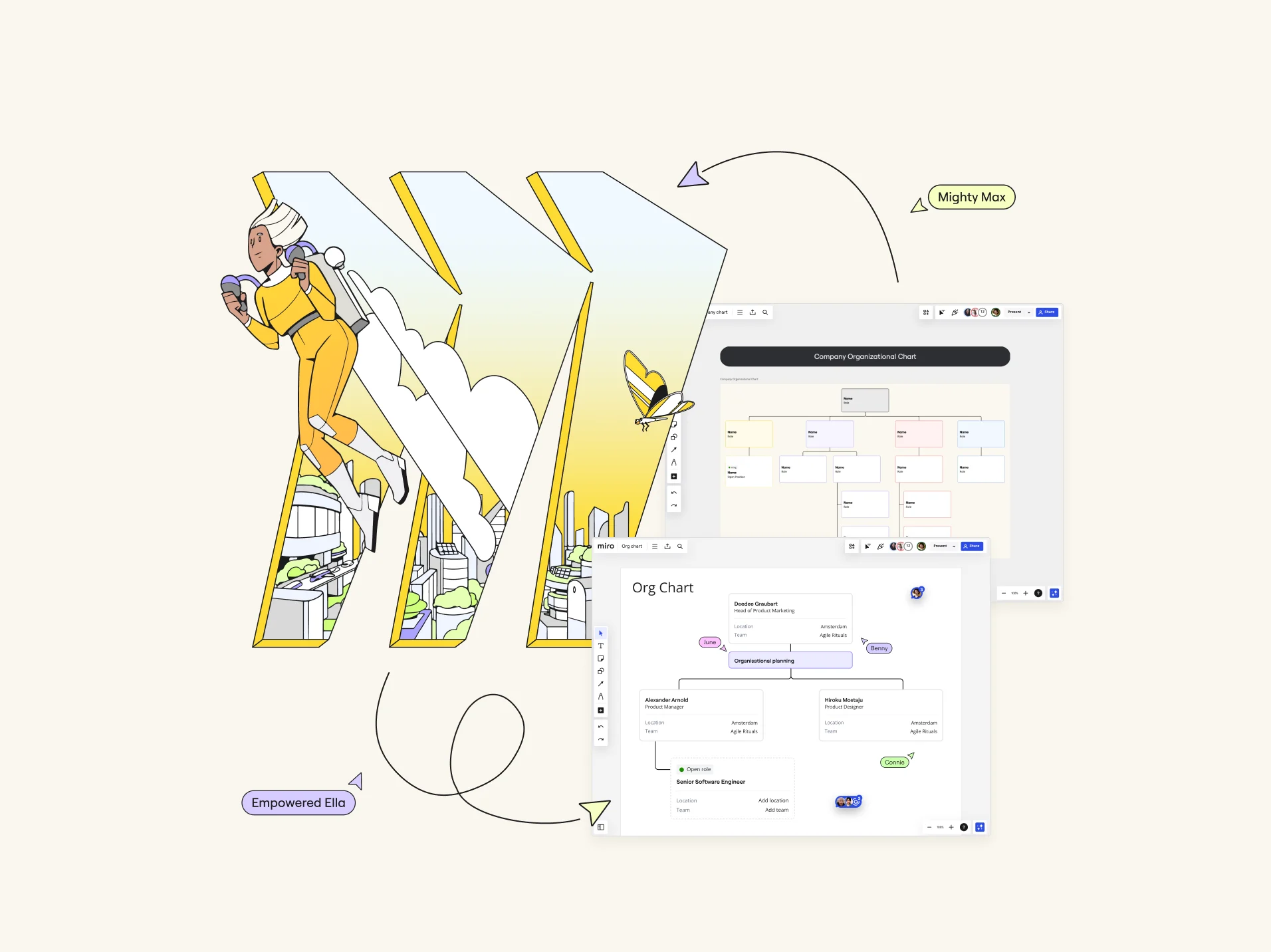
Are you ready to revolutionize your team's workflow? Finding the right tools can be a game-changer for product teams, and if you're on the lookout for the best alternatives to Pingboard in 2026, you've landed in the perfect spot. Product teams today face unique challenges, from managing complex projects to fostering seamless collaboration. The right tools can help navigate these hurdles, streamline processes, and drive innovation.
In a rapidly evolving work environment, product teams need tools that can keep up. The ideal tool should support not only real-time collaboration but also asynchronous communication, offer robust project management features, and integrate effortlessly with other software. With these needs in mind, we've compiled a list of the top 10 Pingboard alternatives that will help you stay ahead of the curve.
Analyzing Pingboard
Pingboard is a well-known organizational chart software that helps teams visualize their company structure and manage employee data efficiently. It offers an easy-to-use interface, real-time updates, and integration with other HR tools. However, despite its strengths, Pingboard has some limitations.
First, while Pingboard excels in organizational charting, it falls short in offering comprehensive project management and collaboration features. This can be a significant drawback for product teams needing more robust innovation and strategy planning tools.
Second, Pingboard's integration capabilities are somewhat limited compared to other tools on the market. This lack of extensive integration options can hinder seamless workflows, especially in larger organizations that rely on various software solutions.
Lastly, while effective for HR purposes, Pingboard's features may not provide the depth of functionality required for complex project management and product development tasks. As teams evolve and their needs become more sophisticated, they often seek tools that offer a broader range of capabilities.
Why people are looking for Pingboard alternatives
Teams often seek alternatives to Pingboard for several key reasons. Understanding these reasons can help you determine what features and functionalities are essential for your next tool.
Need for enhanced collaboration features
Product teams require tools that support both real-time and asynchronous collaboration. This includes features like digital whiteboarding, video walkthroughs, and integrated communication channels, which Pingboard lacks.
Desire for more comprehensive project management
While Pingboard is great for organizational charts, product teams need more robust project management features. This includes task tracking, dependency mapping, and strategy roadmapping.
Requirement for better integration capabilities
Integration with various tools is crucial for seamless workflows. Teams often look for alternatives that offer a higher number of integrations to support diverse business needs.
Seeking advanced visualization tools
Product teams need tools that go beyond simple org charts to include advanced data and content visualization, which aids in strategy planning and execution.
Top 10 Pingboard alternatives
Ready to explore your options? Here's our list of the top 10 Pingboard alternatives for 2024, starting with Miro, our top recommendation.
1. Miro
Miro is best known for being a visual workspace for innovation, offering robust project management capabilities and strong collaboration features that support both real-time and asynchronous work. It's a top choice for HR managers looking to enhance their productivity.
Key features:
- Automated organizational chart planning: With the Org Chart widget, you can build visual and interactive org charts that can be collaboratively created and are always up-to-date. This replaces static org charts and allows for real-time updates.
- Onboarding: Miro provides a Kanban board template to help new hires track their tasks for the first 30, 60, and 90 days, ensuring a smooth onboarding process.
- Strategy and innovation roadmapping: Plan and visualize your strategic initiatives and innovation processes with interactive roadmaps that keep everyone aligned and focused on the big picture.
- Digital workspace: Collaborate in real-time with a digital workspace that supports brainstorming and creative thinking. It allows for freeform ideation and structured workshops, making it versatile for any brainstorming session.
- Extensive integration capabilities: With over 130 integrations, Miro seamlessly fits into your enterprise-wide workflows. This includes integrations with popular tools like Jira, Slack, and Microsoft Teams, enabling smooth transitions between different platforms.
- Content and data visualization: Create detailed visual representations of your data and content to enhance understanding and decision-making. This includes everything from simple flowcharts to complex data models.
- Talktrack: Record interactive video or audio walkthroughs of your Miro boards for asynchronous communication. This feature supports flexible work schedules and ensures everyone is up to speed, regardless of time zone differences.
- Templates and frameworks: Access a vast library of templates and frameworks tailored for various industries and use cases, saving you time and ensuring best practices.
- Interactive workshops: Host interactive workshops with features that support voting, timer management, and breakout sessions, enhancing engagement and participation.
Pros:
- Extensive integration capabilities support a wide range of workflows.
- Robust project management and collaboration tools enhance team productivity.
- Unique features like Talktrack support asynchronous communication.
- Highly customizable to fit diverse business needs.
- Comprehensive suite of tools for innovation, planning, and execution.
- Strong support for agile methodologies and frameworks.
Cons:
- Can be overwhelming for new users due to its extensive features.
- Requires a learning curve to use all capabilities fully.
2. Sketch
Sketch is a popular design tool best known for its vector editing and prototyping capabilities. It's an excellent choice for design teams looking for a robust alternative to Pingboard.
Key features:
- Vector editing: Create scalable and precise designs with powerful vector editing tools. This is crucial for high-quality graphics and UI design.
- Prototyping: Build interactive prototypes to test and refine your designs. Sketch's prototyping tools allow for quick iterations and user testing.
- Collaboration tools: Share designs and collaborate with team members in real-time. Sketch offers cloud-based collaboration features that streamline feedback and approval processes.
- Library management: Manage and share design components with a centralized library, ensuring project consistency.
Pros:
- Powerful design and prototyping features.
- Intuitive interface that's easy to navigate.
- Strong community and extensive plugin ecosystem.
- Excellent for high-fidelity design work.
Cons:
- Limited project management features.
- Primarily focused on design, not suitable for broader team collaboration.
- Can be costly with subscription fees.
3. Lucid
Lucid offers a suite of visual collaboration tools that include Lucidchart, Lucidspark, and Lucidscale. It's known for its powerful diagramming and mind-mapping capabilities.
Key features:
- Diagramming: Create detailed flowcharts, diagrams, and organizational charts. Lucidchart is particularly strong in creating technical diagrams and network architecture visuals.
- Mind mapping: Visualize ideas and concepts with interactive mind maps. Lucidspark supports brainstorming sessions and idea organization.
- Collaboration: Work in real time with team members. Lucid's tools allow for seamless collaboration and sharing across teams.
- Integration: Integrates with popular tools like Google Workspace, Microsoft Office, and Slack.
Pros:
- Versatile tools for various visualization needs.
- Easy integration with popular software solutions.
- User-friendly interface with a low learning curve.
- Strong collaboration features for team-based work.
Cons:
- Can be expensive for larger teams.
- Some features require a premium subscription.
- Limited advanced project management features compared to dedicated PM tools.
4. Sift
Sift is a people directory and organizational chart tool that focuses on helping teams understand their structure and improve internal communication.
Key features:
- People directory: Maintain an up-to-date directory of all team members. Sift provides a searchable and filterable database of employees.
- Organizational charts: Visualize the company structure with dynamic org charts that update automatically based on changes in the directory.
- Integration: Seamlessly integrates with popular HR systems like Workday and BambooHR, ensuring data consistency across platforms.
- Custom profiles: Allow employees to create detailed profiles, including skills, interests, and project histories.
Pros:
- Simple and intuitive interface.
- Improves internal communication and team visibility.
- Easy to set up and use with minimal training.
- Enhances transparency and team understanding.
Cons:
- Limited project management capabilities.
- Primarily focused on HR functions.
- Lacks advanced collaboration features.
5. Visio
Visio, a Microsoft product, is a powerful diagramming tool widely used for creating complex flowcharts and diagrams.
Key features:
- Flowcharting: Create detailed and complex flowcharts that can represent intricate processes and systems.
- Integration: Works seamlessly with other Microsoft Office products, enhancing productivity for teams already using the Microsoft ecosystem.
- Template library: Access a wide range of templates for different diagram types, including organizational charts, network diagrams, and business processes.
- Custom shapes and stencils: Use a vast collection of shapes and stencils to customize your diagrams.
Pros:
- Robust diagramming capabilities for complex visualizations.
- Strong integration with the Microsoft ecosystem.
- Wide range of templates and customization options.
- Ideal for technical and engineering diagrams.
Cons:
- Can be complex and overwhelming for new users.
- Higher cost for full functionality.
- Not as intuitive as some competitors.
6. OrgChart
OrgChart is a specialized tool designed specifically for creating and managing organizational charts.
Key features:
- Organizational charts: Easily create and manage detailed org charts with intuitive drag-and-drop functionality.
- Data import: Import employee data from various sources, including spreadsheets and HR systems, to keep charts up to date.
- Customization: Customize charts to fit your company's branding and structure, including colors, fonts, and layouts.
- Collaboration: Share and collaborate on org charts with team members and stakeholders.
Pros:
- Focused on organizational charting with powerful features.
- Easy to use with powerful customization options.
- Good data import capabilities for maintaining up-to-date charts.
- Enhances organizational transparency and communication.
Cons:
- Limited to organizational charting functionalities.
- Not ideal for broader project management needs.
- Can be expensive for small teams.
7. Creately
Creately is an online diagramming and collaboration tool known for its ease of use and wide range of templates.
Key features:
- Diagramming: Create flowcharts, mind maps, organizational charts, and more with an intuitive drag-and-drop interface.
- Templates: Access a wide variety of templates for different use cases, from business process modeling to software design.
- Collaboration: Work together with team members in real-time, with features that support comments, mentions, and version control.
- Integration: Integrates with tools like Google Workspace, Microsoft Teams, and Slack for seamless workflows.
Pros:
- User-friendly interface with minimal learning curve.
- Wide range of templates available for various industries.
- Real-time collaboration features enhance team productivity.
- Affordable pricing for small to medium-sized teams.
Cons:
- Limited advanced features for project management.
- Some integrations require a premium subscription.
- Can be less powerful for very complex diagrams.
8. Draw.io
Draw.io is a free online diagramming tool that offers robust diagramming capabilities for teams on a budget.
Key features:
- Diagramming: Create various types of diagrams including flowcharts, organizational charts, network diagrams, and more.
- Integration: Integrates with popular cloud storage solutions like Google Drive, OneDrive, and Dropbox, making it easy to save and share your work.
- Customization: Offers a range of customization options for diagrams, including shapes, colors, and layouts.
- Collaboration: Supports real-time collaboration, allowing multiple users to work on the same diagram simultaneously.
Pros:
- Completely free to use with no hidden costs.
- Easy integration with cloud storage solutions.
- Robust diagramming features with high customization.
- User-friendly interface suitable for beginners.
Cons:
- Lacks advanced project management features.
- Can be less intuitive compared to paid tools.
- Limited customer support options.
9. Organimi
Organimi is a tool designed for creating and managing organizational charts, with a focus on ease of use and flexibility.
Key features:
- Organizational charts: Create and manage detailed org charts with ease, featuring drag-and-drop functionality and auto-updating based on data changes.
- Customization: Customize charts to fit your organizational needs, including branding, color schemes, and layouts.
- Integration: Integrates with popular HR systems like ADP, G Suite, and Microsoft Office, ensuring data consistency and easy updates.
- Data import: Import data from various sources to keep your charts accurate and up-to-date.
Pros:
- Simple and intuitive interface.
- Flexible customization options for tailored charting.
- Good integration with HR systems and data import capabilities.
- Enhances organizational visibility and communication.
Cons:
- Limited to organizational chart functionalities.
- Not suitable for broader project management needs.
- Some advanced features require a premium subscription.
10. Lattice
Lattice is an all-in-one people management platform that includes performance management, employee engagement, and organizational charting features.
Key features:
- Performance management: Track and manage employee performance with goals, feedback, and reviews.
- Employee engagement: Measure and improve employee engagement levels through surveys and analytics.
- Organizational charts: Visualize company structure with dynamic org charts that update automatically.
- Career development: Support employee growth with career pathing and development planning tools.
Pros:
- Comprehensive people management features.
- Helps improve employee performance and engagement.
- Easy to use with good integration options.
- Supports employee development and career growth.
Cons:
- Can be expensive for small teams.
- Primarily focused on HR functions.
- Requires training to utilize all features effectively.
How to choose the best tool
Choosing the best tool depends on your specific needs and workflow requirements. Here are some key factors to consider:
- Collaboration features: Look for tools that support both real-time and asynchronous collaboration to ensure smooth communication and teamwork.
- Project management capabilities: Ensure the tool offers robust project management features, including task tracking, dependency mapping, and strategy roadmapping.
- Integration options: Check for extensive integration capabilities to support seamless workflows across your existing software ecosystem.
- Ease of use: Consider the tool's learning curve and usability, especially if you have a diverse team with varying technical skills.
- Customization and flexibility: Choose a tool that can be tailored to fit your specific business needs and workflows.
Among the many options available, Miro stands out because of its extensive features and capabilities. Its robust project management, powerful collaboration tools, and high integration capabilities make it one of the best choices for product teams looking to enhance their productivity and innovation.
Ready to explore how Miro can transform your team's workflows? With its unique features and extensive integration options, Miro is designed to help you achieve your project goals efficiently. Try Miro today and see the difference it can make for your team.
Read more
Join our 100M+ users today


