The diagram maker built for teams who move fast
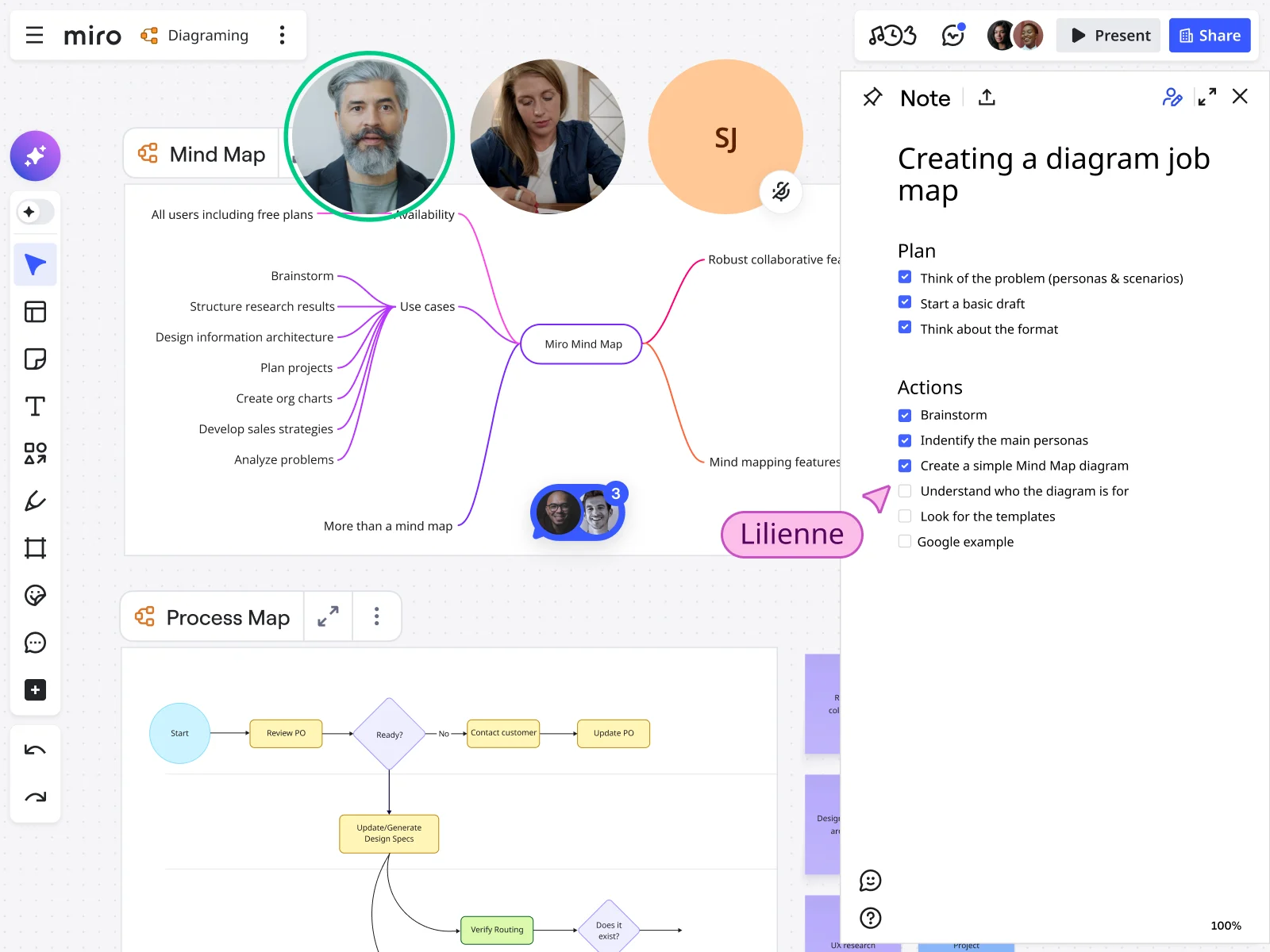

















Make diagrams that stand out
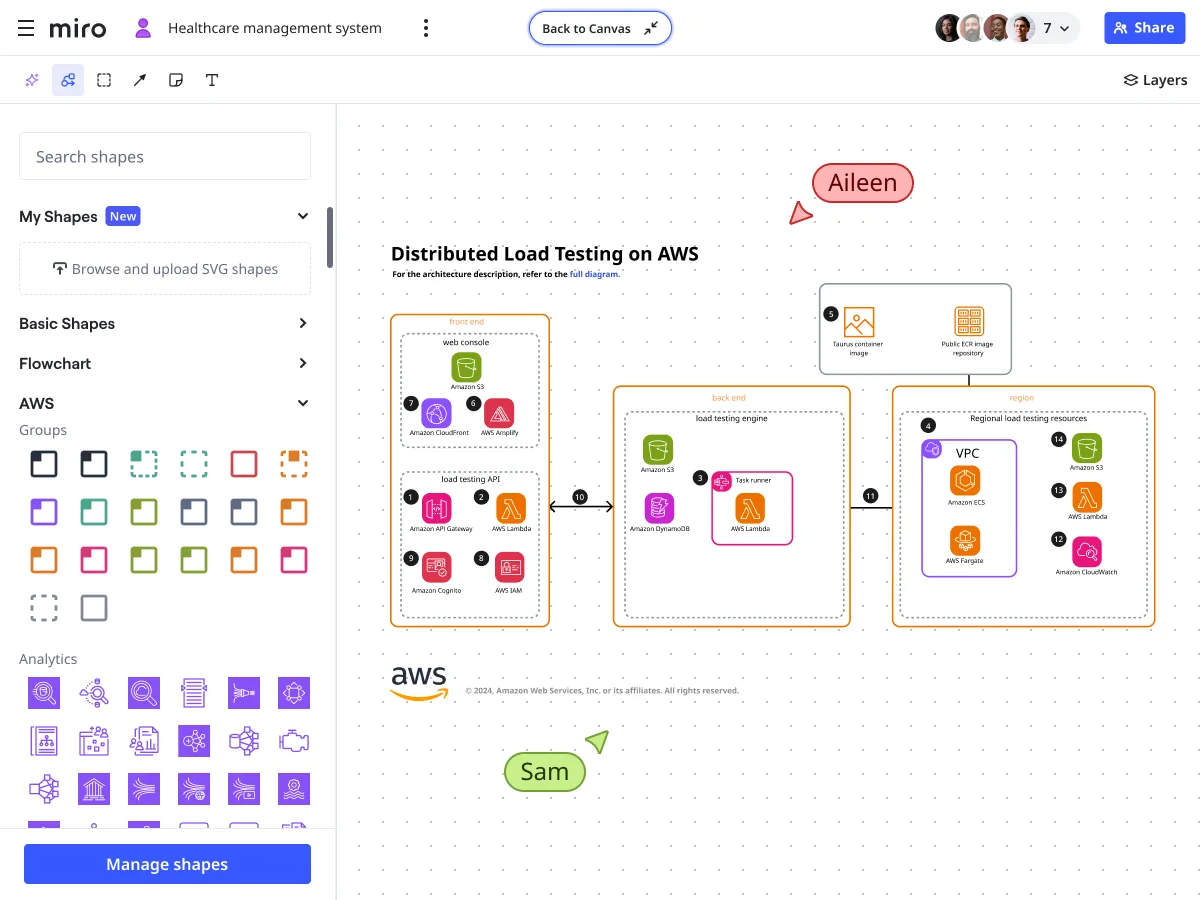
Find every shape you need to build any diagram
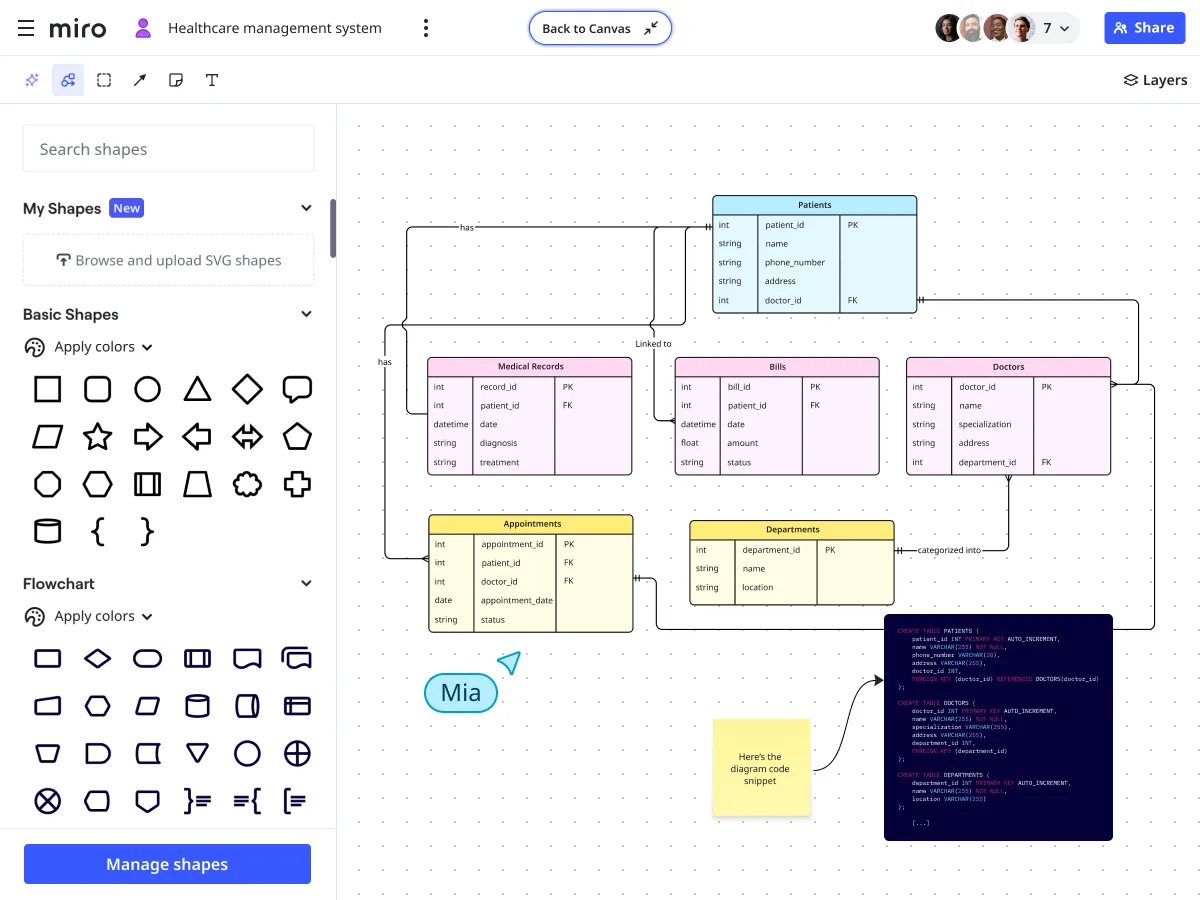
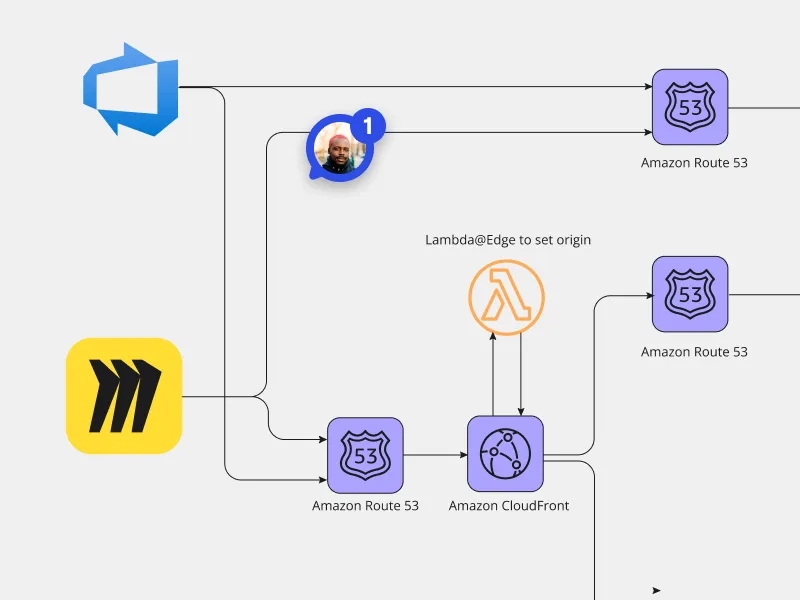
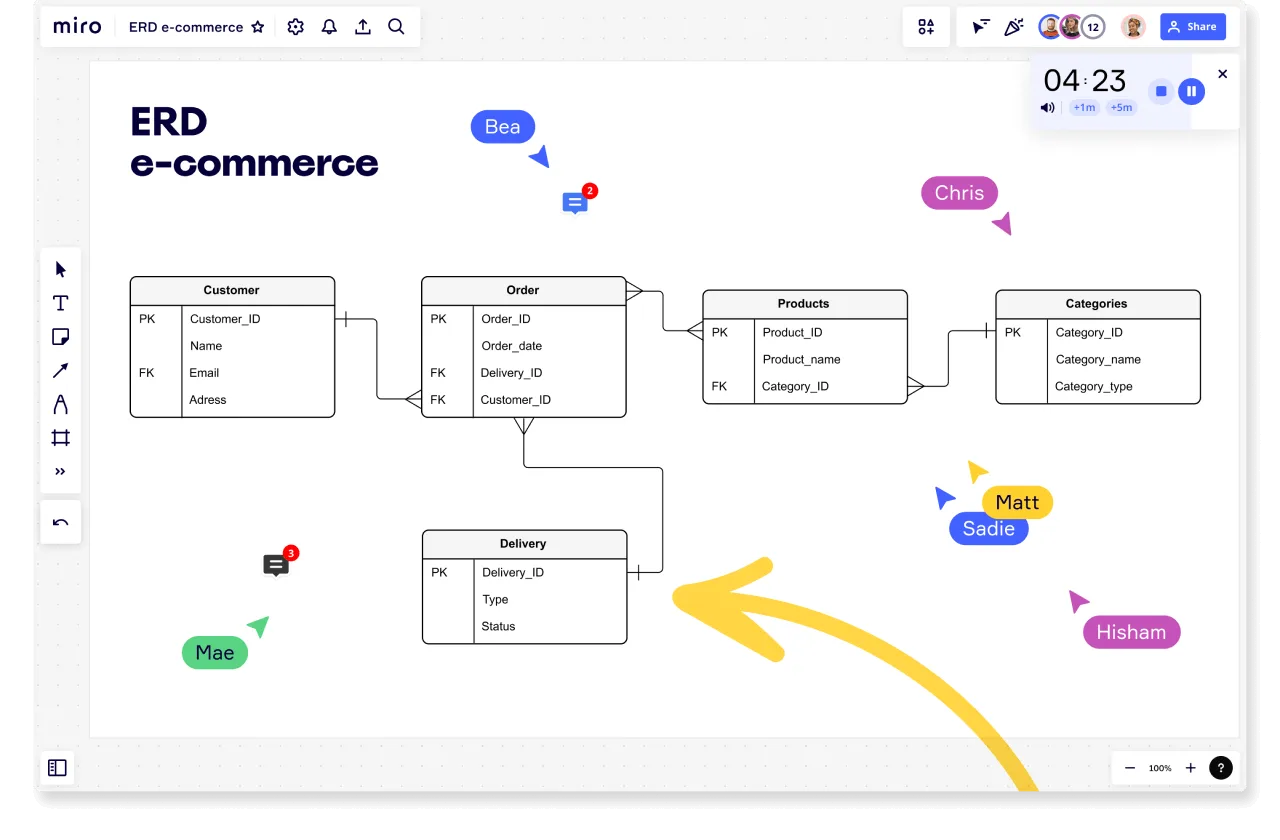
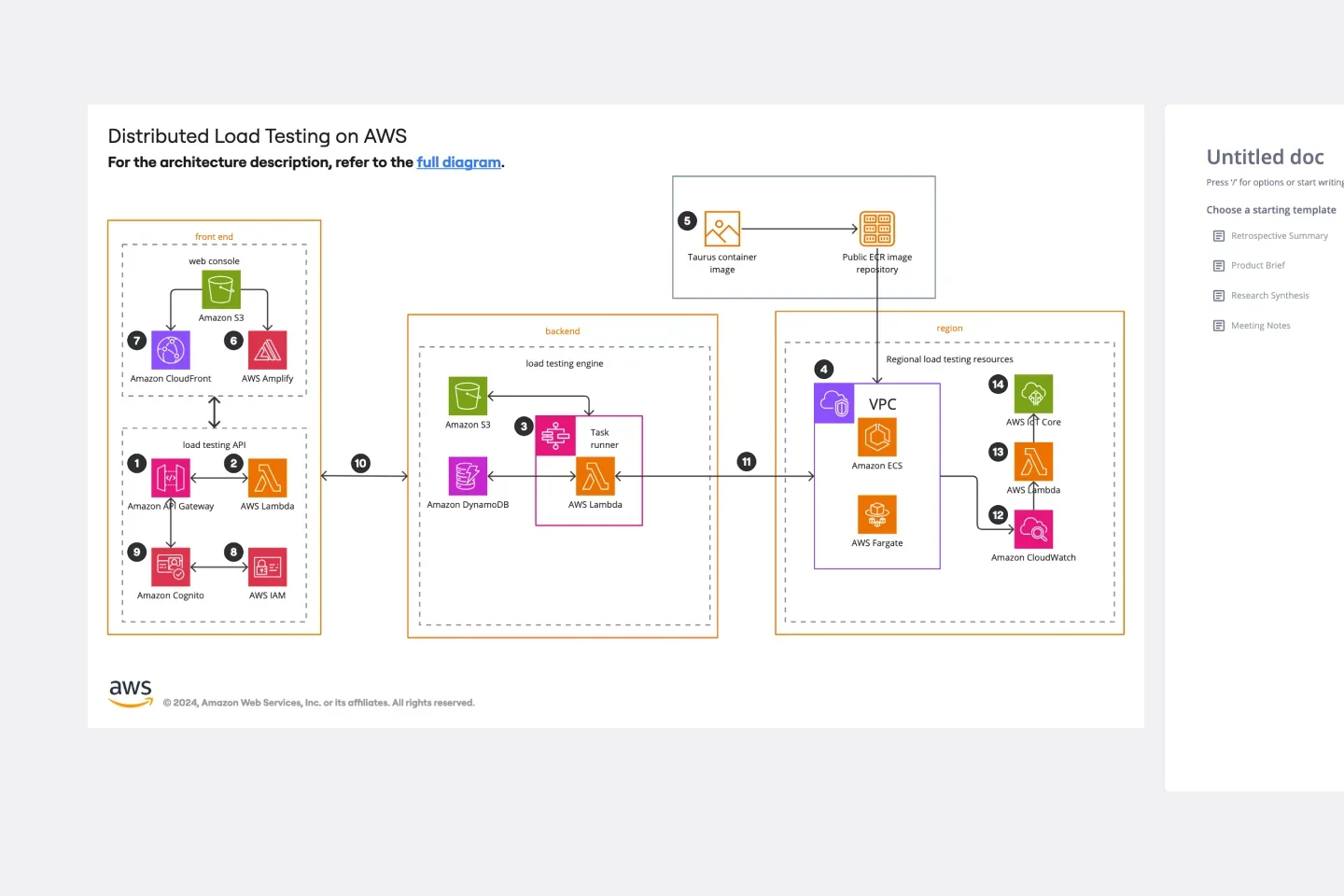
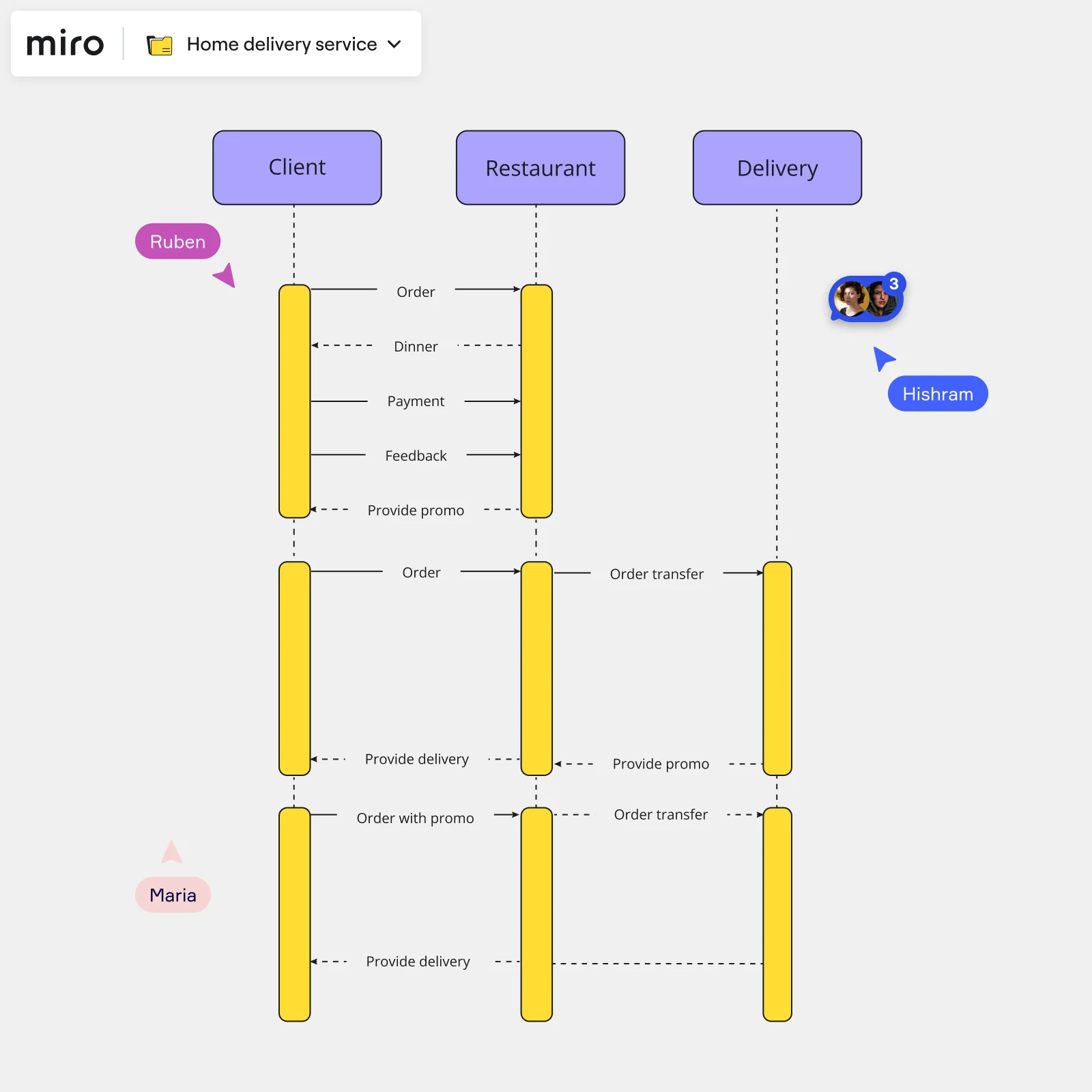
Whether you're mapping business processes with BPMN, designing cloud architecture with AWS or Azure, or documenting databases with ER diagrams, Miro has you covered. Our diagram builder includes over 2,000 expert shapes spanning UML, Kubernetes, Google Cloud, and more — so any team can create the exact diagram they need.
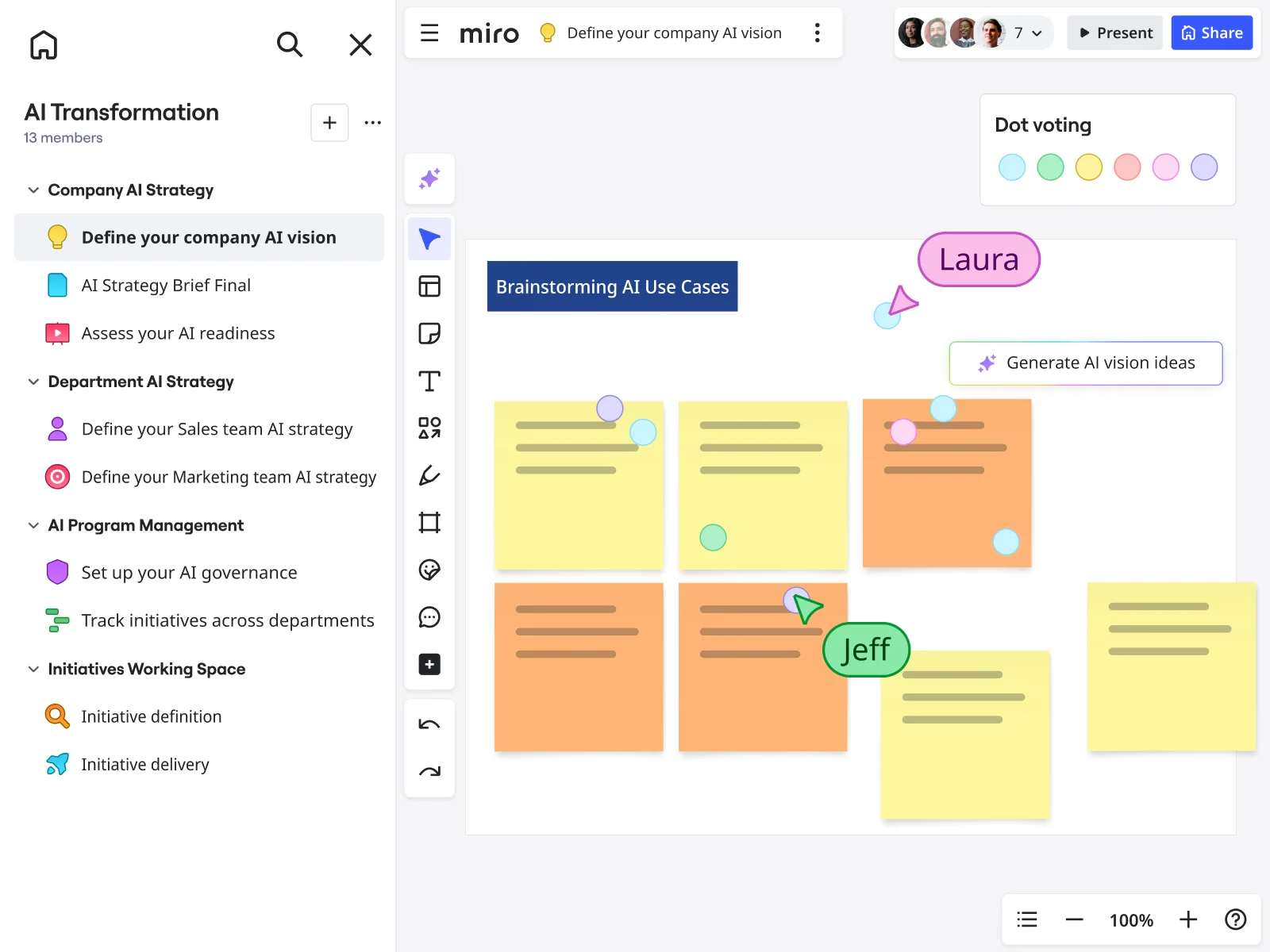
Generate complete diagrams with a single prompt
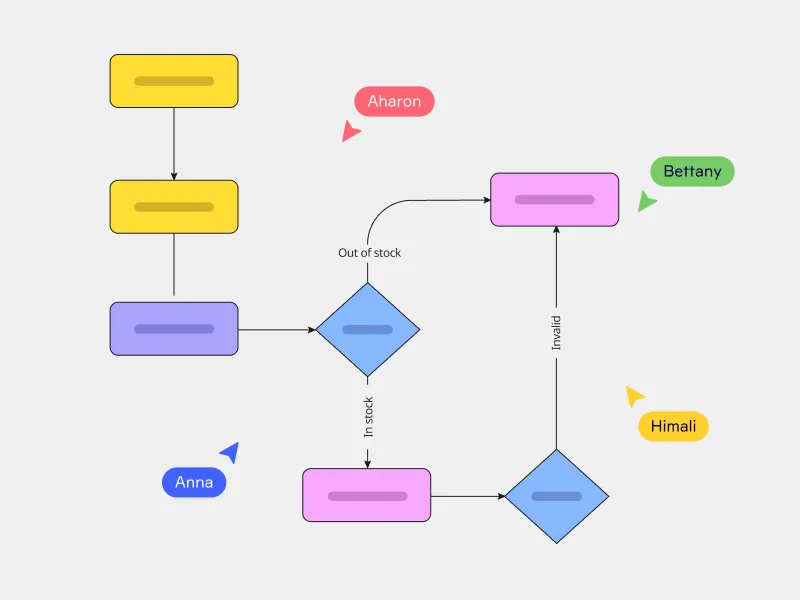
No more dragging shapes one by one. Miro AI generates flowcharts, UML diagrams, ER diagrams, and process maps from a simple text prompt — turning your ideas into structured visuals in seconds. Need to refine your diagram? AI Sidekicks provide smart suggestions and contextual guidance as you work, helping you build better diagrams faster.
Start faster with templates built by diagram experts
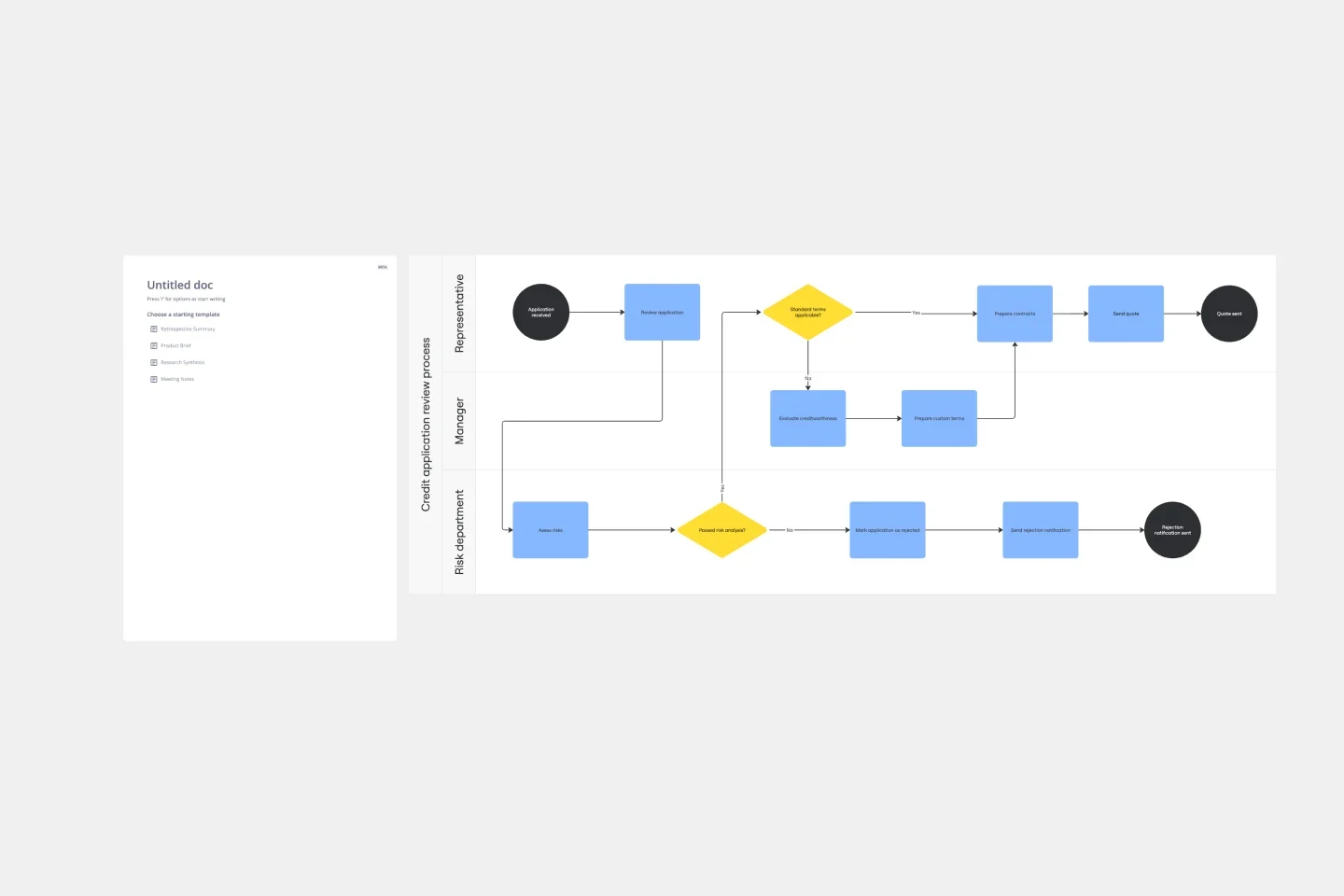
Skip the blank canvas. Miro offers hundreds of ready-to-use diagram templates designed for real workflows, from brainstorming sessions to technical documentation. Pick a template, customize it for your needs, and move from concept to completed diagram without the manual setup.
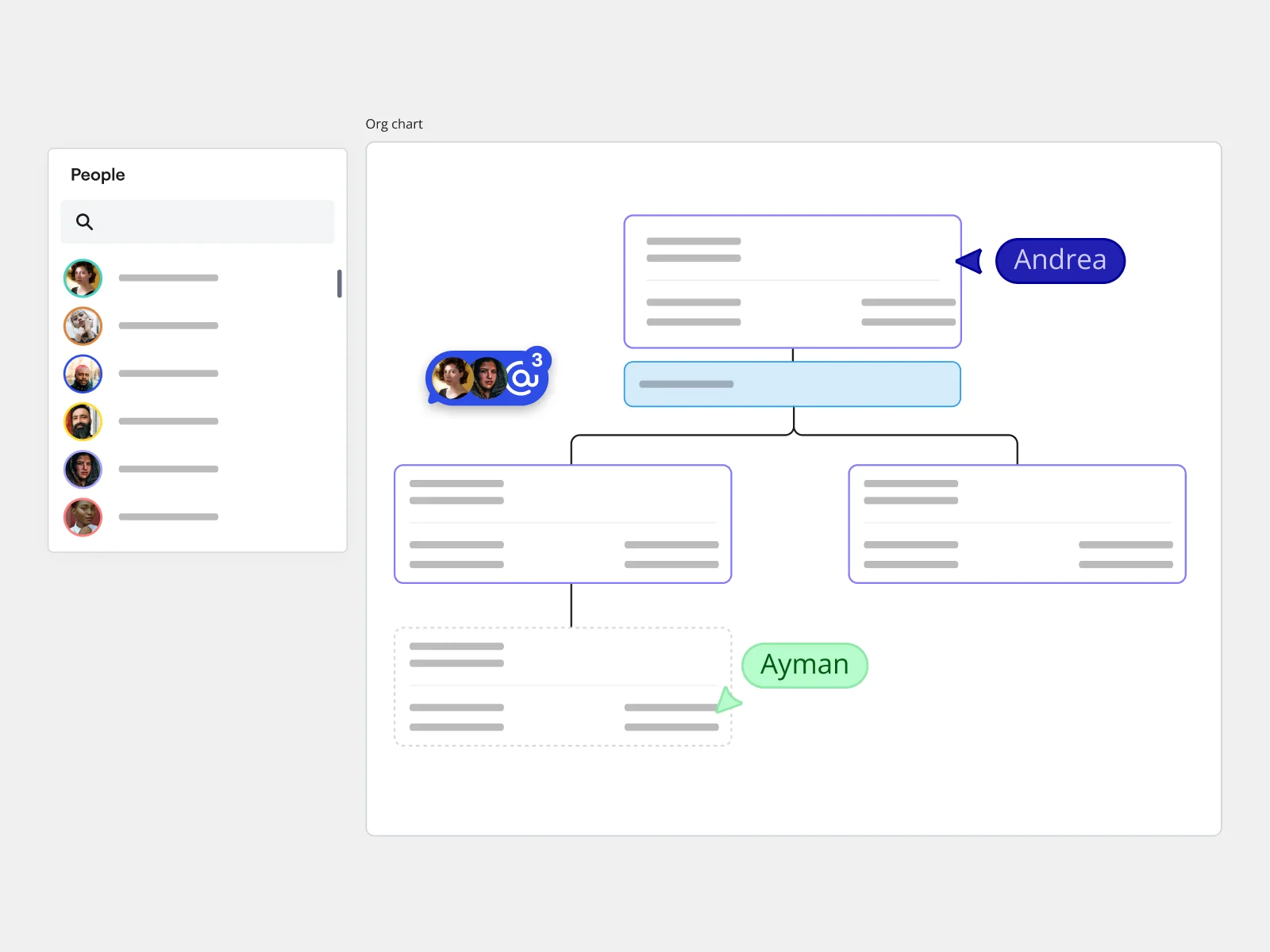
Build org charts that keep pace with your team
Simplify organizational design and collaborate in real time. Import org data straight from a CSV file, and auto-layout arranges the cards for you.
Why teams choose Miro for diagramming

Everything in one workspace
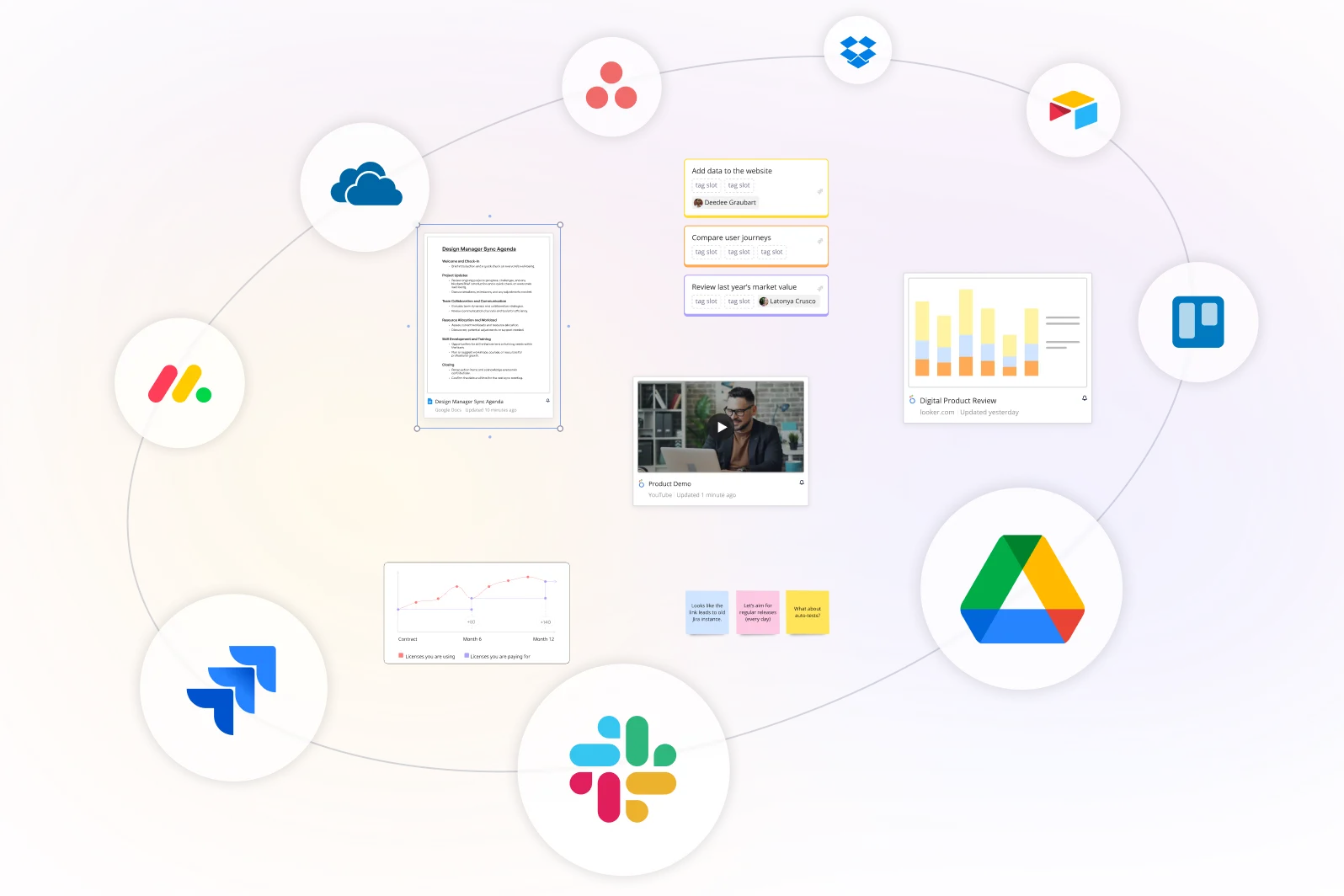
Easily review brainstorm notes, create diagrams, track Jira action items, and add code snippets all in one place.
Upload custom shape packs
Custom shape packs allow you to tailor diagrams to your specific industry or project needs.

Add layers to your diagram
Layers let you build multi-level diagrams and move between the high-level view and the details in one click.

Import your existing work
Bring existing diagrams into Miro with just a few clicks, importing from Microsoft Visio, draw.io, or Lucidchart.

Hundreds of templates
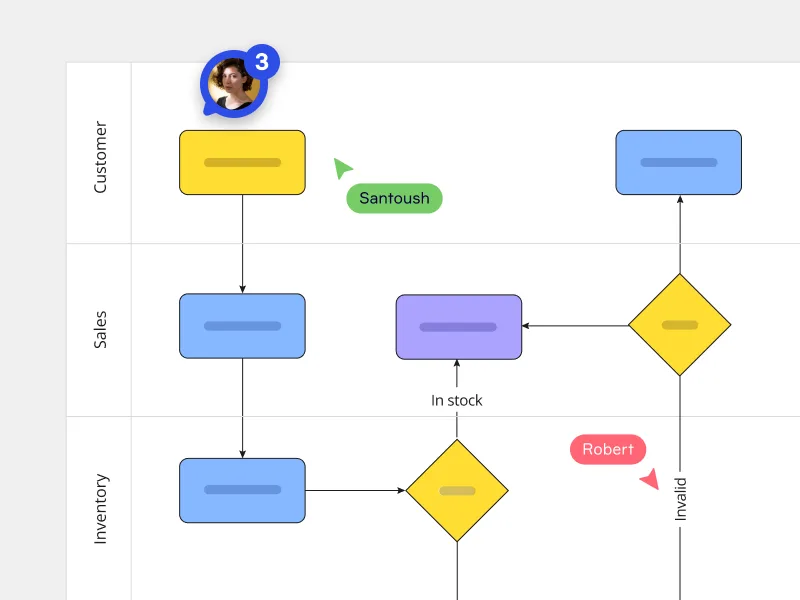
You never need to start from scratch. Use ready-to-go templates from AWS architectures to process maps and database designs.

Record video walkthroughs
Get your team up to speed by recording a Talktrack, a video walkthrough with your work, diagrams, and expert voice over.
Integrated with your favorite tools
Miro fits all of your diagramming needs

Related templates

Discover Miro's capabilities

The world's most innovative companies are collaborating in Miro, everyday
“With Miro, we went from project brief to in-market launch in 10 months. That usually takes 3 years at PepsiCo.”
Caroline de Diego
Senior Manager, Global Design & Marketing Innovation at PepsiCo


“Bringing everyone together to plan in Miro means the most impactful initiatives will happen at the right time.”
Lucy Starling
Product Operations Lead at Asos


“The team onboarded in 10 minutes to use Miro for workshops. Getting our organization to adopt this product was a no-brainer.”
Konrad Grzegory
Agile Transformation Lead at CD PROJEKT RED


“Miro templates helped us go from scratch to a full-fledged plan where we mapped activities, ideas, and dependencies.”
Marc Zukerman
Senior Director of Project Management at Hearst


“Miro allows all our teams to align themselves with certain tools and models: they work independently and create products that really meet our customers' needs.”
Luke Pittar
Sustainability Innovation & Design Coach at The Warehouse Group


“To be truly innovative, everyone needs to have a voice, and everyone needs to be able to iterate on each other’s ideas. Miro has made that possible for us.”
Brian Chiccotelli
Learning Experience Designer at HP


Users love Miro for end-to-end innovation. We're the G2 leader in visual collaboration platforms and are rated in the top 50 enterprise tools. Miro helps large companies get meaningful work done.
Top 50 Products for Enterprise
G2 reviews


Start diagramming for free
Starter
Business
Enterprise
Custom price — from 30 members
Diagram maker FAQs

Is Miro’s diagram maker a separate product?
No, it's fully integrated! In Miro, everything happens in one space from brainstorming to diagramming and sharing. That way you have all the information in one space and everyone always has the context they need.
Who is Miro’s diagramming tool for?
Anyone can build a diagram in Miro: analysts, cloud architects, or business leads. Drag-and-drop shapes work for a quick sketch; the full shape library and specialized packs are there if you need more depth.
Can I import diagrams from other tools?
Yes! You can import .vsdx file formats into Miro from Lucidchart, Microsoft Visio and Draw.io. With your diagrams and process maps in Miro, you and your whole team can review, take action and collaborate in one workspace that everyone can access.
How can I share diagrams with other people?
There are several ways. You can share the board with people in your team — even guests and visitors — you can embed your diagrams into tools like Confluence, and you can export as a PDF.
How secure are my team's diagrams in Miro?
Miro is designed around enterprise-level security: encrypted data, industry compliance certifications, and access controls built to enterprise standards. As the board owner, you choose who can view, comment on, or edit each diagram, and admins get full visibility into access across every board on your team.