A database design tool for every team
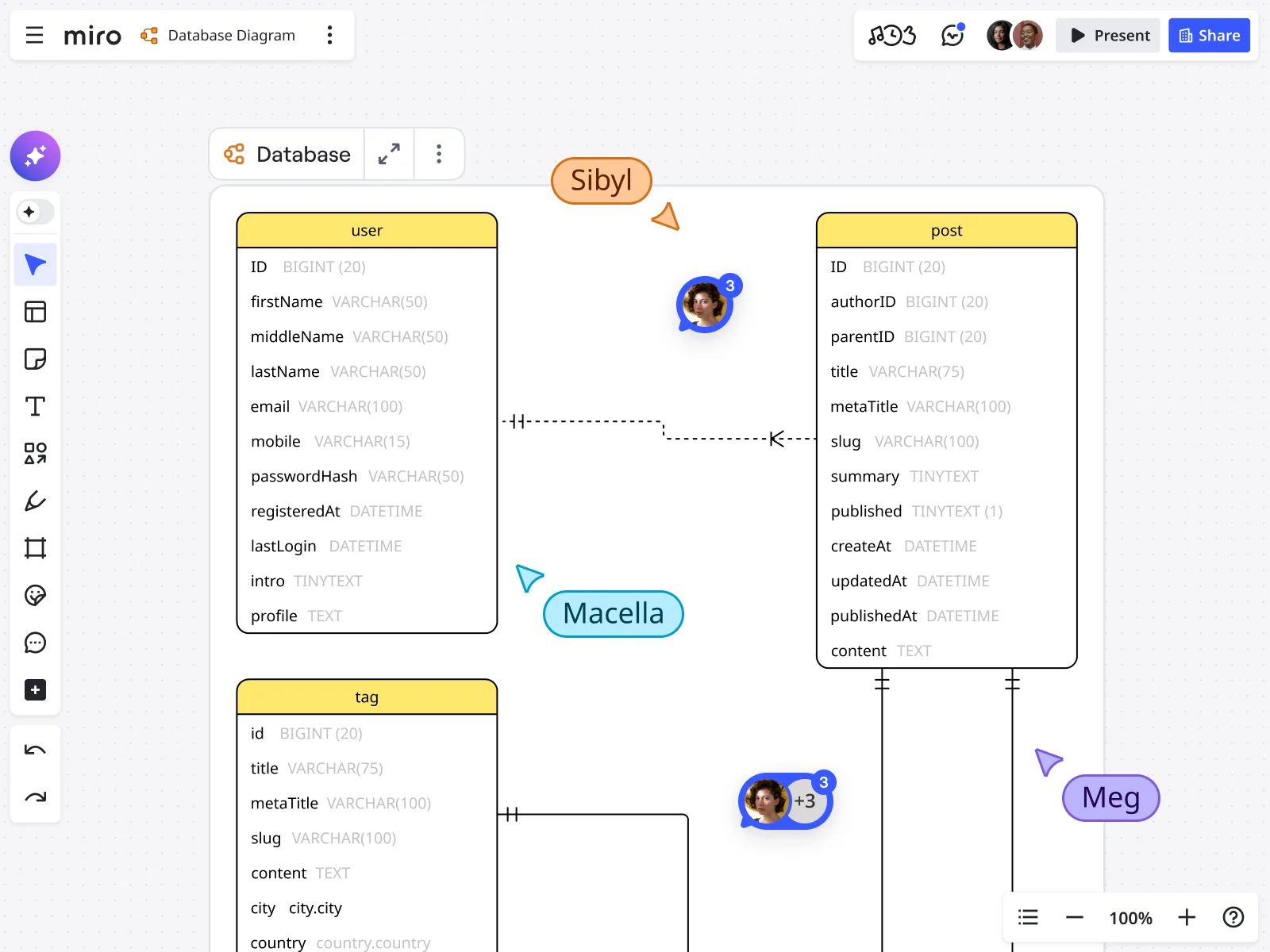


















Database design made easy with Miro
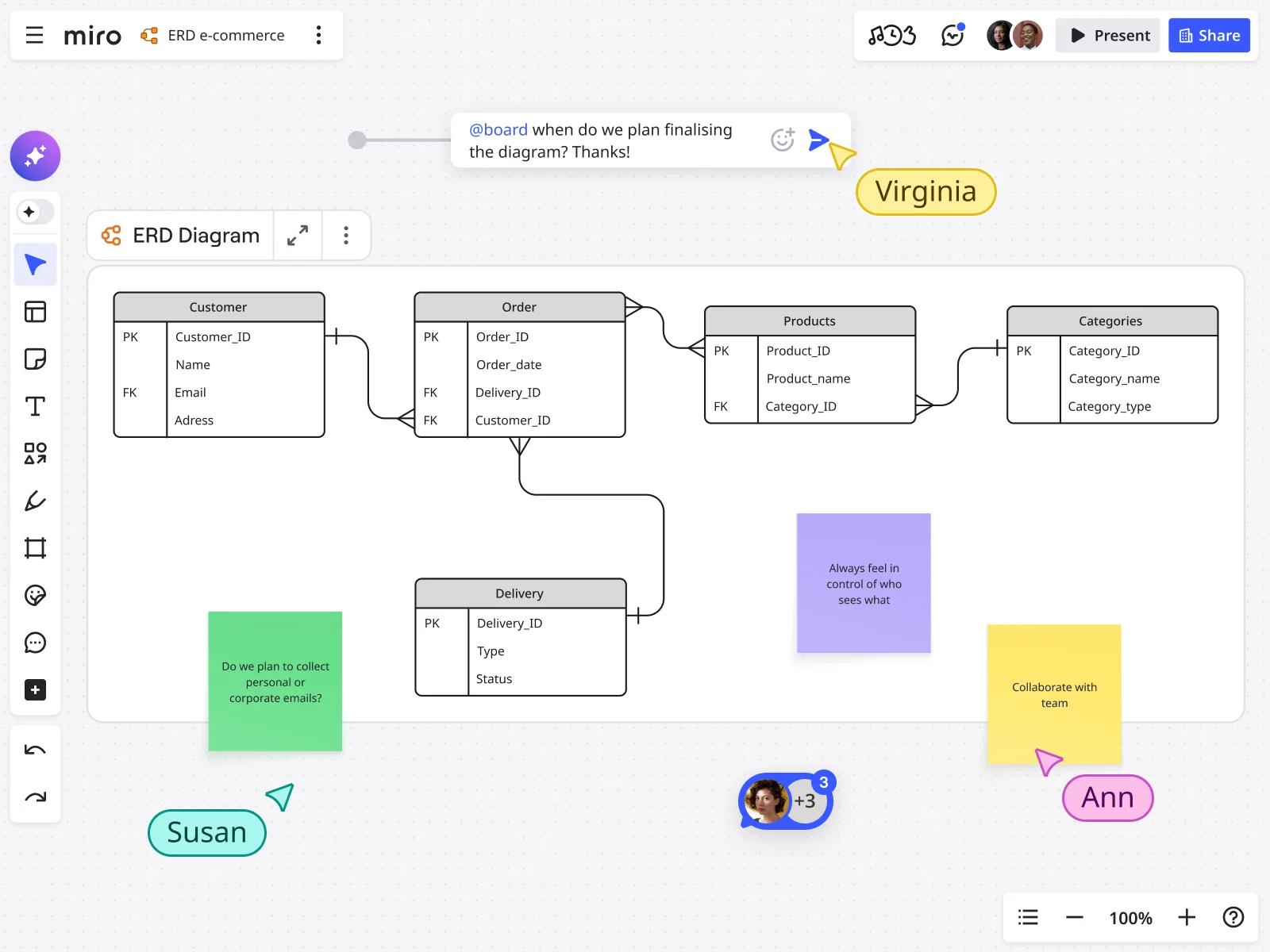
Why teams choose Miro as their database design tool
AI-powered diagramming that does the heavy lifting
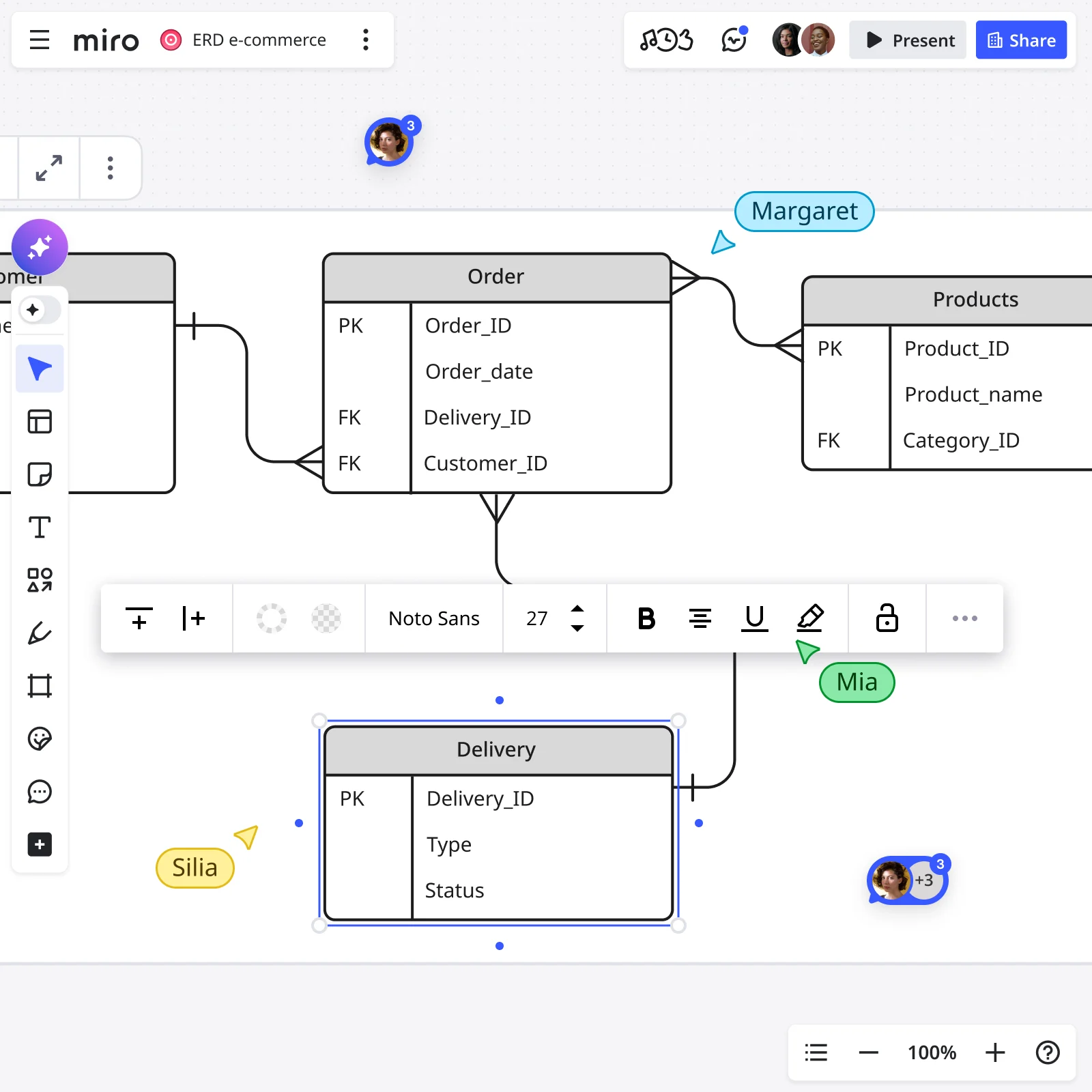
Start with your requirements and let AI build your database schema in seconds. This AI database design tool generates ER diagrams from text descriptions, suggests optimal table relationships, and flags potential design issues. Upload existing schemas or describe your data structure in plain language — Create with AI handles the layout while you focus on logic.
From brainstorm to production-ready schema
Run your entire database design process in one place. Sketch initial concepts, use AI to generate detailed ER diagrams from your notes, refine relationships with your team in real time, and export production-ready schemas. This is database design online that connects to how development teams actually work.
Real-time collaboration that prevents costly mistakes
Catch schema conflicts before they hit production. Engineers, product managers, and DBAs work on the same database design simultaneously, commenting on structures and validating relationships together. No more discovering incompatible data models after weeks of development.
Built-in intelligence for better database architecture
Get AI-powered suggestions as you design. The AI tool for database design recommends normalization improvements, identifies missing foreign keys, and suggests indexing strategies. It's like having a database architect reviewing your work in real time.
Drag-and-drop diagramming with serious power
Choose your style and Miro adapts. Use visual shape packs for drag-and-drop design, or use Mermaid and PlantUML apps to generate diagrams from code. AI Sidekicks provide contextual guidance on database best practices as you work.
Connect your database design to actual development
Turn diagrams into action without manual handoffs. Tag team members in schema decisions, convert design questions into Jira tickets on the same board, and integrate with Confluence, Asana, and GitHub. Your DB design tool becomes the source of truth connecting planning to implementation.
Integrated with your favorite tools
Related templates
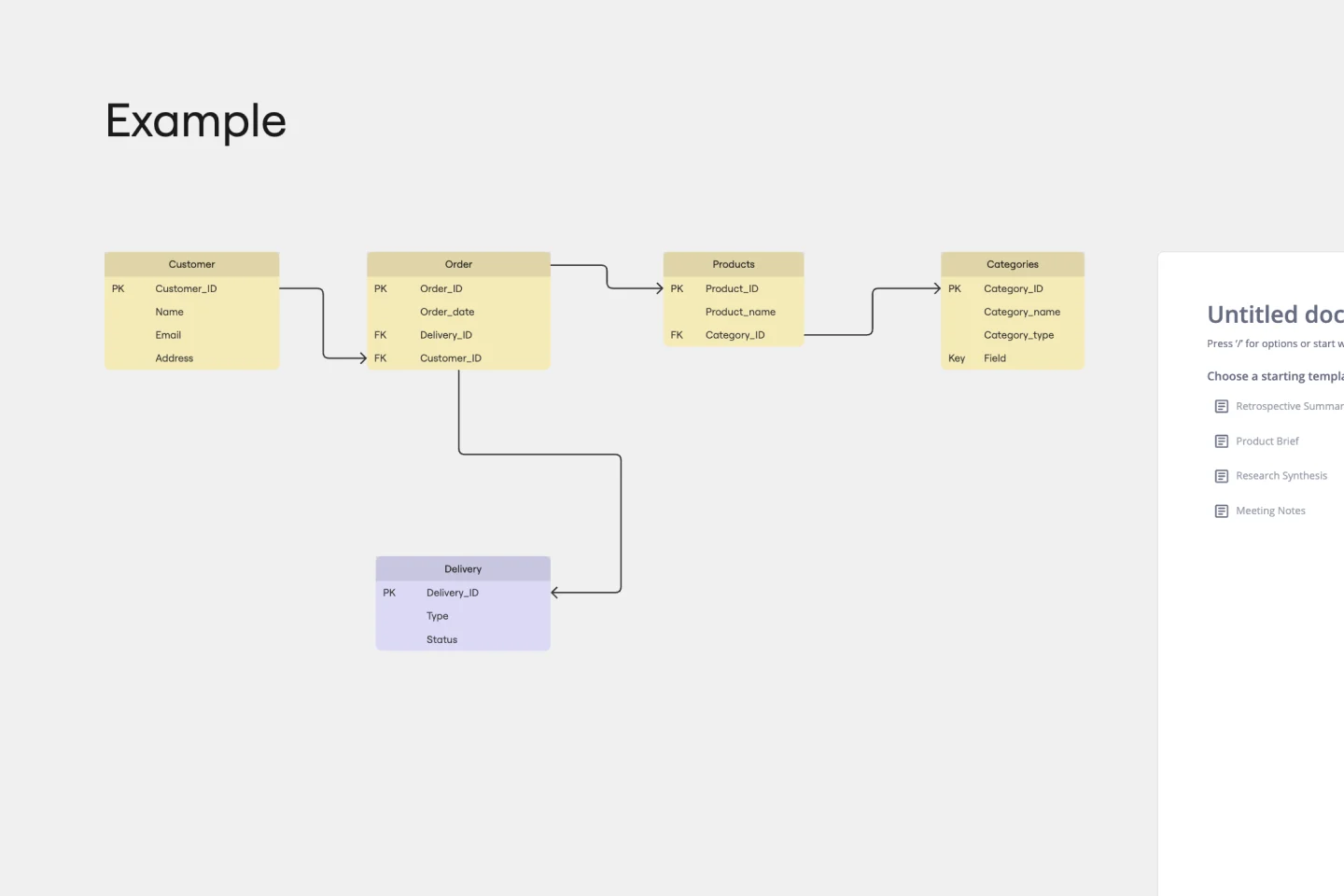
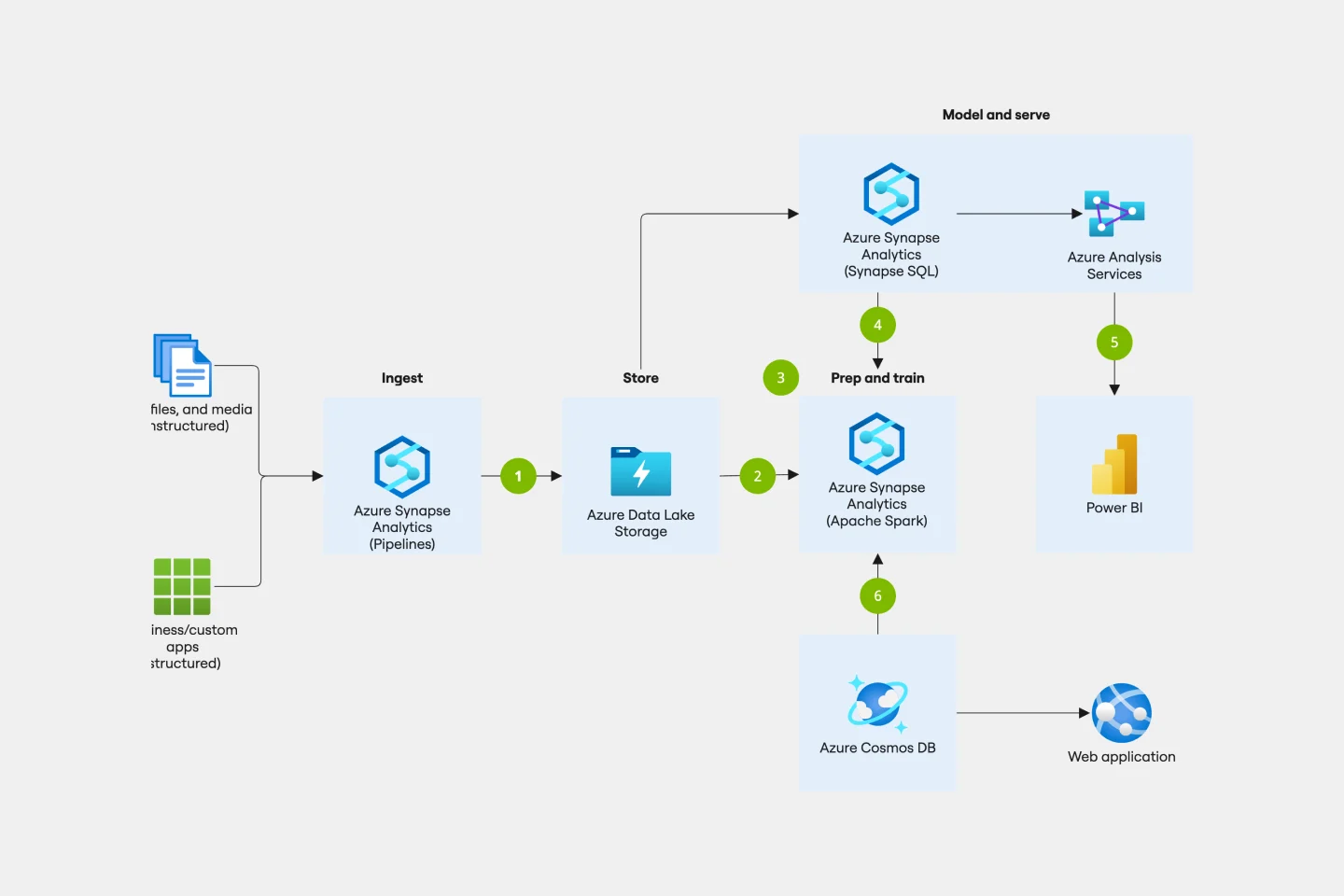
How to design a database online with Miro's AI database design tool

The world's most innovative companies are collaborating in Miro, everyday
“With Miro, we went from project brief to in-market launch in 10 months. That usually takes 3 years at PepsiCo.”
Caroline de Diego
Senior Manager, Global Design & Marketing Innovation at PepsiCo


“Bringing everyone together to plan in Miro means the most impactful initiatives will happen at the right time.”
Lucy Starling
Product Operations Lead at Asos


“The team onboarded in 10 minutes to use Miro for workshops. Getting our organization to adopt this product was a no-brainer.”
Konrad Grzegory
Agile Transformation Lead at CD PROJEKT RED


“Miro templates helped us go from scratch to a full-fledged plan where we mapped activities, ideas, and dependencies.”
Marc Zukerman
Senior Director of Project Management at Hearst


“Miro allows all our teams to align themselves with certain tools and models: they work independently and create products that really meet our customers' needs.”
Luke Pittar
Sustainability Innovation & Design Coach at The Warehouse Group


“To be truly innovative, everyone needs to have a voice, and everyone needs to be able to iterate on each other’s ideas. Miro has made that possible for us.”
Brian Chiccotelli
Learning Experience Designer at HP


Users love Miro for end-to-end innovation. We're the G2 leader in visual collaboration platforms and are rated in the top 50 enterprise tools. Miro helps large companies get meaningful work done.
Top 50 Products for Enterprise
G2 reviews


Database design tool FAQs
What is the best tool for database design online?
There are many options available when choosing a tool to draw database diagrams. database design tool. To find the right one, start by identifying your organization’s data needs, and determine how simple or complex the work you need to perform is. When selecting your database design tool, evaluate the level of automation you need and how easy it will be to implement your technical plans. Miro has robust diagramming capabilities; try it yourself and see if it works.
How does AI help with database design?
AI for database design speeds up schema creation, suggests optimal relationships, and catches design issues early. Instead of manually drawing every table, describe your data structure and let AI generate the ER diagram. The AI database design tool applies best practices automatically, giving junior developers a stronger starting point and helping senior architects move faster.
Can I import existing database schemas into Miro?
Yes. Use Mermaid or PlantUML apps to generate diagrams from existing schema code, or manually recreate your database design using visual shape packs. Once in Miro, you can use AI to suggest improvements, visualize the schema for non-technical stakeholders, and collaborate on migrations.
Is Miro's database design tool suitable for enterprise databases?
Absolutely. Enterprise teams use Miro to design complex database architectures, collaborate across distributed teams, maintain current schema documentation, and connect database design to broader technical architecture. The database design online tool scales from simple schemas to enterprise-level systems while keeping everyone aligned.