There’s a lot of ground to cover between a plan and a shipped product. You know how it goes: context drops off between handoffs, work gets redone in a dozen tools and formats, and the stuff your team already figured out doesn’t always carry forward.
This month’s updates bring your thinking closer to the finish line. Specs and PRDs become working code. Prototypes move into production. Goals break down into tasks, and tried-and-true workflows run on repeat.
Everything you work on in Miro shapes what gets shipped. For your team, that means less time lost in between, and more spent building what matters. Let’s get into it.
Connect Miro to AI coding tools with MCP
AI coding tools are only as good as the context behind them. Miro’s MCP server (Beta) gives them the full picture. Connect your Miro boards to AI coding tools like Cursor, Claude Code, GitHub Copilot, Replit, and more. Your specs, technical docs, and architecture diagrams translate into AI-generated code that reflects your actual system design.
Here’s what you can do with MCP:
- Get AI code right on the first go. Feed your specs, PRDs, and system diagrams directly into your coding tools. The result: code that’s actually on spec, with far less prompting and cleanup.
- Visualize your codebase, automatically. Turn your codebase into live architecture diagrams in Miro. No more manual mapping or outdated diagrams that fall out of sync after every commit.
Watch our MCP tutorials on YouTube to see what’s possible. Ready to try it? Configure MCP for your team, or book a demo to see it up close first.
Miro’s MCP server is free to try while in beta. Pricing and access are subject to change.
Reuse your best workflows with Custom Blueprints
Every team has processes that just work. It could be the way you run quarterly planning, kick off a new project, or onboard a new hire. But those workflows usually live in someone’s head or scattered across docs and boards, making them hard to replicate. Now you can.
Save any Space — boards, docs, tables, tools, all of it — as a Custom Blueprint (Beta) that you and your team can reuse. This goes well beyond a single board template. You’re packaging up an entire workflow, ready to run again (and again).
You don’t have to start from scratch, either. Pick one of Miro’s pre-made Blueprints, tailor it to fit your team, and reuse it anytime. Either way, you’re turning proven processes into something that’s repeatable, shareable, and uniquely yours. Find out more about Blueprints (Beta) or get started with a tutorial.
Custom Blueprints are available on Starter, Business, and Enterprise plans. Explore plans.
Turn rough ideas into polished Miro Slides with AI
Next time you’re pulling together a stakeholder update, a sprint review, or a last-minute pitch, we’ve got you covered. You can now generate Miro Slides decks with AI. Use anything on your board as context: brainstorm ideas, meeting notes, project briefs, you name it.
Full deck or just a few extra slides — describe what you need, select the context, and watch AI build them out. Edit and customize anything you like, and you’re set to present.
Check out what else you can do with Miro Slides, and try out our new audience engagement tool, Miro Engage. It makes it easy to turn passive attendees into active participants, whether you’re presenting to ten people or a thousand.
Copy your prototypes from Miro to Figma
Ready to move a prototype into production? No need to rebuild your layouts from scratch. You can now copy Miro Prototypes as SVGs and paste them directly into Figma. The structure and layout stay intact, so you can move straight into high-fidelity design.
Read more about how it works, or start a free trial to give it a go.
Generate better prototypes from the get-go
We’ve also upgraded the AI behind prototypes. Expect stronger layouts, cleaner structure, and more consistent visuals from the first generation — so you spend less time reworking and more time iterating on what matters.
Miro Prototypes is available as an add-on for Starter, Business, and Enterprise plans.
Tables updates: See how work connects, from goals to tasks
A plan’s only useful if your team can act on it. This month’s Tables updates bring real structure to your goals, initiatives, and tasks — so your team always knows how things ladder up, and what to tackle next.
Create Kanban boards and Timelines with AI
Need a structured project plan, stat? You can now generate Kanban boards and Timelines with Miro AI — either from the AI sidebar or as part of a Flow. Just describe what you need, and AI builds something your whole team can start on in seconds.
Turn a list of tasks from a planning session into a Kanban board with columns, priorities, and assignments. Map out a product launch as a Timeline with milestones and dependencies. All without spending hours on manual setup.
Parent/child relationships
Once you’ve got structure, you can take it further by organizing your data into parent-child hierarchies. Think initiatives broken down into epics, epics into features, features into tasks. Expand or collapse nested rows to drill down into the details or zoom out for the big picture, all in one table.
Pair hierarchy with dependencies and you can quickly spot blockers and see where one piece of work is holding up another. Whether you’re running a portfolio review or a sprint planning session, it’s a clearer way to see how everything fits together.
This Tables feature is available on Business and Enterprise plans.
Tree view
Now that the structure’s in place, it’s time to visualize it. Tree view (Beta) displays your data as expandable hierarchies, so you can see exactly how initiatives, epics, and tasks roll up to your team’s objectives.
Expand or collapse subtrees to focus on what matters, and switch between table, Kanban, Timeline, and tree view to see the same data from different angles. It’s a flexible way to navigate even the most complex programs, whether you’re a portfolio leader tracking goal-to-execution alignment or an engineering manager reviewing initiatives across multiple teams.
Tree view is available on Business and Enterprise plans.
AI workflows: Sidekicks and Flows can read the web now
This one’s a game-changer for how you work with AI in Miro. Flows and Sidekicks can now read web content directly from links and embeds on your board — so you can feed in articles, competitor pages, documentation, or research without copying and pasting it all.
Just drop any public URL on your board, and it’s ready to use in your AI workflows. Build Flows that automatically summarize weekly industry reports from a list of links, ask a Sidekick to analyze competitor pricing pages, or enrich a workshop with live data from news sites or public research. The possibilities are endless.
Flows: Easier to run, easier to manage
A few more updates that make a big difference to building and running your AI workflows:
- Run any Flow with one click: Running a Flow used to mean clicking through multiple steps. Now, one button runs the whole thing — so even the most complex Flows are easy to kick off.
- Hide Flow connectors: Working on a board with lots of Flows? Hide the connector lines so your board stays clean and readable. When you select a node, its connections will still appear, so you always know what’s linked to what.
- Undo Flow results: Accidentally ran a Flow over something important? You can now revert any Flow result to a previous version within 24 hours, making it easier to experiment without worrying about overwriting your work.
New in Miroverse: Flows templates to jumpstart your next project
Want to see what’s possible with Flows? Check out these new Flows templates, built by and for the Miro community:
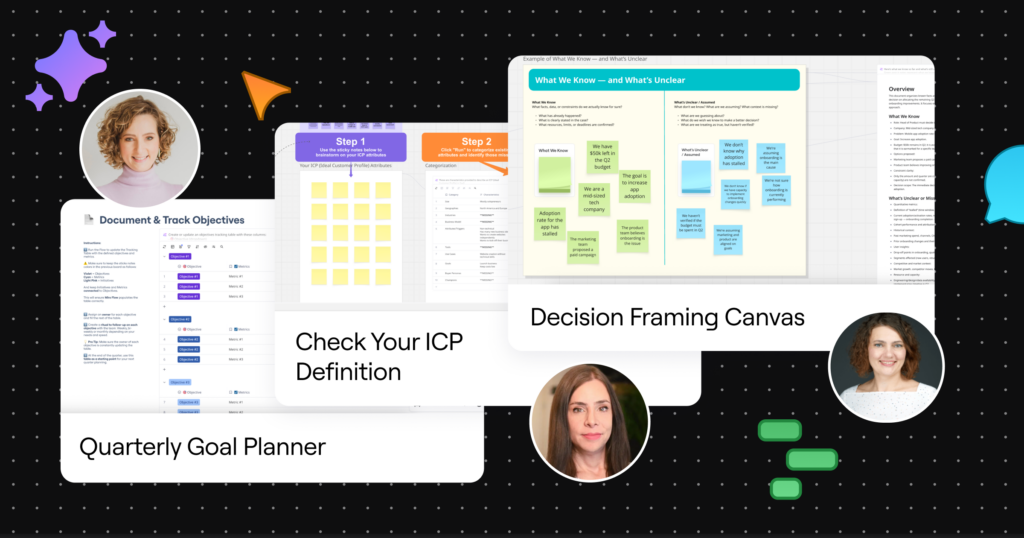
- Carolina’s Quarterly Goals template transforms your team’s strategic planning with AI, from setting objectives to tracking progress.
- Leah’s ICP Definition template helps teams clearly define and validate their Ideal Customer Profile, with AI guiding you through each step.
- Daria’s Decision Framing Canvas gives you a structured process to frame any complex decision before you act, so you move forward with clarity, not guesswork.
Explore even more community-built templates in Miroverse, or submit your own.
Join the conversation on Reddit at r/Miro
Speaking of community, we’ve launched r/Miro: a place to swap tips with other Miro users, hear about new features first, share what you’re building, and ask our team questions directly. Keep an eye out for contests, too! Whether you just started with Miro or you’ve been at it for years, come say hi.
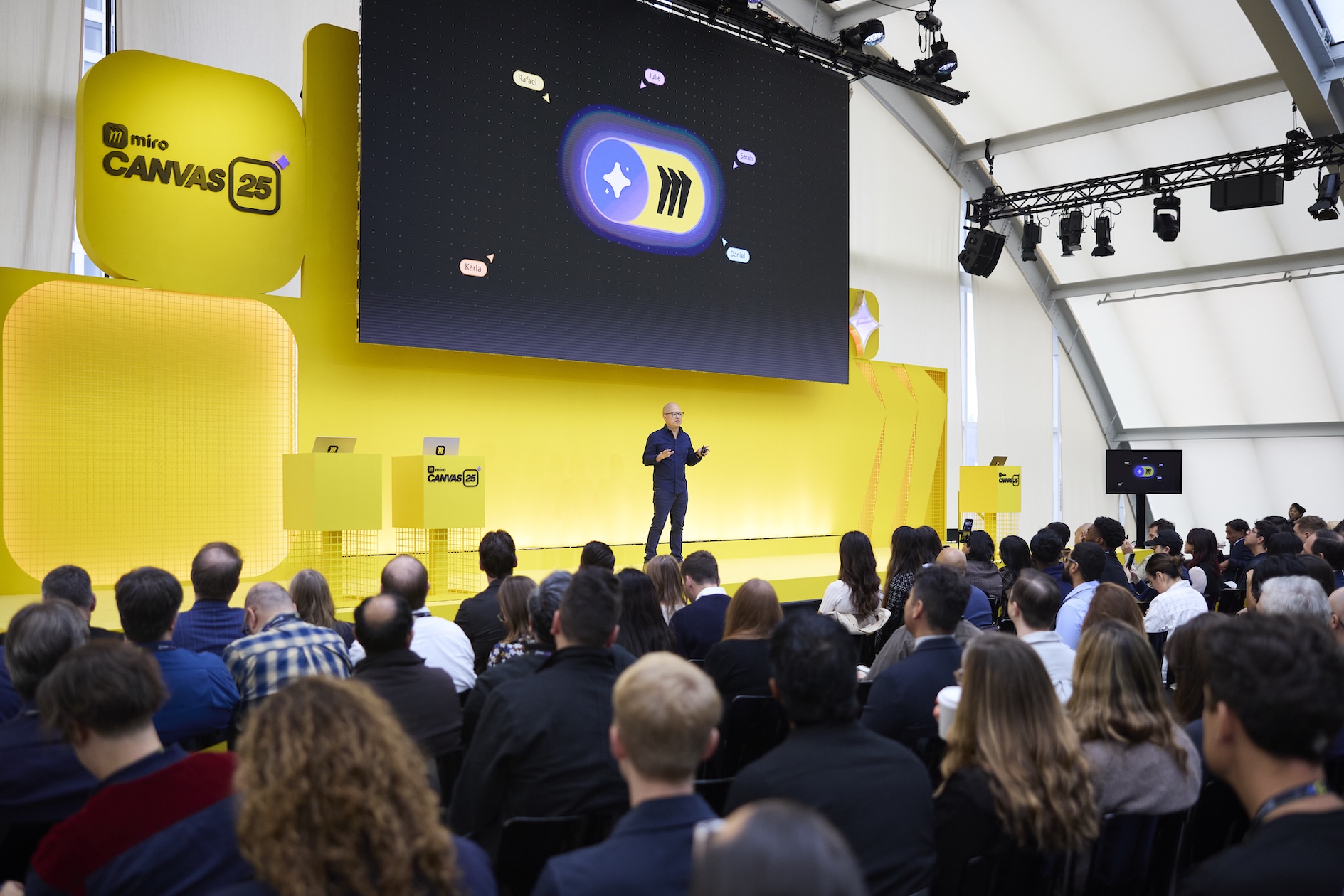
Save the date: Canvas 26 is going global
One more thing for this month! Mark your calendar — Canvas 26 is hitting four cities this year, starting with San Francisco on May 19. This is where you’ll meet the teams who’ve mastered collaborative AI workflows, and see what’s next for Miro before anyone else. Save the date now to be first in line when registration opens.