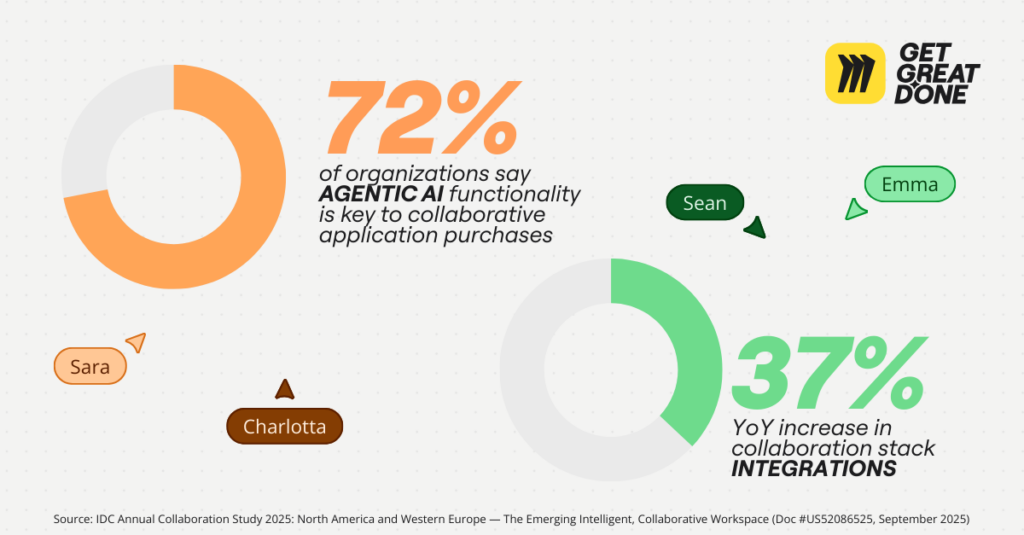
According to the IDC Annual Collaboration Study 2025, 72% of organizations report
that “agentic AI functionality is key to collaborative application purchases,” yet uncertainty remains around how to ground it in real workflows and decisions.¹
At Miro, we believe AI performs best when it operates inside shared, integrated collaboration systems — not as a standalone tool. This is part of a broader shift in how work happens. The same IDC Annual Collaboration Study shows that work is becoming more collaborative and intelligent, with the average organization now using 9.2 integrations across its collaboration stack, up 37% year-over-year.¹
Collaboration spaces are no longer just where ideas are discussed; they’re where decisions are made, systems are shaped, and organizational intent is documented. This is the exact context AI needs to deliver accuracy and value, not just speed.
We’re introducing the Model Context Protocol (MCP) server to make the shared visual context teams already create in Miro accessible to AI agents across the organization, grounding AI output in real architectures, real decisions, and real cross-functional understanding.
Why Miro MCP exists
Miro already serves as the shared visual context layer for how organizations work, bringing together product strategy, system architecture, design intent, technical decisions, and cross-functional alignment. With the MCP server, that context doesn’t stop at team collaboration — it becomes accessible to AI agents everywhere.
“The cross-functional context teams create in Miro is critical to unlocking AI value at scale. When product, design, and engineering align visually on intent and decisions, that shared context can flow into agentic coding systems and back into cross-functional discussions as work evolves. By making this context accessible through our MCP server, we’re helping organizations realize the full value of their AI investment.” — Jeff Chow, Chief Product & Technology Officer at Miro
Without shared context, AI outputs remain fragmented, hard to trust, and costly to validate — particularly for teams outside of engineering, such as IT, security, and operations.
By exposing Miro’s shared context through the MCP server, organizations can:
- Reduce re-explanation and coordination costs across teams
- Improve trust in AI-generated outputs by grounding them in shared, visual understanding
- Enable AI to participate meaningfully in planning, execution, and review — not just code generation
This shift is foundational to the next phase of collaboration: What the IDC MarketScape
describes as the “intelligent collaborative workspace,” where integrations — and MCP — extend what’s possible across the entire organization.¹
From organizational context to engineering execution
One of the clearest places this opportunity shows up is in AI-assisted software development. While AI tools are increasingly capable of generating code, teams still struggle to ensure that what’s generated aligns with existing architectures, standards, and system constraints, especially as collaboration becomes more distributed and systems more complex.
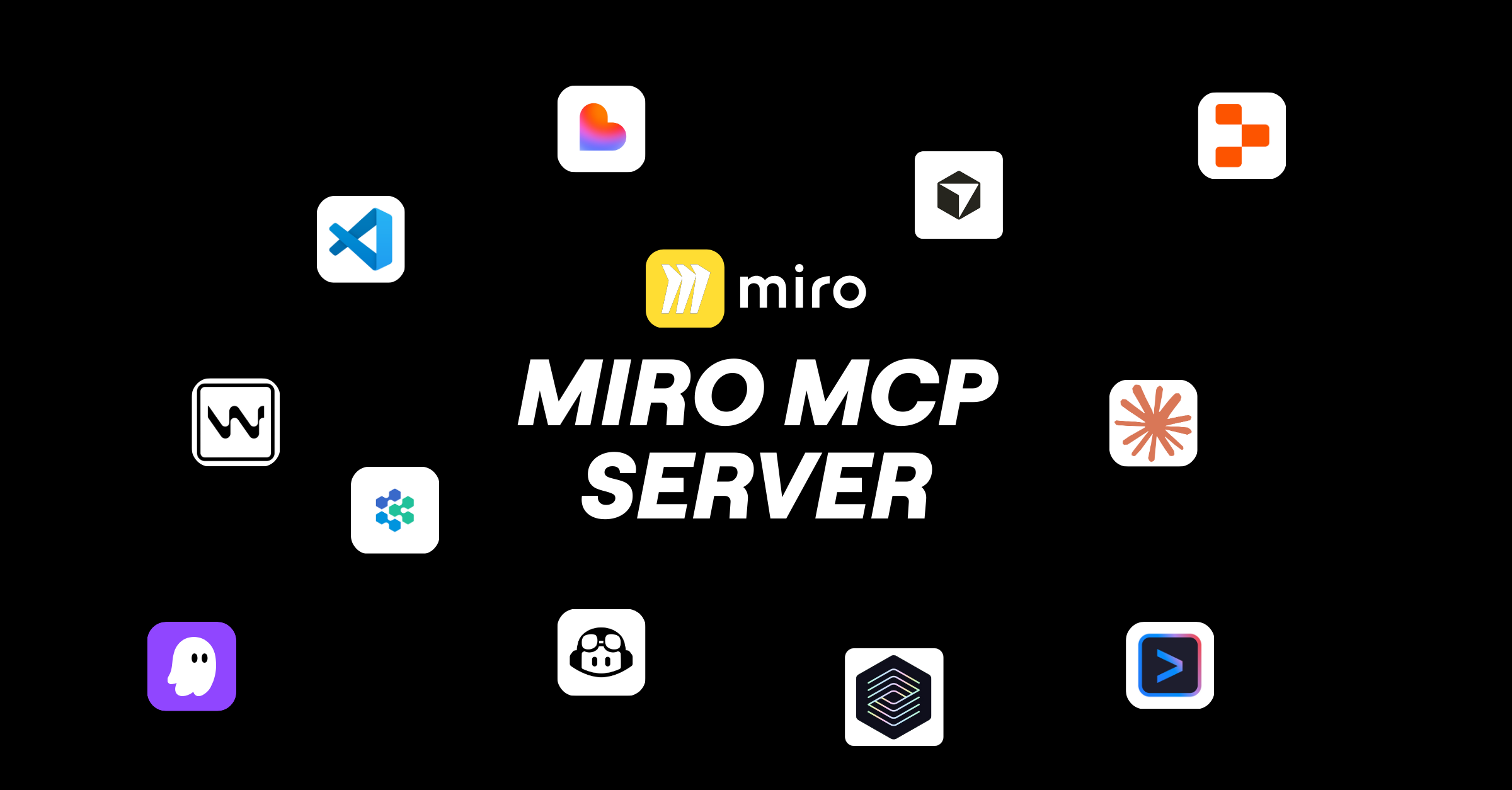
Miro MCP server bridges this gap by connecting AI coding tools from the likes of Claude Code, GitHub Copilot, Cursor, Gemini CLI, OpenAI Codex, AWS Kiro, Windsurf, Replit, Lovable, VS Code, Devin, and ServiceNow (coming soon), directly to the shared, visual context teams already maintain in Miro — enabling architecture diagrams, requirements, API specs, and design decisions to actively inform code generation and review.
Let’s take a closer look at how it works.
Code visualization
Miro automatically surfaces your code structure, visualizes dependencies, and generates architecture diagrams or technical documentation (including example code snippets) directly from your codebase. No more manual diagramming or reverse-engineering legacy systems.
Why is this useful? Let’s say a new team member joins and needs to generate an architecture diagram from the main branch. They’re able to understand the system structure in less than 30 minutes instead of three days.
Or maybe your team is planning a refactor. Because it’s easy to visualize current dependencies, they can quickly mitigate potential risks before touching a single line of code.
“Miro’s MCP server brings product context directly into the developer workflow, which is a huge unlock for how teams build with AI. We’re excited about what this enables for faster, more aligned development.” — Theodor Macru, Head of Product Growth at Windsurf
Context‑to‑code generation
MCP server lets your AI assistant read your boards — including architecture diagrams, API specs, user flows, and technical requirements — and use them to generate context-aware code.
Imagine you’re building a new microservice. AI can now reference your existing service architecture so generated code follows your established patterns and properly integrates with existing services.
Or if you’re implementing a feature, AI can see your data models and API documentation so your code uses the correct schemas and endpoints from the start.
The end result? Teams quickly move into implementation, with shared context flowing straight into their AI tools.
“Miro’s MCP server unlocks a powerful new workflow to go from ideas to apps using Replit. By seamlessly passing context from Miro to Replit, teams can reduce friction and move from concept to execution faster. We’re excited to see how Replit builders use Miro MCP server to create tighter feedback loops between thinking and making—and ship products faster as a result.” — Jeff Burke, Head of BD and Partnerships at Replit
Our own Miro Engineers are already using MCP for faster reviews, understanding changes, and more accurate implementation.
“We’re already seeing Miro’s MCP server change how our engineering teams work. By grounding AI agents in context the whole team shares, we can trust what’s being built without reading every line of generated code. For things like internal security reviews, that’s saving us days and freeing us up to focus on what actually matters.” — Yauhen Ivashkevich, Software Engineer at Miro
Try Miro MCP today
MCP server is in Public Beta. Enterprise access is managed at the organization level. If you’re on an enterprise account, ask your workspace admin to enable MCP in the admin console under Integrations > Developer Tools.
No admin rights? Share our admin guide with your admin or IT team, or contact your Miro customer success manager to get MCP server enabled.
Join our MCP Server Community Challenge: Test our our MCP server and build your own workflow to visualize your codebase or feed Miro context into your agentic coding tool. Let’s see what you can do!
¹ IDC Annual Collaboration Study 2025: North America and Western Europe — The Emerging Intelligent, Collaborative Workspace (Doc #US52086525, September 2025)