Boost ideation with Miro's brainstorming tool
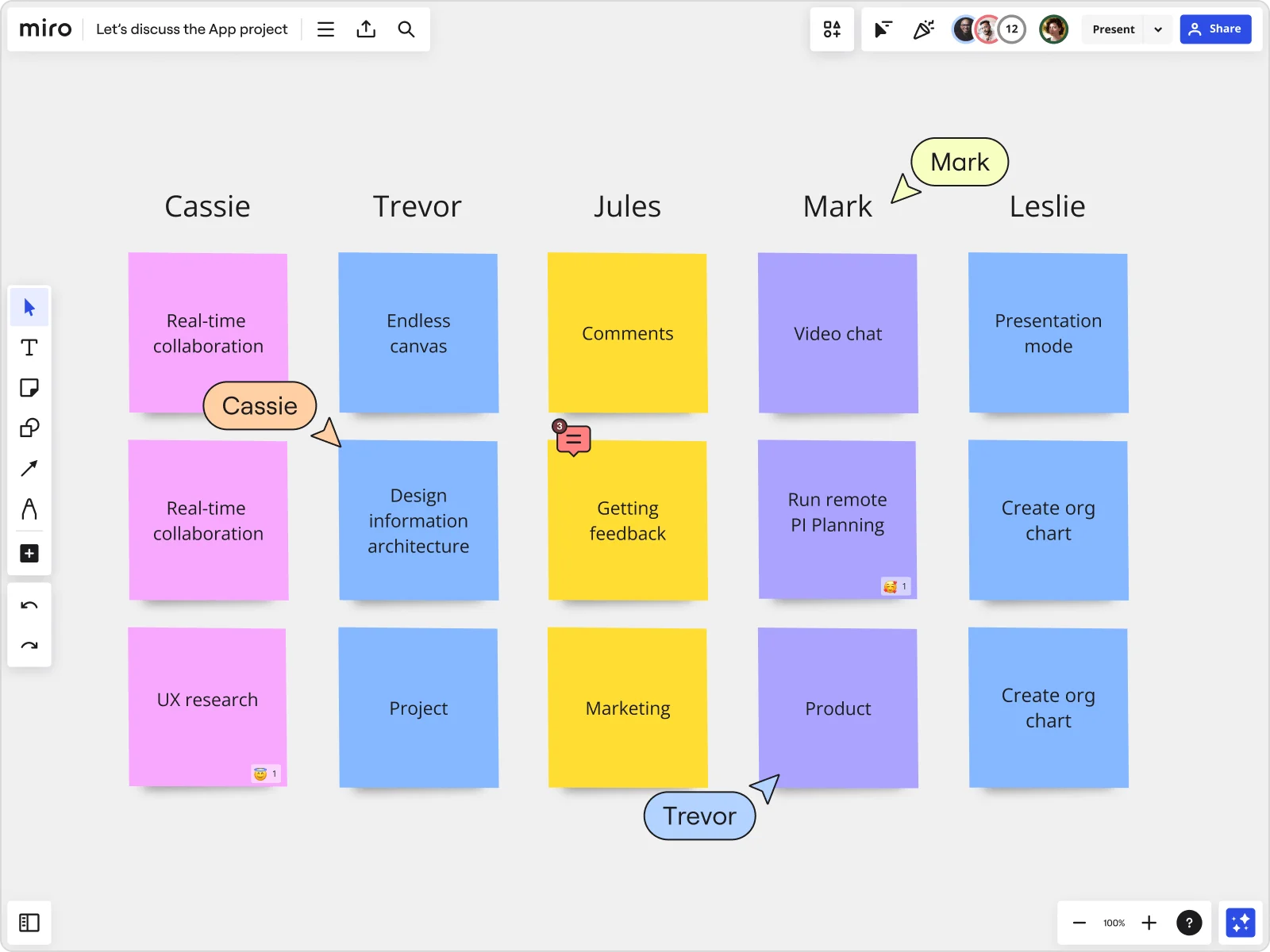

















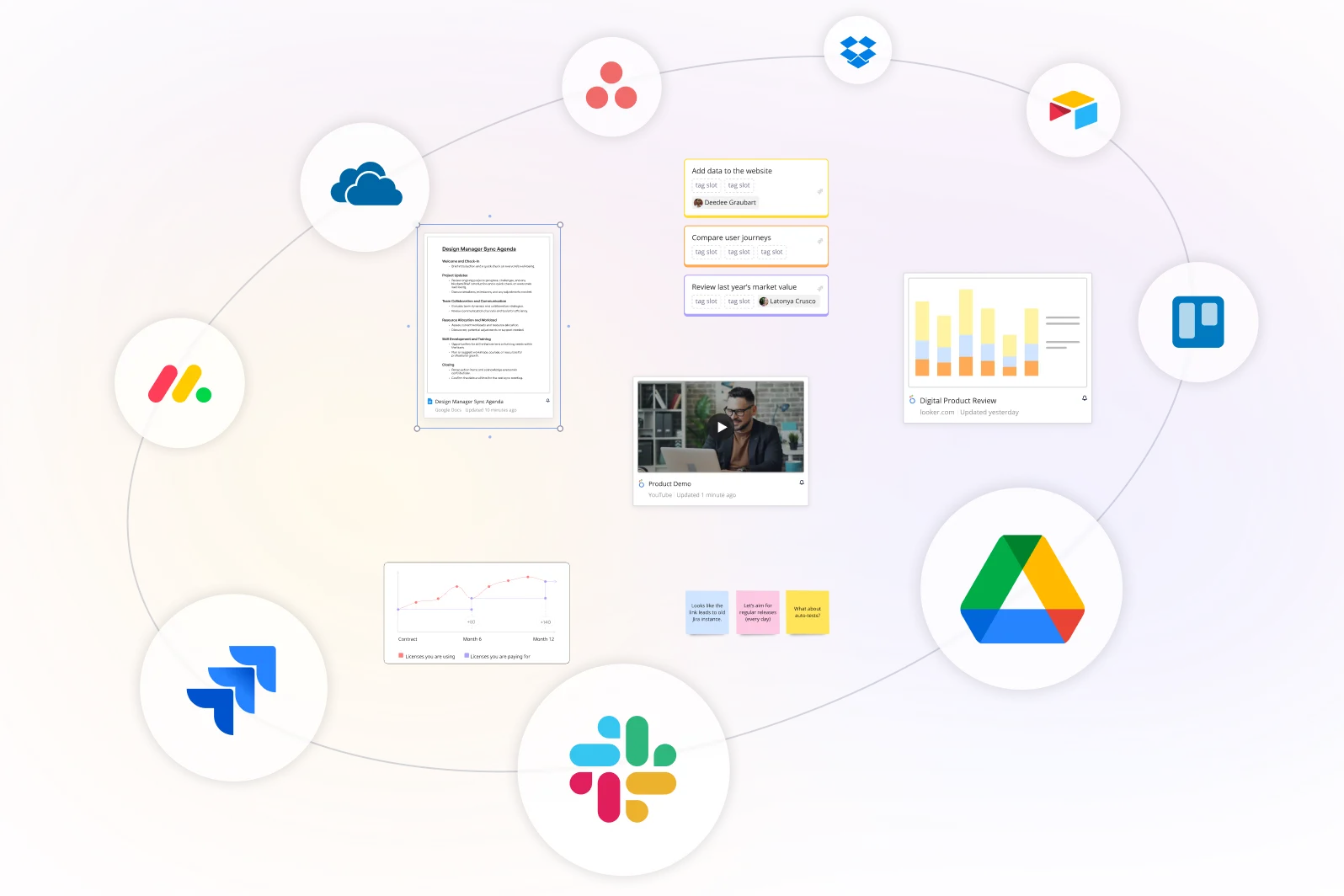
Everything in one place
Stop losing ideas across five different apps. Import data straight from spreadsheets, then build out your thinking with sticky notes, drawings, diagrams, images, docs, and GIFs, all from any device. Pull in files from Google Drive, Figma, and Dropbox without leaving the board.
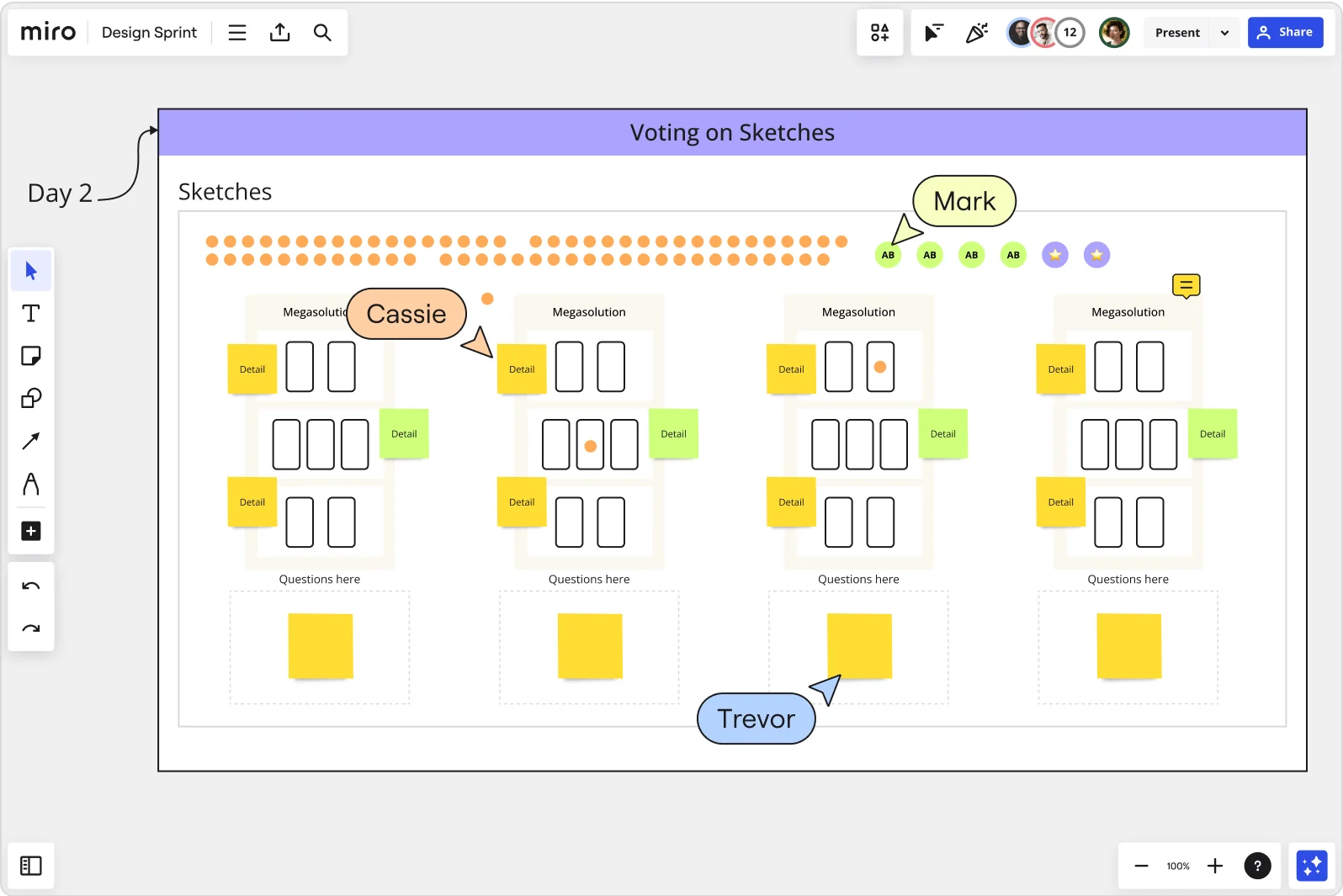
Run a brainstorm session, even remotely
Distributed team? No problem. Co-create in real time, drop async comments, or record a Talktrack so no one misses context across time zones. Facilitate your brainstorming session with built-in timers, voting, and breakout frames, and let Miro AI cluster sticky notes or summarize themes so nothing gets lost in the noise. Brainstorming doesn't need to stop just because your team is spread out.
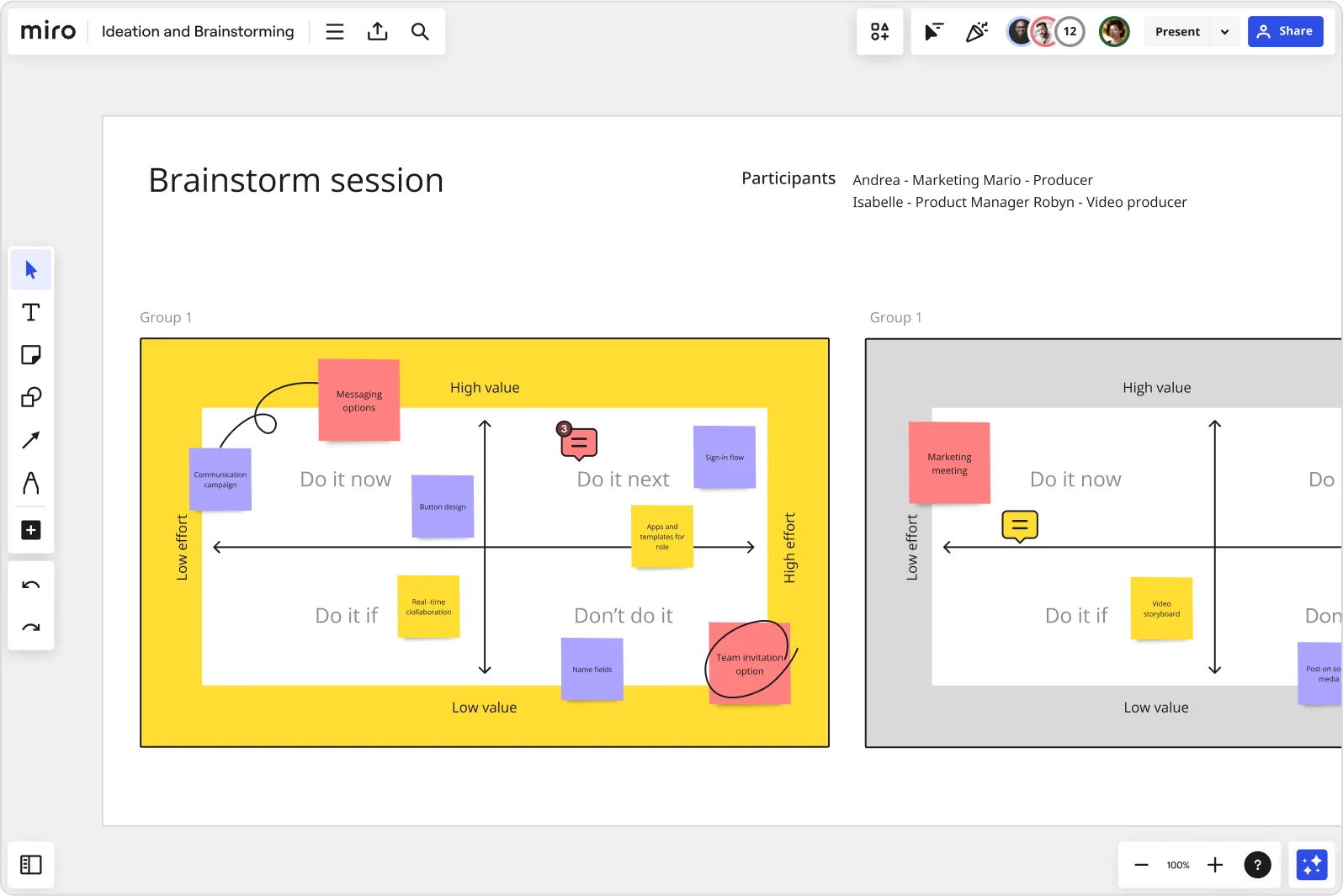
Accelerate innovation
Good ideas need room to breathe. Miro's infinite canvas gives your team space to experiment with mind maps, flowcharts, and diagrams, then tighten things up with smart alignment tools and templates.
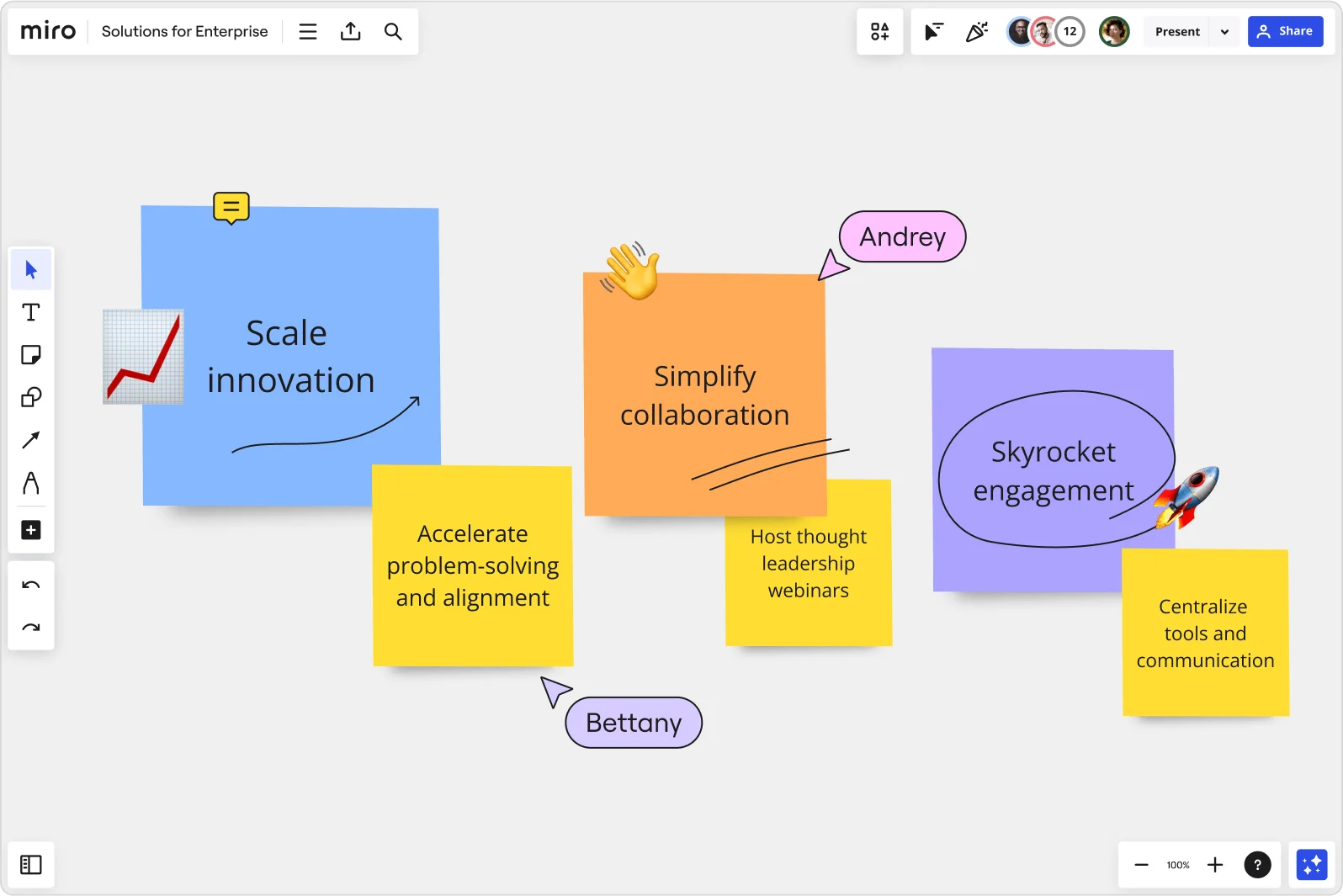
What makes Miro's brainstorming tool different
Uncover the best ideas
Turn brainstorming into a real team effort. Anonymous voting levels the playing field so every idea gets a fair shot. Keyword search, tagging, and clustering keep things organized as the board grows. Miro AI can group sticky notes into themes, summarize discussions, or flag patterns your team might miss.
Your idea archive, not just a whiteboard
Comments, version history, and linked resources keep the "why" behind every decision intact. Connect to Jira, Asana, or Confluence to tie ideas straight to execution, and keep your brainstorming board around as a reference for the next round of planning.
Bring the whole org into the brainstorming process
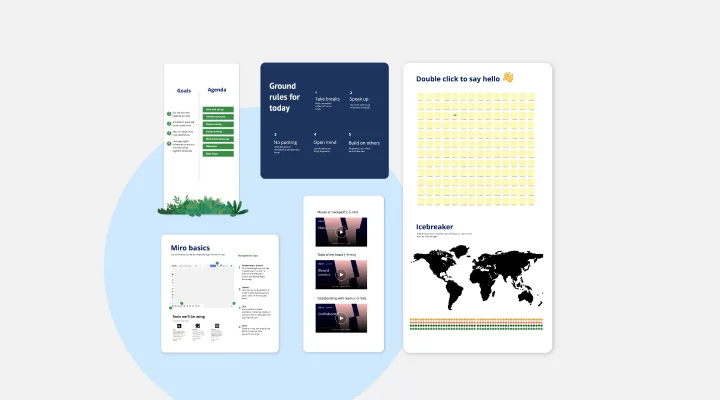
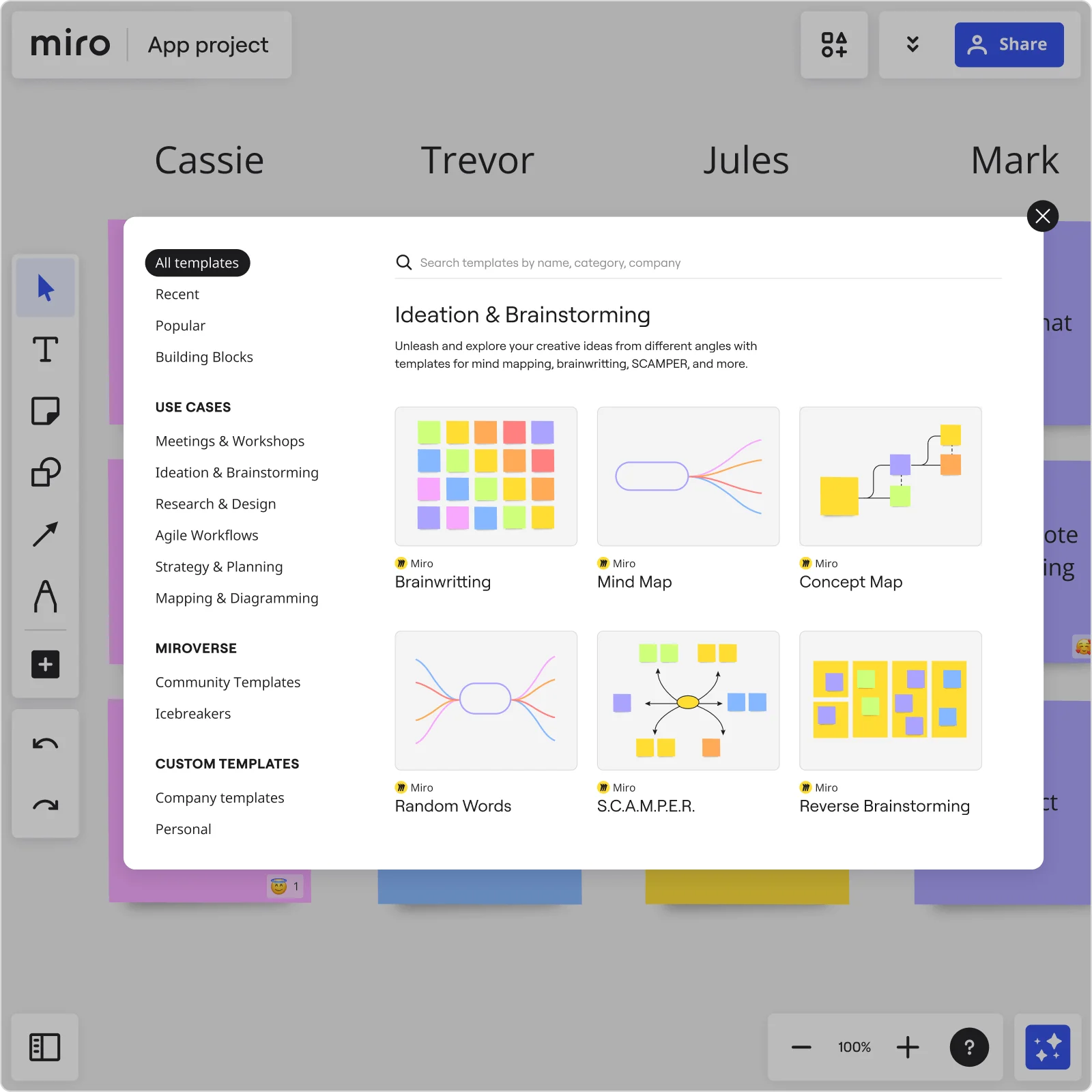
Facilitate brainstorming workshops at scale, live or async, so good ideas stop living in silos. Stickies capture turns handwritten notes from a physical whiteboard into fully editable digital stickies in seconds, ready to build on in your online brainstorming session. Pair that with templates from Miroverse, and you can run a confident session without starting from scratch.
Move ideas from concept to execution
Use our free brainstorming tool and infinite canvas to group and prioritize ideas, then turn your strongest clusters into action plans with clear owners and next steps. Link straight to your project management tools so the brainstorm flows into delivery instead of stalling out.
Integrated with your favorite tools
Related pages
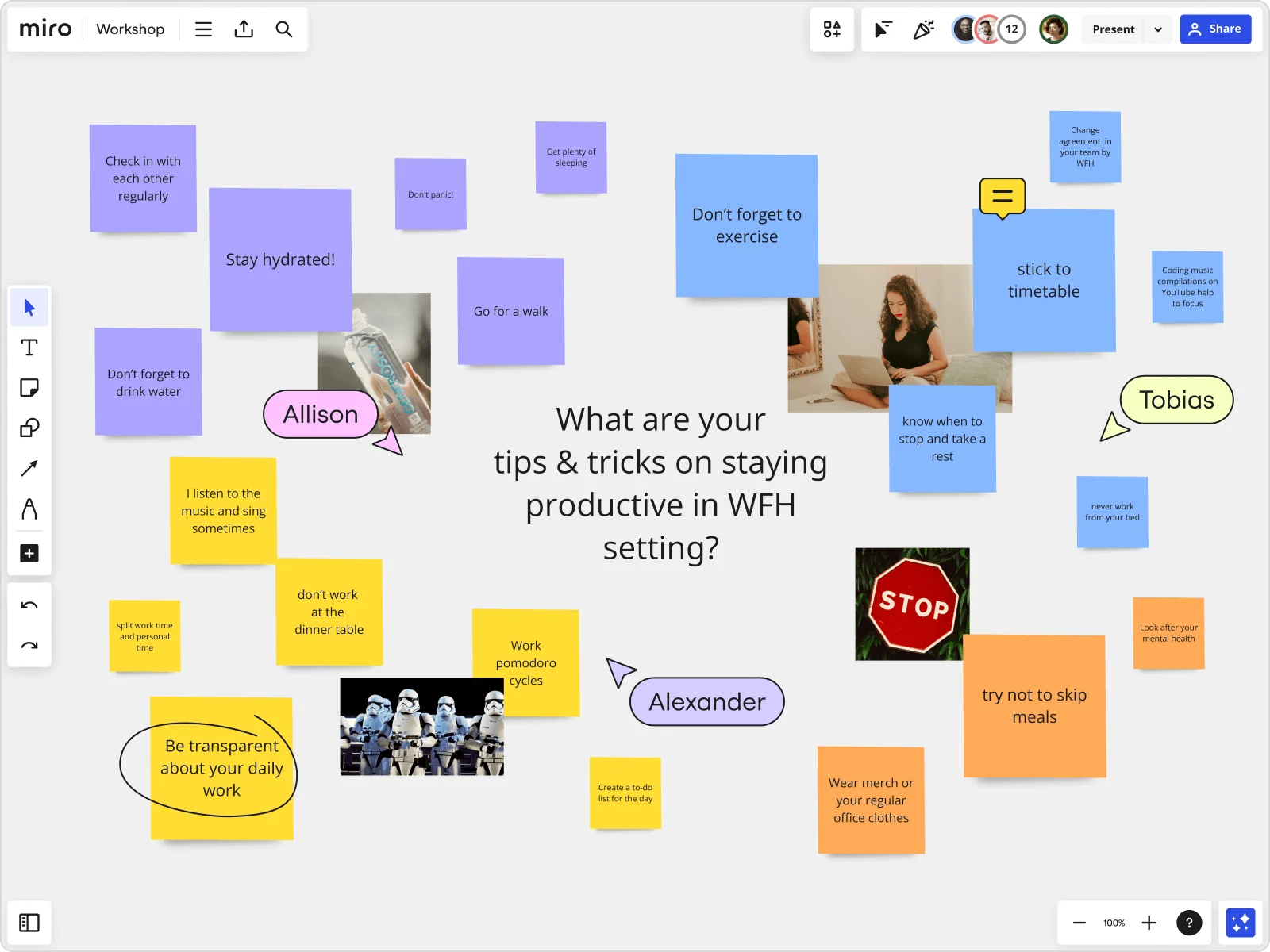

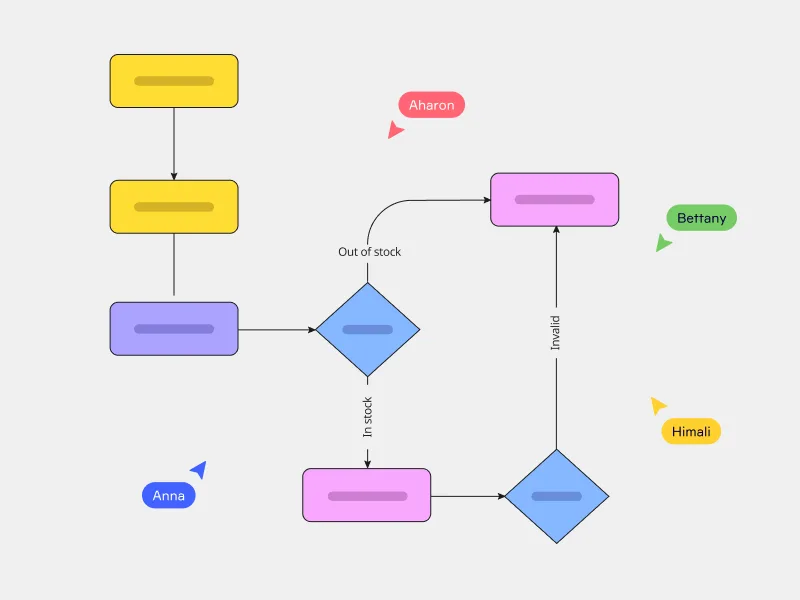
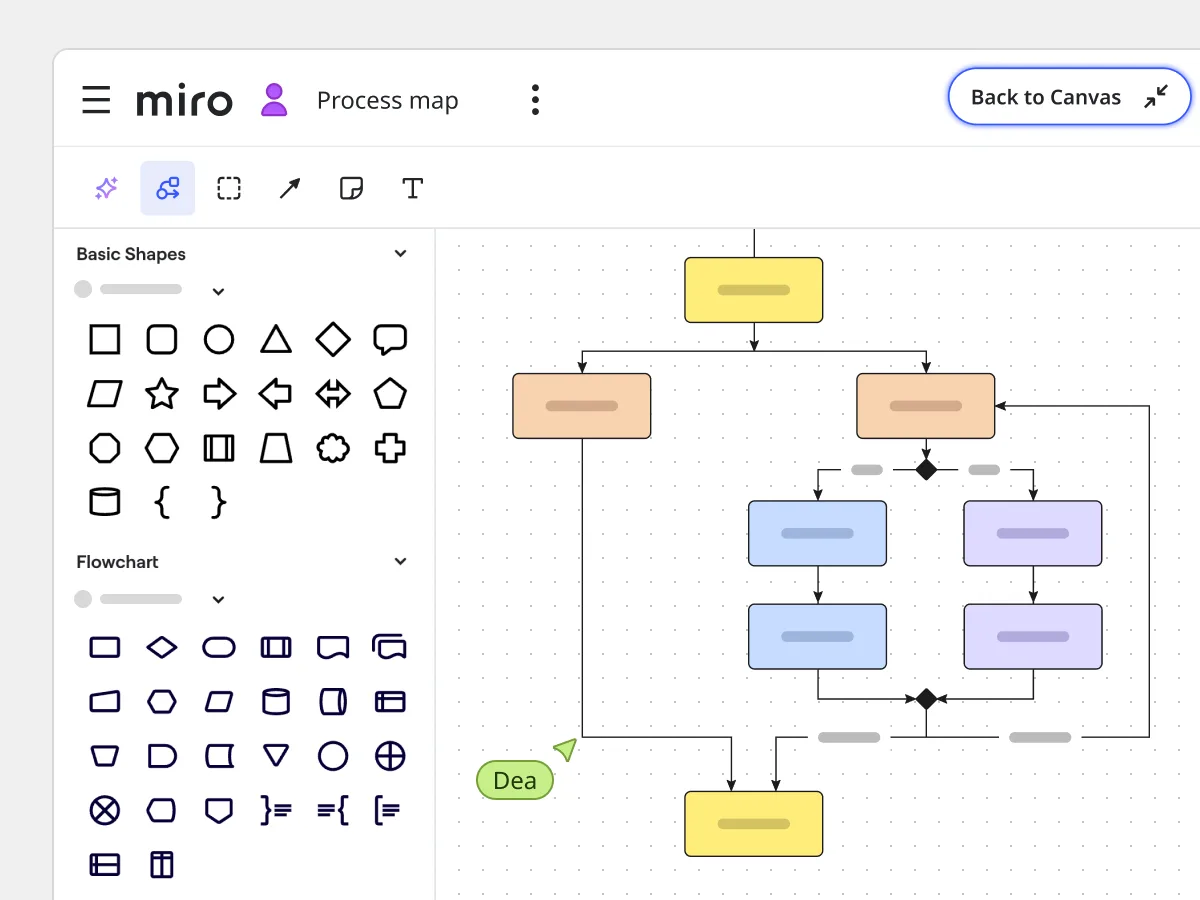
Related templates
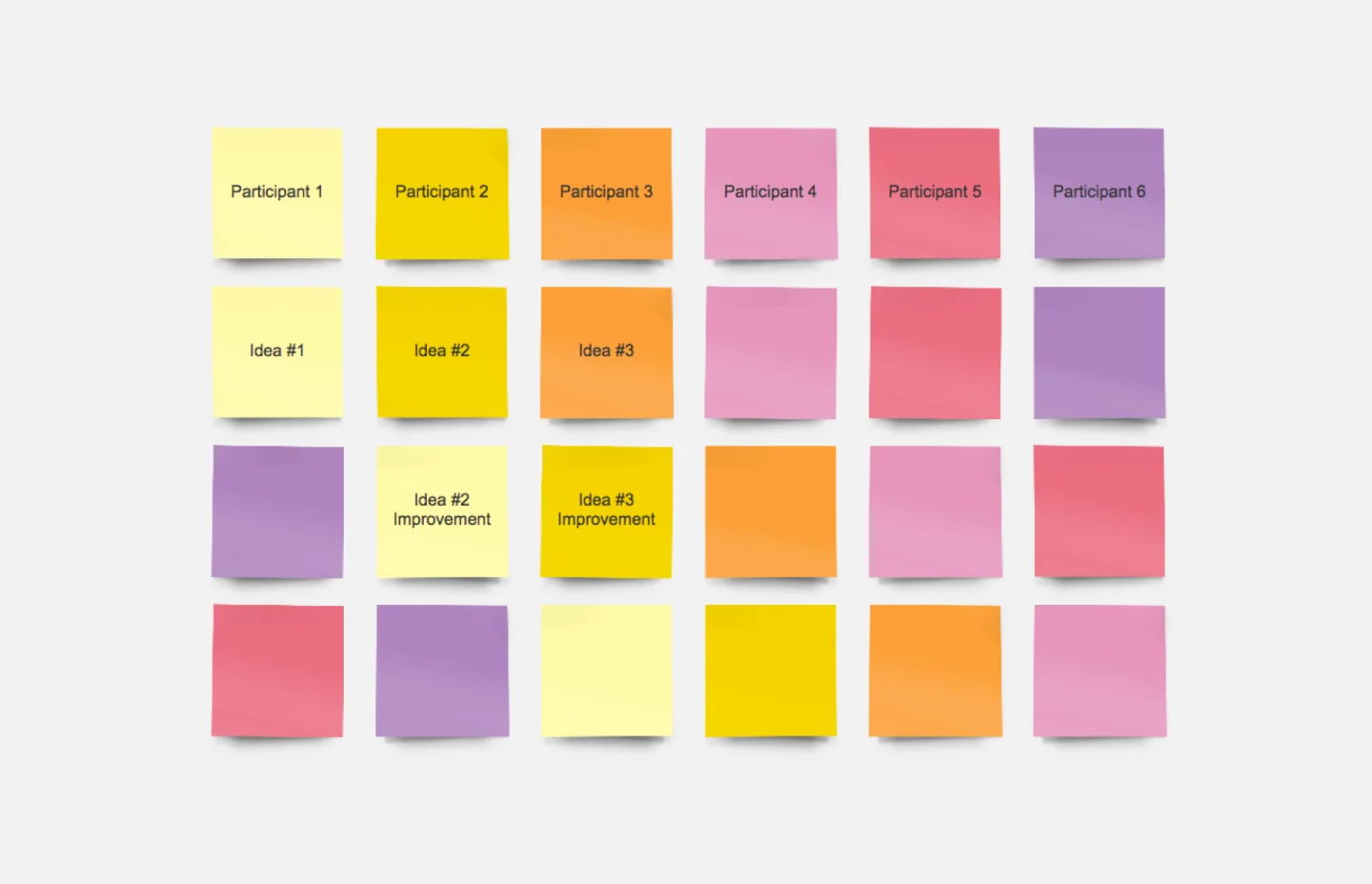
How to run an online brainstorming session with Miro
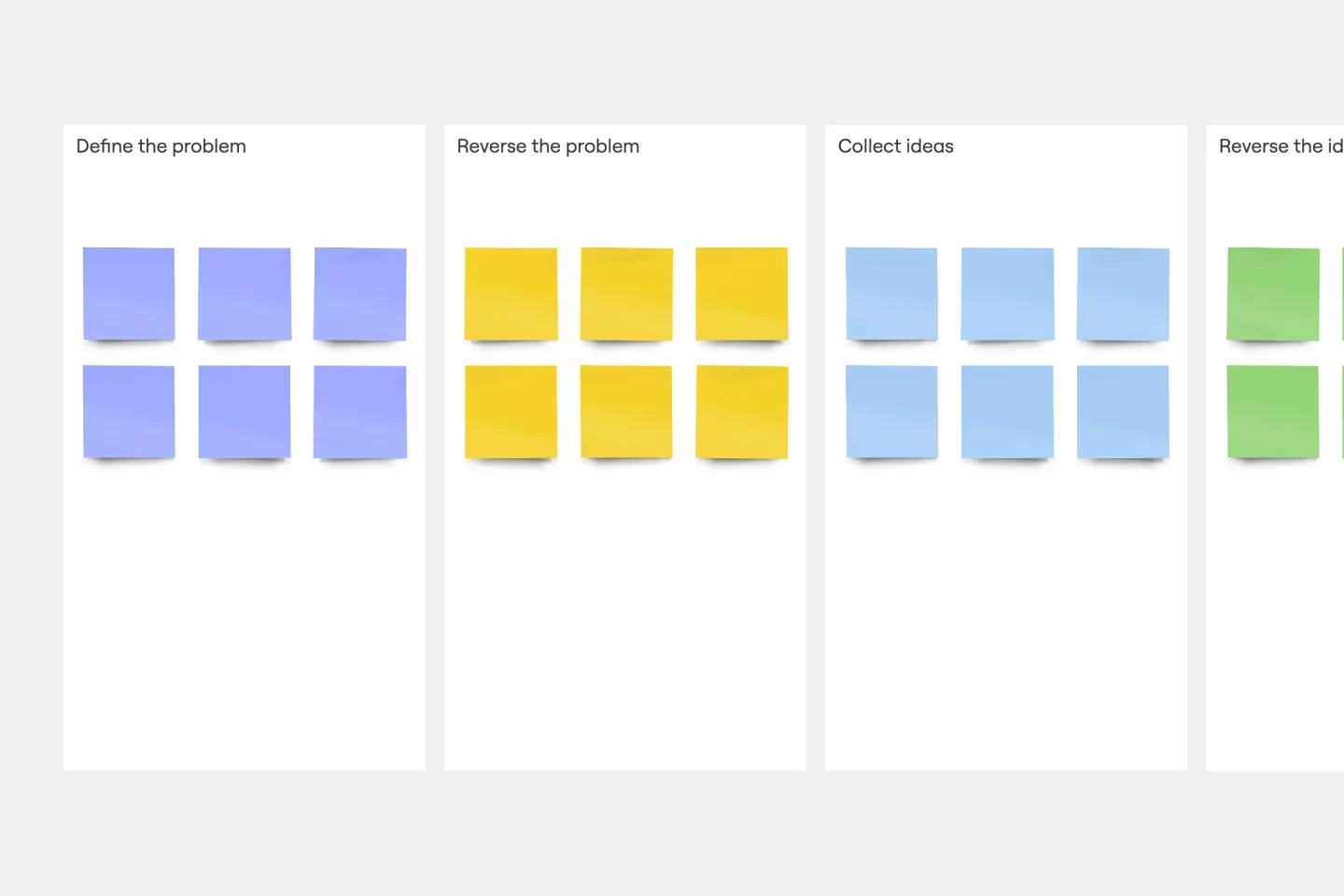
Divide the board into sections or frames by theme, priority, or stage. Add labels and color-coded areas so everyone knows where to contribute. If the brainstorming session generates a lot of input, let Miro AI cluster sticky notes into themes automatically, without interrupting the creative flow
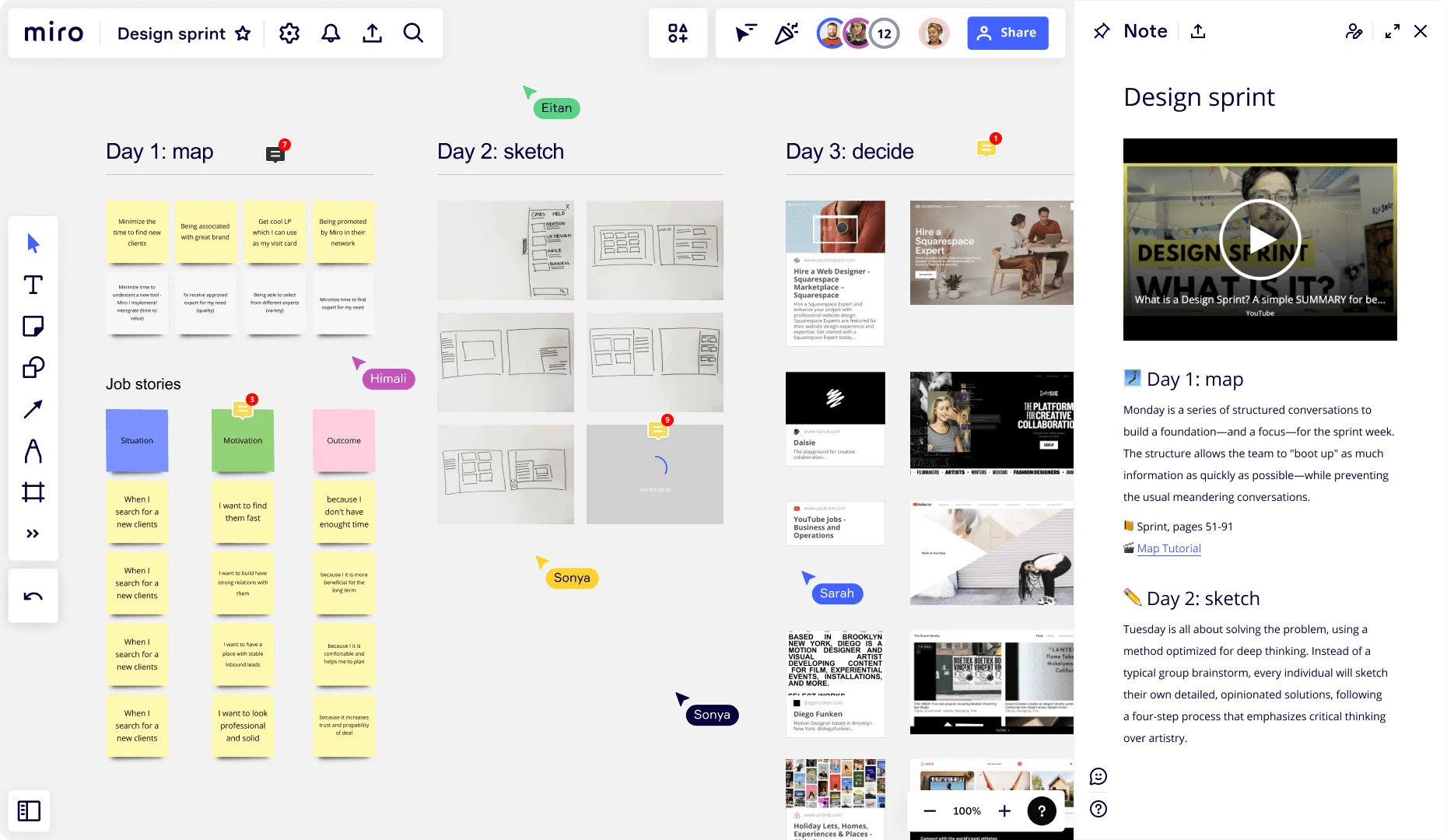
Invite your team from anywhere. Everyone contributes sticky notes, sketches, or comments at the same time. Record a Talktrack to give context to teammates joining later. Facilitate with built-in voting, timers, and breakout frames, and connect to Slack, Microsoft Teams, or Google Meet so collaboration stays inside your existing workflow.
Start a discussion directly on the board with comments and reactions. Use anonymous voting to surface the strongest ideas, then refine until you land on a plan everyone's on board with. If the team's split, Miro's brainstorming tool lets AI summarize the conversation, highlight common threads, or draft an action plan to break the tie, so your brainstorming session ends with a clear decision.
Discover Miro's capabilities

The world's most innovative companies are collaborating in Miro, everyday
“With Miro, we went from project brief to in-market launch in 10 months. That usually takes 3 years at PepsiCo.”
Caroline de Diego
Senior Manager, Global Design & Marketing Innovation at PepsiCo


“Bringing everyone together to plan in Miro means the most impactful initiatives will happen at the right time.”
Lucy Starling
Product Operations Lead at Asos


“The team onboarded in 10 minutes to use Miro for workshops. Getting our organization to adopt this product was a no-brainer.”
Konrad Grzegory
Agile Transformation Lead at CD PROJEKT RED


“Miro templates helped us go from scratch to a full-fledged plan where we mapped activities, ideas, and dependencies.”
Marc Zukerman
Senior Director of Project Management at Hearst


“Miro allows all our teams to align themselves with certain tools and models: they work independently and create products that really meet our customers' needs.”
Luke Pittar
Sustainability Innovation & Design Coach at The Warehouse Group


“To be truly innovative, everyone needs to have a voice, and everyone needs to be able to iterate on each other’s ideas. Miro has made that possible for us.”
Brian Chiccotelli
Learning Experience Designer at HP


Users love Miro for end-to-end innovation. We're the G2 leader in visual collaboration platforms and are rated in the top 50 enterprise tools. Miro helps large companies get meaningful work done.
Top 50 Products for Enterprise
G2 reviews


A plan for every stage of the process
Starter
Business
Enterprise
Custom price — from 30 members
Brainstorming tool FAQs
How does Miro help my team collaborate during a brainstorming session?
Teams co-create on the same canvas, vote anonymously, comment, or record a Talktrack for async input. That cuts down on extra meetings and gets ideas moving faster.
What tools are needed for virtual brainstorming?
You only need a few tools for a proper virtual brainstorming session: a video conferencing app like Zoom or MS Teams, and a visual workspace like Miro.
What type of brainstorming tools are there?
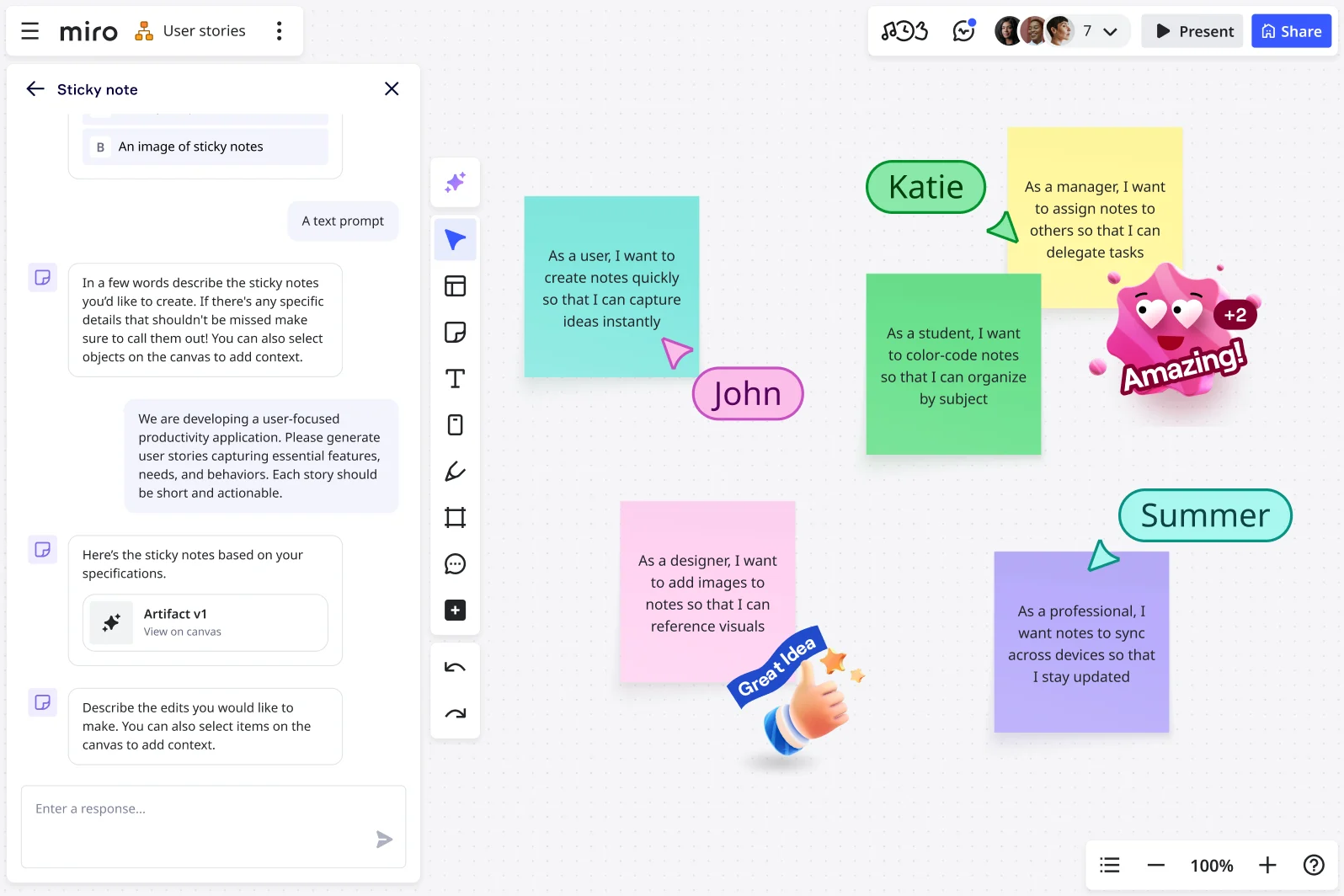
Miro's brainstorming tools cover however your ideas take shape: mind maps to branch out connected thoughts, sticky notes for quick individual ideas, and the ability to drop in screenshots, images, or any visual reference to build on. Think of this as the starting point for your project: once ideas are gathered, use Miro AI to turn them into a roadmap, a project summary, or a clear set of next steps, all without leaving the board.
Are there brainstorming templates or resources available with Miro?
Yes. Miro includes a vast library of brainstorming templates to support different types of brainstorming. From mind mapping and SCAMPER to SWOT analysis and idea clustering. Beyond built-in resources, you can explore Miroverse, a community hub where thousands of teams share templates and workflows to help you try new brainstorming techniques without starting from scratch.
Can I use AI to help shape my ideas as I brainstorm?
Yes. Miro Sidekicks work alongside you on the board. Describe what you're trying to figure out, and your Sidekick asks questions, pulls in relevant context, and helps build out a structure for your ideas as you go. It's less about a perfect prompt and more like thinking out loud with something that keeps up.
Can Miro be tailored to fit my team’s brainstorming process?
Yes! Miro is a flexible brainstorming tool that adapts to your team’s workflow. You can create custom templates for repeatable brainstorming techniques, use Blueprints for pre-configured spaces, or design your own frameworks. With AI shortcuts, you can even automate parts of your brainstorming process.
How does Miro connect with other tools we use?
Miro integrates with more than 250 platforms, including Jira, Confluence, Asana, Google Docs, and Slack. You can embed live data directly into your brainstorming board to ensure context is never lost, no matter who you’re presenting to.
Can Miro handle large and complex brainstorming sessions?
Miro is built to scale for teams of any size, whether you’re running a small brainstorming session or managing a large, organization-wide workshop. Our infinite canvas supports the entire brainstorming process, so you can start with ideation and efficiently move through themes, planning, and execution.
Can Miro be used for in-person brainstorming, or only for online brainstorming?
Both. Miro works just as well in the room as it does remotely. Teams can huddle around an interactive display (Microsoft Surface Hub, Dell, and others) and add sticky notes and shapes with a finger or stylus, no laptop required. It's the same board either way, so in-person and remote teammates are always looking at the same thing, not a camera pointed at a whiteboard.
Can I keep contributions anonymous during a brainstorm?
Yes. Turn on private mode to hide sticky notes as people add them, so no one sees who wrote what until you're ready to reveal everything at once. You can also make names permanently anonymous, which keeps identities hidden even after the session ends. This feature is useful for retrospectives or any exercise where people need to speak freely.
Can I run anonymous polls or live activities during a brainstorm?
Yes, with Miro Engage. Run live polls, word clouds, and rankings where people respond without their name attached, and every answer feeds straight onto your board to build on.
How secure is brainstorming in Miro?
We built Miro with enterprise-grade security: data encryption, compliance certifications, and access controls that meet enterprise standards. You control who has access with permissions and domain restrictions.