Ben Shih is a product designer at Miro. He recently built LennyRPG, a role-playing game based on Lenny’s Podcast, using Miro and other AI tools. Here’s his process, and a template for you to try in your next vibe coding project.
Anyone can build with AI now. Getting from idea to working product has never been faster. The tools are there — Claude Code, Cursor, Codex — and they’re getting better every week.
The hard part is getting what’s in your head into something AI can actually work with. Rush this step, and you end up with something that technically works, but misses what made your idea great. Nail it, and AI builds exactly what you had in mind.
Ben Shih, a product designer at Miro, recently put that to the test.
The project: Turning podcast transcripts into a fully working RPG
Lenny Rachitsky hosts one of the most widely followed podcasts and newsletters in the product world, covering product management, growth, and how the best teams operate. When Lenny released transcripts from 300+ podcast episodes and challenged his audience to build something with them, Ben saw an opportunity.
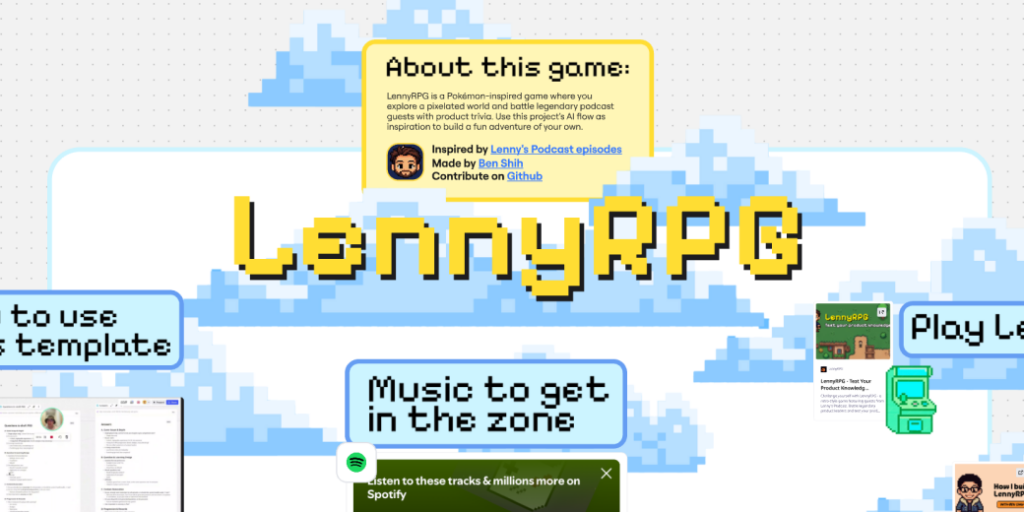
His idea: turn all that content into a Pokémon-style RPG game. You walk around a pixel art world, encounter podcast guests such as Brian Balfour or Elena Verna in the wild, and battle them with product knowledge questions pulled from real episodes. Win, and you capture them. Classic RPG fun, powered by years of product wisdom.
The result, LennyRPG, got featured in Lenny’s Newsletter and has already been played by thousands of people. And Ben built it without an engineering background or dev team — and without writing a single line of code himself.
The game is fun (give it a go). But the story behind it is just as interesting — and it all started on the Miro canvas.
Watch Ben walk through his full process (8 min) →
The process: Ben’s three-step framework for building with AI
In Ben’s experience, 80% of a successful AI build is decided before the vibe coding starts. Whether AI builds something great or generic comes down to three steps.
Step 1: Get all the context out of your head and onto the canvas
Ben opened a Miro board and started dumping everything he could think of. Screenshots of classic Pokémon battles and map screens. Rough sketches of how the game might look. Text descriptions full of typos and half-formed thoughts. None of it was polished. It didn’t need to be.
He dragged in screenshots of battle screens and overworld maps, then layered his own ideas on top: text boxes, annotations, rough layouts showing where characters would appear and how the battle UI might work. It was messy, visual, and specific. And that specificity is what made everything that followed work.
The insight here is simple: AI can’t read your mind, but it can read a Miro board. The more visual context you give it up front, the less it has to guess later. Most people skip this step and go straight to prompting. Ben didn’t, and it made all the difference.
“One reason I like to put all the visual context in Miro is that I have all my artifacts in one place and visually connected, so I don’t need to scroll up and down trying to find context.”
Step 2: Pressure-test the idea before you write the PRD
Here’s where most people skip ahead. They go from a rough idea straight to asking AI to write a PRD. The problem is that AI fills in the gaps with its own assumptions. You end up with a document that looks thorough but is built on guesses about what you actually want.
Ben took a different approach. He used Miro Flows, Miro’s collaborative AI workflows, to generate a list of questions from his visuals and notes. Instead of assuming it knew what Ben wanted, AI asked him to clarify. What’s the core game mechanic? How does scoring work? What happens when a player wins a battle? How many podcast guests should be in the game?
Ben answered each question one by one (voice-dictated using Whispr Flow, no typing needed) and fed the answers back into Miro. Now everything was on the canvas: the original screenshots, the questions, the answers, all visually connected. He could see his entire thinking space at a glance.
Then came the PRD. Ben used Flows again, this time connecting every artifact on the board — the visual references, the question list, the answers, the rough sketches — into a single AI workflow. Flows pulled from everything and generated a comprehensive PRD.
Because the PRD was shaped by Ben’s specific visual references, his answers to pointed questions, and his design decisions, it actually reflected what he wanted to build. Nothing was assumed or lost between steps. And because everything lived on one canvas, there was no copy-pasting between tools.
“The only way you can differentiate your product from others is to focus on the first two stages: have a unique idea, and have a comprehensive PRD for AI to work from.”
Step 3: Hand it all off to AI coding tools
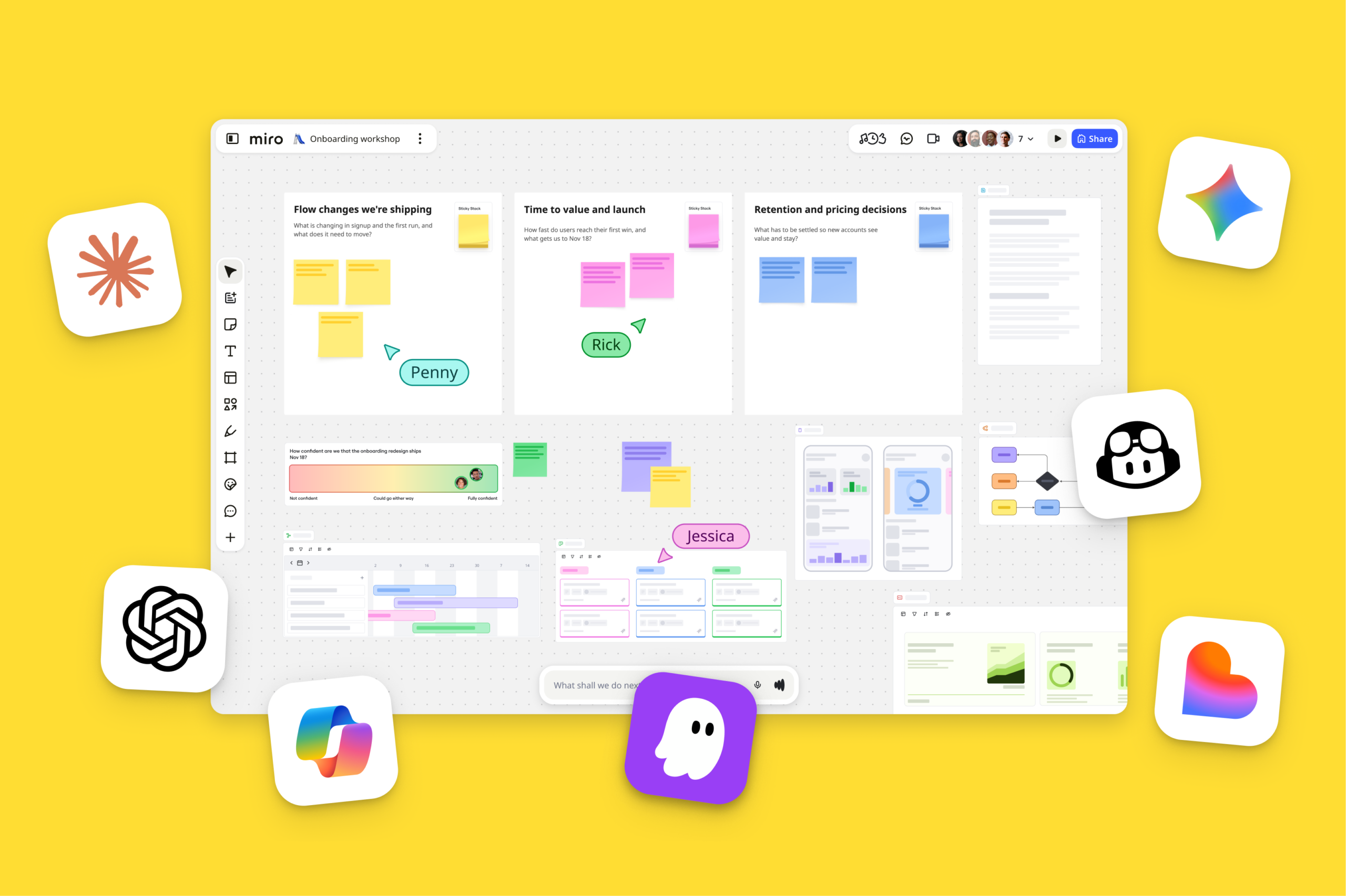
With the PRD and all his visual context ready on the canvas, Ben used Miro’s MCP server to send everything over to Claude Code and Cursor. MCP connects your Miro board directly to AI coding tools, so the thinking your team does on the canvas flows directly into whatever comes next.
For Ben, this was the moment it all clicked. His AI coding tools had his visual references, his PRD, and his design decisions. Within minutes, he had a working proof of concept. And the code matched his vision precisely because the tools had the whole picture.
From there, Ben continued the build — iterating on the map, polishing the battle screen, generating pixel art characters, testing with colleagues. But the foundation was set. Those first three steps, all on the canvas, determined whether the rest of the build would be smooth or a constant battle against AI’s assumptions.
Use this framework in your next vibe coding project
Ben’s process works for more than games. Whether you’re building an app, a prototype, an internal tool, or a product feature, the framework is the same. Here’s how to apply it:
- Start on the canvas. Drop in anything that helps describe what you’re building: screenshots, PDFs, links, sketches, notes. It doesn’t have to be neat. The point is to give AI something concrete to work with instead of a vague prompt. Try Ben’s template →
- Use Flows to think it through before you commit. Don’t go straight to a PRD. Let AI interview you first to surface gaps and pressure-test your assumptions. Then let Flows build the PRD from everything you’ve assembled. The output will be sharper because the input was thorough. Here’s how Flows work →
- Hand off the full picture with MCP. When you’re ready to build, MCP sends your entire canvas — PRD, references, decisions, everything — to your AI coding tools. No re-explaining, no lost context. Configure MCP →
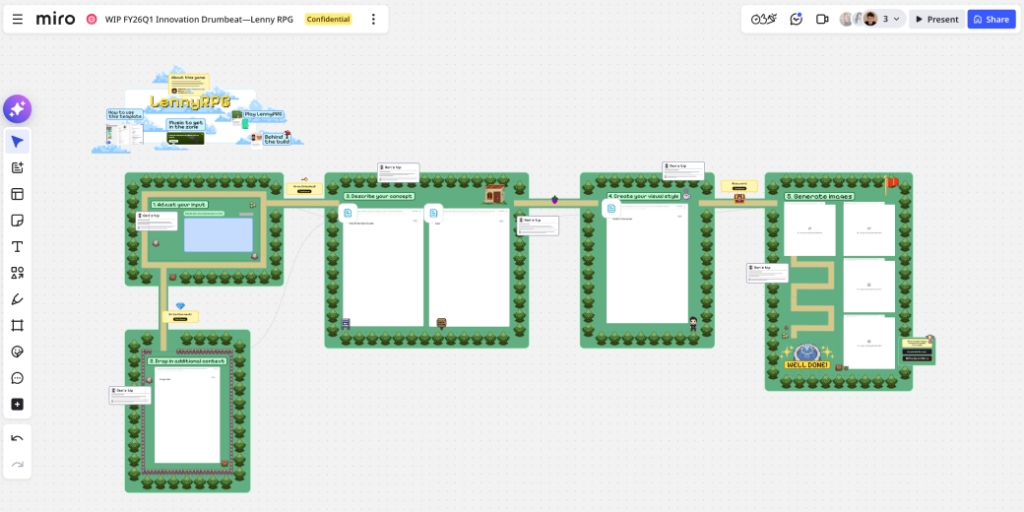
Try it yourself with Ben’s template
Ben turned his process into a ready-to-run Miro template that’ll take you from visual ideation to question list to PRD to handoff. Now, all you need to get started is an idea.