Product Leader
Challenge your product thinking and connect plans to impact.








Curated top picks from the community.
Challenge your product thinking and connect plans to impact.

Build prototypes that match your look and feel.
Challenge your product thinking and connect plans to impact.
Build prototypes that match your look and feel.
Challenge your product thinking and connect plans to impact.
Build prototypes that match your look and feel.
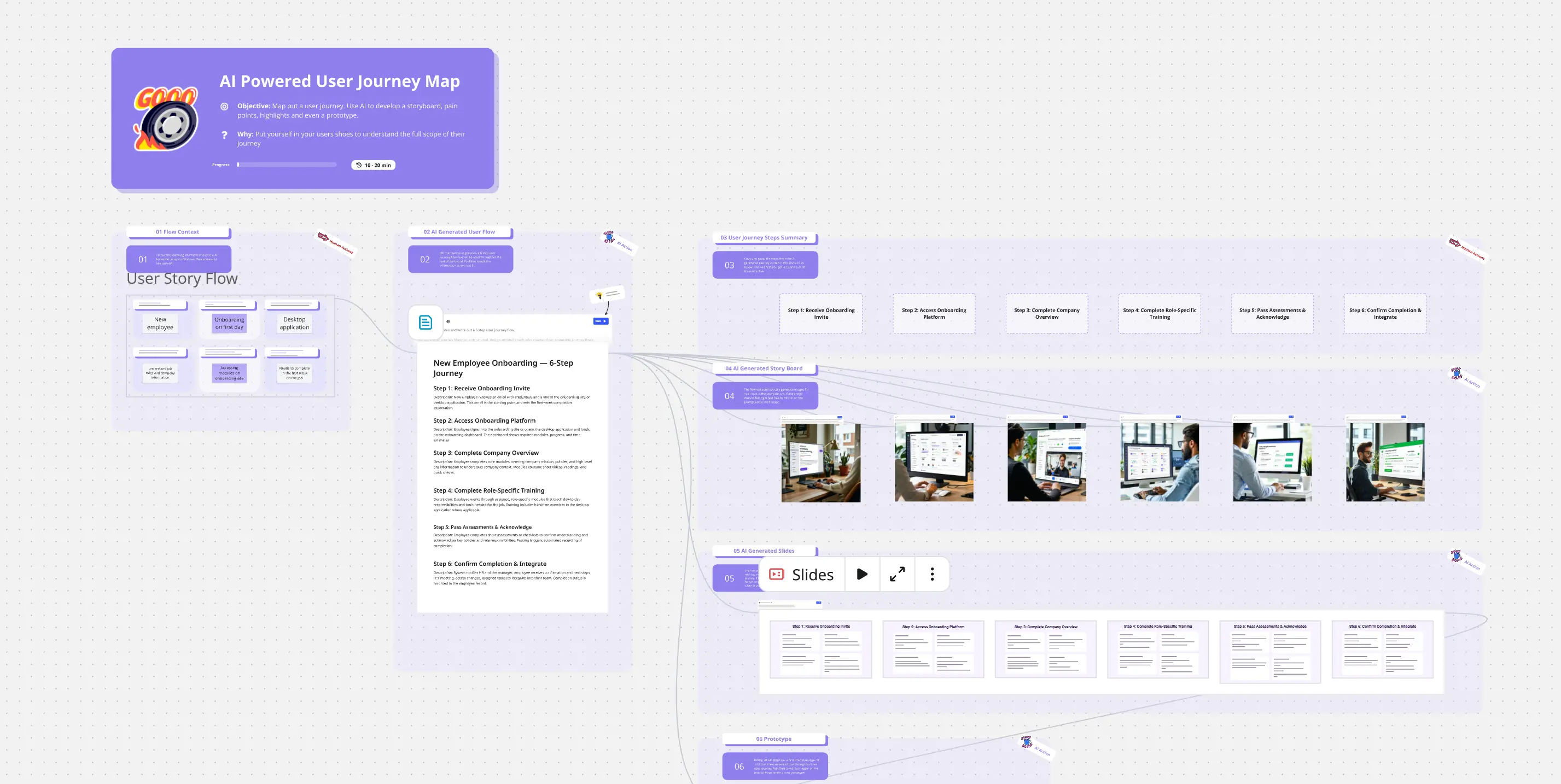
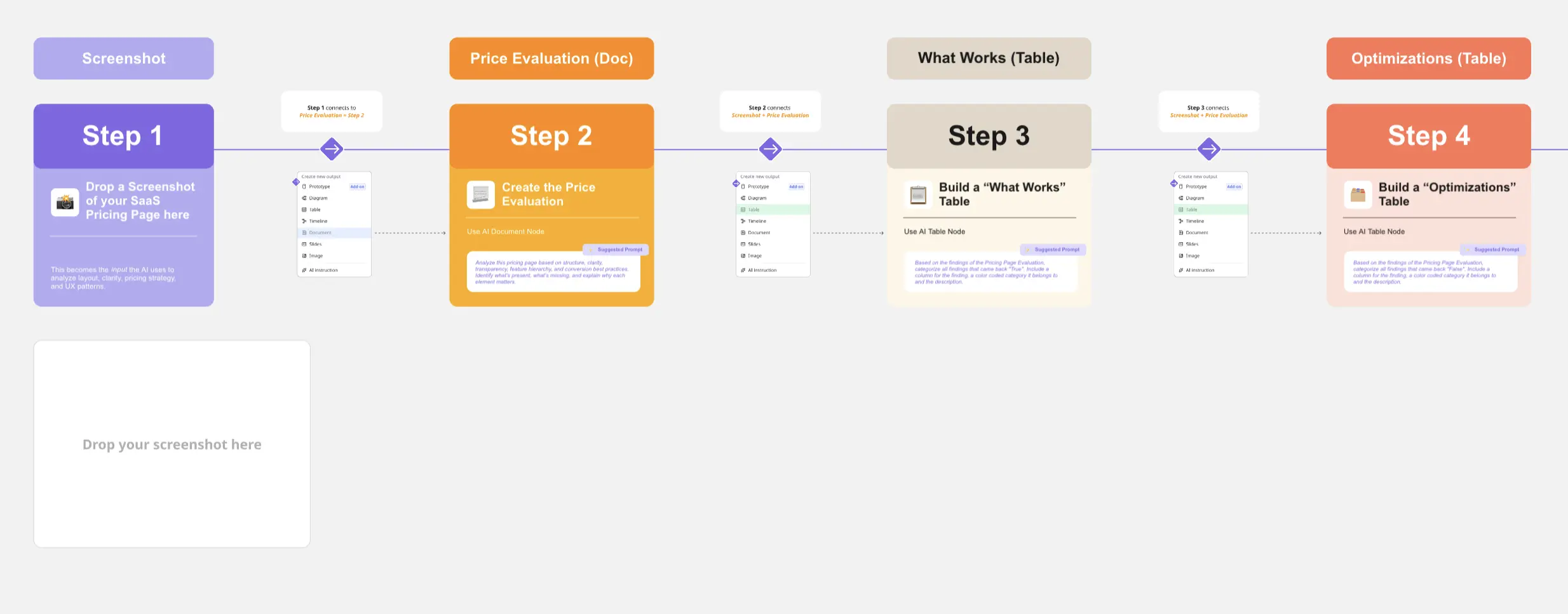
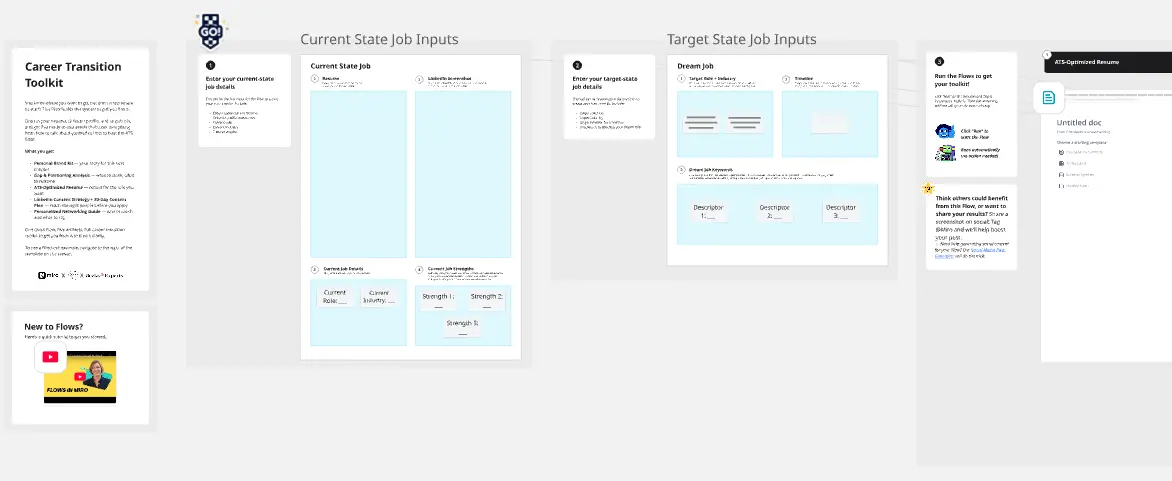
Speed through your team's biggest bottlenecks with AI-powered workflows that turn hours of manual work into minutes of smart collaboration.
View all
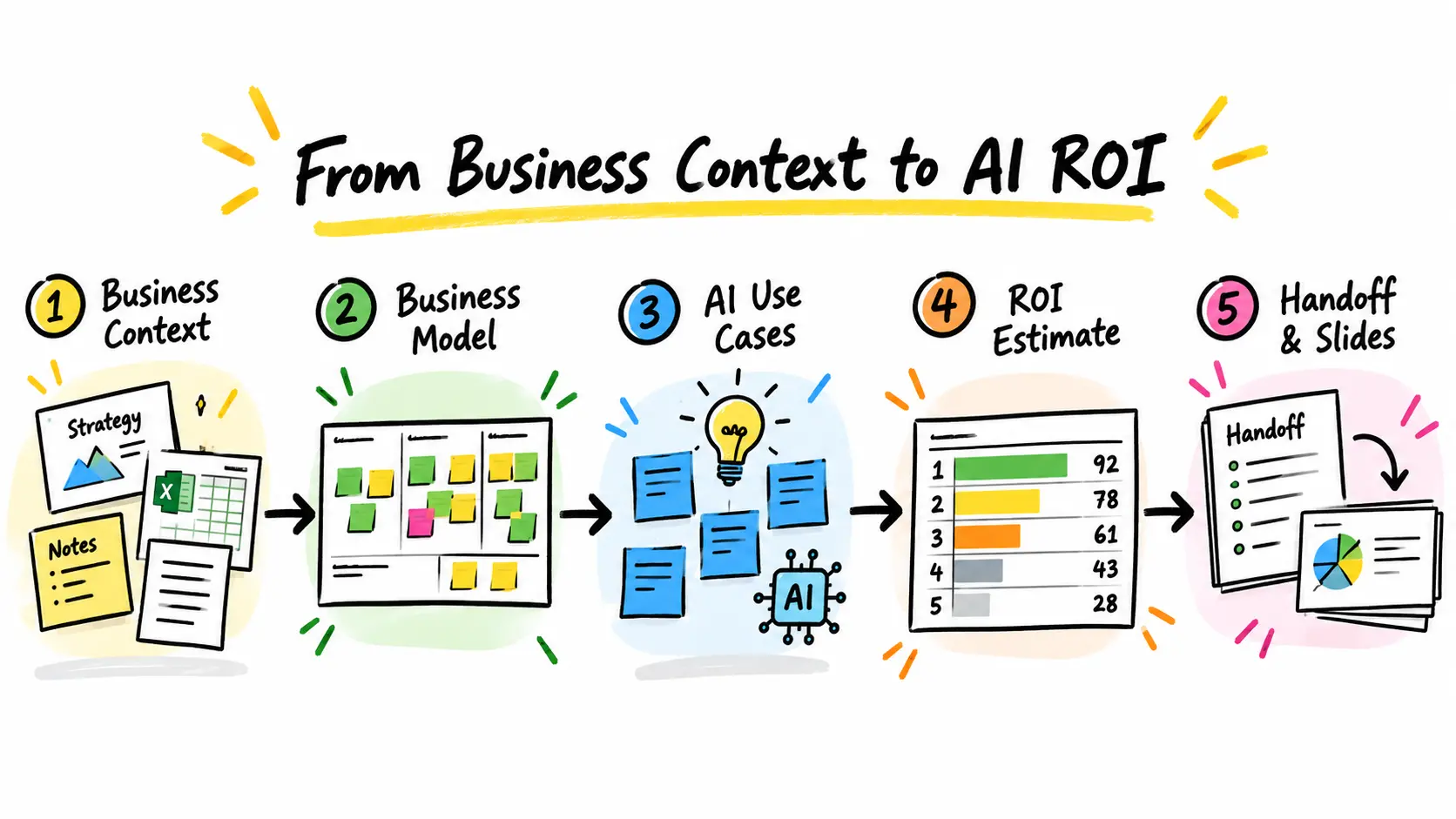
Turn your business context into concrete, prioritized AI use cases. The Data & AI Business Catalyst is a guided, end-to-end workflow for AI use case ideation in Miro. Start with an empty board or use it directly inside an existing board. Add strategy decks, spreadsheets, notes, or workshop material. The Catalyst interprets the context, maps the business model, generates AI use cases linked to relevant business domains, and helps you gather input from your team. It then supports a quick potential estimate or a financial ROI calculation, ranks the ideas, and reveals uncertainties, dependencies, and shared foundations. Finally, it combines the results into a structured handoff that is ready to review, share, or turn into slides. The Catalyst does the heavy lifting, while your team remains in control. Review, correct, enrich, and decide at every step—so you move from scattered files and vague AI ideas to a transparent, business-grounded shortlist of opportunities worth exploring.

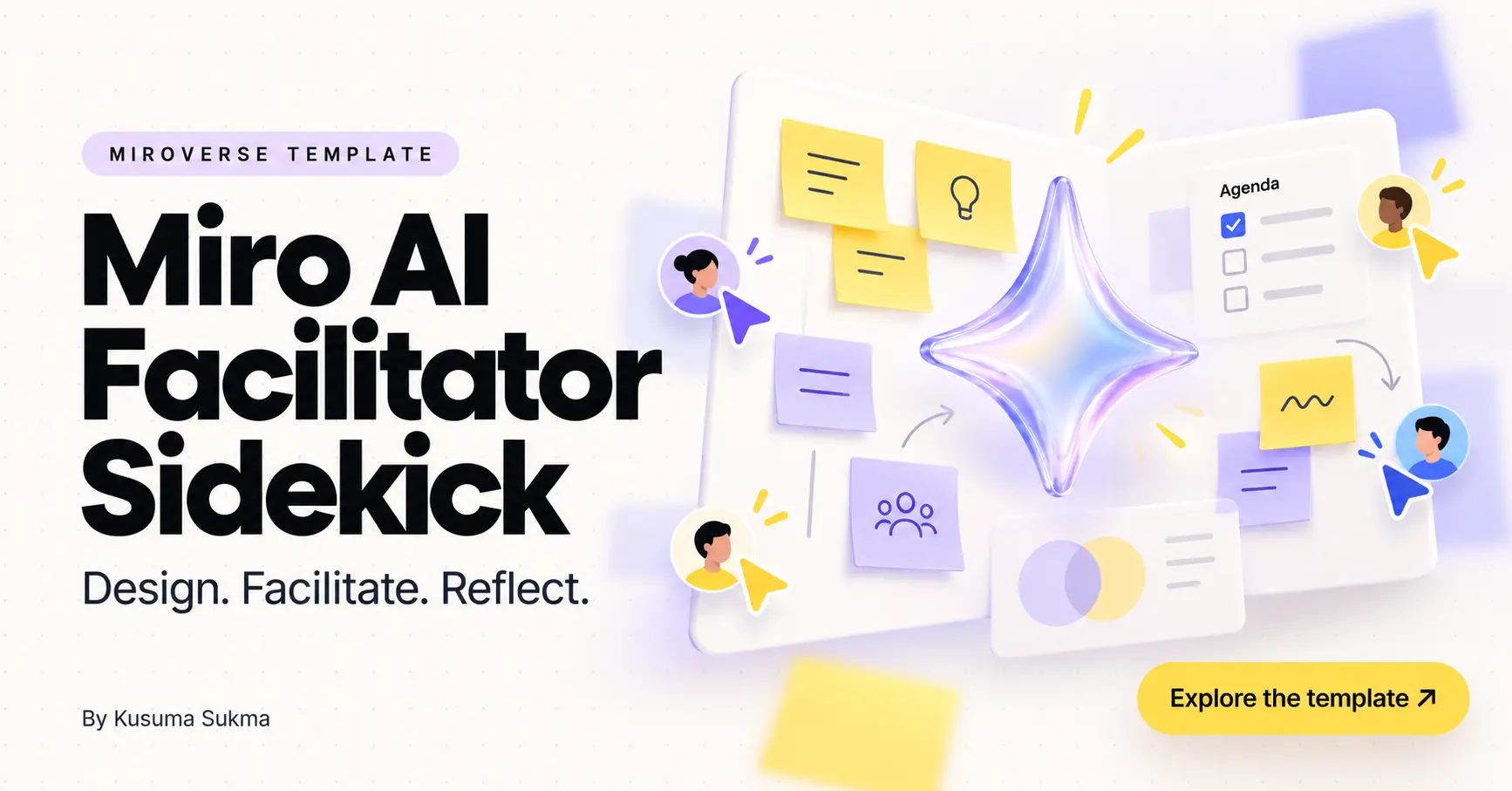
Workshop co-facilitator on the canvas. Designs and runs sessions using Miro's Ways of Working (Discover → Define → Deliver): it builds timeboxed agendas, picks the right template per activity, opens with the right icebreaker, seeds stalled brainstorms, clusters and summarizes convergence, turns decisions into action tables, and drafts the follow-up — so the humans in the room can focus on
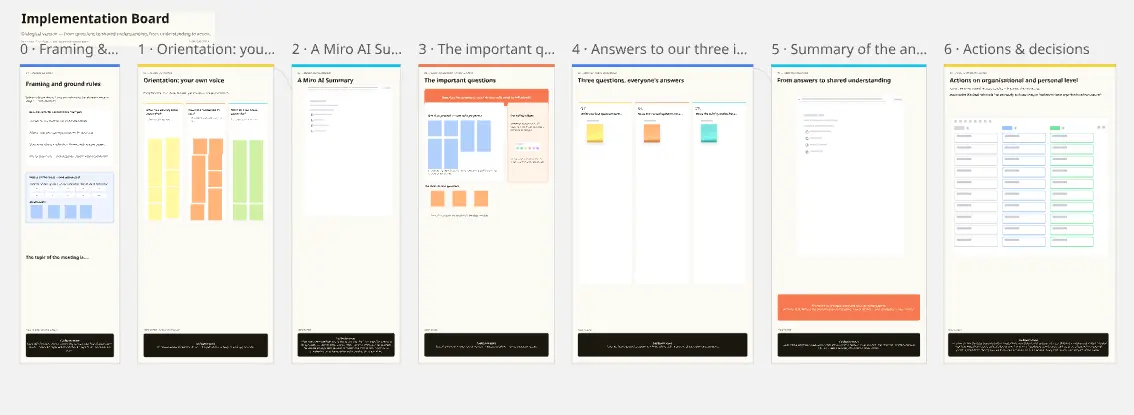
Turn your business context into concrete, prioritized AI use cases. The Data & AI Business Catalyst is a guided, end-to-end workflow for AI use case ideation in Miro. Start with an empty board or use it directly inside an existing board. Add strategy decks, spreadsheets, notes, or workshop material. The Catalyst interprets the context, maps the business model, generates AI use cases linked to relevant business domains, and helps you gather input from your team. It then supports a quick potential estimate or a financial ROI calculation, ranks the ideas, and reveals uncertainties, dependencies, and shared foundations. Finally, it combines the results into a structured handoff that is ready to review, share, or turn into slides. The Catalyst does the heavy lifting, while your team remains in control. Review, correct, enrich, and decide at every step—so you move from scattered files and vague AI ideas to a transparent, business-grounded shortlist of opportunities worth exploring.
Workshop co-facilitator on the canvas. Designs and runs sessions using Miro's Ways of Working (Discover → Define → Deliver): it builds timeboxed agendas, picks the right template per activity, opens with the right icebreaker, seeds stalled brainstorms, clusters and summarizes convergence, turns decisions into action tables, and drafts the follow-up — so the humans in the room can focus on
Turn your business context into concrete, prioritized AI use cases. The Data & AI Business Catalyst is a guided, end-to-end workflow for AI use case ideation in Miro. Start with an empty board or use it directly inside an existing board. Add strategy decks, spreadsheets, notes, or workshop material. The Catalyst interprets the context, maps the business model, generates AI use cases linked to relevant business domains, and helps you gather input from your team. It then supports a quick potential estimate or a financial ROI calculation, ranks the ideas, and reveals uncertainties, dependencies, and shared foundations. Finally, it combines the results into a structured handoff that is ready to review, share, or turn into slides. The Catalyst does the heavy lifting, while your team remains in control. Review, correct, enrich, and decide at every step—so you move from scattered files and vague AI ideas to a transparent, business-grounded shortlist of opportunities worth exploring.
Workshop co-facilitator on the canvas. Designs and runs sessions using Miro's Ways of Working (Discover → Define → Deliver): it builds timeboxed agendas, picks the right template per activity, opens with the right icebreaker, seeds stalled brainstorms, clusters and summarizes convergence, turns decisions into action tables, and drafts the follow-up — so the humans in the room can focus on
Discover the latest templates from the Miro community — published daily.
View all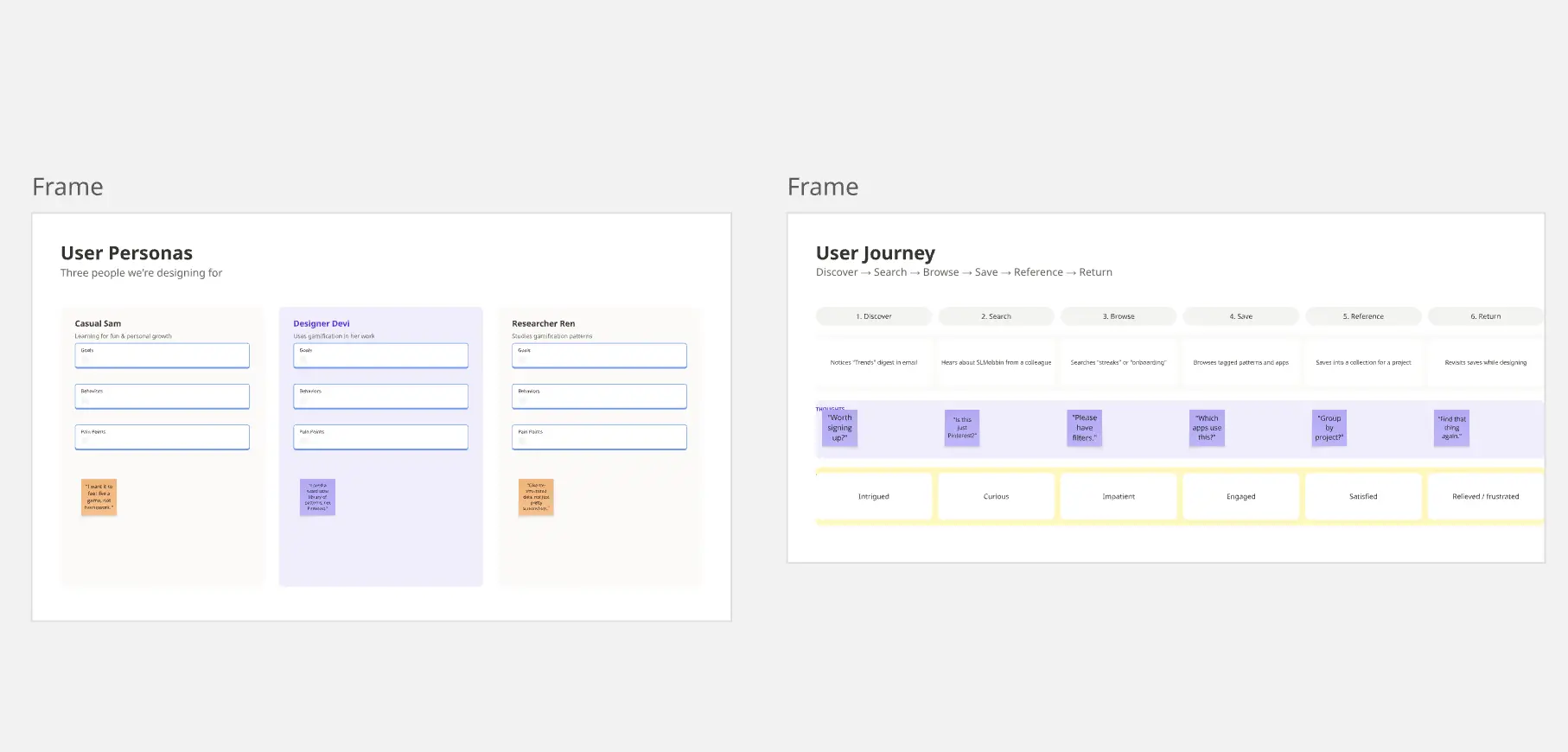
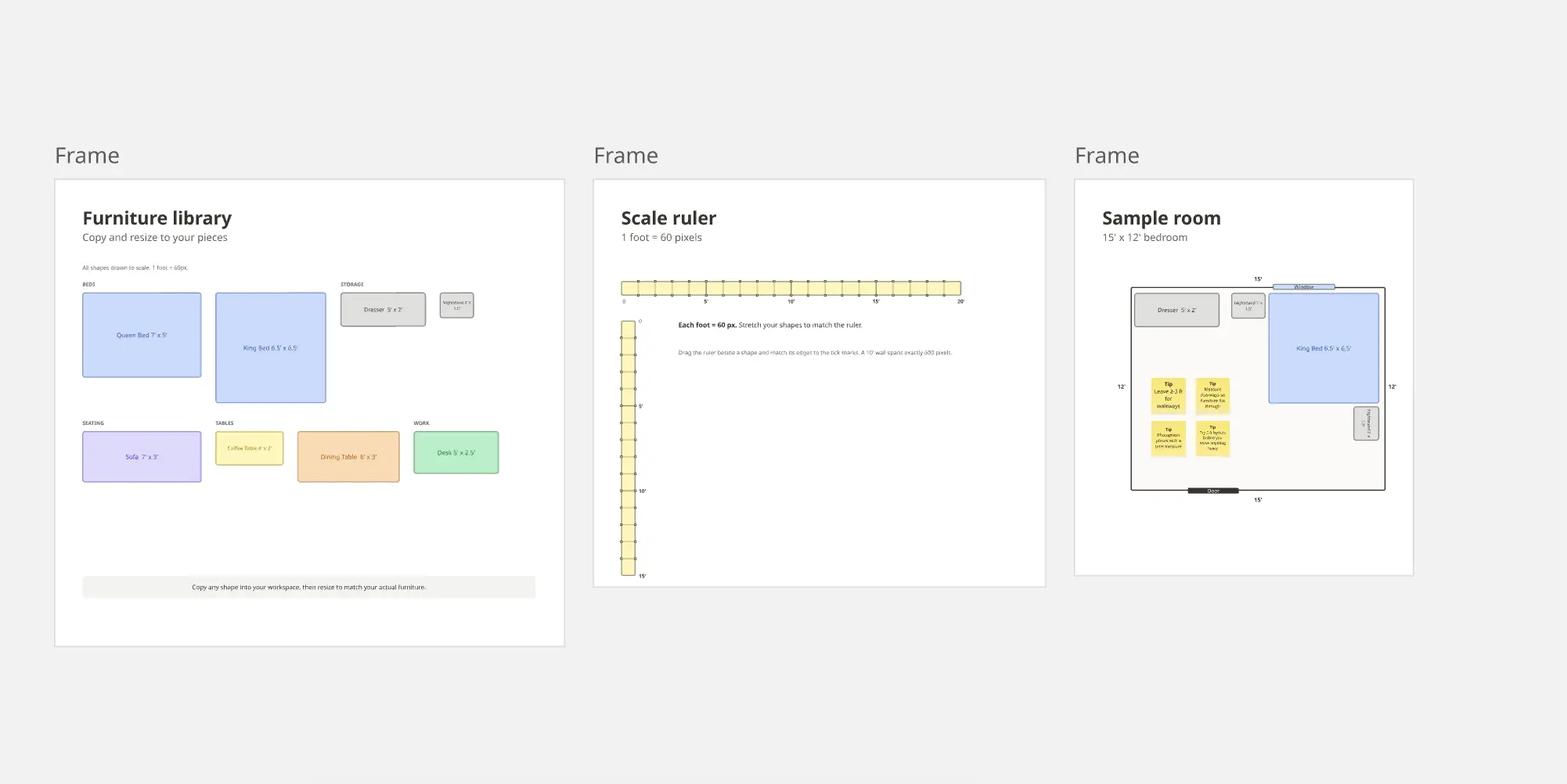
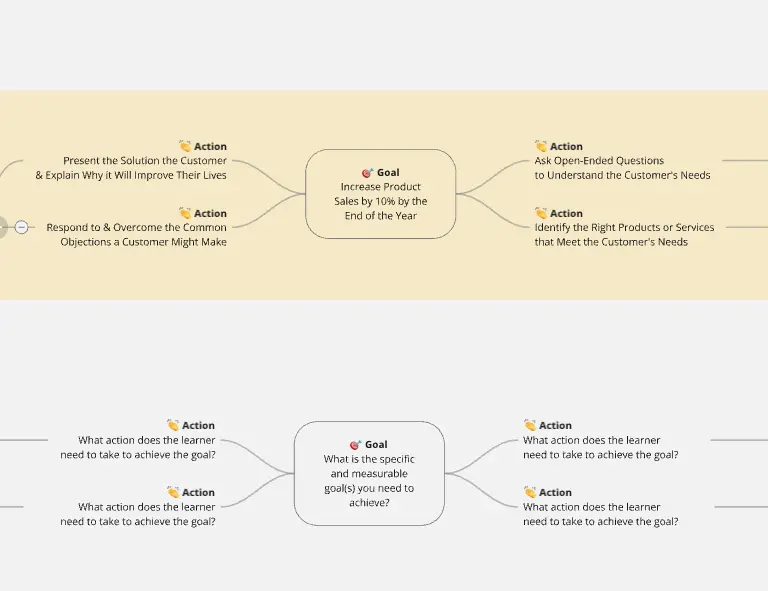
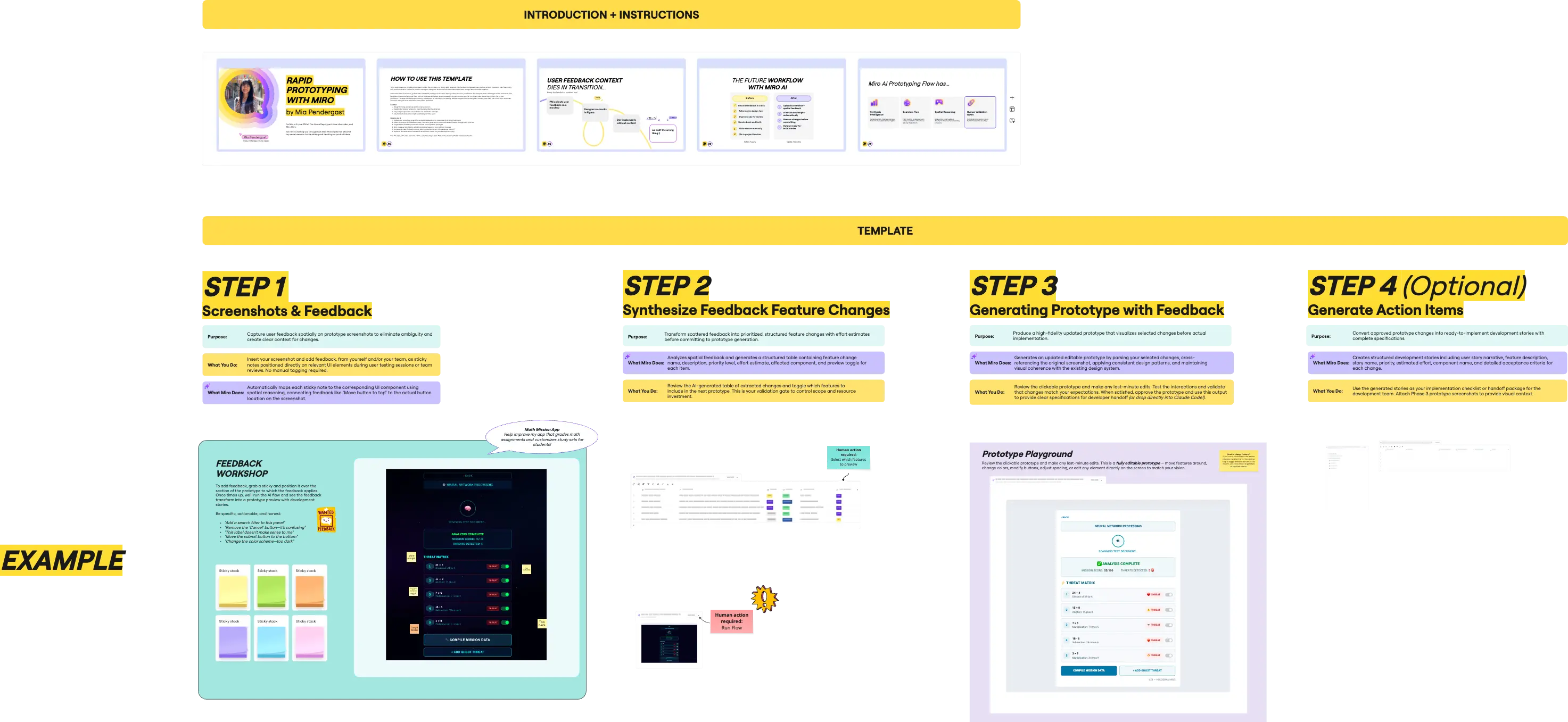
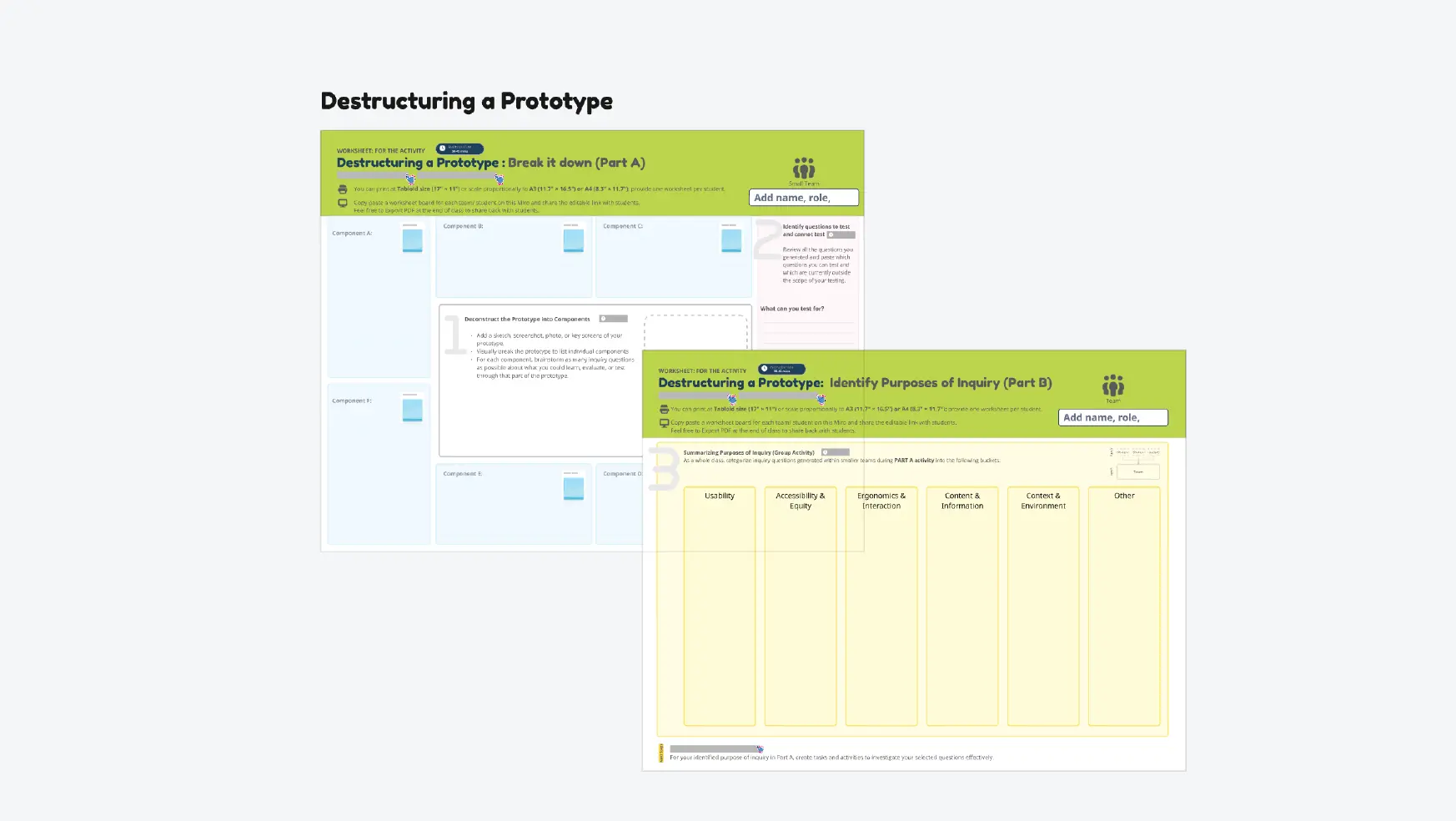
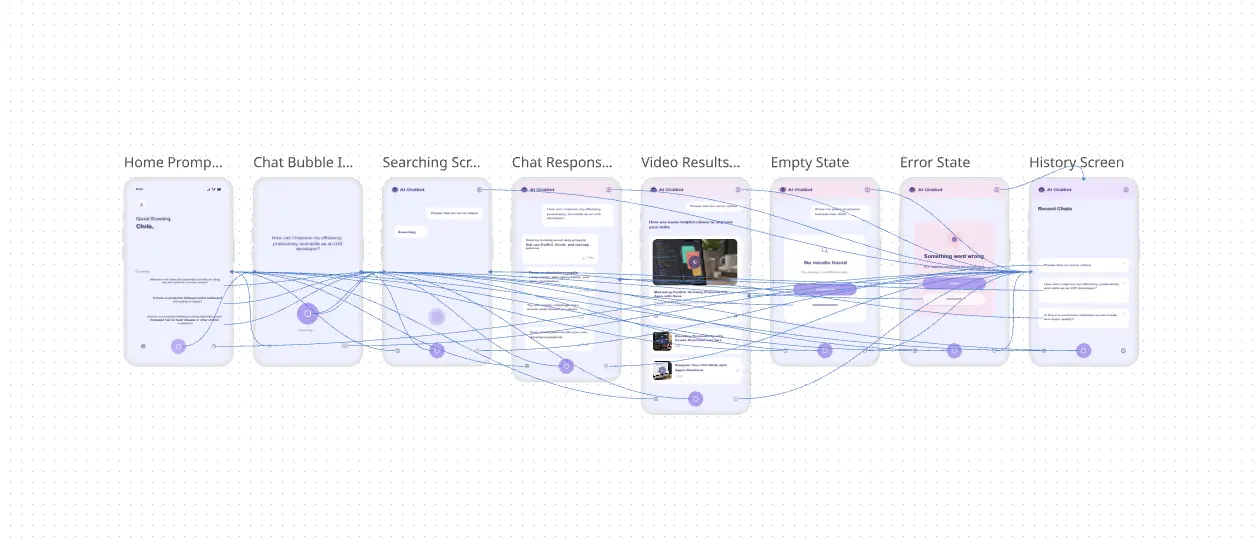
Miro's prototyping templates transform scattered ideas into interactive experiences that stakeholders can actually see, touch, and navigate. Stop explaining how your product will work—start showing it.
View allBuild prototypes that match your look and feel.

Design product wireframes with expert guidance.

Build prototypes that match your look and feel.
Design product wireframes with expert guidance.
Build prototypes that match your look and feel.
Design product wireframes with expert guidance.
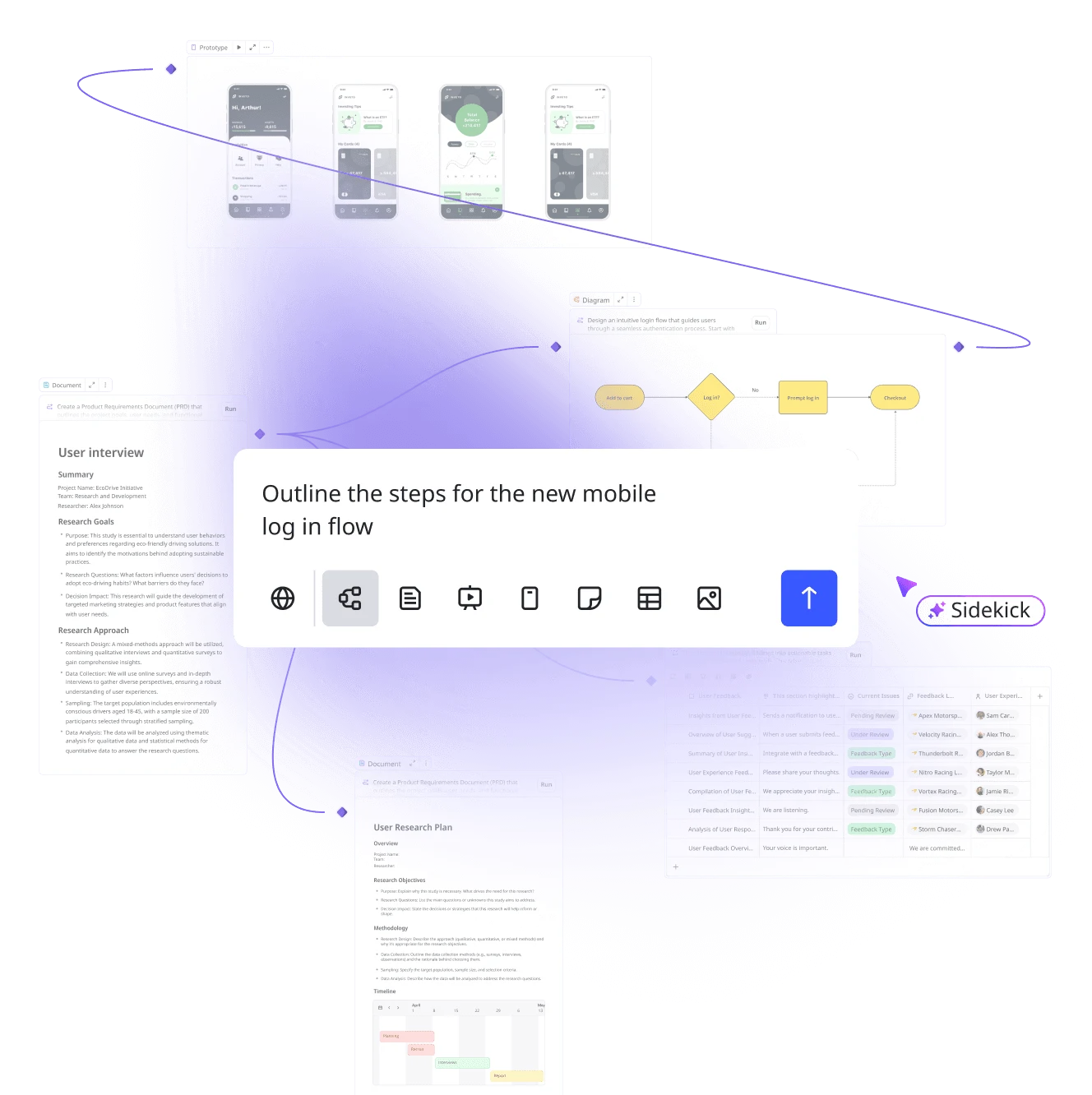
Turn creative blocks into creative breakthroughs with visual tools that help your ideas take shape—no design degree required. Whether you're sketching a quick diagram for tomorrow's presentation or creating an infographic that makes data interesting, Miro's image creation templates give you exactly that creative freedom.
View all
Challenge your logo strategy and connect visual identity directly to business differentiation and market recognition.

Add themed images to boards easily!
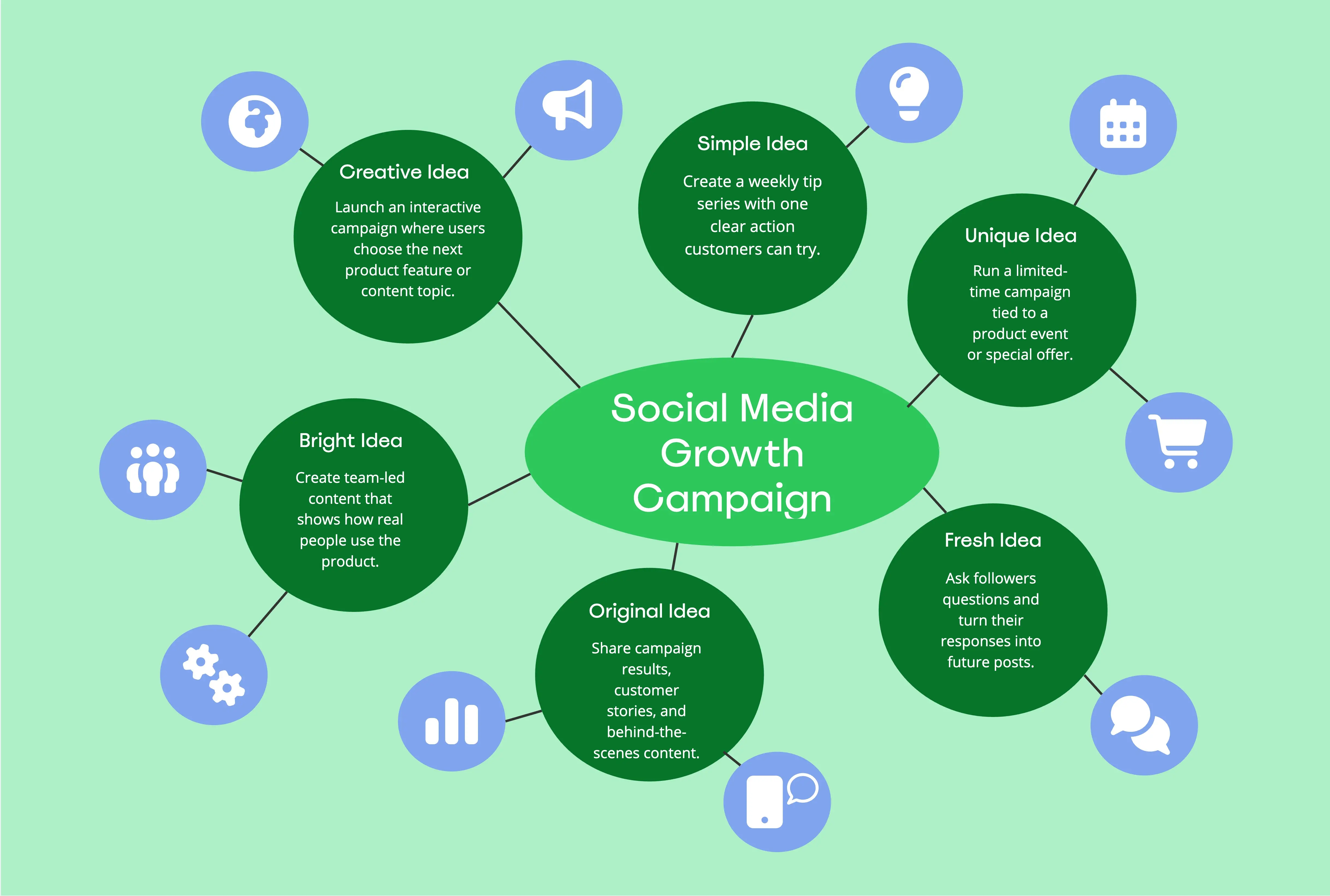
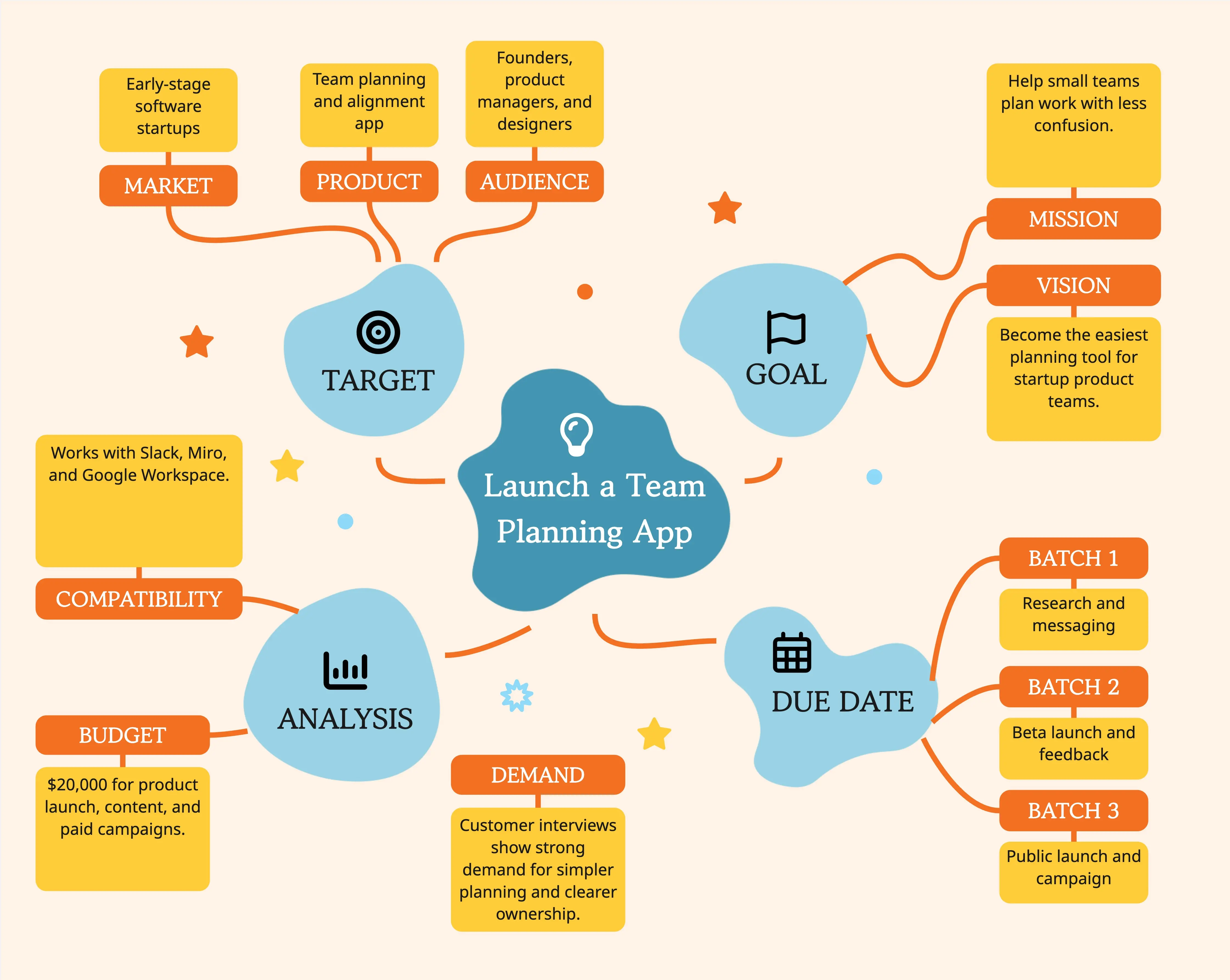
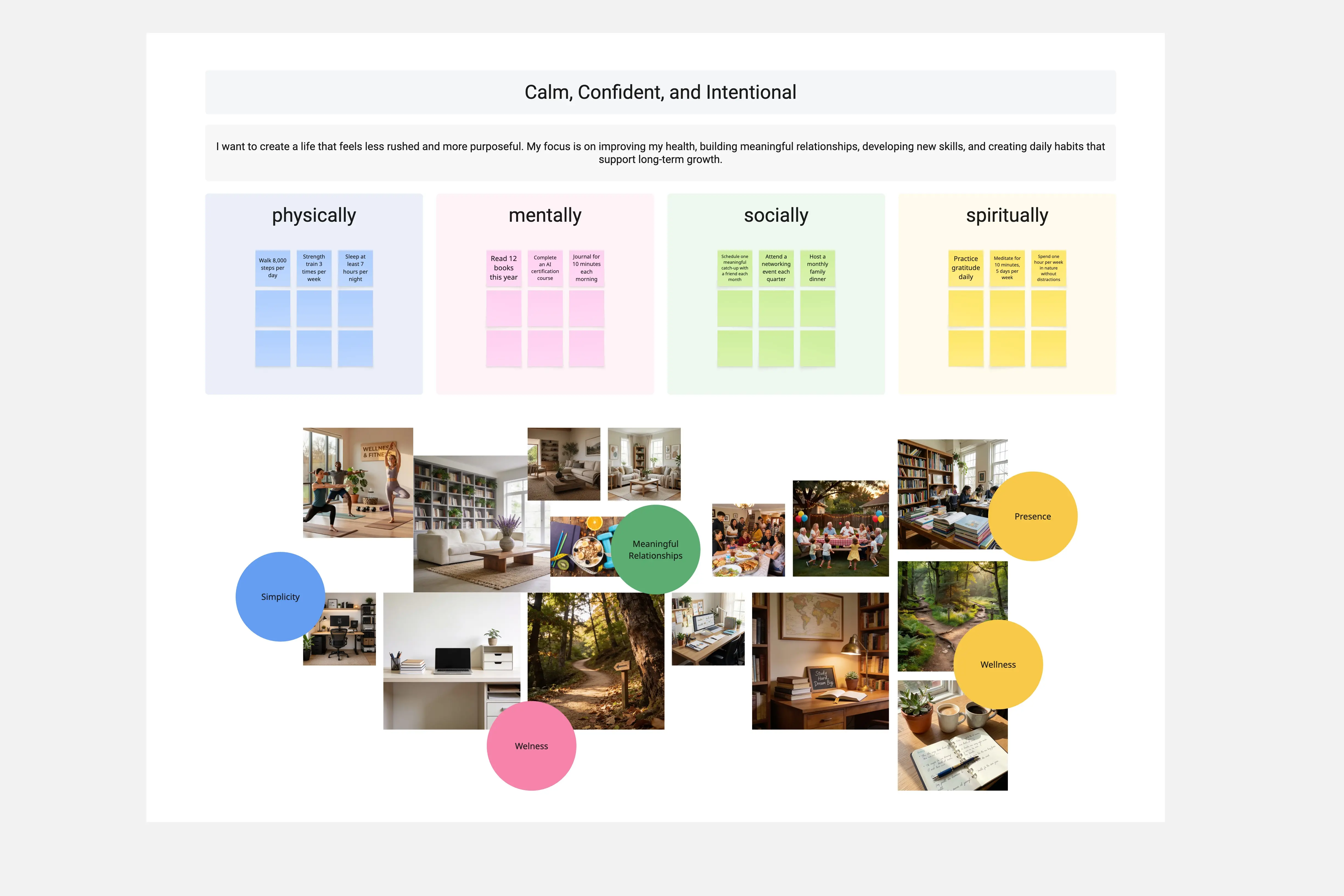
Challenge your logo strategy and connect visual identity directly to business differentiation and market recognition.
Add themed images to boards easily!
Challenge your logo strategy and connect visual identity directly to business differentiation and market recognition.
Add themed images to boards easily!
Minimize the time needed to synthesize and distribute findings after a meeting, and move straight into executing strategies with Miro's Agile templates collection. From kanban framework to agile roadmaps, find everything you need to bring teams up to speed.
View all
Turn any workshop board into a 60-second recap. Objective, key insight, and the three actions that matter most. Ready to share with your team in seconds.

Improve team workflows with pragmatic Agile Coaching.
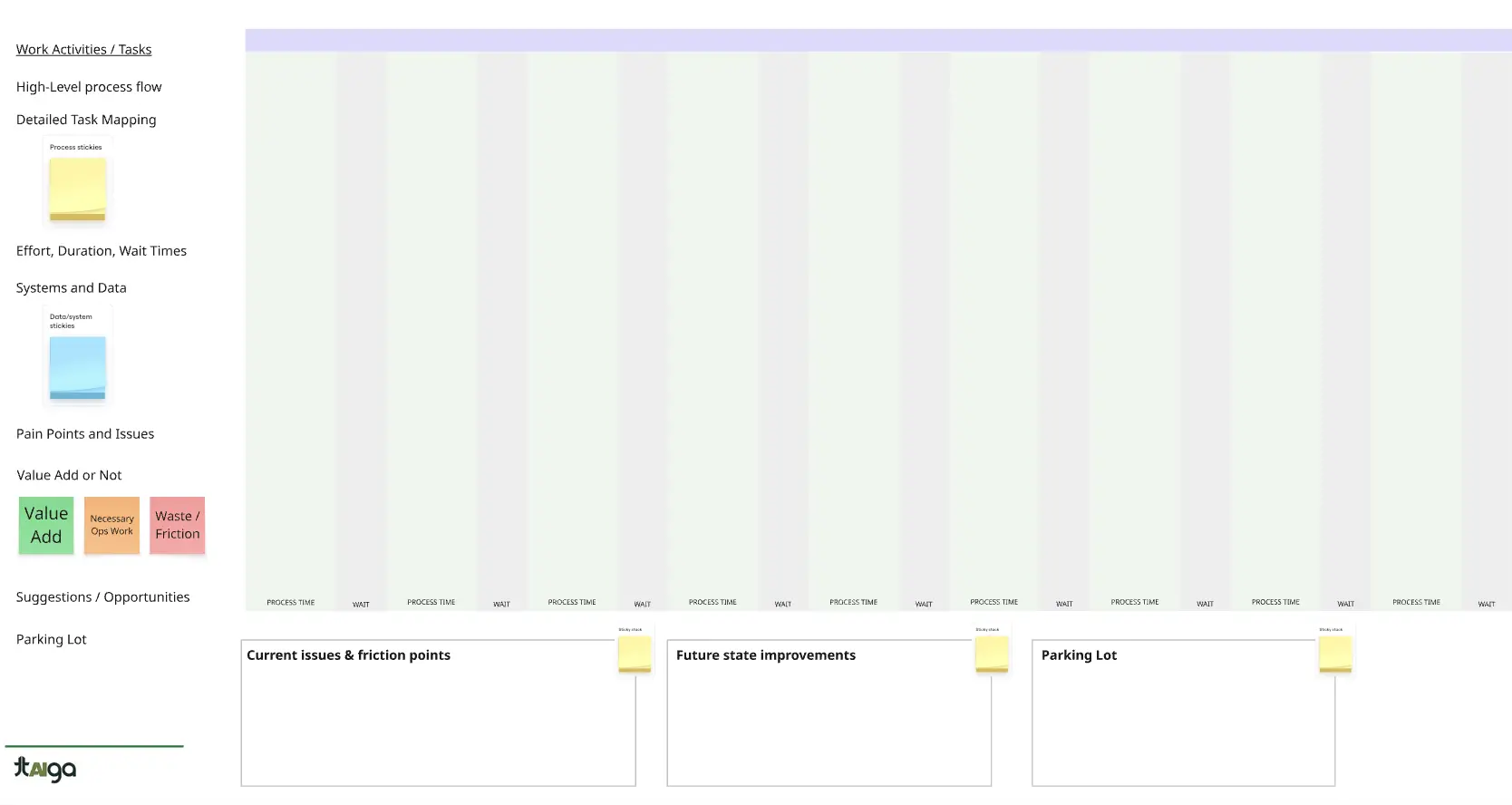
Turn any workshop board into a 60-second recap. Objective, key insight, and the three actions that matter most. Ready to share with your team in seconds.
Improve team workflows with pragmatic Agile Coaching.
Turn any workshop board into a 60-second recap. Objective, key insight, and the three actions that matter most. Ready to share with your team in seconds.
Improve team workflows with pragmatic Agile Coaching.
Check off all the essential steps of your diagramming process and have a complete overview of operations with our diagramming templates collection. Motivate your team to take action and reach your desired project outcomes.
View all
Instantly drafts a precise, standards-compliant Entity-Relationship Diagram from your raw business requirements and user stories.

Create diagrams and docs for good software design.
Instantly drafts a precise, standards-compliant Entity-Relationship Diagram from your raw business requirements and user stories.
Create diagrams and docs for good software design.
Instantly drafts a precise, standards-compliant Entity-Relationship Diagram from your raw business requirements and user stories.
Create diagrams and docs for good software design.
Bring in-person energy to ice breakers, retrospectives, design sprints, and beyond. Facilitate meetings seamlessly and keep everyone engaged at all times, fostering collaboration and understanding inside your organization.
View all
Create quick, easy retro formats!

Sidekick helps you design a workshop tailored to your goals, challenges & limitations-
Create quick, easy retro formats!
Sidekick helps you design a workshop tailored to your goals, challenges & limitations-
Create quick, easy retro formats!
Sidekick helps you design a workshop tailored to your goals, challenges & limitations-
Our research and design templates empower collaborative design sprints, customer journeys maps, wireframes, and beyond from hypothesis to hand-off. Create a visual project hub where you aggregate and organize all that information to make sense for your project.
View all
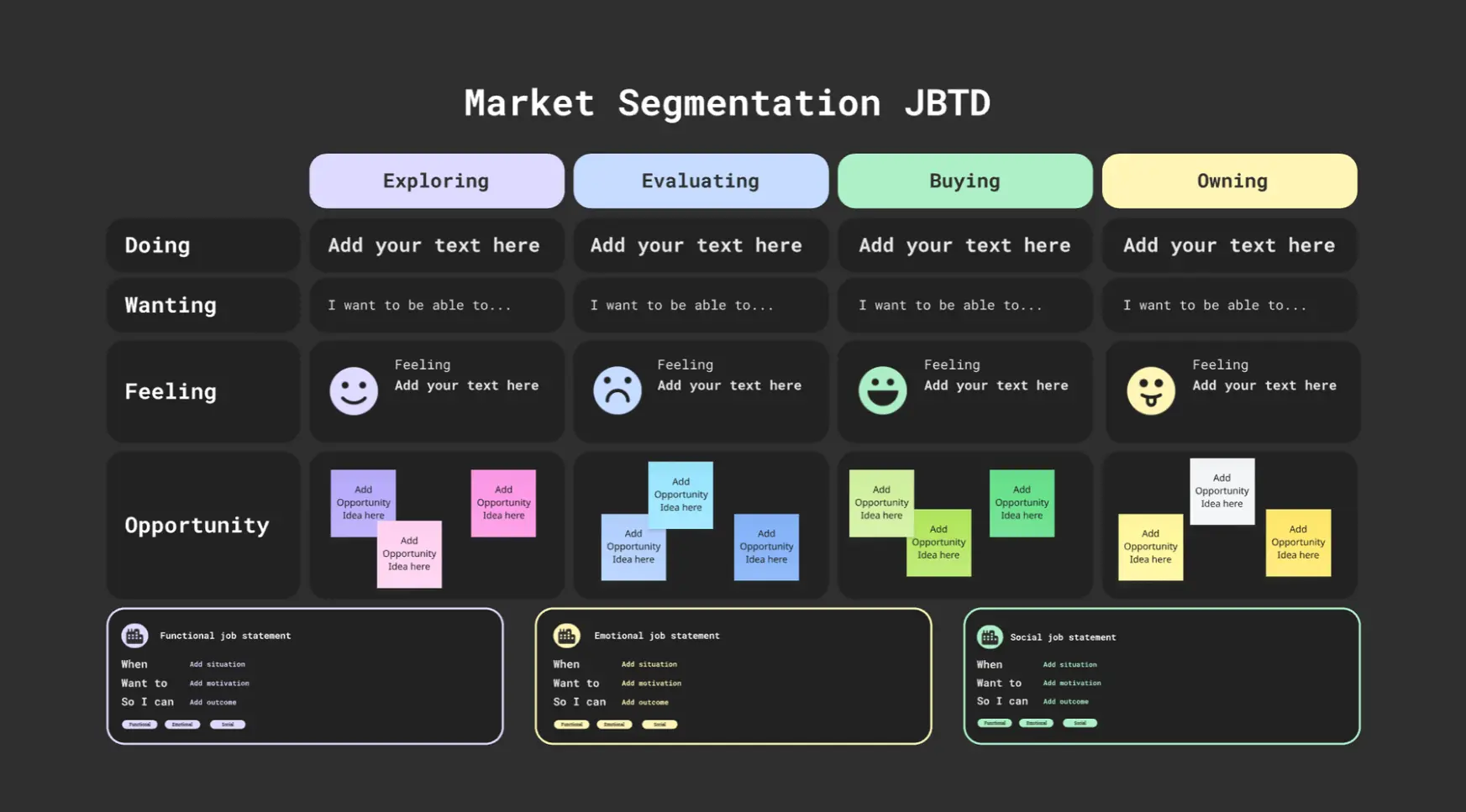
Guide teams through product discovery by turning raw context (screenshots, flows, sticky notes) into structured problem statements, Jobs To Be Done, hypotheses, and UX success metrics. This Sidekick helps uncover user needs, align stakeholders, and frame measurable outcomes.

Insight to Action turns messy research on your Miro board into structured discovery artifacts. It clusters pains and notes, builds JTBD job maps and ODI-style outcomes, and generates interview guides, surveys, and hypotheses in board-native formats
Guide teams through product discovery by turning raw context (screenshots, flows, sticky notes) into structured problem statements, Jobs To Be Done, hypotheses, and UX success metrics. This Sidekick helps uncover user needs, align stakeholders, and frame measurable outcomes.
Insight to Action turns messy research on your Miro board into structured discovery artifacts. It clusters pains and notes, builds JTBD job maps and ODI-style outcomes, and generates interview guides, surveys, and hypotheses in board-native formats
Guide teams through product discovery by turning raw context (screenshots, flows, sticky notes) into structured problem statements, Jobs To Be Done, hypotheses, and UX success metrics. This Sidekick helps uncover user needs, align stakeholders, and frame measurable outcomes.
Insight to Action turns messy research on your Miro board into structured discovery artifacts. It clusters pains and notes, builds JTBD job maps and ODI-style outcomes, and generates interview guides, surveys, and hypotheses in board-native formats
Create a space for the best ideas to rise with our brainstorming templates collection. Facilitate processes offering teams the space and tools they need for blue-sky thinking.
View all
The Idea Remixer helps teams break out of predictable thinking by reframing and recombining ideas. It uses techniques like 25/10 Crowdsourcing, Brand Takeover, and Idea Mashup to help groups safely explore dissent, discover surprising angles, and build on each other’s thinking—very much in line with Voltage Control’s belief in exploring edges, inviting dissent, and designing for emergence.

Help Users with the "Blank page syndrome"
The Idea Remixer helps teams break out of predictable thinking by reframing and recombining ideas. It uses techniques like 25/10 Crowdsourcing, Brand Takeover, and Idea Mashup to help groups safely explore dissent, discover surprising angles, and build on each other’s thinking—very much in line with Voltage Control’s belief in exploring edges, inviting dissent, and designing for emergence.
Help Users with the "Blank page syndrome"
The Idea Remixer helps teams break out of predictable thinking by reframing and recombining ideas. It uses techniques like 25/10 Crowdsourcing, Brand Takeover, and Idea Mashup to help groups safely explore dissent, discover surprising angles, and build on each other’s thinking—very much in line with Voltage Control’s belief in exploring edges, inviting dissent, and designing for emergence.
Help Users with the "Blank page syndrome"
Engage your stakeholders and get buy-in creating eye-catching presentations. Use Miro's presentation templates collection and improve your storytelling skills and bargaining power.
View all
Simulate different audience types to adapt your messaging.

A sidekick that helps rating the board
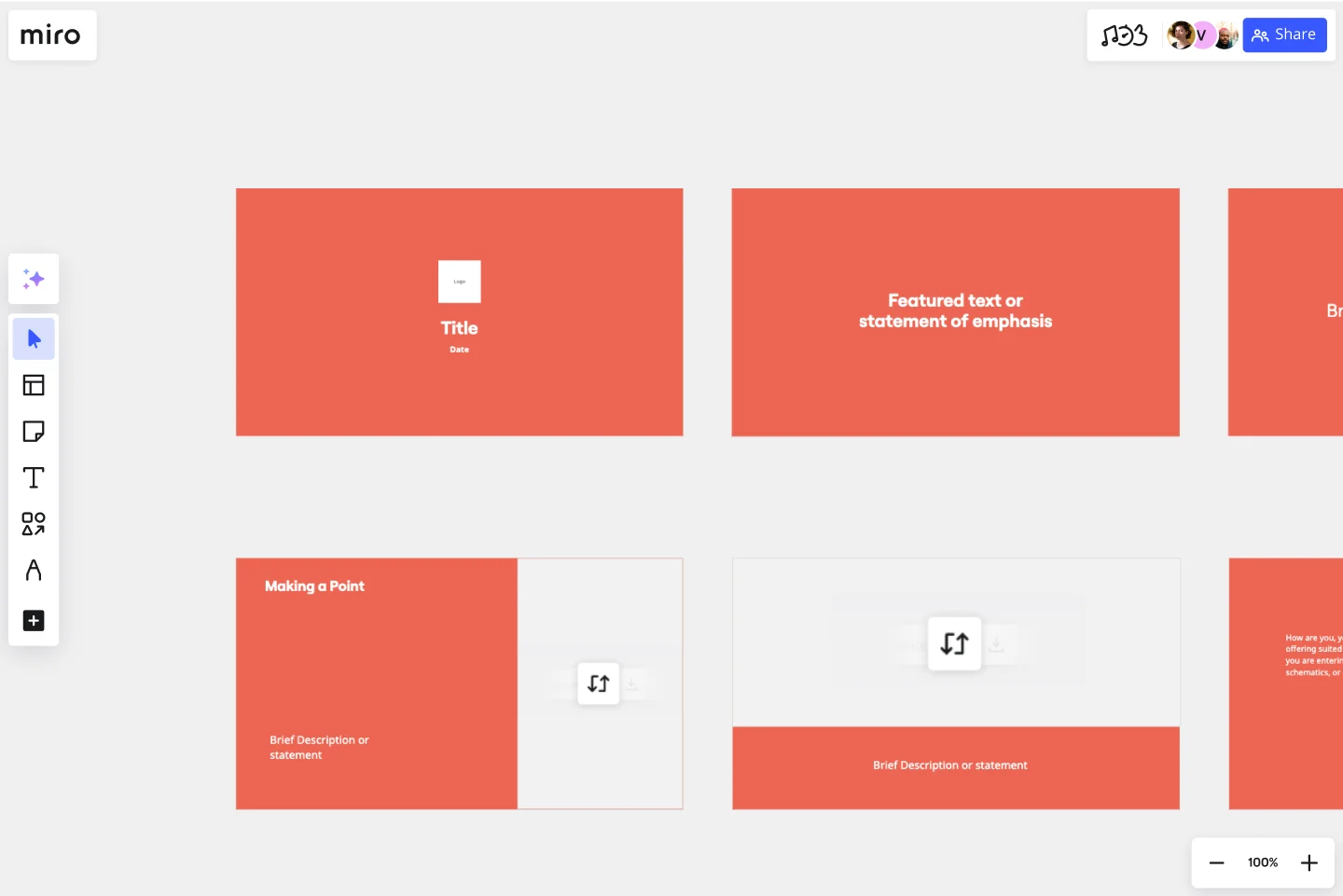

Simulate different audience types to adapt your messaging.
A sidekick that helps rating the board
Simulate different audience types to adapt your messaging.
A sidekick that helps rating the board
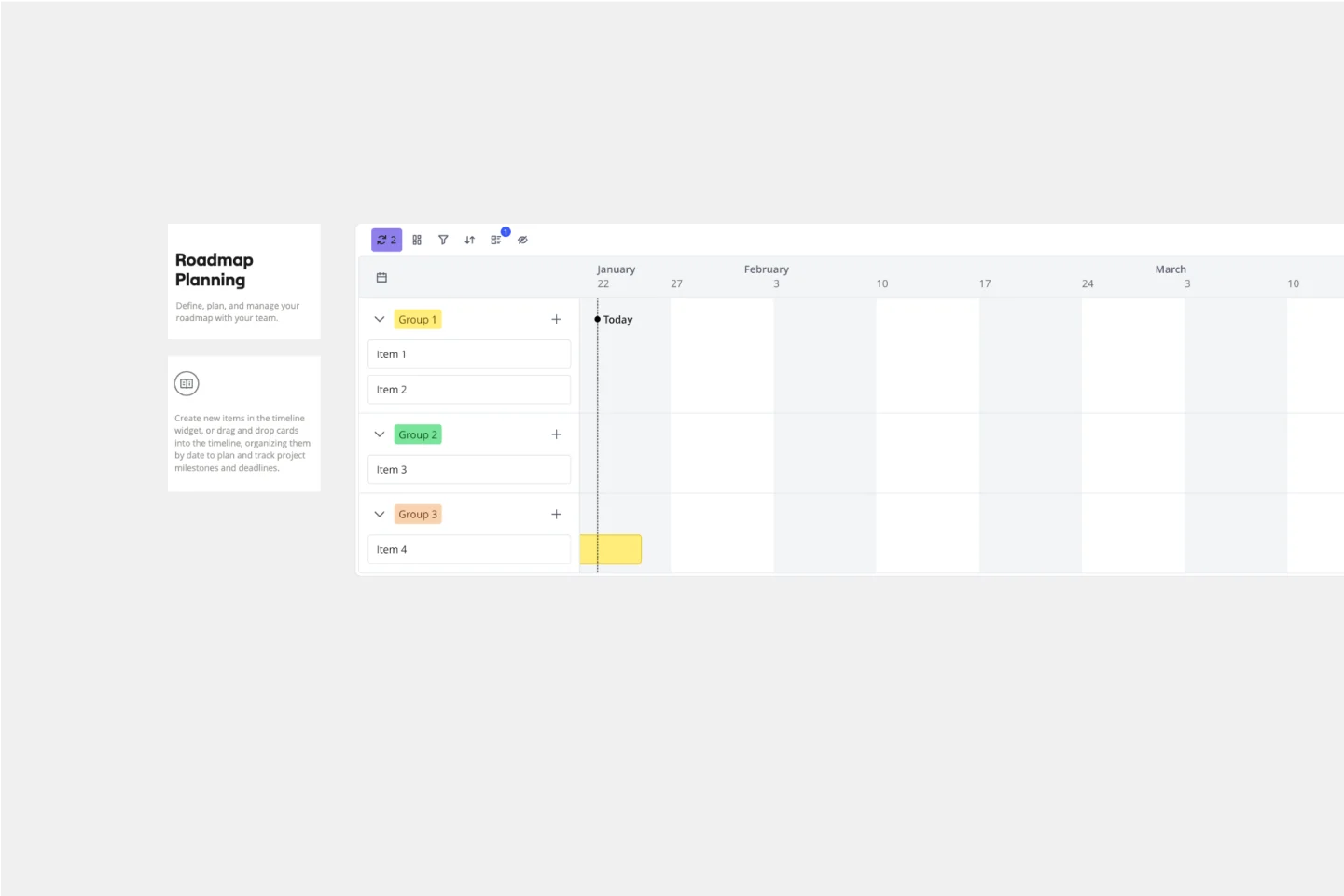
Propel your plans from strategy through to execution with templates for planning sessions, plan prioritization, visual presentations, and beyond. Visually map processes and have a shared understanding of what to do next.
View all
Your go-to assistant for turning growth challenges into experiments
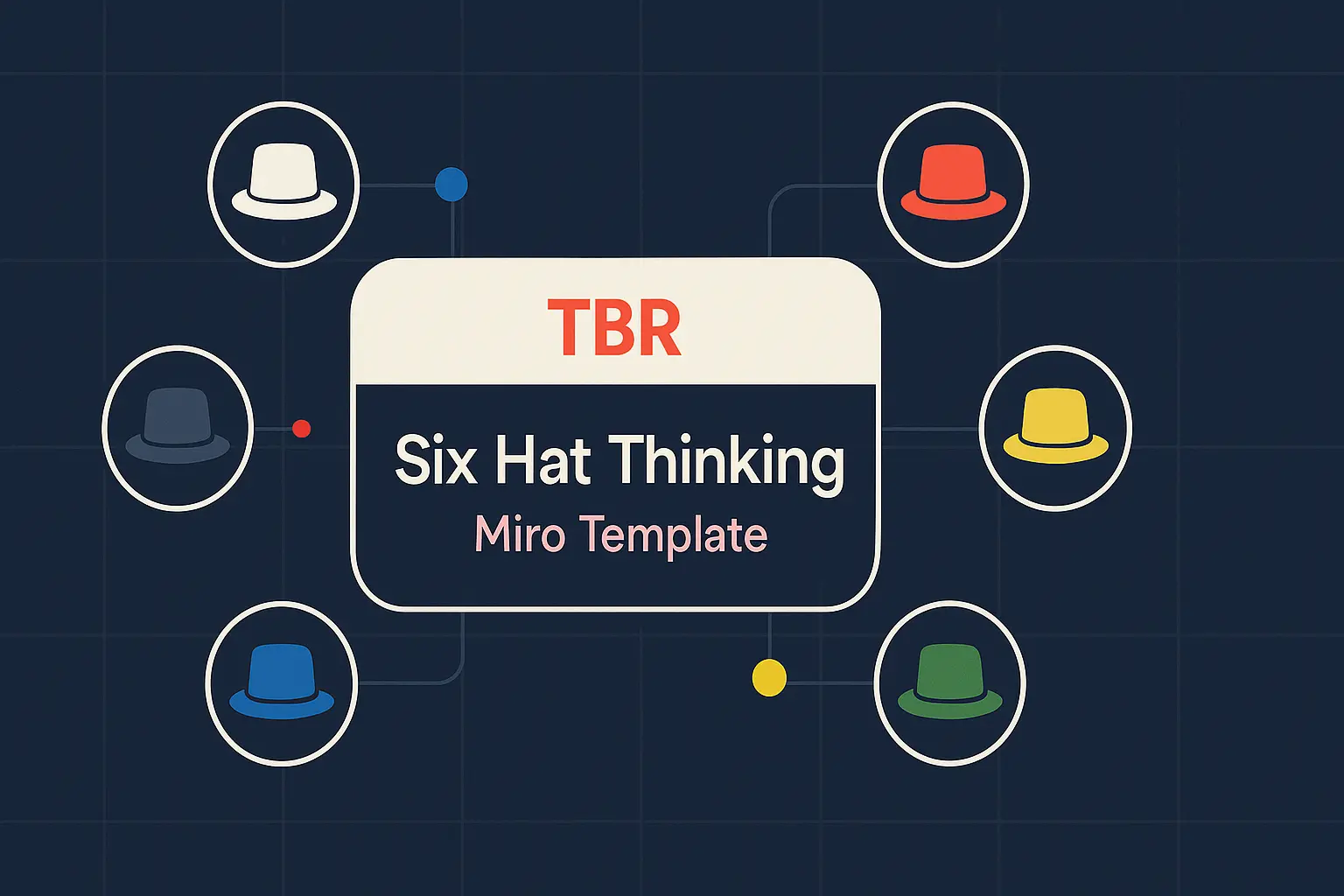
A facilitator that reviews any plan through Six Thinking Hats to give balanced insights and clear next steps
Your go-to assistant for turning growth challenges into experiments
A facilitator that reviews any plan through Six Thinking Hats to give balanced insights and clear next steps
Your go-to assistant for turning growth challenges into experiments
A facilitator that reviews any plan through Six Thinking Hats to give balanced insights and clear next steps