Editor de linha do tempo Mermaid
Transforme marcos complexos de projetos, roadmaps de produto e eventos históricos em linhas do tempo visuais e claras em segundos. Escreva uma sintaxe Mermaid simples à esquerda e veja a linha do tempo aparecer instantaneamente à direita. Precisa de boards visuais totalmente colaborativos da Miro? Crie uma conta e experimente as funcionalidades Mermaid da Miro.
Syntax cheatsheet
timelineRequired first line — declares the diagram type.title My titleOptional title, appears above the timeline.section Group nameGroups the following entries under a heading.2024 : Event textA time period paired with an event.: More textContinue previous time period with another event.
Start typing to see your timeline.


Transforme código Mermaid em linhas do tempo claras em segundos
Cole sua sintaxe Mermaid na Miro e obtenha instantaneamente um diagrama de linha do tempo limpo e editável que você pode reorganizar, ajustar o estilo e refinar com seu time. Mapeie roadmaps de projeto e marcos de produto em tempo real, mantenha o código como fonte de verdade e exporte de volta para seus Documentos e repositórios sem reescrever nada.
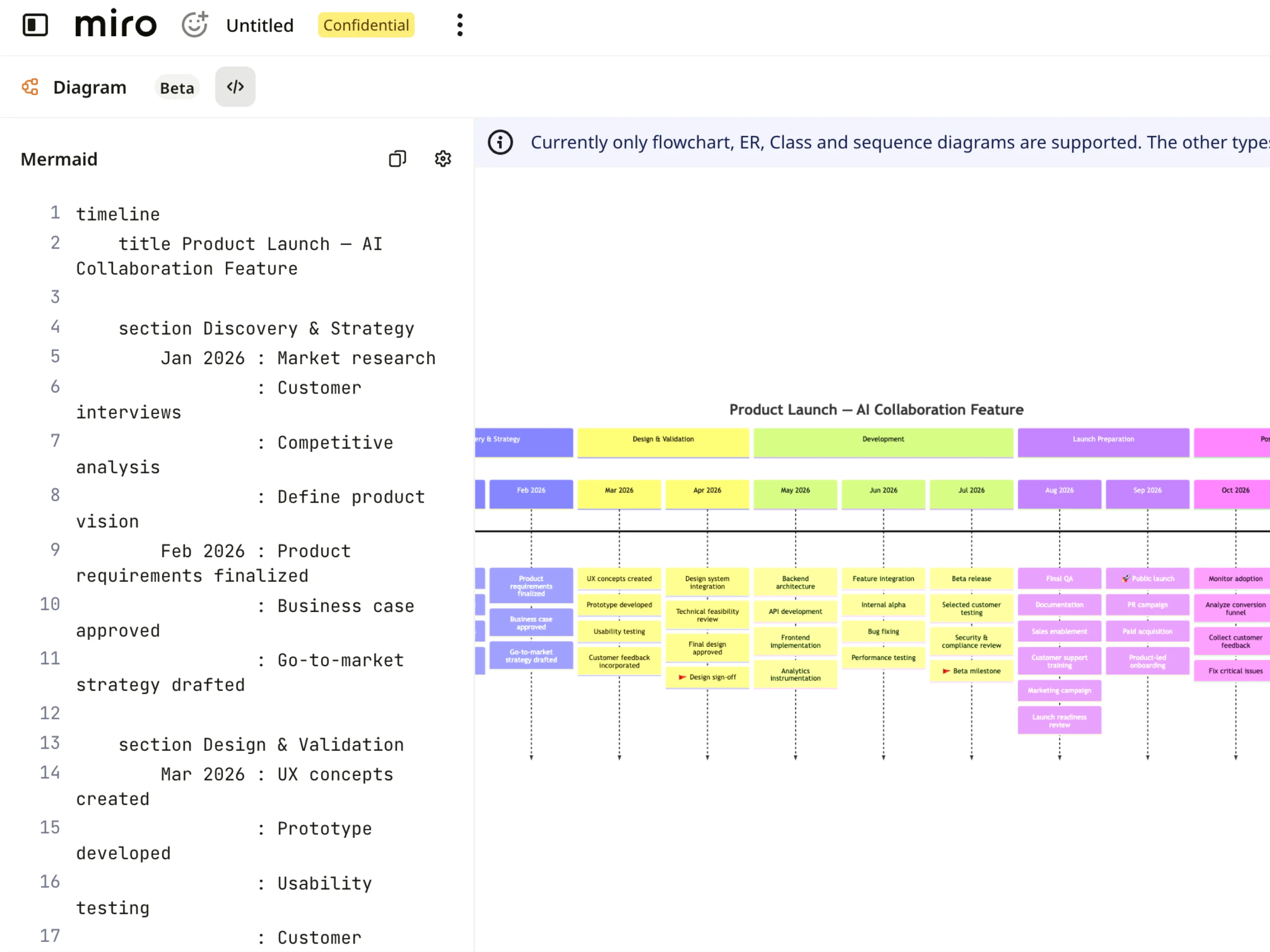
Veja suas linhas do tempo de relance
Cada linha do tempo Mermaid aparece como cartões visuais, marcos e fases bem definidos, para que você possa acompanhar cronogramas, datas e dependências sem precisar analisar linhas de código. Dê zoom em trimestres ou sprints específicos, acompanhe os marcos do projeto passo a passo e mantenha os roadmaps de produto claros e legíveis para os times multifuncionais.
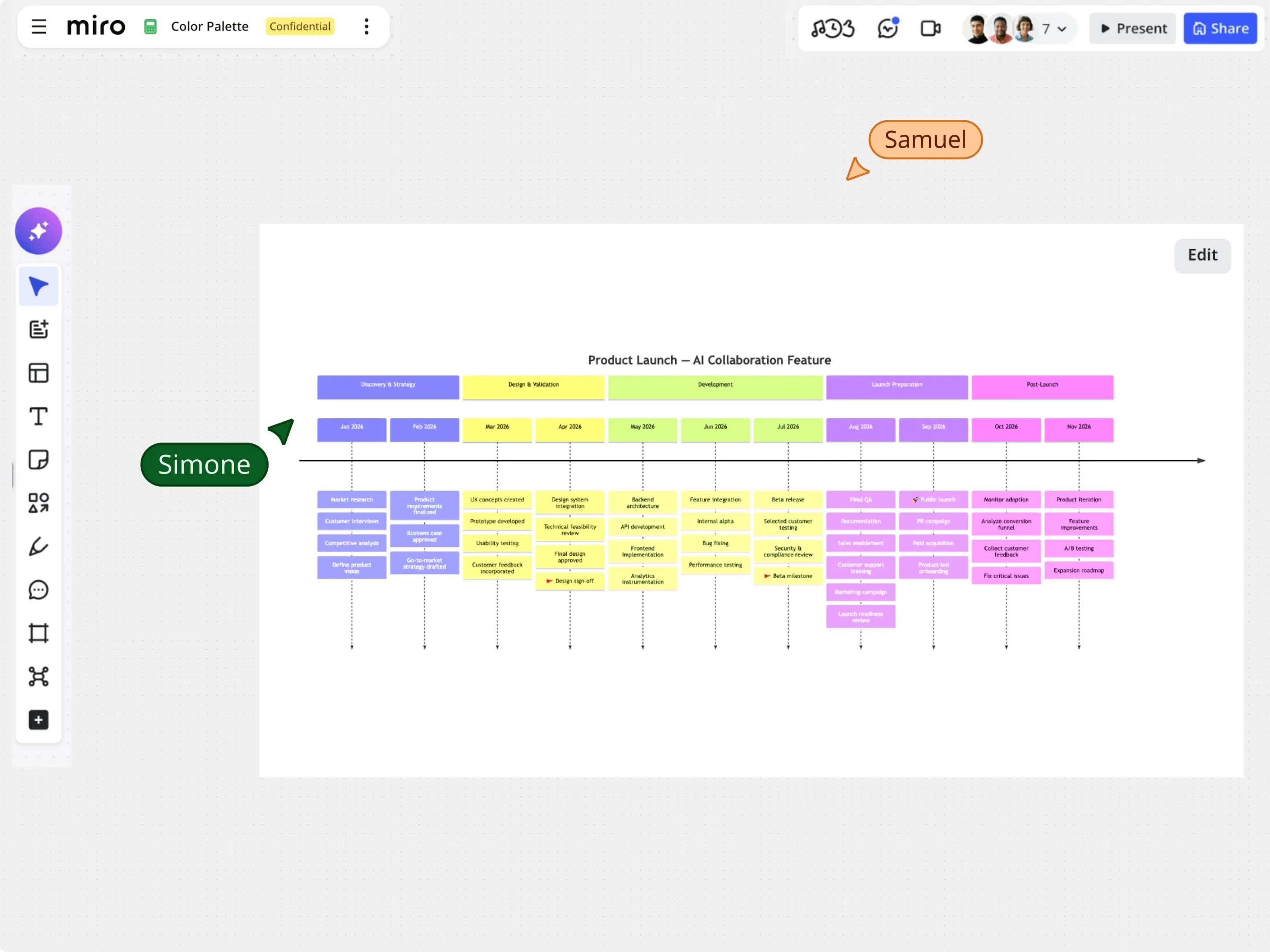
Edite linhas do tempo visualmente sem perder seu código Mermaid
Comece com templates de linha do tempo ou cole código Mermaid existente e ajuste seu cronograma diretamente no canvas usando arrastar e soltar, alinhamento automático e controles de estilo. Ajuste visualmente marcos, etiquetas das seções e datas dos eventos, mantendo o código Mermaid da linha do tempo subjacente perfeitamente sincronizado.
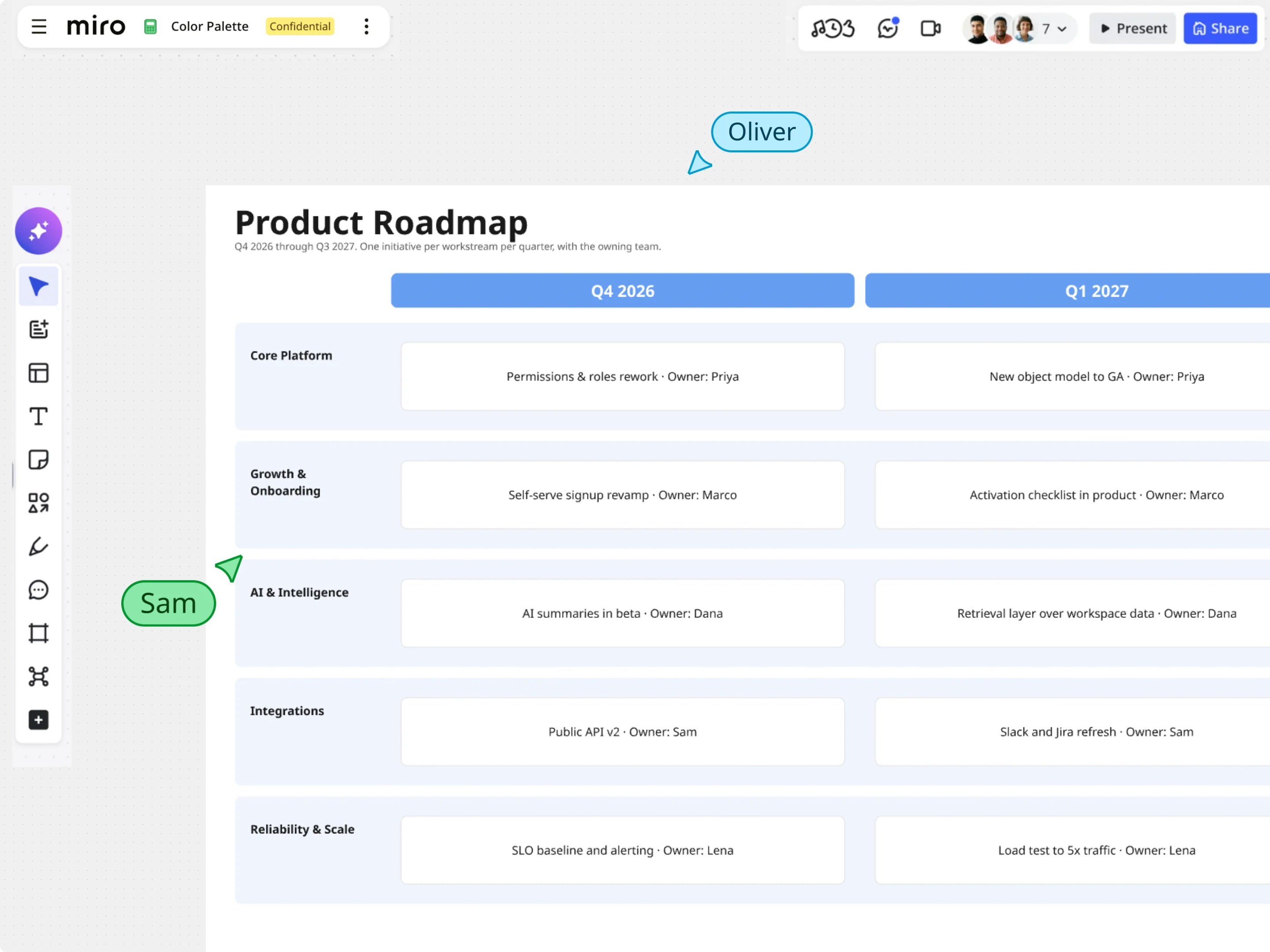
Transforme o Mermaid em roadmaps e boards interativos na Miro
Depois que sua linha do tempo do Mermaid for renderizada, use as ferramentas visuais avançadas da Miro para aprimorar seu planejamento. Combine as visualizações da linha do tempo com notas adesivas, quadros ricos em dados e widgets de tarefas para mapear dependências, destacar riscos do caminho crítico e apresentar os cronogramas do projeto em um único canvas.