Mermaid-Editor für Zeitachsen
Verwandle komplexe Projektmeilensteine, Produkt‑Roadmaps und historische Ereignisse in Sekundenschnelle in klare, visuelle Zeitachsen. Schreibe einfache Mermaid‑Syntax links und sieh zu, wie rechts sofort eine professionelle Zeitachse angezeigt wird. Brauchst du vollständig kollaborative visuelle Boards? Registriere dich und teste die Mermaid‑Funktionen von Miro.
Syntax cheatsheet
timelineRequired first line — declares the diagram type.title My titleOptional title, appears above the timeline.section Group nameGroups the following entries under a heading.2024 : Event textA time period paired with an event.: More textContinue previous time period with another event.
Start typing to see your timeline.


Mermaid‑Code in Sekunden in klare Zeitachsen verwandeln
Füge deine Mermaid‑Syntax in Miro ein und erhalte sofort ein klares, bearbeitbares Zeitachsen‑Diagramm, das du mit deinem Team neu anordnen, neu gestalten und verfeinern kannst. Plane Projekt‑Roadmaps und Produktmeilensteine in Echtzeit, behalte den Code als verlässliche Quelle und exportiere alles zurück in deine Dokumente und Repositories, ohne etwas neu schreiben zu müssen.
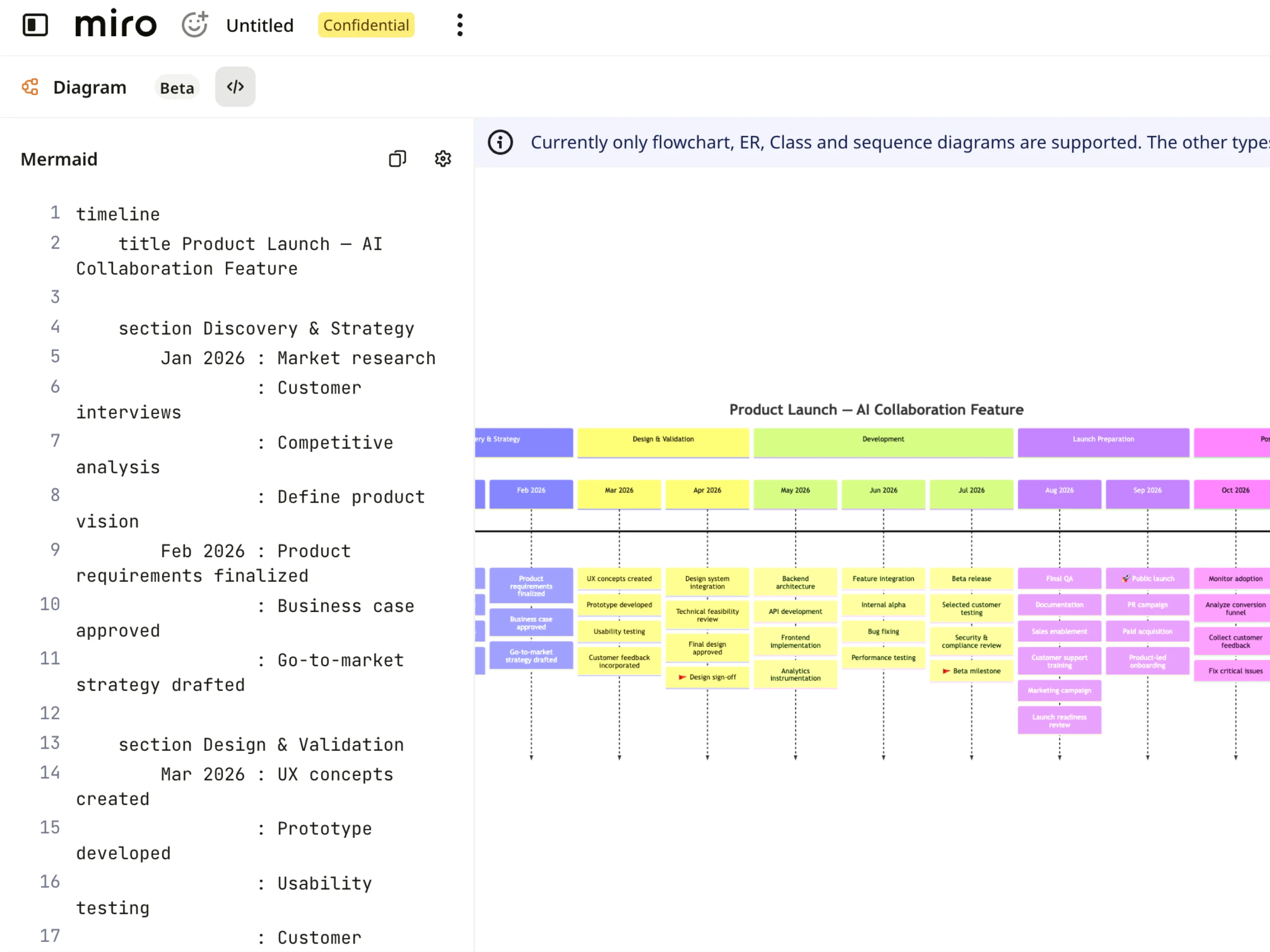
Deine Zeitachsen auf einen Blick erfassen
Jede Mermaid-Zeitachse erscheint als klare, visuelle Kartenansicht mit Meilensteinen und Phasen, sodass du Zeitpläne, Termine und Abhängigkeiten verfolgen kannst, ohne Codezeilen lesen zu müssen. Du kannst in bestimmte Quartale oder Sprints zoomen, Projektmeilensteine Schritt für Schritt verfolgen und Produkt-Roadmaps für funktionsübergreifende Teams klar und lesbar halten.
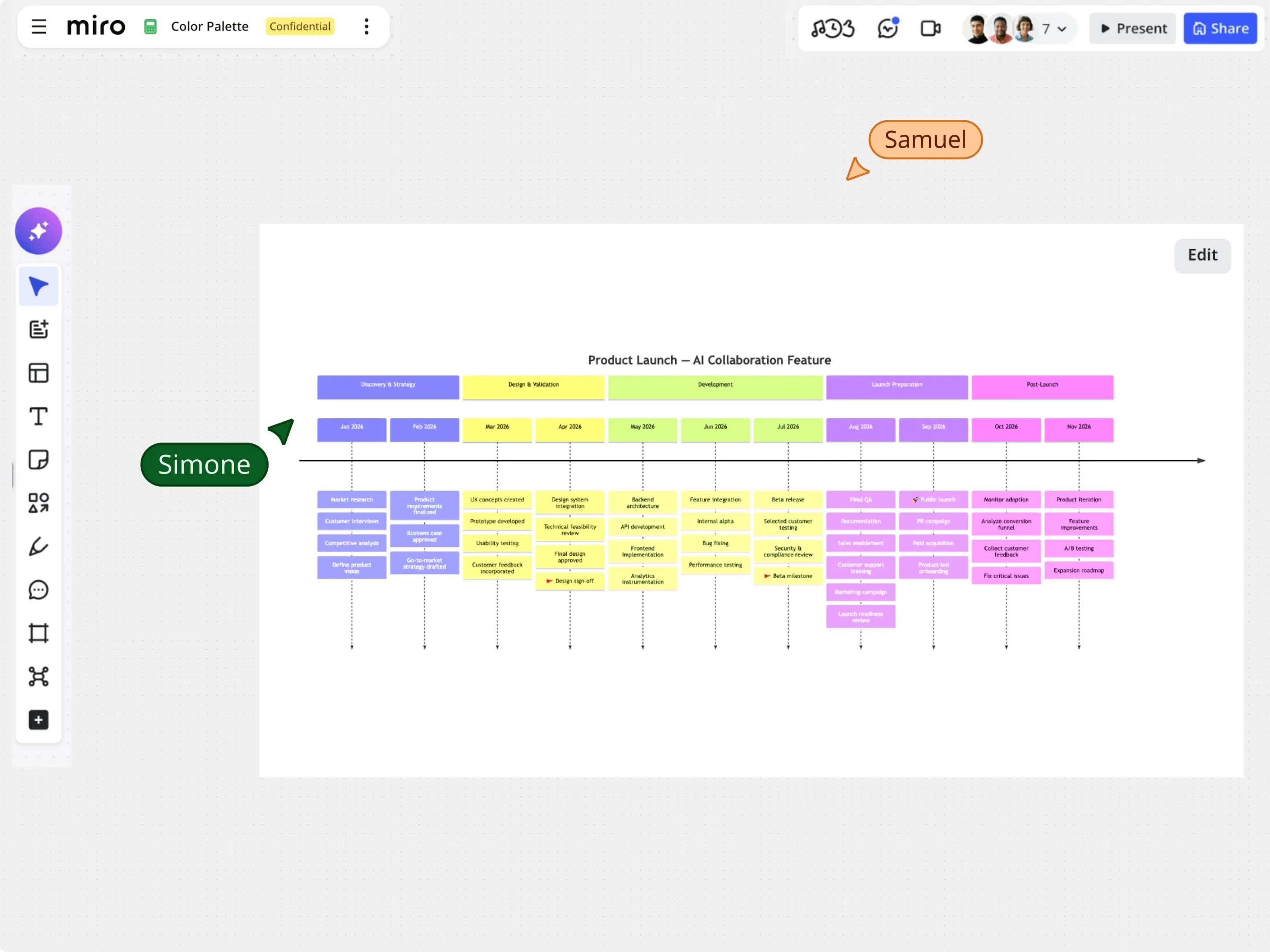
Zeitachsen visuell bearbeiten – ohne deinen Mermaid‑Code zu verlieren
Beginne mit Beispielvorlagen für Zeitachsen oder füge vorhandenen Mermaid‑Code ein und verfeinere deinen Zeitplan direkt auf dem Canvas mit Drag‑and‑Drop, automatischer Ausrichtung und Gestaltungsoptionen. Passe Meilensteine, Abschnitts‑Labels und Ereignisdaten visuell an und halte dabei den zugrunde liegenden Mermaid‑Zeitachsen‑Code perfekt synchron.
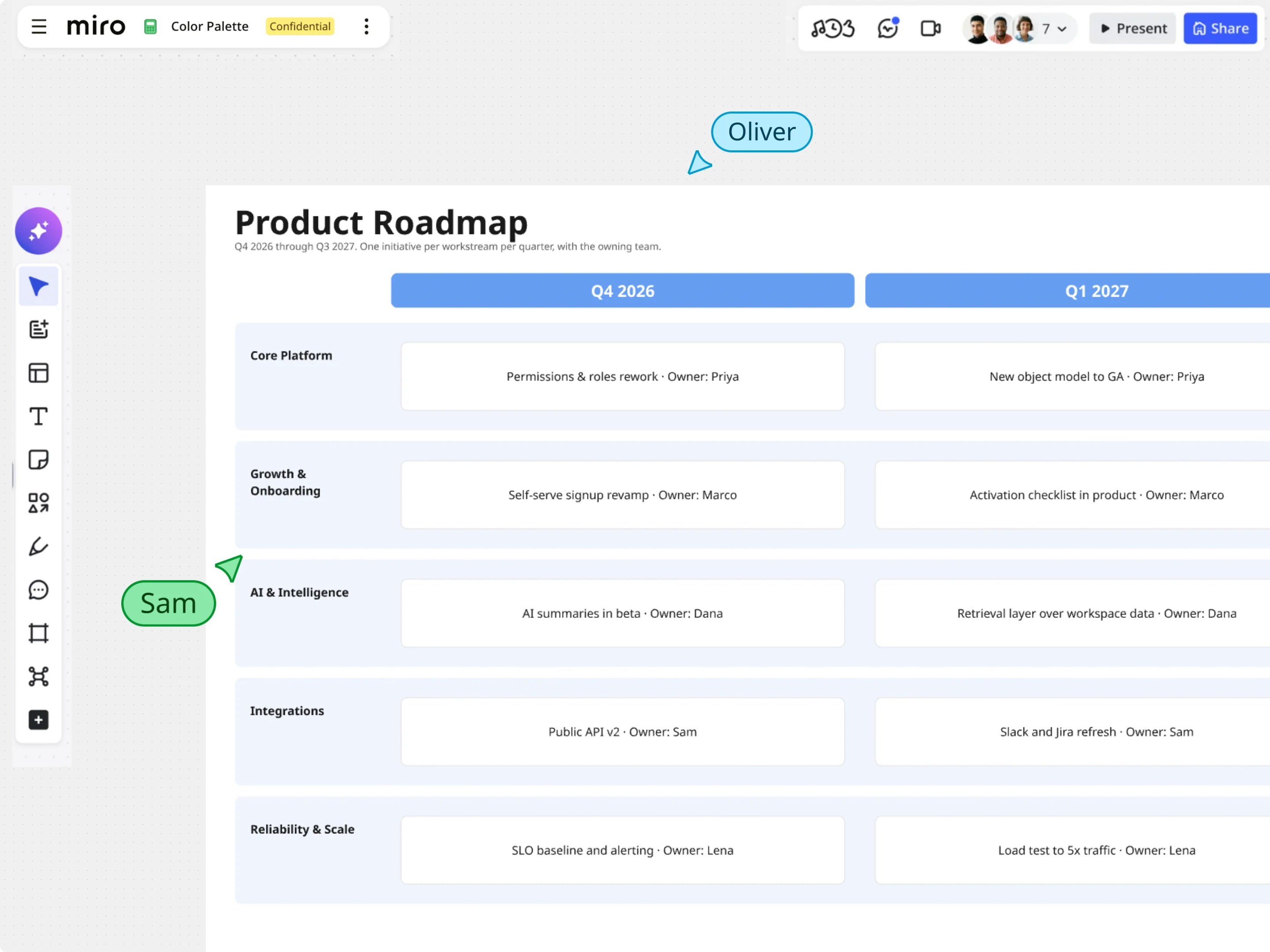
Mermaid in interaktive Roadmaps und Boards in Miro verwandeln
Sobald deine Mermaid-Zeitachse gerendert ist, nutze die umfangreichen visuellen Werkzeuge von Miro, um deine Planung voranzutreiben. Kombiniere Zeitachsen-Ansichten mit Notizen, datenreichen Frames und Aufgaben-Widgets, um Abhängigkeiten abzubilden, Risiken auf dem kritischen Pfad hervorzuheben und Projektpläne auf einem einheitlichen Canvas darzustellen.