Editor de cronogramas Mermaid
Convierte hitos de proyecto complejos, roadmaps de producto y eventos históricos en cronogramas visuales claros en segundos. Escribe sintaxis Mermaid sencilla a la izquierda y verás cómo, a la derecha, se genera instantáneamente un cronograma pulido. ¿Necesitas tableros visuales de Miro totalmente colaborativos? Regístrate y prueba las funciones Mermaid de Miro.
Syntax cheatsheet
timelineRequired first line — declares the diagram type.title My titleOptional title, appears above the timeline.section Group nameGroups the following entries under a heading.2024 : Event textA time period paired with an event.: More textContinue previous time period with another event.
Start typing to see your timeline.


Convierte código Mermaid en cronogramas claros en segundos
Pega tu sintaxis Mermaid en Miro y obtén al instante un diagrama de cronograma limpio y editable que puedes reorganizar, cambiar de estilo y perfeccionar con tu equipo. Planea roadmaps de proyecto y hitos de producto en tiempo real, mantén el código como tu fuente de la verdad y exporta de vuelta a tus documentos y repositorios sin volver a escribir nada.
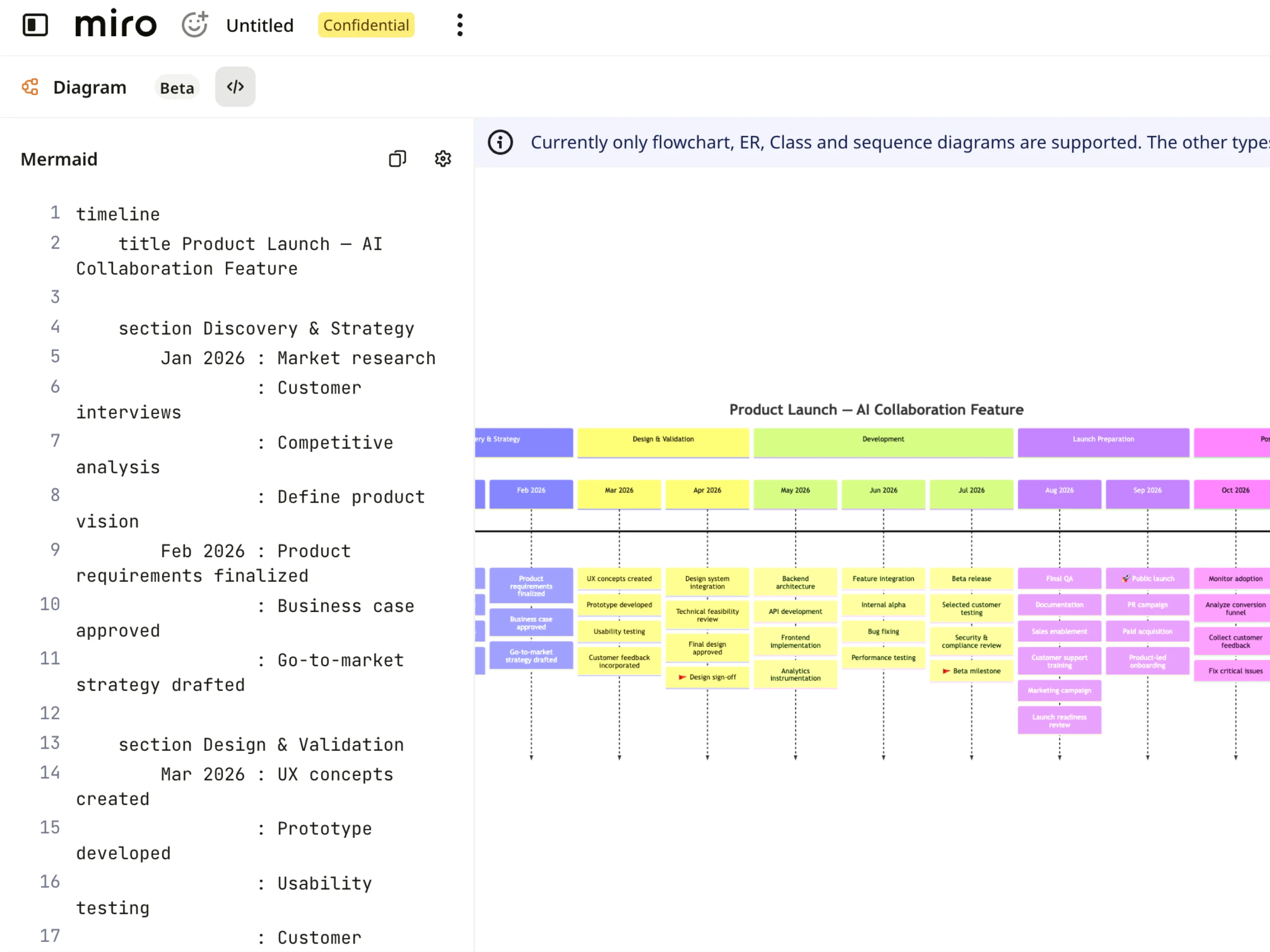
Visualiza tus cronogramas de un vistazo
Cada cronograma de Mermaid se muestra como tarjetas visuales claras, hitos y fases, para que puedas seguir plazos, fechas y dependencias sin tener que analizar líneas de código. Acércate a trimestres o sprints específicos, sigue los hitos del proyecto paso a paso y mantén los roadmaps de producto claros y legibles para todos los equipos multidisciplinarios.
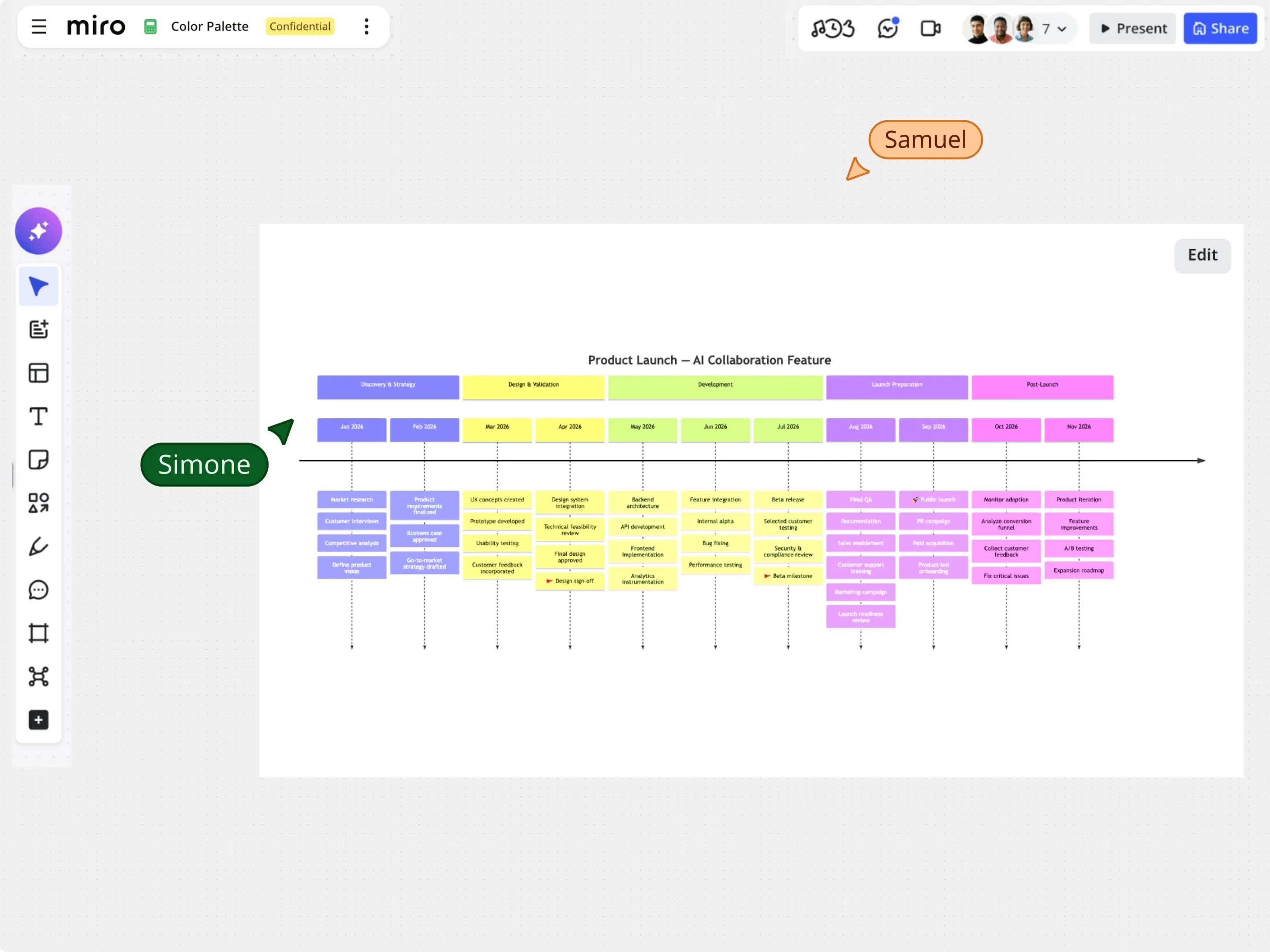
Edita cronogramas visualmente sin perder tu código Mermaid
Empieza desde plantillas de cronogramas de ejemplo o pega código Mermaid existente, y luego perfecciona tu cronograma directamente en el lienzo usando arrastrar y soltar, alineación automática y controles de estilo. Ajusta hitos, etiquetas de sección y fechas de eventos de forma visual, manteniendo el código del cronograma Mermaid subyacente perfectamente sincronizado.
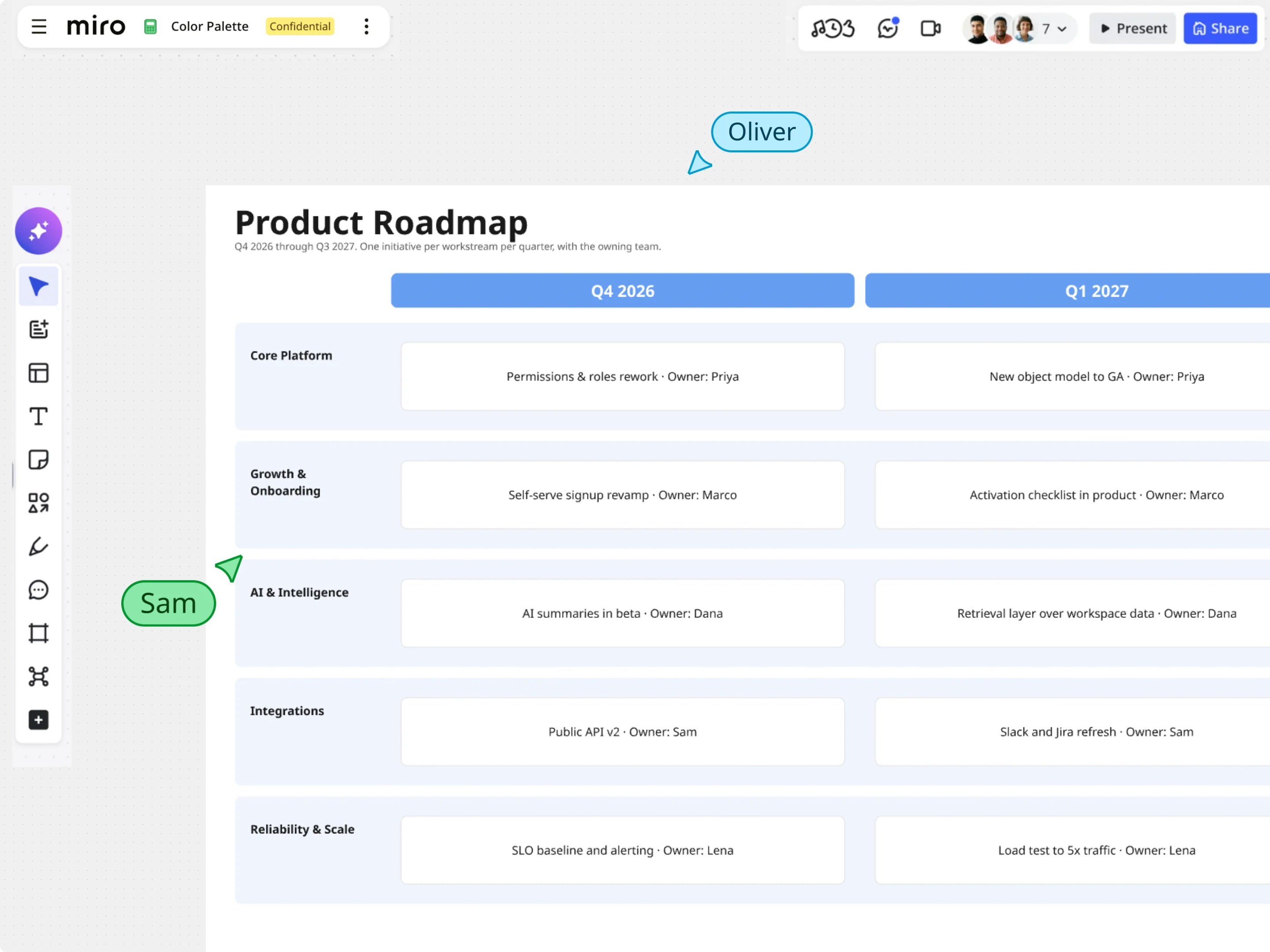
Convierte Mermaid en roadmaps y tableros interactivos en Miro
Una vez que tu cronograma de Mermaid se haya generado, usa las potentes herramientas visuales de Miro para llevar tu planificación más lejos. Combina las vistas de cronograma con notas adhesivas, marcos con datos y widgets de tareas para mapear dependencias, resaltar riesgos en la ruta crítica y presentar los cronogramas del proyecto en un único lienzo.