

.png)
Prismio
by Prismio
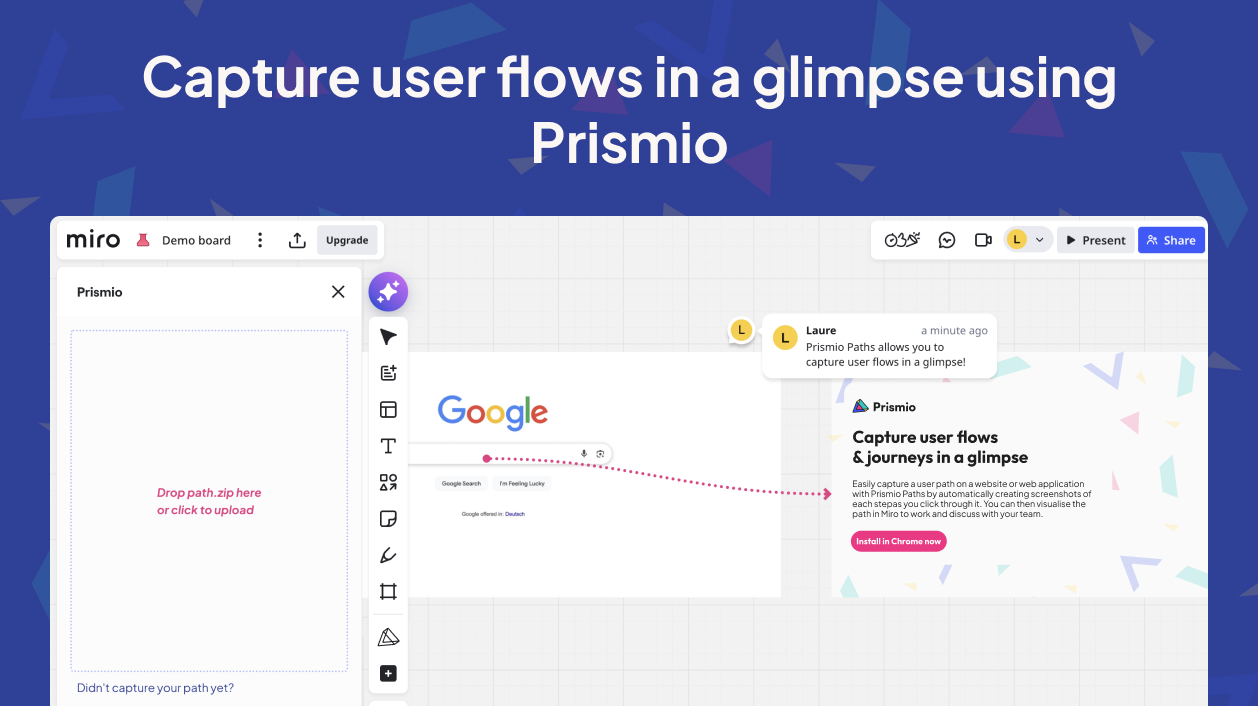
Easily record any user flow, or path, on a website or web application in Chrome by automatically creating screenshots of each step as you click through. Then, import your paths in Miro to get a clear overview on them and discuss improvements and possibilities with your team. Gain visibility on your web products and on competitors with Prismio.
Key Features
- Capture flows effortlessly: click and record screenshots automatically
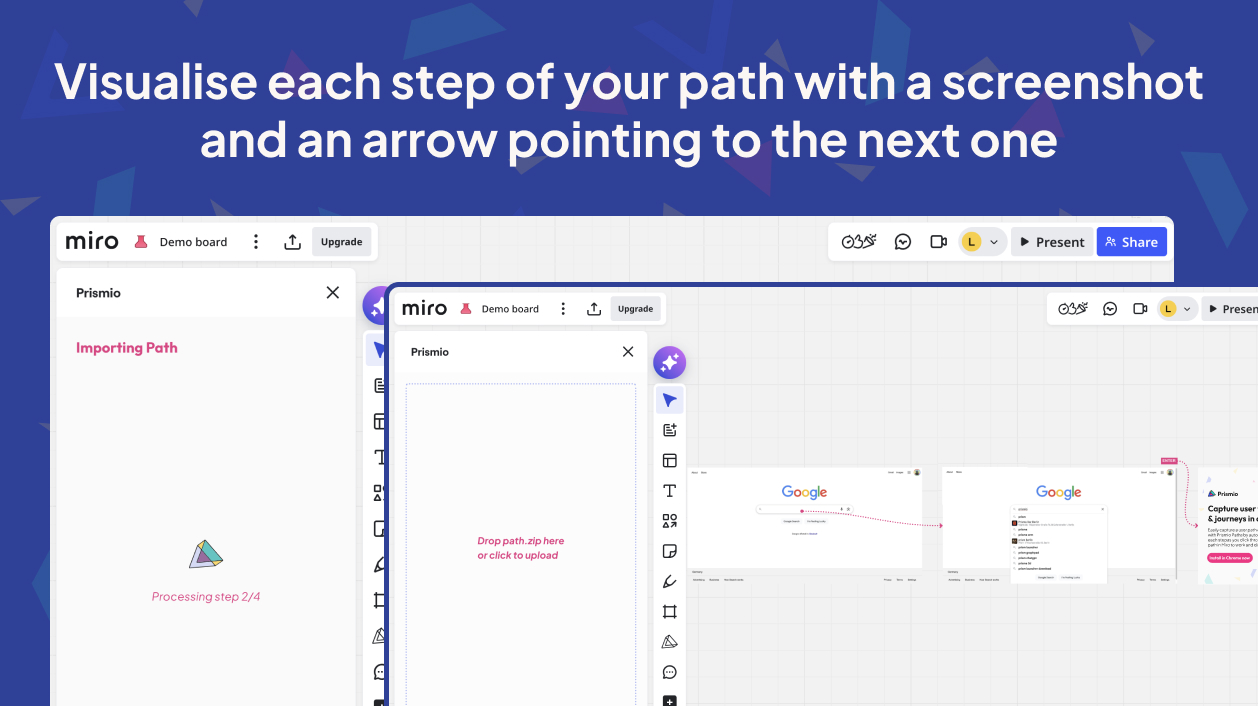
- Convenient integration: drag and drop your ready-to-use .zip in Miro to automatically visualize a structured flow
- Automatic annotations: clicked areas are highlighted, screens are linked by arrows
How to Connect
- First install the extension from Chrome web store.
- Then install the Prismio app from the Miro Marketplace.
- Then use the Chrome Extension to record and generate a .zip file.
- Use that .zip file in Miro with the Prismio app to automatically generate user flows on your Miro board.
Helpful Links
* Note that any information provided by a third party application provider, including pricing and payment details as applicable, is subject to change and should be verified with the provider.
Categories
Design toolsMapping & diagrammingResearch & insightsFacilitationFreeIdeation & brainstormingPricing
Free
Verify pricing details with the developer*
Permissions
- Read and modify boards users have access to
- Read profile information for current user
About the developer
Prismio
Easily record any user flow on a website or web application in Chrome by automatically creating screenshots of each flow step as you click through. Then, import your flows in Miro to get a clear overview on them and discuss improvements and possibilities with your team. Gain visibility on your web products and on competitors with Prismio.