
Miro MCP for Kiro
Now you and your teams can go from:
- Miro PRD/Diagrams → Kiro App/Infra Scaffolding: Feed Kiro the precise system vocabulary (entities, APIs, constraints) captured in Miro; Kiro uses this context to generate higher‑fidelity code, CloudFormation/CDK templates, and starter services aligned to your architecture decisions - reducing re‑prompts and rework.
- Codebase → Miro Diagrams for Shared Understanding: Use Kiro alongside MCP tools to transform existing code or infra definitions into sequence/system diagrams on Miro, so PMs and architects can validate flows, dependencies, and trade‑offs without diving into the repo.
- Spec Iteration → Implementation Loop: Iterate specs in Miro (add decisions, non‑functionals, edge cases), re‑run in Kiro, and keep a bi‑directional feedback loop - so updates in design stay in lockstep with generated code and deployment plans.
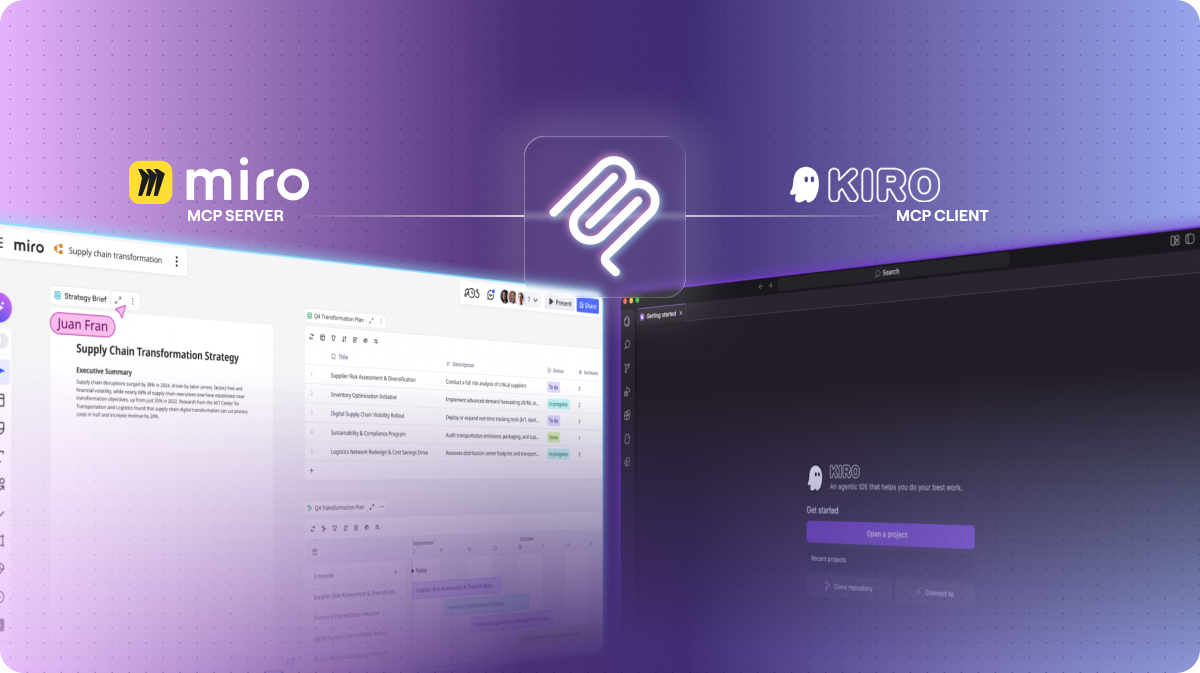
By installing this, you connect Miro's MCP Server with AWS Kiro's MCP Client. This will allow AWS Kiro to read board content from the URL you provide and use it as context.
Set up
Important: If you are on an Enterprise plan, you will need to ask your Admin to enable MCP. See the Admin Guide.
First, configure in AWS Kiro:
If Kiro supports direct remote MCP servers in your build:
- Open Kiro's settings for MCP/Integrations and add a new MCP server.
- Set the server endpoint to the Miro MCP Server (your org's endpoint; typically mcp.miro.com) and save.
If your Kiro build expects stdio transport (no remote servers enabled), use an MCP proxy:
- Install the MCP proxy on your machine (e.g., Homebrew):
brew install mcp-proxy - Configure Kiro's MCP client to launch the proxy with streamable HTTP and point it to the Miro MCP endpoint, for example:
"Miro": { "command": "mcp-proxy", "args": ["--transport=streamablehttp", "https://svc.eu01.miro..."] }Then, authenticate with Miro OAuth:
- You will be redirected to authenticate with Miro OAuth
- Select the Miro team you wish to connect to (important: MCP will only be able to read the boards in the team you choose in this flow)
- Once you've successfully completed this flow, you are ready to go
You can verify by checking your Miro MCP Server status is "Running" in AWS Kiro.
Give it a try - Open Kiro and paste a Miro board URL—then generate your first app or infra scaffold straight from your team's real context.
If something isn't working, check this help article, or open a ticket with our support team.
Tips:
Ensure Miro AI is enabled for the best experience with diagram generation.
This is available for all Miro plans. But Enterprise plans requires admin-approval and will need to explicitly enable MCP as shown in this * Note that any information provided by a third party application provider, including pricing and payment details as applicable, is subject to change and should be verified with the provider.
Categories
FreeMCP IntegrationsPricing
Verify pricing details with the developer*
About the developer
Miro
United States
Miro provides a visual workspace for innovation that enables distributed teams of any size to dream, design, and build the future together.

.png)