Gitlab for Miro
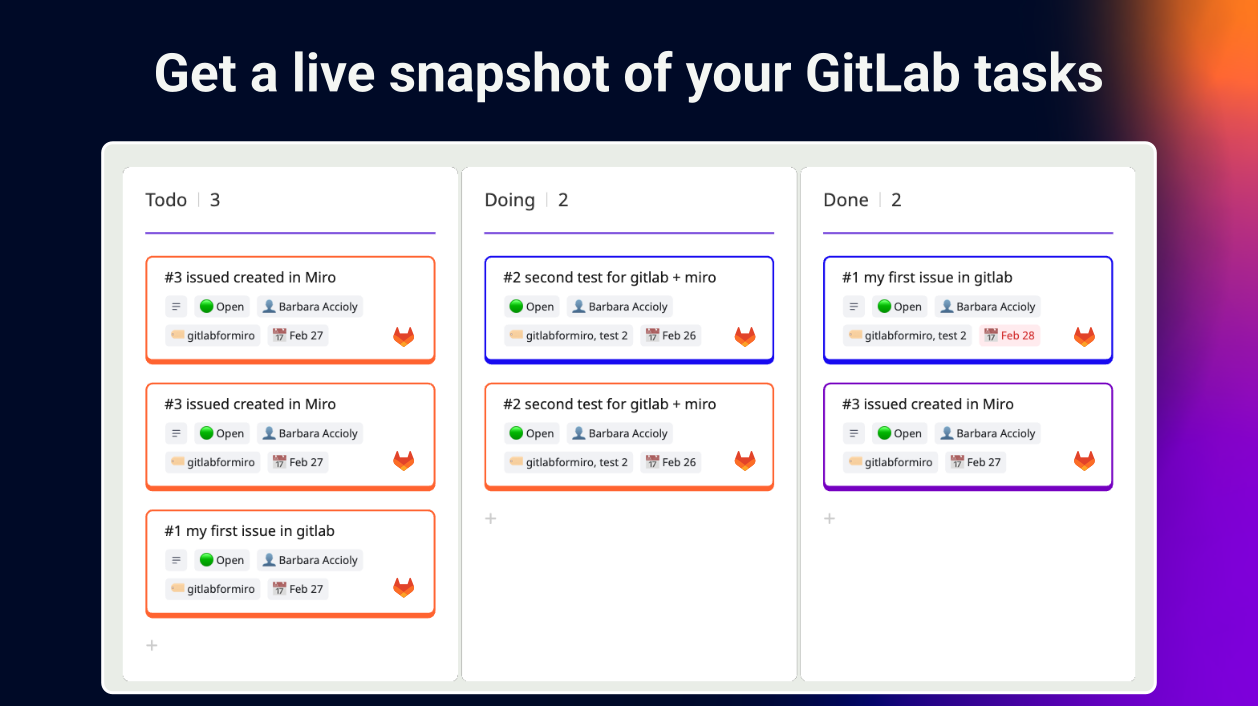
Get a live visual snapshot of your GitLab tasks, fully synchronised with Miro.
Connect GitLab and Miro so your team can create, view, and manage issues without context switching. Changes sync both ways; what happens in GitLab appears in Miro, and vice versa.
Manage your backlog with drag-and-drop, and run agile frameworks like Kanban the way your team actually works. One place for you to turn workshop ideas into GitLab issues, no handover required.
No manual updates. No tool overload. Just your team moving faster.
Key features
- Secure access: Authenticate with GitLab directly through Miro. Secure, straightforward, done.
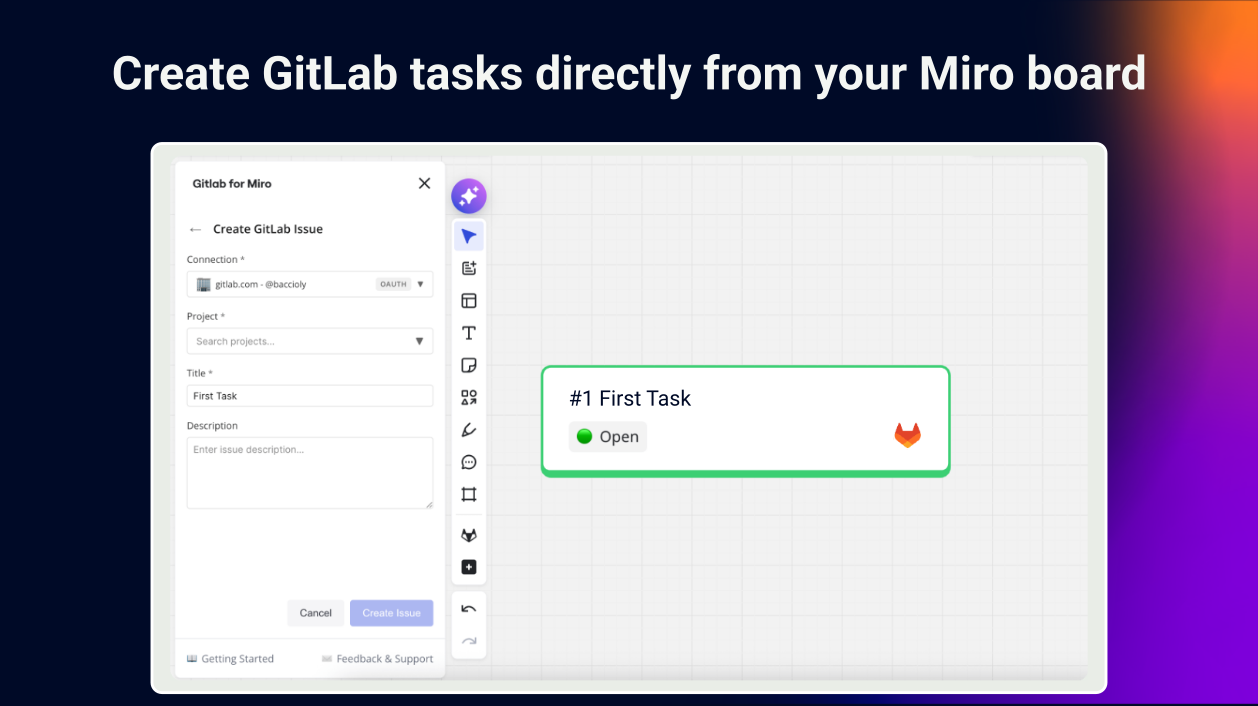
- No context switching: Create GitLab issues directly from your Miro board. No sticky notes required.
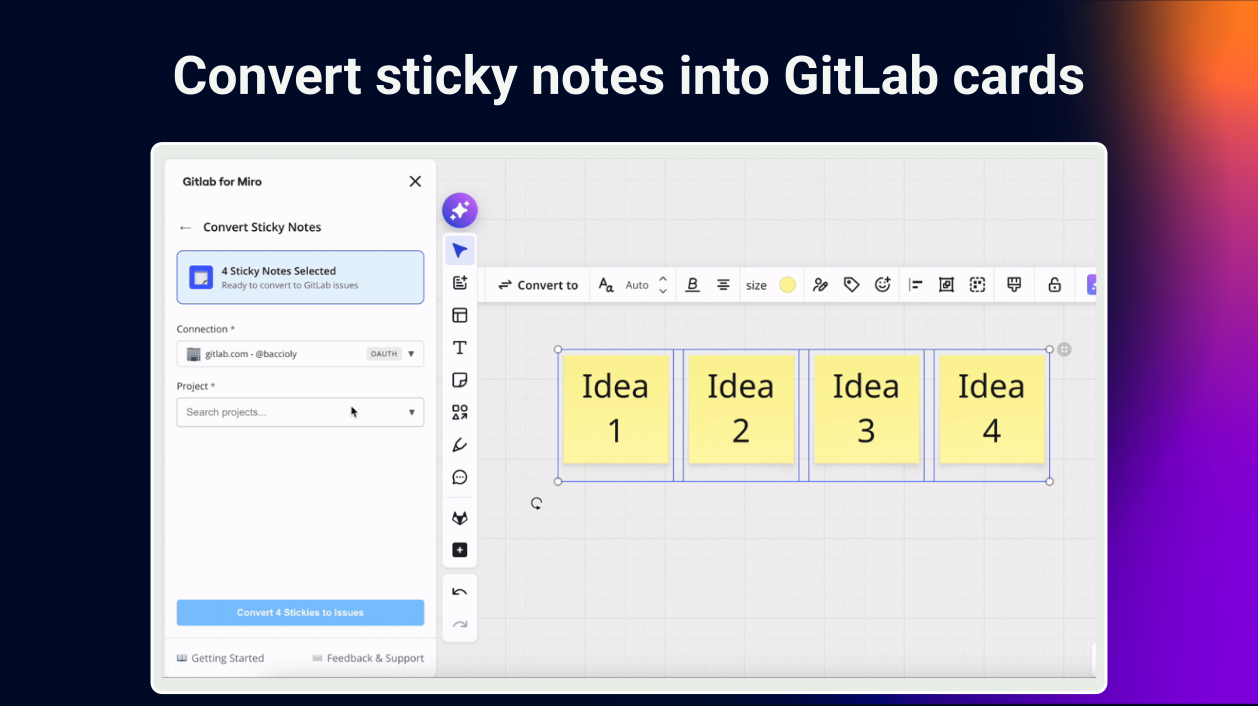
- Sticky notes to GitLab cards: Turn your Miro sticky notes into GitLab issues or tasks, so your ideas move instantly into action.
- Streamline collaboration: Include everyone, from designers to developers, and turn workshop ideas into GitLab issues within the board.
- Two-way sync: Cut out manual work and automatically synchronise GitLab issues and Miro cards so both stay up to date.
- Project management: Visualise and manage your development pipeline, ownership, dependencies, and deadlines.
- Built for agile teams: Run Kanban or your framework of choice with GitLab cards in your Miro boards.
- Flexible deployment: Compatible with both GitLab Cloud and Self-Managed environments.
- Visual snapshot: Monitor progress, risk, and product health at a glance, ideal for stakeholders and leadership.
Categories
FreeIdeation & brainstormingProjects & tasksNewAgile workflowsPricing
Verify pricing details with the developer*
About the developer
The Adaptavist Group
United States
Miro Hall of Fame winners of the Connectors award for building integrations that expand collaboration. Trusted by 25,000+ teams to automate, extend and integrate their favourite tools. Now we're helping Miro users boost productivity with apps and integration that free their teams from manual work, so they can focus on creating impact.


