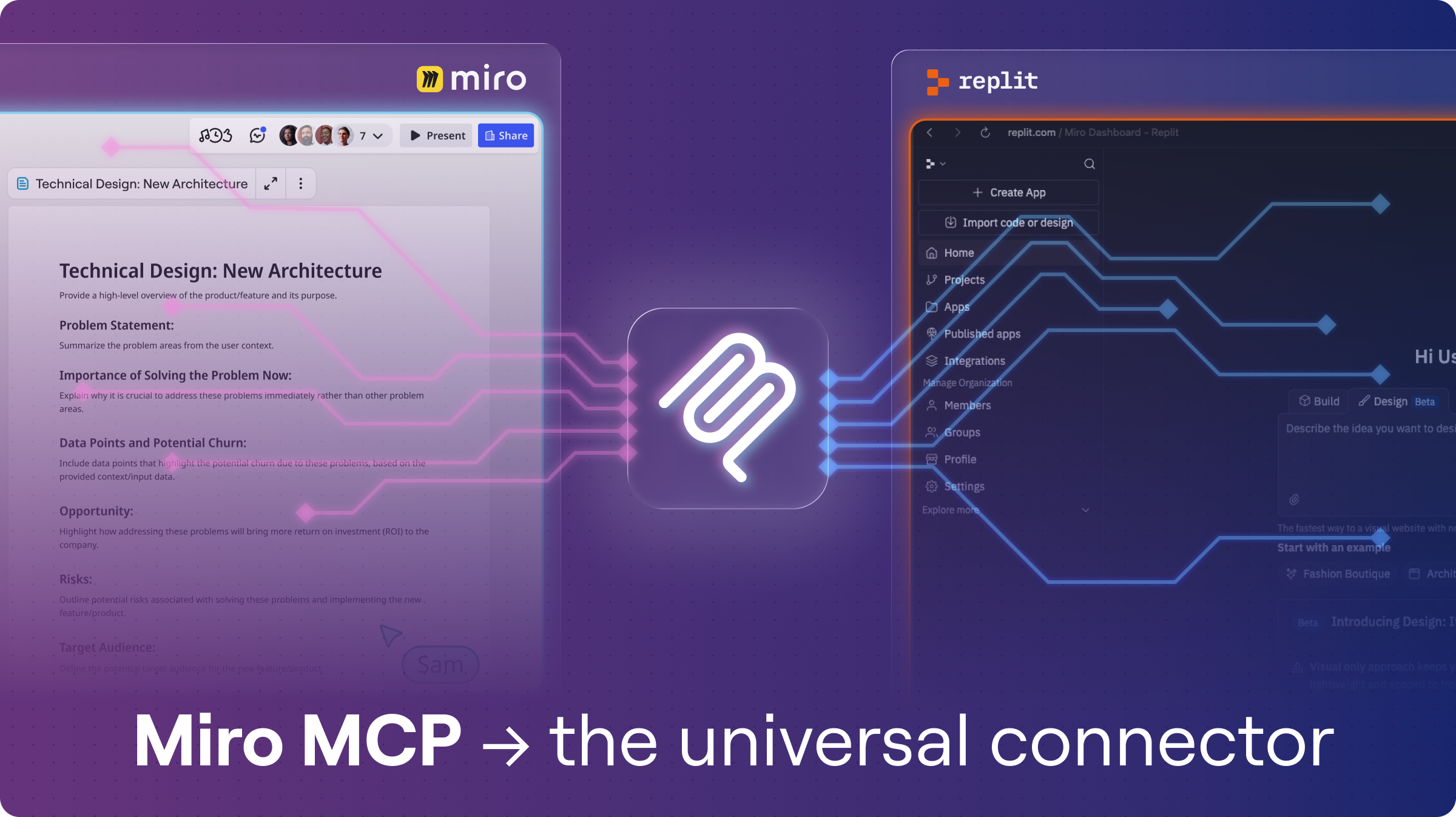

Miro MCP for Replit
by Miro
With Miro MCP for Replit, you can now bridge the gap between visual brainstorming and AI-powered development, making your Replit Agent more powerful than ever.
Seamlessly connect your team’s visual thinking in Miro with the autonomous coding power of Replit.
Now you and your teams can go from:
- Context → Code: Transform PRDs, technical designs, diagrams, and workshop notes from Miro into active context for your Replit Agent.
- Code → Diagram: Create technical diagrams (architecture, sequence flows) on Miro boards directly from your Replit workspace or repositories.
- Prototype → Board: Embed live, interactive Replit prototypes back into Miro for seamless review and feedback loops with stakeholders.
Before you start:
If you are on an Enterprise plan, you will need to ask your Admin to enable MCP. See the Admin Guide.
How to Connect:
- Configure in Replit: Click the blue button right under the video, "Configure in Replit" to begin.
- Authenticate w/ OAuth: You will be redirected to Sign in to Replit. Next, you will see the MCP configuration auto-filled. Click Test and Save, then Authenticate with OAuth. Select the Miro team you wish to connect. (See our dev docs for help with team selection).
- Verify & Prompt: Once the OAuth flow is complete, ensure your Miro MCP Server status is "Running" in Replit. That's it! Watch the video above to learn how to best prompt your Replit Agent.
And if something isn't working, or you need help, please open a ticket with our support team.
Notes:
This is available for all users, but Enterprise plans will need to explicitly enable MCP, as shown in this admin help article.
The MCP server may use Miro AI for format generation or content-related actions. These actions consume your organization's Miro AI credits.
Tips:
This is available for all users, but Enterprise plans will need to explicitly enable MCP, as shown in this admin help article.
The MCP server may use Miro AI for format generation or content-related actions. These actions consume your organization's Miro AI credits.
Tips:
- Using the Replit Core subscription (or higher) is recommended for optimal Agent performance.
- Ensure Miro AI is enabled for the best experience with diagram generation.
Helpful links:
* Note that any information provided by a third party application provider, including pricing and payment details as applicable, is subject to change and should be verified with the provider.
Categories
FreeMCP ClientsPricing
Free
Verify pricing details with the developer*
About the developer
Miro
United States
Miro provides a visual workspace for innovation that enables distributed teams of any size to dream, design, and build the future together.
.png)
.png)